






About Mutie's Context Menu Icons
From Steam WorkshopFunctionality OBS: Currently untested on B42 stable, if you do try it, please let me know if you had any issues <3 It just adds icons to tooltips. There are no options or the like to modify the…
Functionality
OBS: Currently untested on B42 stable, if you do try it, please let me know if you had any issues <3
It just adds icons to tooltips. There are no options or the like to modify the behaviour currently.
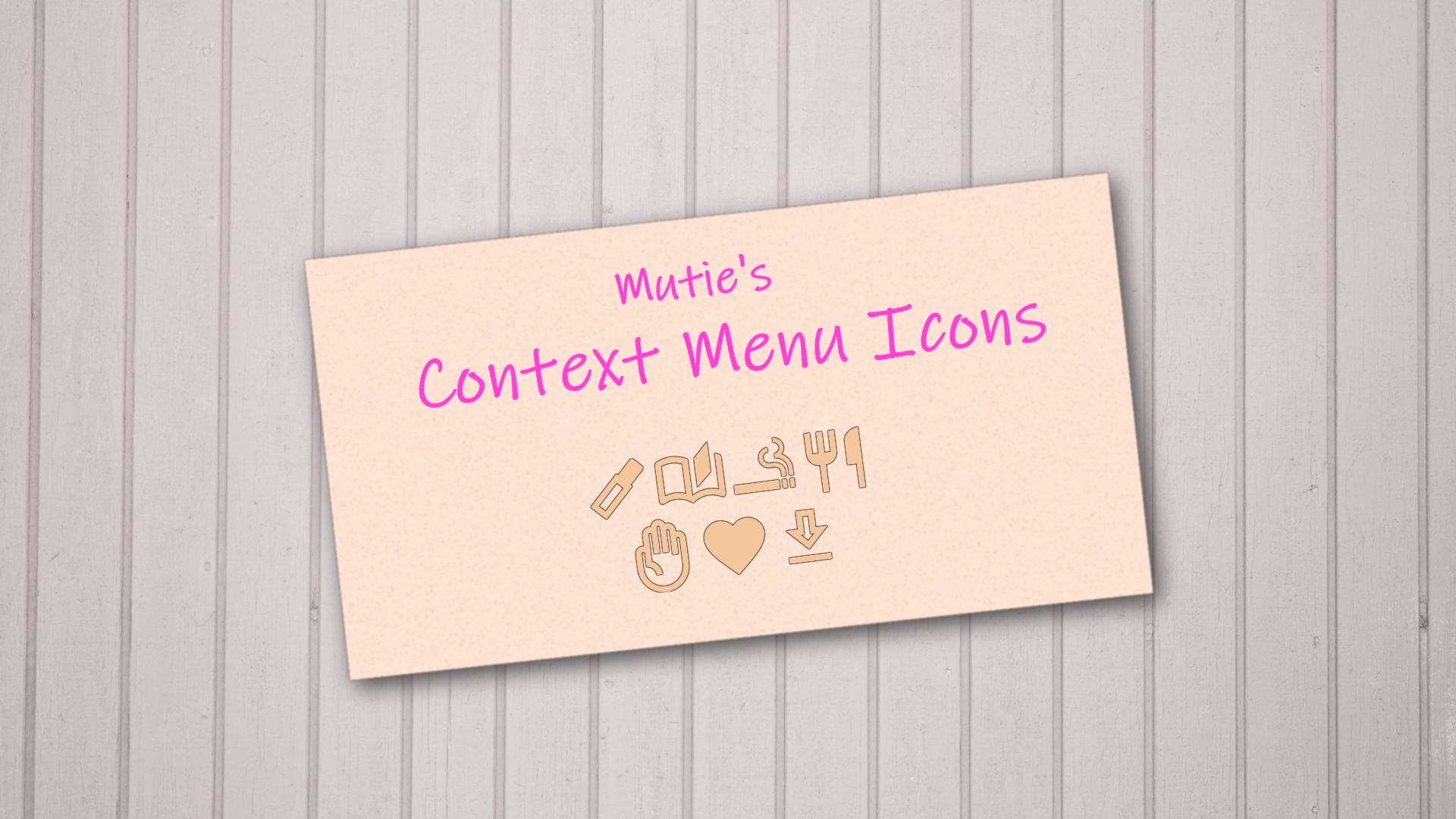
Full list of context menu options covered:
- Attach (in inventory and on hotbar) - Drink (including the submenu "All", "1/2", and "1/4" - Drop item - Eat (including the submenu "All", "1/2", and "1/4") - Equip (primary, secondary, in both hands, and on back) - Favourite (and unfavourite) - Inspect clothing - Apply make up - Place item - Read - Rename map, bag, and food - Smoke - Unequip - Wear clothing - Sitting on ground - Sleeping - Walking to - Turning on appliances and switches - Turning off appliances and switches
Compatibility
Should be compatible with any mod that changes context menu options. If you find any exceptions, please write a comment!
Translation
The mod uses the in-game translation strings to find your context menu options in whatever language you play in. Should be compatible with any language.
Promotion
Also check out my other mods: Mutie's Bait Tooltips Mutie's Diary Mutie's Evolved Recipe Tooltips Mutie's Loot Scrounging

[hr]
This work is MIT Licensed
Workshop ID: 3101668503 Mod ID: MutiesContextMenuIcons
Highlights
From source dataFootprint
Rated a light load on a server.
Last update
Its author last shipped an update 22 mo ago.
Mutie's Context Menu Icons on Nxeon
From our catalogue- One-click install
- Supported on Nxeon Project Zomboid servers. We download it from Steam Workshop, place it, and restart the server.
- Server load
- light
- Smallest plan we suggest
- Project Zomboid — 6 GB (6 GB RAM). This follows our own load rating above, not a benchmark.
- Latest build
- 2025-01-07, released 2025-01-07
Game versions by loader
| Loader | Game versions | Newest |
|---|---|---|
| Workshop |
From 1 recorded build of Mutie's Context Menu Icons.
Run Mutie's Context Menu Icons on a Project Zomboid server
Pick a server or deploy a new one above; it is installed in one click.
What kind of mod it is
From the catalogQuality of life & UI
Small conveniences, tweaks and interface improvements players notice straight away.
Compatibility
- Game
- Project Zomboid
Verified at the source
- ✓Steam WorkshopOfficial listing, checked 2026-11-01Open ↗
- ✓AuthorMutie, as published on Steam Workshop
- ✓LicenseNot published by the sourceFree















