About TwisTonFire - Better Character Info
From Steam Workshophttps://imgur.com/BaUyxax.png Newest Additions: - Hide your Avatar background entirely when wanted. https://imgur.com/9dKOBAC.png - Popout your Character Avatar via right click…

Newest Additions:
- [b] Hide your Avatar background entirely when wanted. 
- Popout your Character Avatar via right click 
- Scalable trait icons in the Character Info Screen 
- Dynamic backgrounds based on your current environment. - Powered / unpowered variants depending on electricity. 
-Resizable and fully adjustable avatar (zoom, position, and framing). 

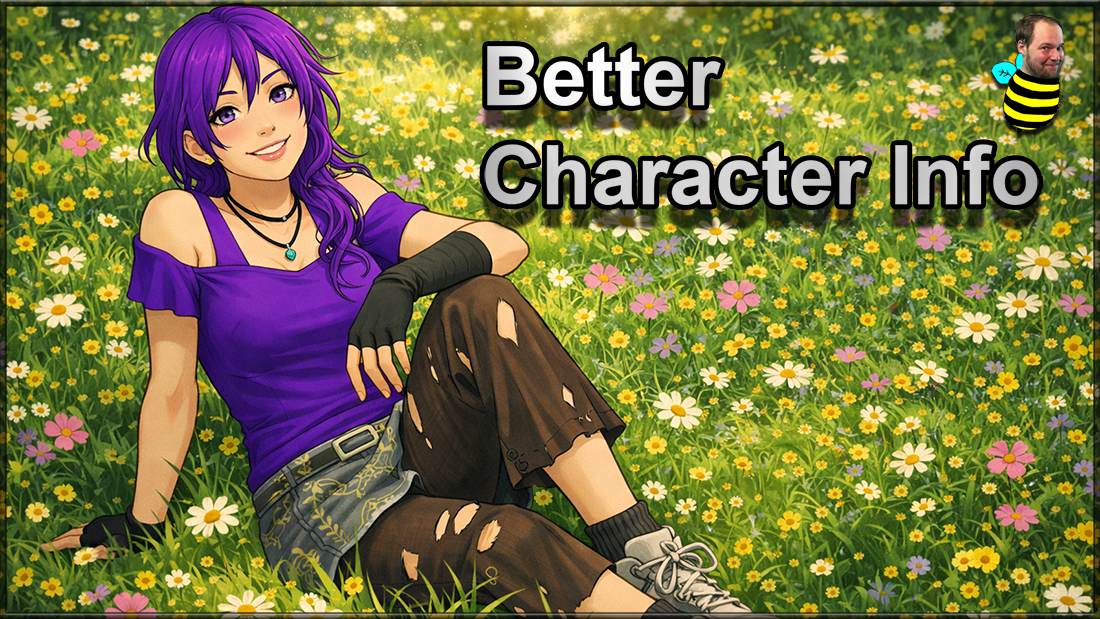
Better Character Info
A clean and modern overhaul of the Character Info Screen in Project Zomboid.
This mod improves the layout, adds a flexible avatar system, and introduces dynamic backgrounds that react to your surroundings — all designed to look great in both Full HD and 4K.
What this mod adds
- Resizable and fully adjustable avatar (zoom, position, and framing).
- Saved avatar settings that persist automatically.
- Dynamic backgrounds based on your current environment.
- Powered / unpowered variants depending on electricity.
- Special interior detection (homes, shops, industrial areas, schools, barns).
- Optional clean white background.
- New avatar options menu directly in the character screen.
- Pose selection (Idle, Walk, Run, Aim).
- Dressed / Naked avatar display modes.
- Pop-out avatar mode via right click on your character avatar.
- Freely resizable floating avatar window with a clean minimalist look.
- Shared avatar state between the Character Info Screen and the floating avatar window.
- Session-persistent floating avatar mode that restores itself when it was active before.
- Improved layout for better readability and less clutter.
- Optional improved skills panel for better scaling and presentation.
- Scalable trait icons in the Character Info Screen.
Avatar System
- Adjust your avatar directly in the character screen.
- Use mouse wheel and drag for full control.
- Right click the avatar to open it in a separate floating window.
- Right click the floating avatar to return to the Character Info Screen.
- The floating avatar can stay on screen independently while you play.
- Backgrounds automatically adapt to where your survivor is.
- Supports powered interiors and environmental context.
- Works seamlessly in mixed-use buildings (e.g. shops with apartments above).
- Avatar zoom, drag position, and background mode stay synchronized between both avatar views.
Compatibility
- Works completely standalone.
- Optional support for Spongie’s Character Customisation.
- Should be placed low in load order for best results.
- Not compatible with Ra's Body Model (sadly).

Languages
- All supported languages
 Your support helps me keep going — thank you!
[h2]Compatibility[/h2] [table] [tr] [th]Mode[/th] [th]42.12[/th] [th]42.13[/th] [th]42.15[/th] [th]42.16[/th] [th]42.17[/th] [th]42.18[/th] [th]42.19[/th] [th]42.20[/th] [/tr] [tr] [td]Singleplayer[/td] [td]✅[/td] [td]✅[/td] [td]✅[/td] [td]✅[/td] [td]✅[/td] [td]✅[/td] [td]✅[/td] [td]✅[/td] [/tr] [tr] [td]Multiplayer[/td] [td]❌[/td] [td]✅[/td] [td]✅[/td] [td]✅[/td] [td]✅[/td] [td]✅[/td] [td]✅[/td] [td]✅[/td] [/tr] [/table]
Workshop ID: 3488600400 Mod ID: twistbettercharacterinfo
Highlights
From source dataFootprint
Rated a light load on a server.
Last update
Its author last shipped an update 2 mo ago.
TwisTonFire - Better Character Info on Nxeon
From our catalogue- One-click install
- Supported on Nxeon Project Zomboid servers. We download it from Steam Workshop, place it, and restart the server.
- Server load
- light
- Smallest plan we suggest
- Project Zomboid — 6 GB (6 GB RAM). This follows our own load rating above, not a benchmark.
- Latest build
- 2026-09-01, released 2026-09-01
Game versions by loader
| Loader | Game versions | Newest |
|---|---|---|
| Workshop |
From 1 recorded build of TwisTonFire - Better Character Info.
Run TwisTonFire - Better Character Info on a Project Zomboid server
Pick a server or deploy a new one above; it is installed in one click.
What kind of mod it is
From the catalogQuality of life & UI
Small conveniences, tweaks and interface improvements players notice straight away.
Compatibility
- Game
- Project Zomboid
Verified at the source
- ✓Steam WorkshopOfficial listing, checked 2026-11-01Open ↗
- ✓AuthorTwisTonFire, as published on Steam Workshop
- ✓LicenseNot published by the sourceFree