






About Twitch Stats
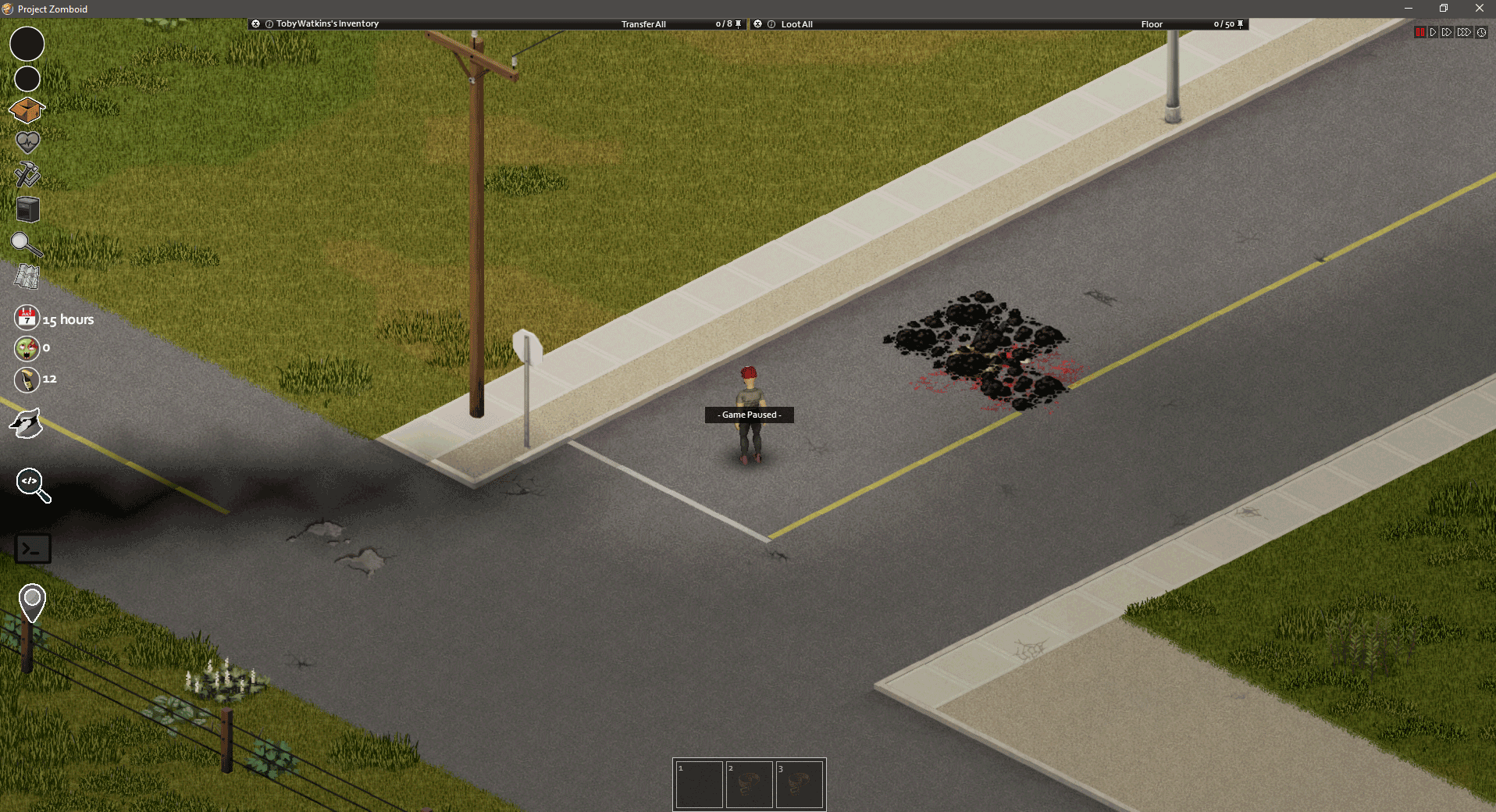
From Steam Workshophttps://i.imgur.com/KI7yhfD.png This mod was made for use with OBS as a realtime source for the run stats, activate the mod, fully load a game or start a new save and get in-game at least once to…
[table] [tr][th] [th] This mod was made for use with OBS as a realtime source for the run stats, activate the mod, fully load a game or start a new save and get in-game at least once to generate the files used on obs. After that, all you need to do is to add a Text GDI source and point it to the file %userprofile%/zomboid/lua/zkills.txt for zombie kills and a second source pointing to timealive.txt, for the time survived data.
Warning: If you want to use this mod with an existing save, you need to enable it under the [More] options when loading the save, or it will not work until you do so.
It is possible to use this mod with Nightbot and any other twitch bot, but an external program is needed to serve the files with the data to the bots ( http server ).
By using a http server to serve the files stored @ %userprofile%/zomboid/lua/ you can then use a bot to retrieve the info on the files above and from th extra file that stores the char build ( all data is always relative to the current loaded save ) with the name PlayerTraits.txt. All output to this file or any other file will be done in the selected language in the game.
-This is a new version of the mod
- New UI ( no longer a window ) less intrusive - Double Click changes the orientation of the UI - Right Control shows or hides the UI - Added support for KillCount Mod After some requests, and since there is already a mod available that works perfectly fine for that purpose, i decided to add support for that mod stats on Twitch Stats. Killmod will provide the extra kill counts ( fire, car ). At the moment only added the fire kill count to the UI .
To save the UI position you only need to close the ui and re-open it, temporary solution for now.
The icons used on the ingame UI can be changed to whatever you want. Just open the PSD file in the UI dir and make your own icons. Keep in mind that the icons name has to be the same as the original images and the same format (PNG).
Will keep improving the mod whenever i have free time to do so. Any bug feel free to contact me.
Done with the help of the awesome PZ modding community on the official pz discord server. Special thanks to: @Chuck @Jab @????? @albion @Nippytime @Glytch3r
If you like this mod, consider buying me a coffee 
Workshop ID: 2629062026 Mod ID: Twitch-Stats
Highlights
From source dataFootprint
Rated a light load on a server.
Last update
Its author last shipped an update 21 mo ago.
Twitch Stats on Nxeon
From our catalogue- One-click install
- Supported on Nxeon Project Zomboid servers. We download it from Steam Workshop, place it, and restart the server.
- Server load
- light
- Smallest plan we suggest
- Project Zomboid — 6 GB (6 GB RAM). This follows our own load rating above, not a benchmark.
- Latest build
- 2025-02-06, released 2025-02-06
Game versions by loader
| Loader | Game versions | Newest |
|---|---|---|
| Workshop |
From 1 recorded build of Twitch Stats.
Run Twitch Stats on a Project Zomboid server
Pick a server or deploy a new one above; it is installed in one click.
What kind of mod it is
From the catalogQuality of life & UI
Small conveniences, tweaks and interface improvements players notice straight away.
Compatibility
- Game
- Project Zomboid
Verified at the source
- ✓Steam WorkshopOfficial listing, checked 2026-11-01Open ↗
- ✓AuthorM3ss, as published on Steam Workshop
- ✓LicenseNot published by the sourceFree















