

Space Just Got Real Update 4
 By POPINxxCAPS
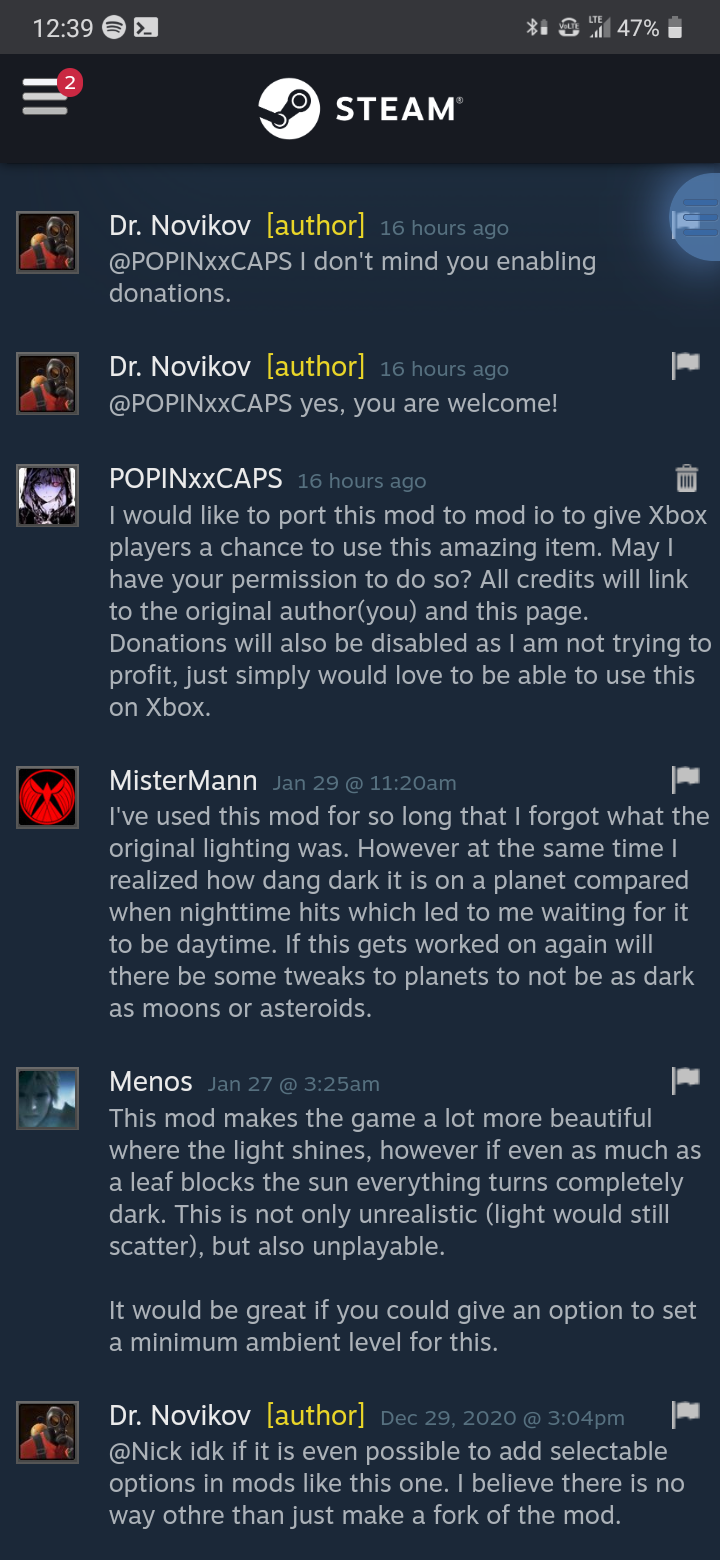
I have permission from the original creator (Dr. Novikov) to republish this mod to mod io. See pictures for proof. Adds an insane resolution Milky Way Galaxy Skybox as well as improves the overall lighting mechanics in the game.
Description
Original Author: Dr. Novikov
Original Post: steamcommunity.com/
More picture examples can be found via the original Steam post above.
Original Description:
Update 4 for 1.1881. Thanks to Darian Stephens, <ShadowCascadeZOffset> is now set to the default value of 40000 as a temporary to fix the shadow problem. I hope, though, that the developers will fix the rendering system.
Update 3 for 1.1861. Reduced the bloom around displays and light emitting blocks.
Update 2 for 1.186
- Reduced the amount of light emitted by atmosphere.
- Got rid of the annoying blue tint on Earth.
- Made cave entrances less bright when looking from the outside.
- Made Sun rays stop destroying human eyes.
HOTFIX for 1.186 I made a quick hotfix so you could resume enjoying your favourite mod as soon as possible. No more molten eyes dripping on your keyboard! Please, keep in mind that this is the first post-1.186 update. I will have to adjust several dozens of other parameters to make space great again.
What is already done at the moment:
- Started with the new environment.sbc, adding changes and testing them one by one
- Readjusted the skybox intensity to make it less bright in 1.186
- Made the skybox-emitted light less bright so dark sides of asteroids and planets remain properly dark.
- Sightly reduced cloud intensity to make dark sides of planets with atmosphere less ugly.
I also insluded tweaks from Eyes Just Got Clear. In the post-1.186 world this mod saves your eyes by removing the horrible blur and chromatic aberration, and also reducing the vignette effect. Oh, and it makes the selection contour a bit thinner.
I still have to reapply tweaks to sun "rays". They look cool when you are on Earth, but in space they are horrible. My current solution does not look very good in 1.186.
Caves, shadows, atmospheric tint... well, still gotta rework them. Currently caves can be brighter than they were in Space Just Got Real before 1.186.
I will also do my best to adjust the bloom and metallic shining and make things look even more awesome than they did win my mod before 1.186
IMPORTANT
- I strongly recommend deleting the shader cache folders from your %appdata%\Roaming\SpaceEngineers\ -- the old cached shaders cause lots of anoying side effects, even with vanilla. The game will run way smoother and more stable. Validating the game's steam cache is also a good thing to do.
- There are lots of mods that change environment.sbc and are based on the previous version of the game. Speed mods, skybox mods, visual effect mods -- if they are based on the old version of the game, they will lkely cause things look ugly.
For pre 1.186 usersThe original version of the mod for older versions of Space Engineers is here: http://steamcommunity.com/sharedfiles/filedetails/?id=1297294128
= Old description =
Why did I make this mod? I want the game to look like real life photos from the Moon, Mars, and space probes missions.
There are certain problems with vanilla game. Shadows barely exist. Everything is glowing and has blue tint. The dark sides of planets aren't dark at all. Asteroid caves are perfectly illuminated, and noone can hide there. I tried various "darkness" mods, and they mostly decreased brightness, so everything looked dim, and days on planets looked like evenings, with unnaturally dark landscapes.
IMPORTANT:best played at 1.0 flares intensity setting (Options -> Graphics). Also, if you feel that your ships or hangars became a bit too dark, you might want to adjust the light radii of your internal lights. The default ones are quite small, and were made for vanilla. I increase internal light radii to 7-10, and then adjust intensity and sometimes falloff to produce good illumination without things being too bright or too dark.
What has been changed?
- Various shadows and lighting settings. Lots of them. There is darkness in the game now, but direct sunlight still makes things bright. Asteroid cavities, dark sides of planets, Moon craters, etc are properly dark now. There is one exception though, and I will describe it in "Known issues".
- Lens flares and Sun glow are now much less obtrusive, but Sun itself is still bright, as it should be (you don't want to look directly at the Sun, do you?) The mod is designed to be played at 1X flare settings.
- Included the Milky Way (Insane Resolution) Skybox by Darth Biomech. It fits the "true darkness of space" theme. The skybox is made by Darth Biomech, and according to his announcement, it is allowed to use it in other mods, as long as credits are given.
- Suppressed the telltale signs (glowing) that revealed player-made tunnels while flying over the dark side of the Moon. Now these holes should not glow.
- Suppressed the excessive bloom.
Known Issues
- Currently in Space Engineers the position of camera matters for ambient lighting calculations. For example, when I am on a planet, inside a cave, it is properly dark. But when I step outside, into the daylight, and look back, it becomes illuminated. In real life it works the opposite way. You get outside - it becomes more difficult to see what's inside a dark room or a cave. You get inside, and your eyes adapt.
The only way to counter this, at the moment, is decreasing diffuse ambient lighting and atmosphere brightness, but this would make some things a bit too dark.
- You might want to add some internal lights to your ship, because there is much less magical light inside confined spaces now. Try increasing their radii to 7-10, and then adsust intensity.
Troubleshooting
- Pink sky. Apparently, it occurs when Steam downloads the mod file incorrectly. Try deleting the loaded file named 1136188499.sbm in your mods folder. It is usually something like this: c:\Users\Username\AppData\Roaming\SpaceEngineers\Mods\. Then reload the clean world (with my mod only). This should redownload the mod, and is reported to fix the pink textures problem.
Future plans
- Harass Keen Software House and make th
Ratings & reviews
Sign in to leave a rating or comment.


