
Borderless Windowed Fix (HDR Fix)
Fixes the resolution for borderless windowed mode
Description
The fix is not applied until you load a save or join a server. It will not affect the main menu.
If you want to run this mod and play on a server, the server needs to have this mod installed or whitelisted (It will not do anything on the server though)
The issue
In windows specifically~
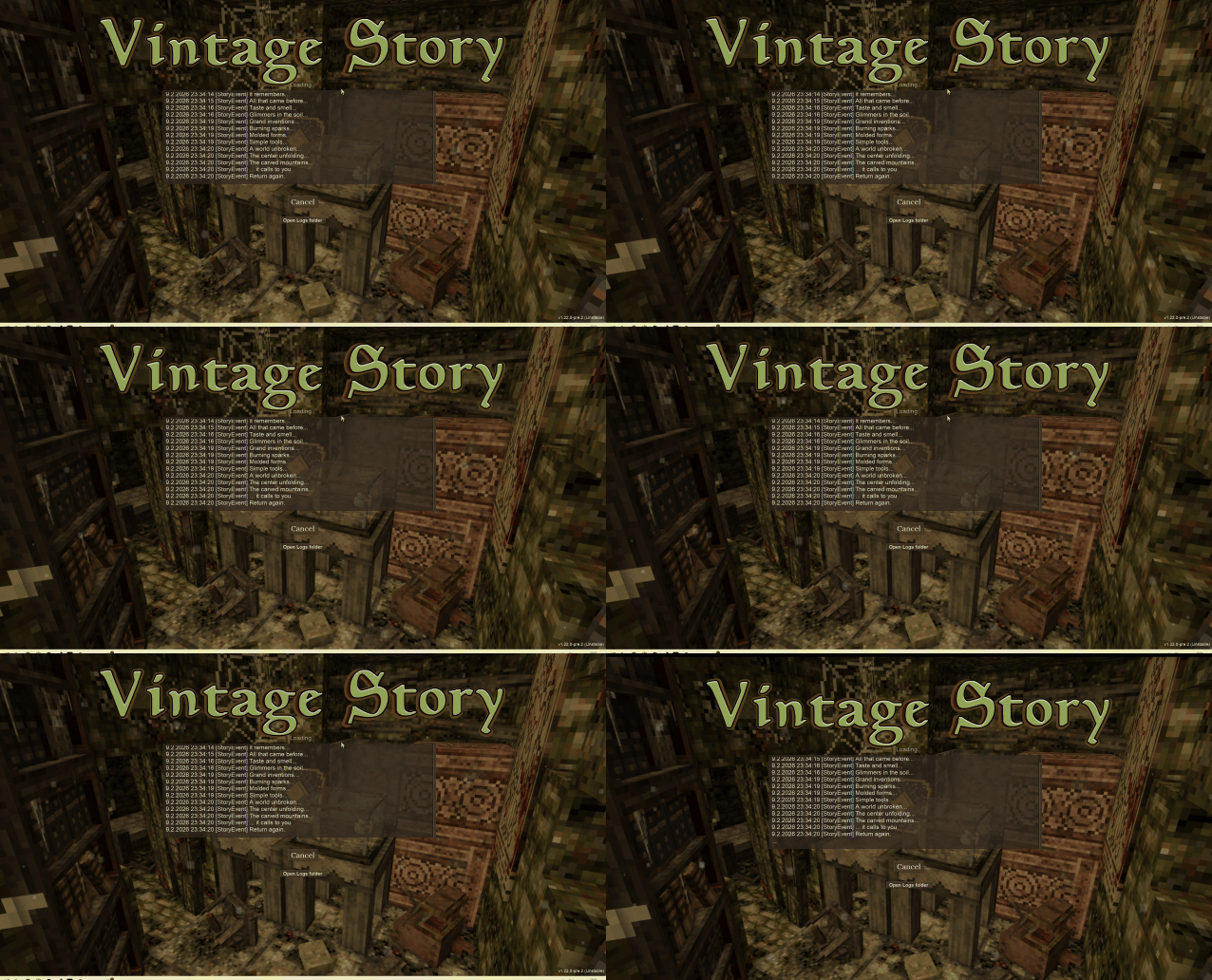
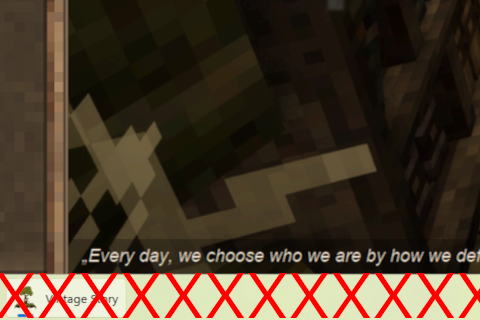
When running the game without this mod, borderless windowed mode still includes the taskbar, which is annoying.
This is the cause of the following issues on the issue tracker:
https://github.com/anegostudios/VintageStory-Issues/issues/6116
https://github.com/anegostudios/VintageStory-Issues/issues/2484
Why not just use fullscreen?
Fullscreen is not the expectation for modern games anymore. It can:
- Hamper performance.
- Prevent interaction with other programs.
- Cause crashing when alt-tabbing out.
- Prevent newer technologies such as HDR from working.
The fix
This mod runs as you load a save or load into a server and, if you are set to borderless windowed mode, resizes the window to match the monitor resolution.
This only runs if you are in borderless windowed mode and are running Microsoft Windows.
If you do not meet the requirements, nothing is applied or changed.
The fix will be automatically be reapplied if you change display mode, or change the monitor and the other monitor is using a different resolution.
Basically, once in-game, it works as you'd expect.
Known Issues
- Servers must also run this mod
- This is a client-side code mod, so servers need to have it installed or whitelisted in order for you to pass the mod inspection.
- This is due to the way the game handles mods, and is intended to prevent cheating.
- The mod only loads when you load into a save / join a server.
- Mods are only applied once you know the mod configuration for a save or server, until then, no mods are loaded, so this fix is not applied.
Ratings & reviews
Sign in to leave a rating or comment.



