
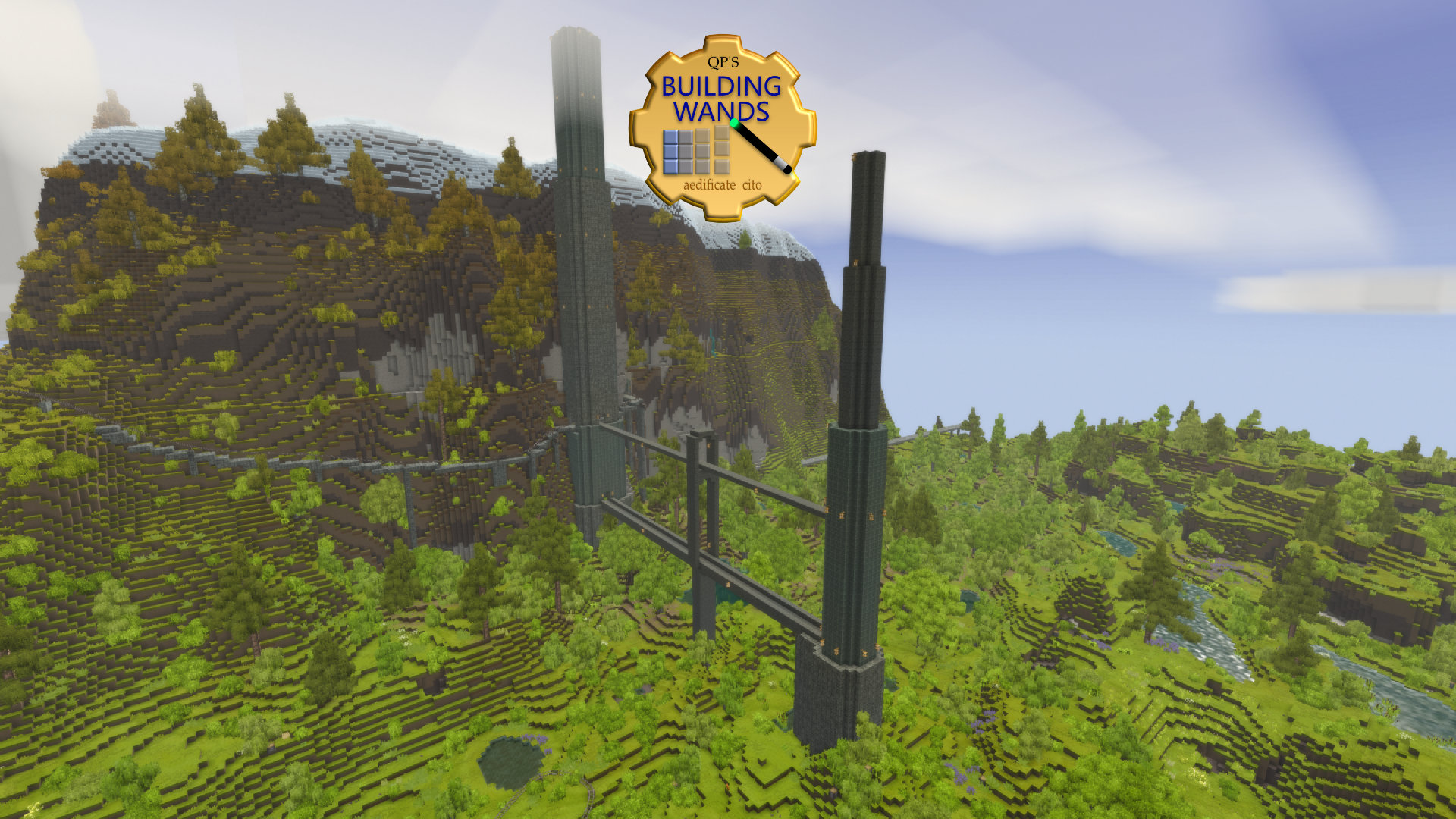

QP's Building Wands
Place multiple blocks in survival or creative, either in a line, or extending a selection of blocks.
Description
Similar to the Build Tools or Construction Wand Minecraft mods. Places blocks in a line from the block you clicked on to you (straight line up/down, north/south etc depending on what side you clicked). In survival it will only place if you have enough blocks and will use up those blocks.
It tries to extend towards you on a single axis (so if you click on the top of a block, it will just go up) (note: if it's not placing, you may need to get closer, I'll fix in future so it'll let you get further away, without affecting the maximum distance)
Modes:
- line mode - fills a line of blocks from the selected block to you on the axis you click - eg: click on the north face of a block, it will draw a line north until it reaches you
- area mode - fills a group of blocks based on the starting pattern - eg: click on top of a block that's part of a floor, it would now fill in all the blocks up towards you (if you just had an outline it would fill in an outline)
- checkboard mode - area mode but only fills every other block
- off mode - it's off, will also clear the preview shapes
Uses the block type that you clicked on (so click on granite ashlar block, it will place granite ashlar blocks).
Left click to select, Right Click to place. It will only replace airblocks, or other blocks like stones & grass that would be replaced normally when you place blocks. Respects land claims.
There is no undo...
Future ideas, hopes, and dreams:
- pattern fill
- fill from a defined list of blocks (like drag in several stone types and it'd make a pattern with them, or randomized fill)
<span style="background-color: #8e44ad; color: #ecf0f1;">Looking for a Vintage Story Server host? Save 25% with Lagless.gg, official sponsor of Chisel Tools!</span>
Ratings & reviews
Sign in to leave a rating or comment.



