Frontier's Map
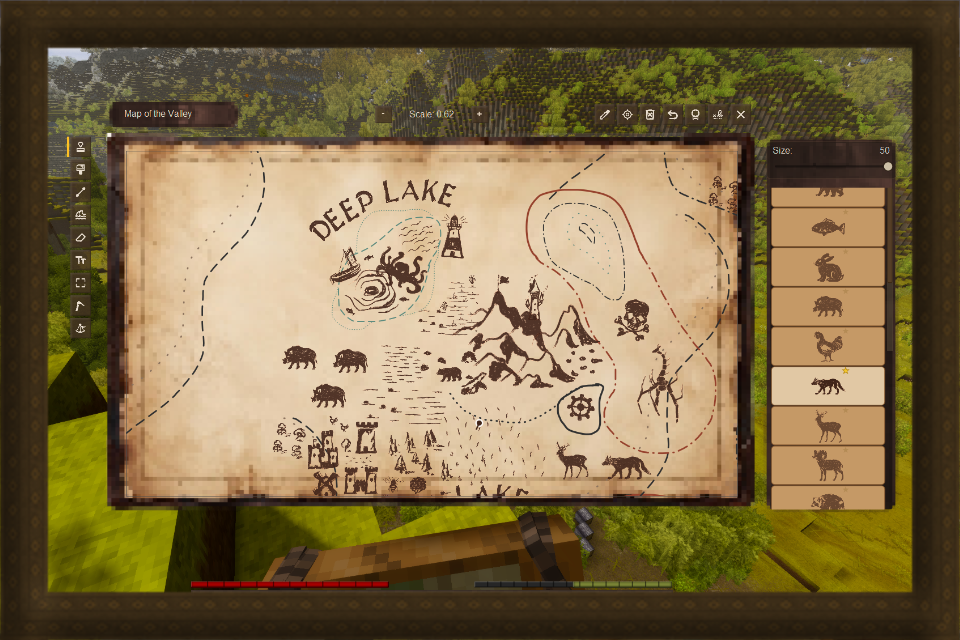
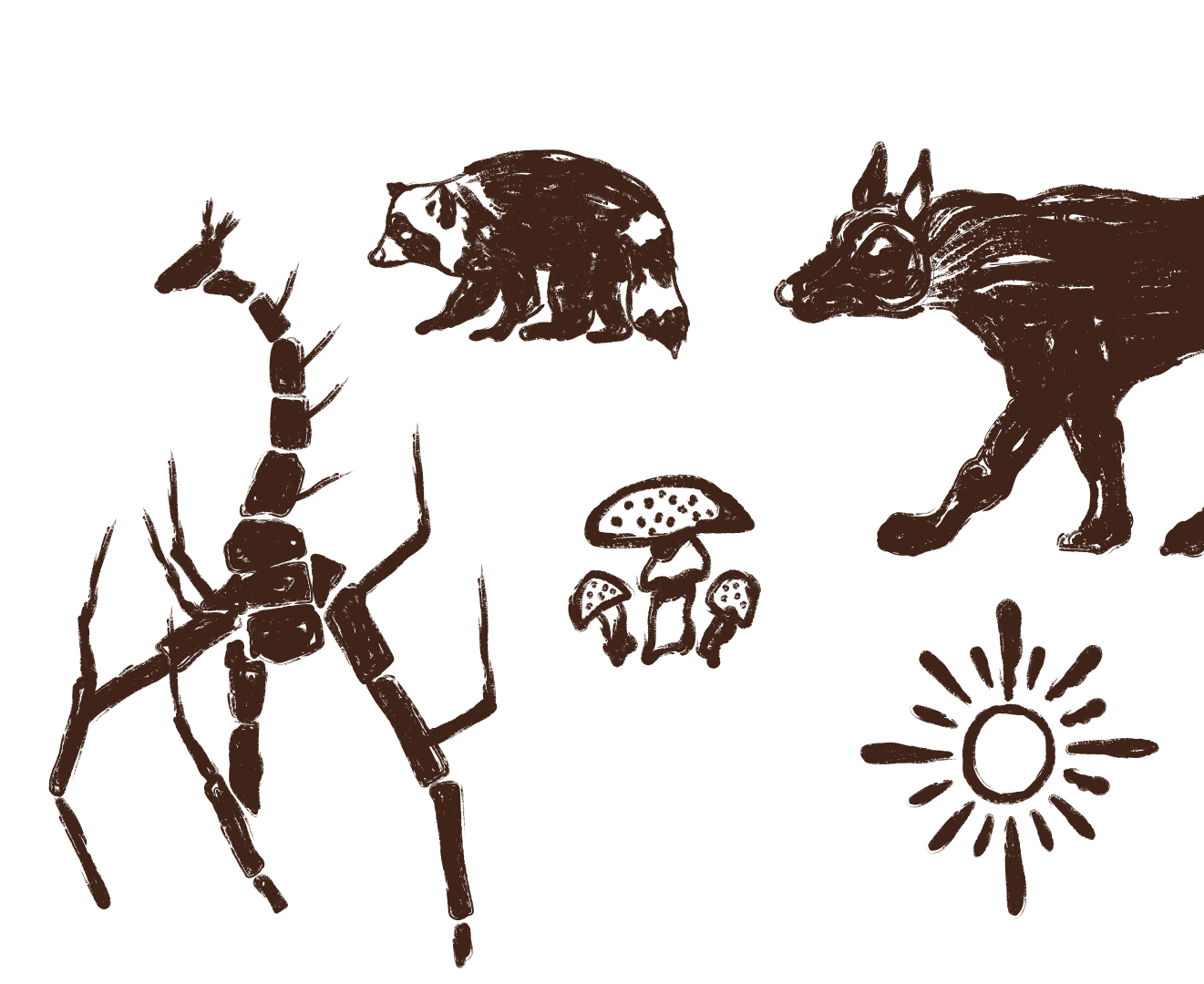
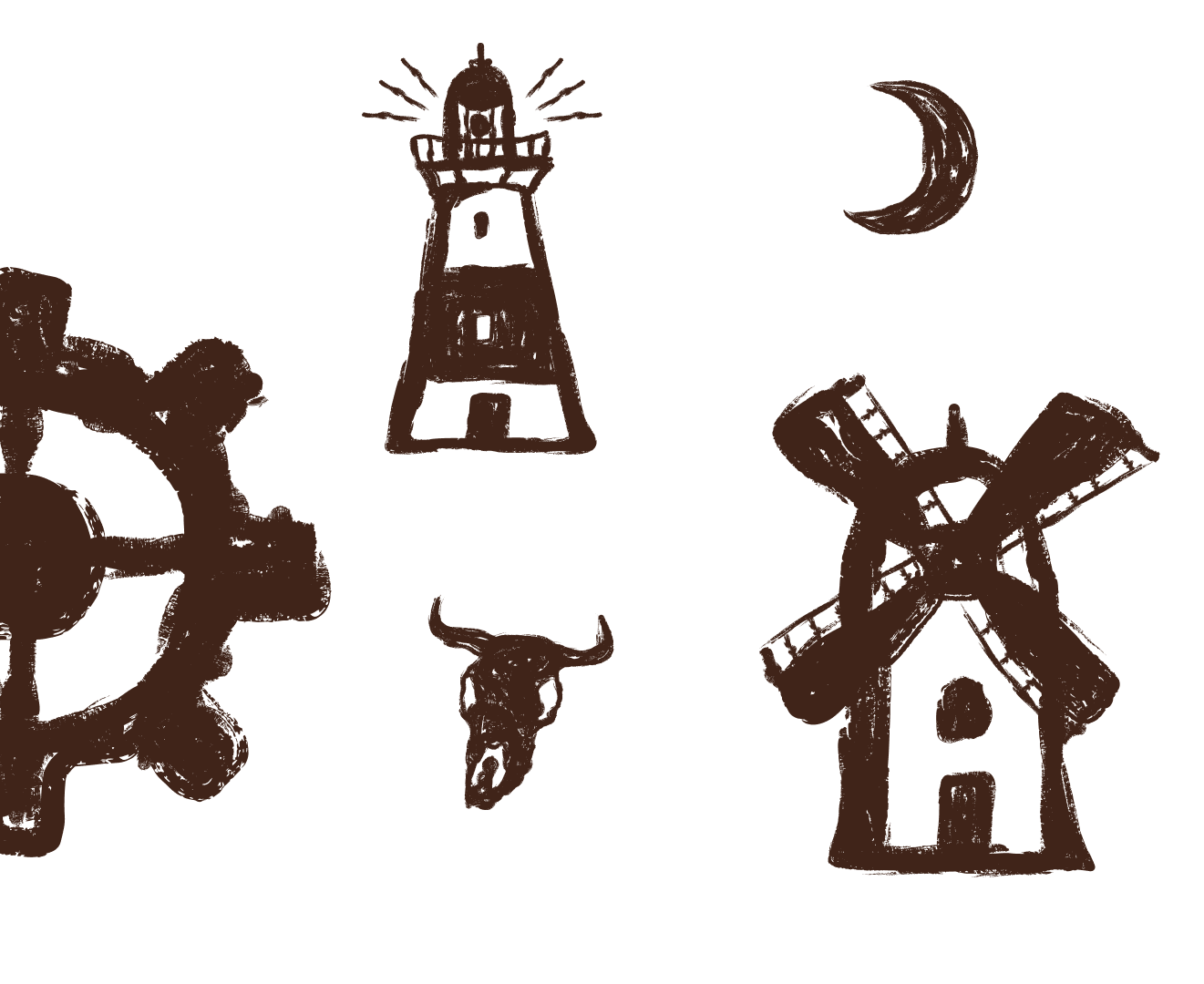
Adds a physical map with built-in map maker system, drawing tools and over 130 hand drawn stamps
Description
<pre style="text-align: center;"><span style="color: #e74c3c;"><span style="color: #b65713;">Your journey deserves to be remembered...</span>
</span></pre>
Overview
Have you ever dreamed of drawing up your own map? Perhaps you enjoy those online fantasy map makers? Oh boy, do I have something for ya! This mod replaces your standard map experience and adds a physical map that brings exactly that! Tiny map maker in your hands with couple drawing tools and over 130 stamps that have been hand drawn by me! On top of that anyone can bring thier own custom stamps into the mod with a simple add-on, use this mod as a guide Frontier's Map - Legacy Stamp Pack pack.
Main content
How to use
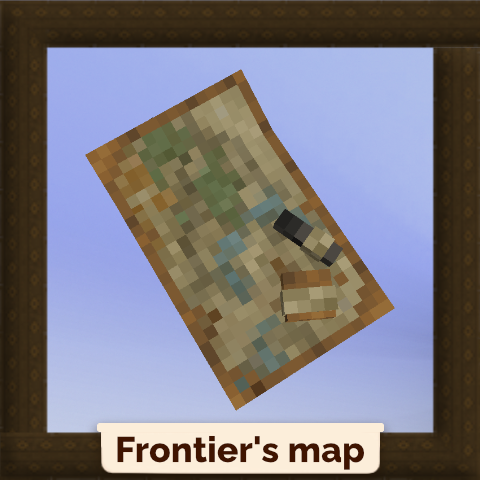
Map - Press Right Mouse Button to open the editor.
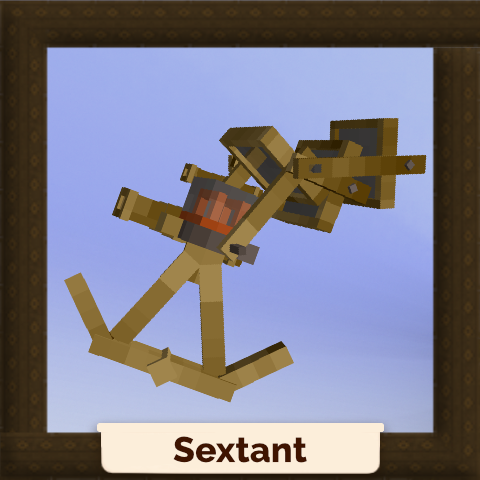
Sextant - Hold Right Mouse Button to start measuring
- Move - default tool, you can move the map around
- Line - tool for drawing and making lines, 6 colors can be picked, a shade and 6 line styles
- Eraser - self explanatory
- Text - will add text
- Editor - switch between view mode and editor mode
- Center - It will center your map acording to your location
- Scale - self explanatory
- Stamps - a set of different stamps to mark and decorate your map
- Clear - it will clear the map out
- Undo - it will undo your last changes, (max 20 changes)
- Save - save button, not needed as map saves itself but left there for now
- Pantograph - You can make a copy of a map via this tool
- Sextant - add measurements previously done by the Sextant tool
- Rename - it will rename your map
Recommended mod combination
.
Stamp packs (more soon!)
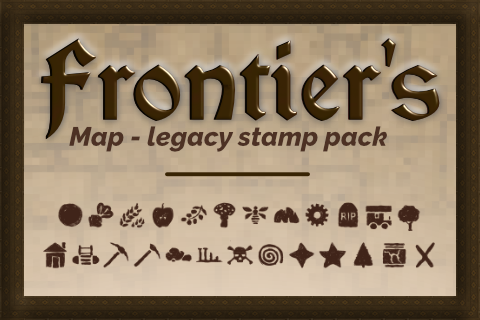
Known issues
- <span style="color: #e74c3c;">(0) Critical Issues: </span>
- <span style="color: #e67e23;">(0) Moderate Issues:</span>
- <span style="color: #27ae60;">(0) Minor Issues: </span>
Configs <span style="color: #7e8c8d;">(Missing configs? Delete the config file and load the mod again)</span>
.
- showCoordinates - will enable/disable the coordinates on the map, set on false as default
- showSextantCoordinates - will enable/disable the coordinates of the sextant, set on false as default
- showPlayerMarker - will enable/disable player marker on the map, set on true as default
- showOtherPlayersMarker - will enable/disable markers of other people on the map, set on false as default
- disableVanillaMap - will enable/disable the vanilla map, set on true as default
- enableMapHotkey - will enable/disable the "M" as a map hotkey, set on false as default
- keepMapOnDeath - will enable ability to keep the map after death, set on true as default
Important notes
.
- <span style="color: #e03e2d;">Always back up your world saves before installing any mods. I'm not a professional developer, I'm just a hobbyist. While I test each mod before uploading, there’s always a chance of human error. With that being said, I won’t take responsibility for any issues that may affect your save or character, so please make sure to back up your files.</span>
- Any mod that alters prospecting may be incompatible with this mod
- All map data is stored in a dedicated database (ModData/frontiersmap/maps.db)
- Each map item has a unique ID, so player maps are independent from each other, you can give your map to another player so they can see your work and add their own contributions.
Download
No download link is available for this entry right now.
Ratings & reviews
Sign in to leave a rating or comment.