
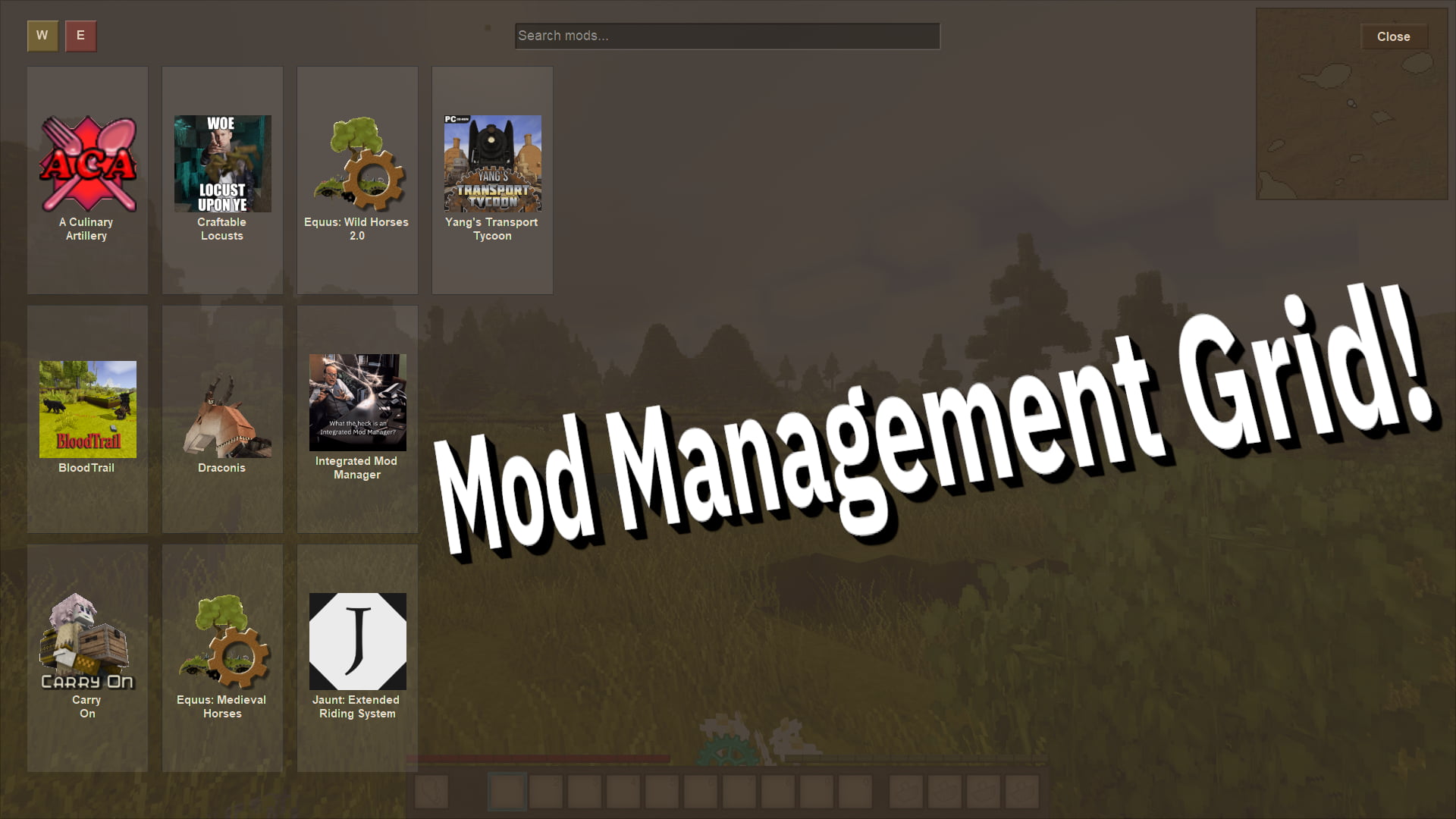
Integrated Mod Manager
Configure your mods, fetch dependencies, and resolve conflicts entirely in-game!
Description
<span style="font-family: 'times new roman', times, serif; font-size: 18pt;"><span class="box">⠀</span></span>
<span style="font-family: 'times new roman', times, serif; font-size: 18pt;">What The Heck Is The Integrated Mod Manager?</span>
<span style="font-family: 'times new roman', times, serif; font-size: 18pt;"><span class="box"></span></span>
<span style="font-family: 'trebuchet ms', geneva, sans-serif;">The Integrated Mod Manager is a utility mod for modders.</span>
<span style="font-family: 'trebuchet ms', geneva, sans-serif;">Allowing you to skip writing UI code and instead make a simple Json file which will be used to automatically generate a config UI for you!</span>
<span style="font-family: 'trebuchet ms', geneva, sans-serif;">The process is entirely non-invasive, you don't need to change a single line of your mod's code, or even mark IMM as a dependency. You can pull the plug at any time, no vendor lock-in like with other config mods.</span>
<span style="font-family: 'trebuchet ms', geneva, sans-serif;">But why stop there? On top of configuration, IMM lets you define a list of known incompatible mods and define an automatic fix for them, meaning that your end-users won't nag you about a bug caused by two incompatible mods ever again!</span>
<span style="font-family: 'trebuchet ms', geneva, sans-serif;">You have full granular control, whether you want to simply check against a modID, or check for a generic detail such as whether or not a recipe exists to craft a certain item. Your enthusiasm is the limit.</span>
<span style="font-family: 'trebuchet ms', geneva, sans-serif;">On-board with the idea? Great, let's get you started.</span>
{ 	// assets/examplecodemod/config/imm.json 	"Configuration":  	[ 		{ 			"ConfigFile": "examplecodemod/myconfig.json", // Your config file in the ModConfig folder
// You can use sraw strings or "domain:key" localization entries for just about every text display. 			// Description fields support VTML. Clickable links can use handbook://, handbooksearch://, https://, etc. 			"ConfigLabel": "Server gameplay",					// This'd be a raw string 			"Description": "examplecodemod:imm-server-desc",	// Here be a key lookup for localization
"ConfigSource": "ModConfig", // Optional. ConfigSource dictates if we're reading/writing to ConfigFile or IMM's own internal storage for patch settings. ModConfig is the default, see the patch example for the other value and how to use it. 			"ConfigSide": "Server", // "Server" (default) or "Client", this dictates if the config file is being edited on the server or in the client. You can overwrite this on individual settings.
Ratings & reviews
Sign in to leave a rating or comment.



