
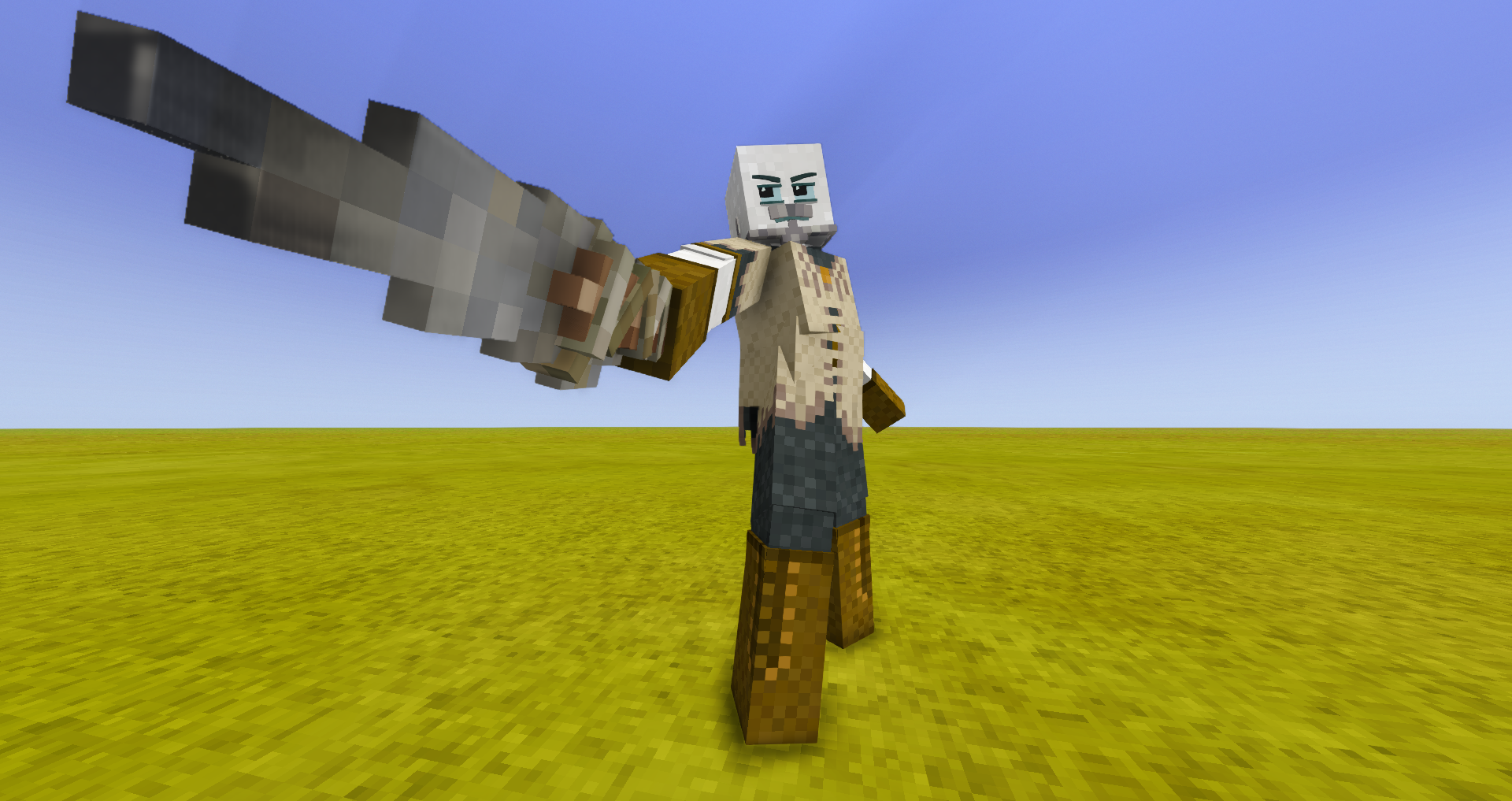
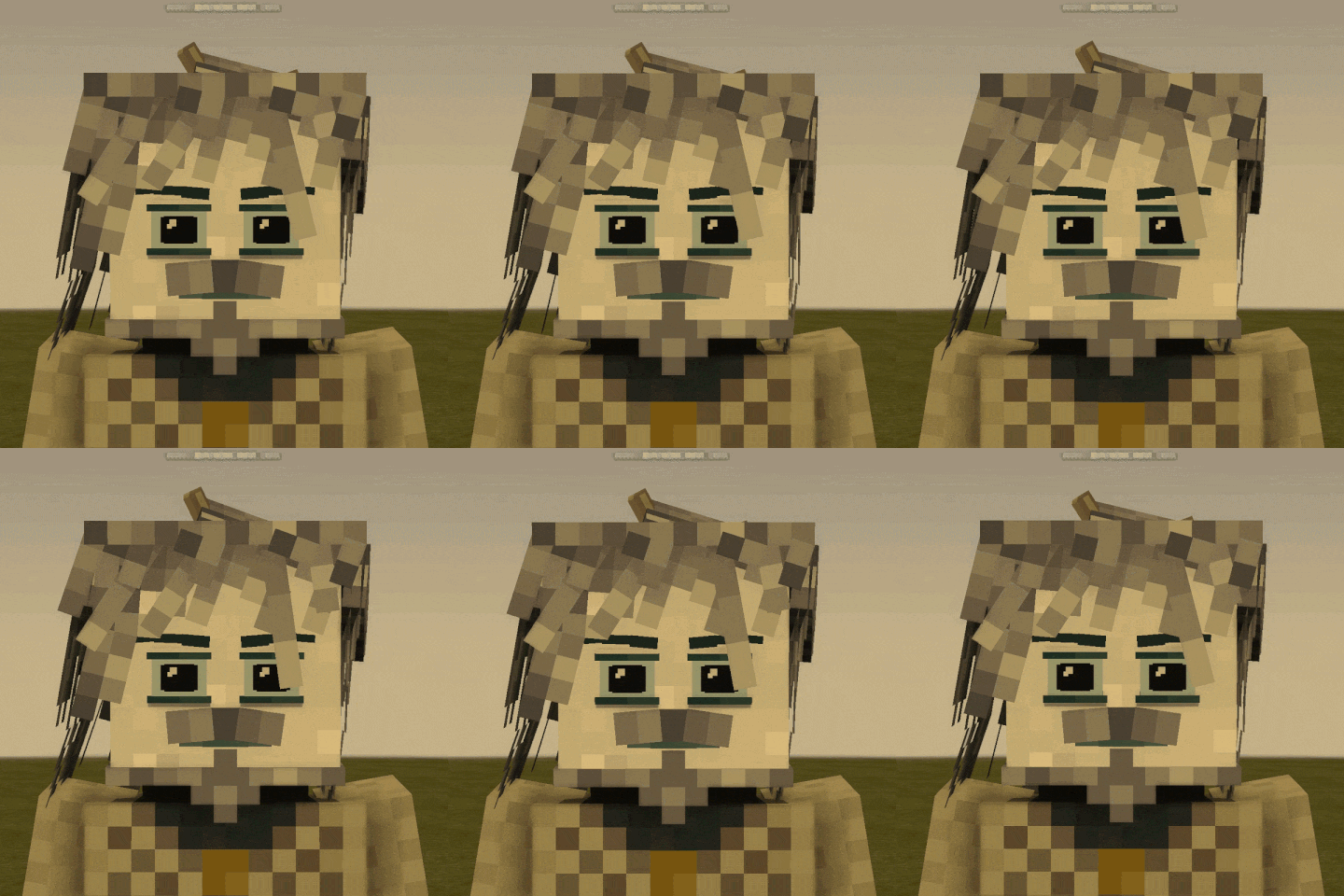
Description
Forget about the mod; Version 0.1.2 won't be released; mefimotion (my new mod) will solve ALL the problems.
Why did I suddenly decide to abandon this mod?
There were far too many workarounds, so I had to start developing Mefimotion.
A spin-off from my first mod... I decided to port the features from my custom model over to the base Seraphim models :)))
<span style="text-decoration: line-through;">!!! STARTING FROM VERSION 0.8+, THE MOD IS NOW ALSO A LIBRARY! YOU CAN NOW CREATE CUSTOM HAIRSTYLES USING MY MOD'S LOGIC !!!</span>
<span style="text-decoration: line-through;">Starting from 0.1.1+ mod compatible with Player Model Library</span>
<span style="text-decoration: line-through;">(Compatibility with mods such as Humans or Female Seraph is up to their respective developers, so please take any issues or questions to them instead of me)</span>
Better Seraph 0.1.0 — documentation
Hair physics for Vintage Story, configured through bone names. The mod reads the name and applies the physics itself — no code needed. Plus two systems for behaviour under headwear: hiding strands and freezing physics.
The docs come in three parts: name format, flags, headwear behaviour.
PART 1. Bone name format
The name is split by @ into two parts, ending in the required suffix phys:
LWSmega@zf40b15l20r5.own.nod3.stiff0,5phys
- before
@— the bone name, anything (LWSmega). The mod leaves it alone and uses it as the strand's identifier in config files; - after
@— physics data; physat the end — how the mod recognizes a hair bone.
⚠️ Required: a keyframe for every bone
A correct name is not enough. For a bone to reach the animator and get a Joint ID, it must be in at least one keyframe of any animation (a single zero-frame is enough). Without it the strand hangs motionless, no error. Rule: the name gives the settings, the keyframe gives the Joint ID — you need both.
⚠️ Required: remove empty faces
Keep only visible faces with a real texture (#hair) on each cube. Don't leave faces with #null and a degenerate UV ([48,48,48,48]) — Blockbench sometimes creates them when copying cubes. They're invisible normally, but when the mesh rebuilds (e.g. putting on a helmet) they start turning black and flickering.
Side (first letter after @)
<table> <thead> <tr> <th>letter</th> <th>side</th> </tr> </thead> <tbody> <tr> <td>p</td> <td>front</td> </tr> <tr> <td>z</td> <td>back</td> </tr> <tr> <td>l</td> <td>left temple</td> </tr> <tr> <td>r</td> <td>right temple</td> </tr> </tbody> </table> Tilt limits
After the side — maximum tilt angles in degrees. "Letter + number" pairs, free order: f forward, b back, l left, r right. Example: f40b15l20r5 — forward 40°, back 15°, left 20°, right 5°.
Decimals — use a comma
The dot is reserved as the flag separator, so decimal values use a comma: .tilt0,8, .stiff0,5, f15,5.
PART 2. Flags (after a dot)
Behaviour
<table> <thead> <tr> <th>flag</th> <th>what it does</th> </tr> </thead> <tbody> <tr> <td>.own</td> <td>rotate from own pivot only, ignore the bone edge. For braids and strands by the face</td> </tr> <tr> <td>.nofb</td> <td>disable forward-back tilt</td> </tr> <tr> <td>.nolr</td> <td>disable left-right tilt</td> </tr> <tr> <td>.noY</td> <td>disable vertical and head effects (flight, head tilt, nod)</td> </tr> <tr> <td>.c1</td> <td>chain root</td> </tr> <tr> <td>.c2(name)</td> <td>second link, hangs off bone name (the part before @ of the root) and lags behind</td> </tr> </tbody> </table> Forces (absolute values)
Set the strength of an effect. No flag — the default is used. The value is absolute: independent of the mod's global settings.
<table> <thead> <tr> <th>flag</th> <th>effect</th> <th>default</th> </tr> </thead> <tbody> <tr> <td>.run</td> <td>run inertia (reaction to body movement)</td> <td>40</td> </tr> <tr> <td>.windback</td> <td>wind pushes back / away from face</td> <td>16</td> </tr> <tr> <td>.windfront</td> <td>wind pushes forward / toward face</td> <td>40</td> </tr> <tr> <td>.windside</td> <td>sideways wind</td> <td>16</td> </tr> <tr> <td>.fly</td> <td>vertical: up → toward face, down → away</td> <td>55</td> </tr> <tr> <td>.tilt</td> <td>head tilt (hold head down → strands lag toward the ground)</td> <td>0,5</td> </tr> <tr> <td>.nod</td> <td>head tilt inertia (a sharp nod)</td> <td>2,5</td> </tr> <tr> <td>.shake</td> <td>head turn inertia (turn → strands lag and return)</td> <td>2,5</td> </tr> </tbody> </table> Spring
<table> <thead> <tr> <th>flag</th> <th>effect</th> <th>default</th> </tr> </thead> <tbody> <tr> <td>.stiff</td> <td>stiffness (0..1). Higher — snappier, lower — smoother, lazier</td> <td>0,35</td> </tr> <tr>Ratings & reviews
Sign in to leave a rating or comment.



