
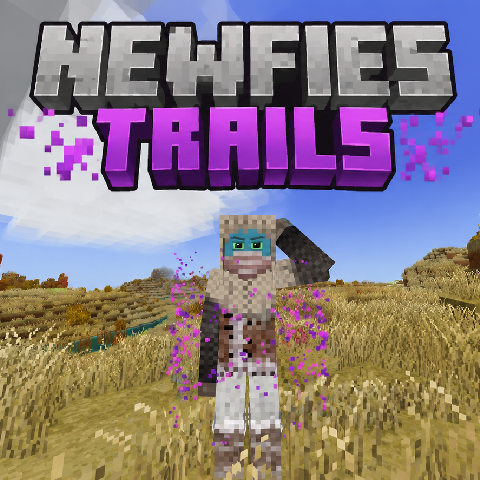
Newfies Particle Trails
Custom cosmetic particle trails with colors, styles, halos, glows, and donor permissions.
Description
✦ Newfie's Particle Trails ✦
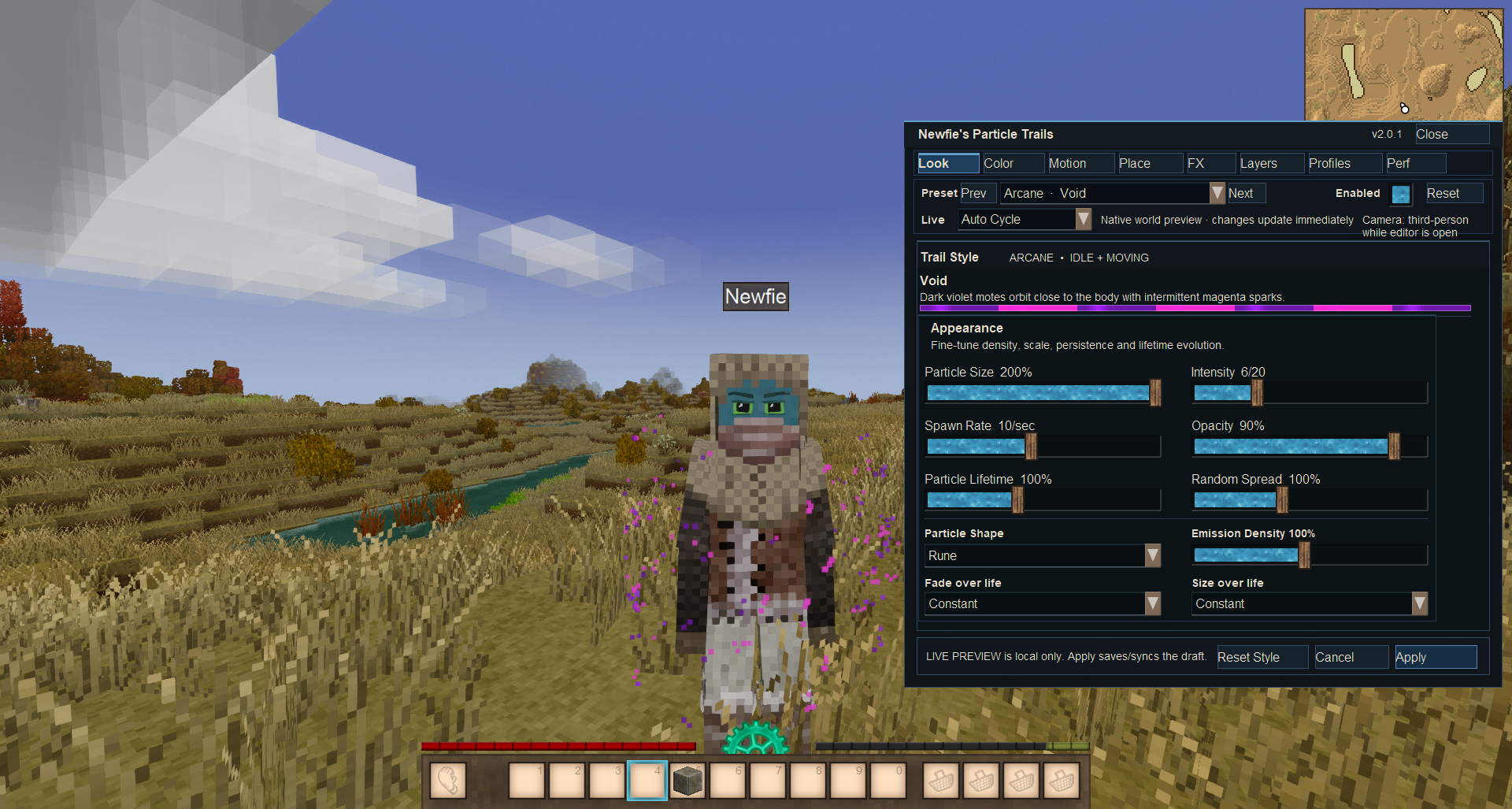
Build your own animated particle effects directly around your character. Combine presets, colors, movement patterns, body anchors, physics, event triggers, layered emitters and trail dynamics — with the real result previewed live in the world while you edit.
<!-- ===================================================== --> <!-- 2.0 REVAMP --> <!-- ===================================================== -->
<div style="padding: 26px; background: linear-gradient(135deg,#191527,#141924); border: 1px solid #4c4167; border-left: 5px solid #9b74df; border-radius: 10px; margin-bottom: 22px;">```
<div style="color: #b991ff; font-size: 13px; font-weight: bold; letter-spacing: 2px; margin-bottom: 5px;">THE 2.0 REVAMP</div>
<h2 style="margin: 0 0 12px 0; color: #ffffff;">This is no longer just a particle trail selector.</h2>
<p style="margin: 0; color: #c8c8d1;">Particle Trails 2.0 turns the mod into a complete in-game cosmetic-effect designer. Unsaved changes are rendered through the real Vintage Story particle system while the editor is open, allowing you to see exactly what you're creating before pressing <strong>Apply Changes</strong>.</p>
<!-- ===================================================== --> <!-- LIVE EDITOR --> <!-- ===================================================== -->
✦ Live In-World Trail Editor
The old miniature preview workflow has been replaced by a proper side editor. Your character remains visible in the world while you design the trail, and every adjustment is immediately previewed using the actual particle renderer.
<!-- ===================================================== --> <!-- EDITOR TABS --> <!-- ===================================================== -->
<div style="padding: 26px; background: #16161d; border: 1px solid #30303b; border-radius: 10px; margin-bottom: 22px;">```
<h2 style="margin-top: 0; color: #ffffff;">🎛 Eight Designer Workspaces</h2>
<div style="margin-top: 15px;">
<div style="margin: 12px 0;"><strong style="color: #9fcfff;">LOOK</strong> <span style="color: #bdbfc8;"> — size, intensity, spawn rate, emission density, opacity, lifetime, spread, particle shape and lifetime evolution. </span></div>
<div style="margin: 12px 0;"><strong style="color: #cf9cff;">COLOR</strong> <span style="color: #bdbfc8;"> — full primary and secondary HSV editing with Solid, Gradient, Alternating, Pulse, Sparkle and Rainbow blending. </span></div>
<div style="margin: 12px 0;"><strong style="color: #8fd9da;">MOTION</strong> <span style="color: #bdbfc8;"> — preset movement, advanced patterns, speed, radius and the new Trail Dynamics controls. </span></div>
<div style="margin: 12px 0;"><strong style="color: #eccb89;">PLACE</strong> <span style="color: #bdbfc8;"> — body anchor, movement/event trigger, vertical offset, side offset, forward/back offset and trail length. </span></div>
<div style="margin: 12px 0;"><strong style="color: #ffad91;">FX</strong> <span style="color: #bdbfc8;"> — gravity, drag, lift, turbulence, wobble, velocity inheritance, secondary particles and particle death bursts. </span></div>
<div style="margin: 12px 0;"><strong style="color: #dca8ff;">LAYERS</strong> <span style="color: #bdbfc8;"> — design up to three additional particle emitters with their own anchor, trigger, pattern, shape, size, density, opacity and lifetime behavior. </span></div>
Download
No download link is available for this entry right now.
Ratings & reviews
Sign in to leave a rating or comment.



