
Player Model NPCs
Placeable NPCs that can use any PlayerModelLib model, plus in-game activity and dialogue editor
Description
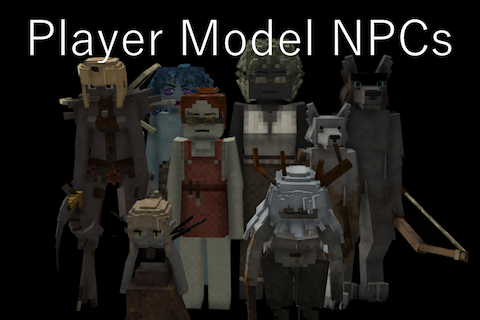
This mod adds NPCs that look like players. An NPC can use any character model added by PlayerModelLib, wear real clothes and armor, hold items, do activities, and talk to you.
Everything can be set up in-game. The game already has a built-in dialogue system, trading functionality, and an activity editor, which I have conveniently hooked into here.
The mod has been made with performance in mind. Every NPC should have somewhere between the cost of a player and a trader.
Features
Placing an NPC
- Take the NPC Placer from the creative inventory and right-click a block to place an NPC there
- The edit window opens right away
- Only works in creative mode or with the
controlserverprivilege - To edit an NPC later, look at it (while in Creative mode) and hold Sprint + RMB, or use
.npcedit

The NPC editor
Four tabs:
- Model - pick any model that PlayerModelLib has loaded and is available to you, with a size slider

- Appearance - the same skin, hair, eye, and color options you get when making your own character, mostly complete in terms of components

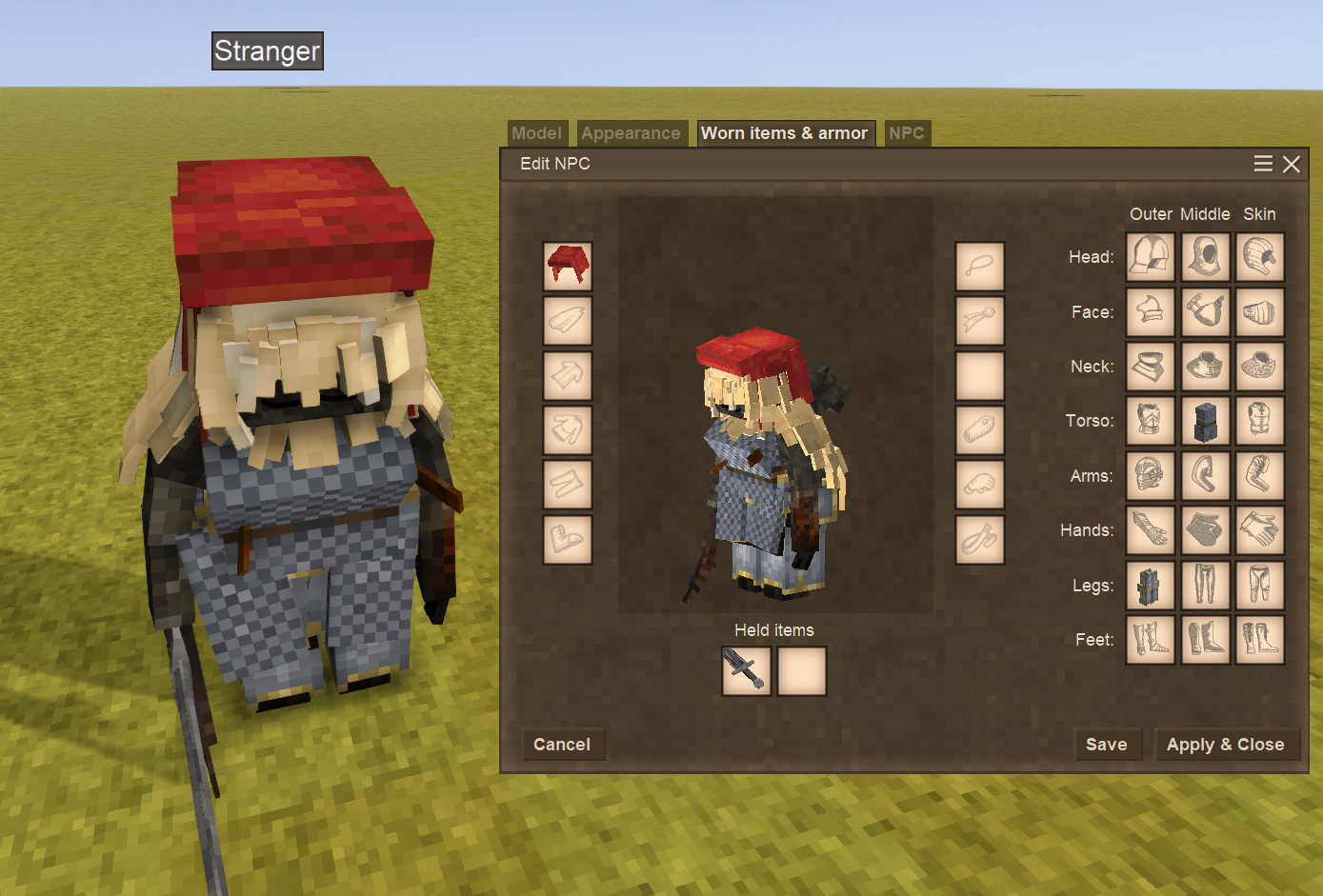
- Worn items & armor - put clothes, armor, and held items straight onto the NPC, laid out like the character (C) window

- NPC - various options like name, dialogue, activities, trade list, max health, invulnerable, immovable, default emote (only with Emotes mod), default facing, show on map

- NPCs use the voice selected in the Appearance editor
- The name can stay hidden. Players see the name Stranger (configurable) until the talk reaches a step with a revealname trigger that reveals the name
- The waypoint on the map can also stay hidden. Until the revealname trigger is used, no marker will be shown on the map.
Talking
- Right-click an NPC that has a dialogue to talk to it. The NPC says a line, you pick a reply, the talk moves on, etc
- The format is based on the vanilla JSON dialogue format
- NPCs without a dialogue do not open a window

Dialogue editor (.dialogeditor)
A dialogue editor using the same JSON format the game uses for its dialogues.
- A dialogue is a list of steps. The first one in the list is where the talk starts
- Steps can be text spoken by the NPC, or reply options by the player, or do something silently
- Every step, and every single reply, can jump anywhere else in the list
- Steps can remember variables (per player, per NPC, per group, or globally). Later steps can use these variables.
- Lines can have conditions, so the same NPC could greet a stranger and a friend differently
- Text can be plain writing or a lang key, and
{playername}and{npcname}are filled in - A step can optionally play a sound
Triggers a step can fire:
- close the talk dialogue
- play an animation on the NPC
- give the player an item or block
- take an item from the player
- spawn a creature near the NPC
- repair the tool or the armor the player is holding
- have the NPC attack the player
- reveal the NPC's real name
- unlock a story door
- play an emote: playemote, with an optional timer after which the emote will end
- start or stop following the player
- open the trading dialogue (only if you set up the trading list)
- open the hair styling menu (the one that Nadiya barbers use)
Most fields have hover text explaining what they do.
Your dialogues are saved on the server in ModData\playermodelnpcs\dialogue , in the game's dialogue format. Dialogues that come with a mod can be opened and read but not overwritten.


Trade list editor
- Accessed using the NPC tab
- Basically the same as vanilla trade functionality
- Can be opened using the opentrade trigger (check the playermodelnpcs:example-trading for a guide on how)
- Custom trade lists will be stored in ModData/playermodelnpcs/dialogue/
- Allows you to set a custom currency to be used for the shop
- Note that these currencies will be saved to the trade lists, so 2 NPCs using the same list will get the same currency used
- There is also a handy "No restocking" toggle to make the shop stock finite
- The trade item editor has a convenient slot where you can drop items in and their attributes will correctly be mapped over
- You can also choose variants for items that define their variants using creativestacks

Activities (.dev aedit)
Ratings & reviews
Sign in to leave a rating or comment.



