
Description
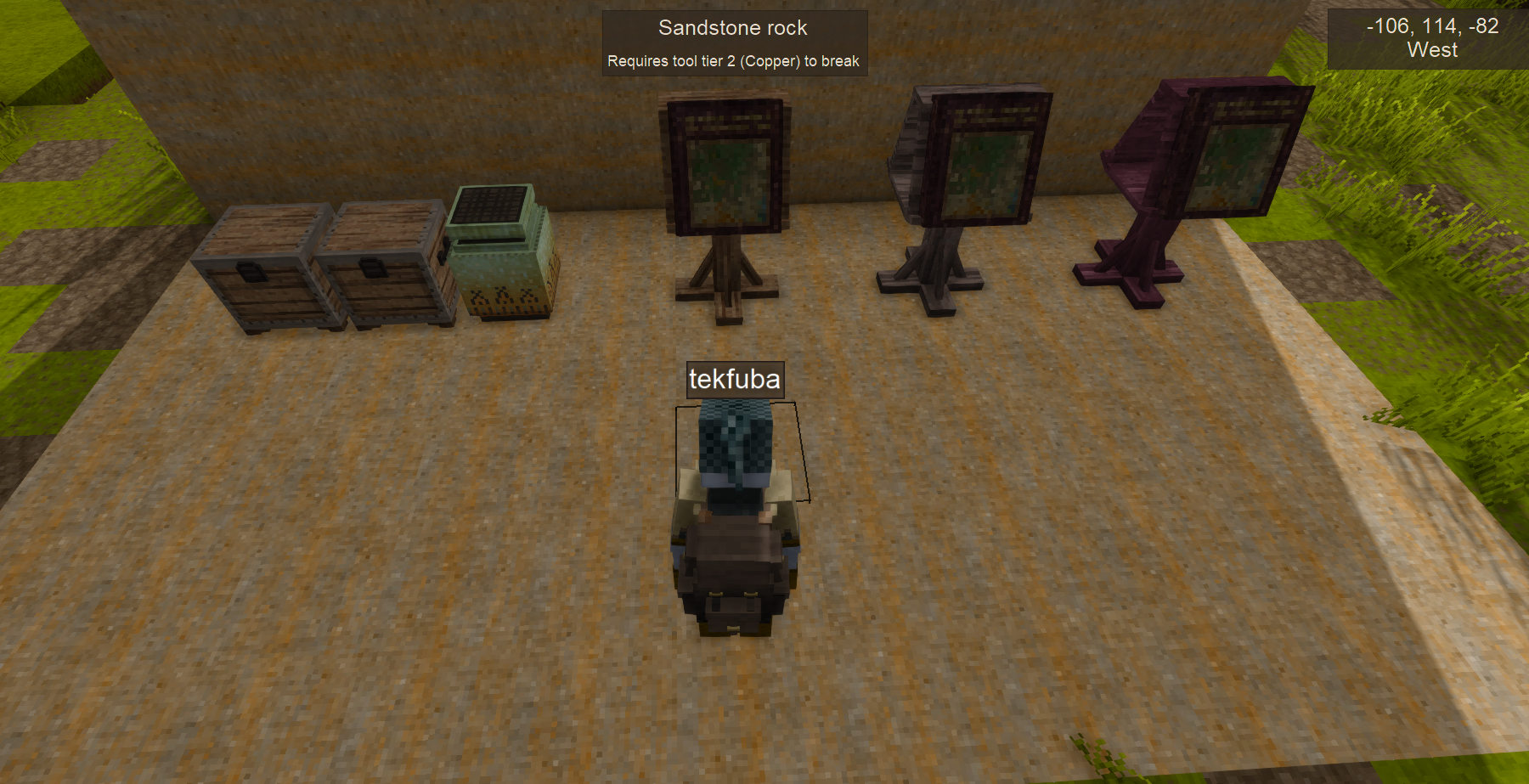
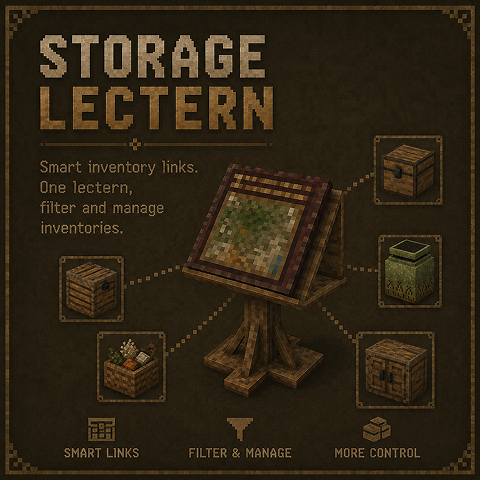
A tiered storage management block for Vintage Story 1.22. Place a lectern near your containers
and use the Tome of Linking to register them — the lectern then gives you a single interface
to browse, search, and retrieve items from all linked containers at once.
Tome of Linking
- Sneak + left-click any container (costs 1 charcoal) to record it
- Sneak + right-click a lectern to transfer all recorded links
- Sneak + right-click air to erase all records
Lectern tiers
<table style="border-collapse: collapse; width: 39.2572%; height: 80px;" border="1"> <tbody> <tr style="height: 20px;"> <td style="width: 10.8312%; text-align: center; height: 20px;">Tier</td> <td style="width: 21.4423%; text-align: center; height: 20px;">Max links</td> <td style="width: 27.1755%; text-align: center; height: 20px;">Recipe</td> <td style="width: 11.7012%; text-align: center; height: 20px;">Range</td> </tr> <tr style="height: 20px;"> <td style="width: 10.8312%; text-align: center; height: 20px;">1</td> <td style="width: 21.4423%; text-align: center; height: 20px;">7</td> <td style="width: 27.1755%; text-align: center; height: 20px;">Wood + Charcoal</td> <td style="width: 11.7012%; text-align: center; height: 20px;">16</td> </tr> <tr style="height: 20px;"> <td style="width: 10.8312%; height: 20px; text-align: center;">2</td> <td style="width: 21.4423%; height: 20px; text-align: center;">25</td> <td style="width: 27.1755%; height: 20px; text-align: center;">Stone + Tome</td> <td style="width: 11.7012%; height: 20px; text-align: center;">24</td> </tr> <tr style="height: 20px;"> <td style="width: 10.8312%; height: 20px; text-align: center;">3</td> <td style="width: 21.4423%; height: 20px; text-align: center;">40</td> <td style="width: 27.1755%; height: 20px; text-align: center;">Metal + Tome</td> <td style="width: 11.7012%; height: 20px; text-align: center;">32</td> </tr> </tbody> </table>
GUI features
- Aggregated view — browse every item across all linked containers in one grid
- Per-container view — switch to a single container via the dropdown
- Search — filter items by name in real time
- Sort — by name or quantity
- Deposit tray — drop items directly into the best-fit linked container
- Scan — discover and link nearby containers without leaving the GUI
- Unlink — remove a specific container from the lectern
- Custom labels — rename individual containers for easier identification
- Lectern name — give the lectern itself a name visible in the world
Compatible with vanilla chests, crates, and storage vessels. Works in multiplayer (universal
mod, required on both client and server).
Ratings & reviews
Sign in to leave a rating or comment.



