
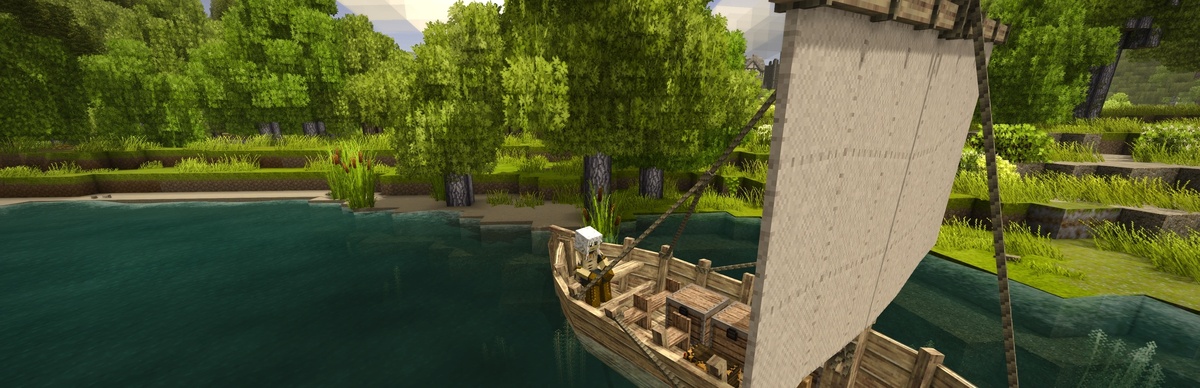
The Toolbox
A quality of life utility mod featuring build mode More to come :D
Description
A quality of life utility mod for Vintage Story that provides useful tools and features for server management and collaborative building.
<span style="color: #e74c3c;">IMPORTANT: You should leave the Build Mode before disconecting to not risk loosing your survival inventory </span>
Features
Build Mode
Build mode allows players to temporarily switch to creative mode while preserving their survival inventory. This is perfect for:
- Collaborative building projects
- Event city construction
- Quick prototyping
- Community building sessions
How Build Mode Works
1. Entering Build Mode: Your current survival inventory (hotbar, backpack, and armor) is saved and hidden
2. Creative Access: You get a clean creative mode inventory with access to all blocks
3. Restrictions: While in build mode, you cannot:
- Access chests or containers
4. Exiting Build Mode: Your creative inventory is cleared and your original survival items are restored exactly as they were
Commands
- /buildmode or /bm - Toggle build mode on/off
- /buildmode on - Enter build mode
- /buildmode off - Exit build mode
- /buildmode help - Show help information
Permissions
Using Vintage Story's Built-in Permission System:
The mod now uses Vintage Story's official IPermissionManager system. Build mode requires one of the following:
Automatic Access:
- admin privilege
- Server privilege level 100 or higher
Manual Permission Grant:
Admins can use the built-in /player command:
/player <playername> privilege grant buildmode
/player <playername> privilege revoke buildmode
Alternative Admin Commands:
The mod also provides convenient admin commands:
- /bmadmin add <player> - Grant build mode permission to a player (online or offline)
- /bmadmin remove <player> - Remove build mode permission from a player (online or offline)
- /bmadmin list - List all online players with build mode permission
Download
No download link is available for this entry right now.
Ratings & reviews
Sign in to leave a rating or comment.



