
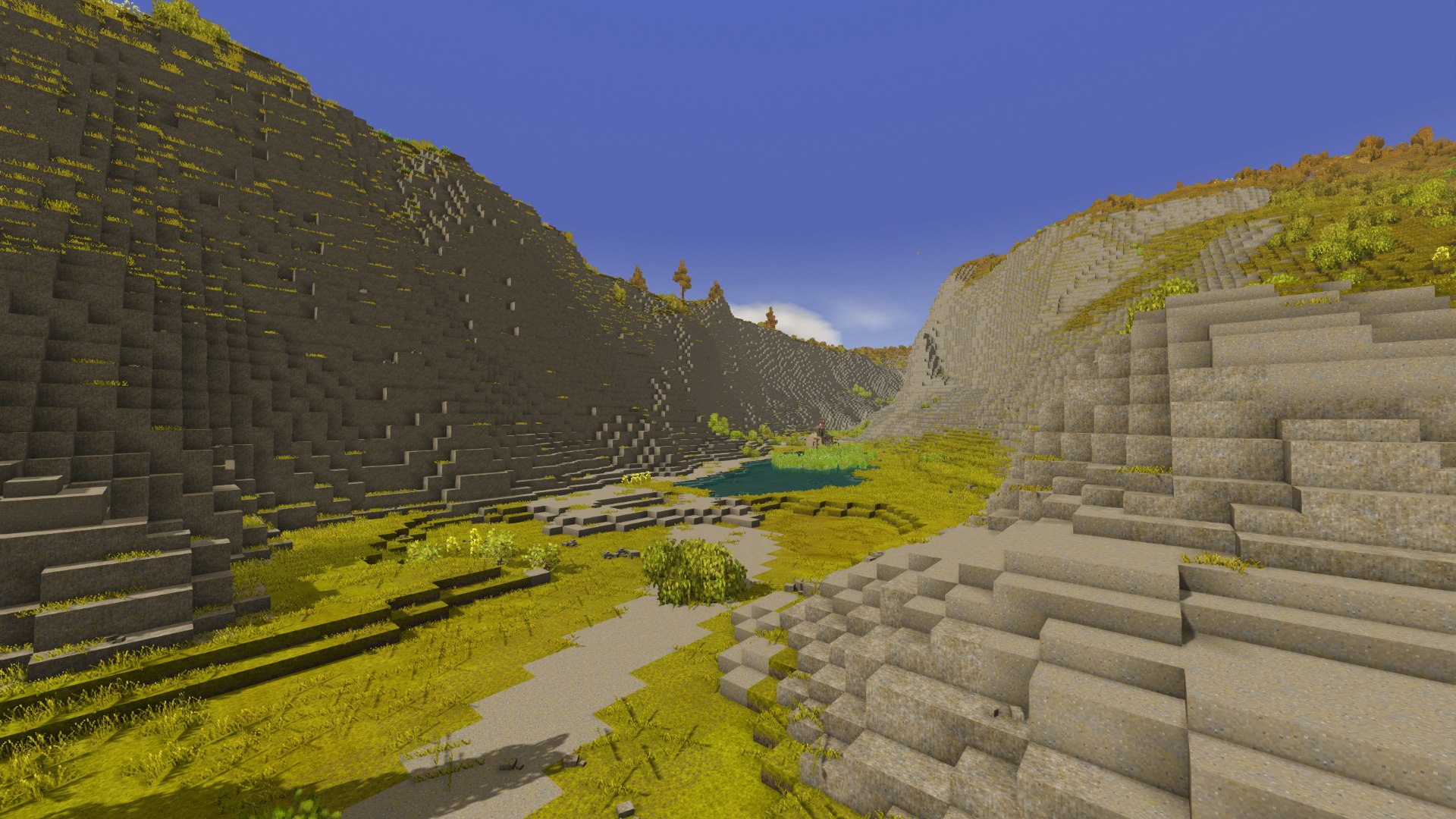
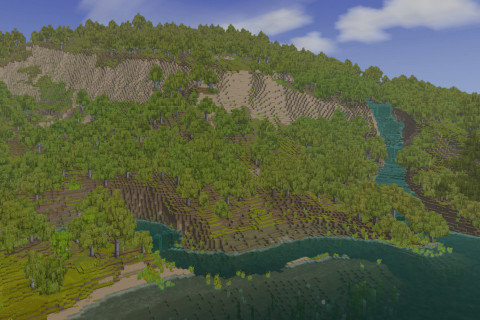
VS Terrain Diffusion
Generate terrain and climates with a model trained on real Earth topography
Description
<span style="color: #e03e2d;">This mod is in early development, and is provided here for the community to play around with and explore. World breaking changes should be expected. Only use this mod with a new world.</span>
I also recommend checking out this implementation of Terrain Diffusion by Alyis: Terra Loom
Description
Generates Vintage Story worlds with Terrain Diffusion;
a neural heightmap model trained on real Earth topography.
Recent Updates
- Many optimizations and support for OpenVINO thanks to Paul T. (v 0.8.1)
- Fixed translocators so they find a destination in a reasonable amount of time. (v 0.9.1)
- Added native, subway tunnel free, support for rivers via model conditioning. (v 0.9.1)
- Changed model inferrence to be preemptable, so moving fast or teleporting will start generating terrain near the player fairly quickly. (v 0.9.1)
- Descreased the default value for RiverBasinDepth to 0.3 to prevent river basins from flattening terrain too much. (v 0.9.2)
- Improved reliability of hardware capability detection & inference backend selection (v 0.9.3)
- Windows will now (hopefully) work with TensorRT-RTX without crashing (v 0.9.3)
- Incompatible configurations can no longer be selected in the configlib menu (v 0.9.3)
- Fixed terrain flattening near sea level. (v 0.10.0)
Known Issues
- The very large biomes can make gameplay difficult, some easy tuning knobs are needed here.
- This mod is completely untested on macOS (I dont have a system to do so), and coreml support only works in theory.
- <span style="text-decoration: line-through;">The int8 decoder model is being auto selected on windows if a gpu inferrence device is not detected. The Int8 decoder should require explicit selection. (High priority)</span>
- <span style="text-decoration: line-through;">River conditioning is too strong in areas with low terrain, causing wide swaths of perfectly flat terrain.</span>
Requirements
- ~2.3 GB of disk for the model files, downloaded once on first launch
- ~3 GB of extra VRAM while the models are resident
<table style="border-collapse: collapse; width: 100%; height: 80.8px;" border="1"> <tbody> <tr style="height: 20.2px;"> <td style="width: 33.3052%; height: 20.2px;">Platform</td> <td style="width: 33.3052%; height: 20.2px;">Device used automatically</td> <td style="width: 33.3052%; height: 20.2px;">Notes
</td> </tr> <tr style="height: 20.2px;"> <td style="width: 33.3052%; height: 20.2px;">Linux</td> <td style="width: 33.3052%; height: 20.2px;">CUDA</td> <td style="width: 33.3052%; height: 20.2px;">Needs CUDA runtime 12 or 13 and cuDNN9</td> </tr> <tr style="height: 20.2px;"> <td style="width: 33.3052%; height: 20.2px;">Windows</td> <td style="width: 33.3052%; height: 20.2px;">DirectML</td> <td style="width: 33.3052%; height: 20.2px;">Any modern GPU; no extra install</td> </tr> <tr style="height: 20.2px;"> <td style="width: 33.3052%; height: 20.2px;">macOS</td> <td style="width: 33.3052%; height: 20.2px;">CoreML</td> <td style="width: 33.3052%; height: 20.2px;">No extra install</td> </tr> <tr> <td style="width: 33.3052%;">Anything else</td> <td style="width: 33.3052%;">CPU</td> <td style="width: 33.3052%;">Works, but slow</td> </tr> </tbody> </table>
The matching ONNX Runtime native library is downloaded on first use (a few MB for CPU/DirectML,
~300 MB for CUDA). Nothing has to be installed by hand.
If you have an NVIDIA 3000 series or newer, you can try out TensorRT-RTX (Tested with Linux and Win11, Win10 may have issues atm.). It will speed things up significantly.
To enable it, set InferenceDevice to tensorrt-rtx in vsterraindiffusion.json.
Recommended Mods
- Terrain Slabs
- Farseer
- Rivers (Set "RiverSpawnChance" in rivers.json to 0.1 or even 0.05)
- Distant Vistas (If you have an extremely powerful computer, this mod is incredible)
Recommended World Settings
<table style="border-collapse: collapse; width: 100%; height: 84.8px;" border="1"> <tbody> <tr style="height: 24.2px;"> <td style="width: 49.9578%; height: 24.2px;">Landcover</td> <td style="width: 49.9578%; height: 24.2px;">40% to 60%</td> </tr> <tr style="height: 20.2px;"> <td style="width: 49.9578%; height: 20.2px;">Landcover scale</td> <td style="width: 49.9578%; height: 20.2px;">300%</td> </tr> <tr style="height: 20.2px;"> <td style="width: 49.9578%; height: 20.2px;">World Height</td> <td style="width: 49.9578%; height: 20.2px;">512 (Generally the higher, the better. You can try 768 and 1024 as well. Climates and terrain may be a bit odd atm.)</td> </tr> <tr style="height: 20.2px;"> <td style="width: 49.9578%; height: 20.2px;">Color Accurate Map</td> <td style="width: 49.9578%; height: 20.2px;">Enabled</td> </tr> </tbody> </table>
Ratings & reviews
Sign in to leave a rating or comment.



