
Back to NxLabs
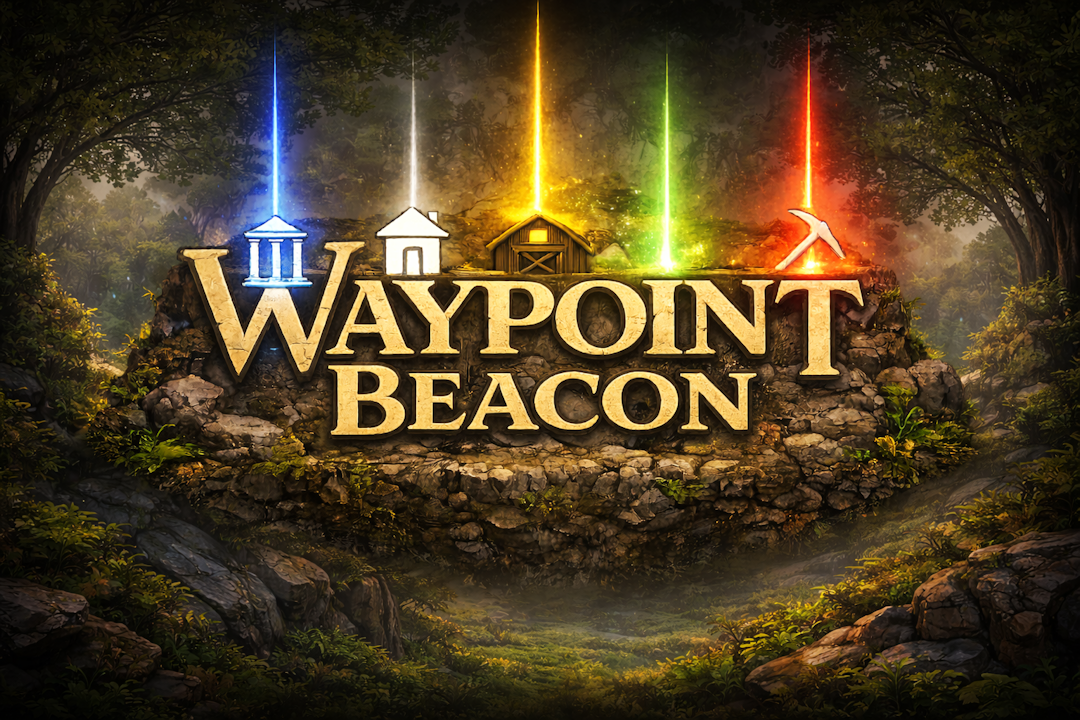
Waypoint Beacon
JBy JimmyMac
Your map knows. Your eyes can too - 3D beacons for waypoints
Description
Waypoint Beacon - Your map knows. Your eyes can too.
Waypoints aren't just flat icons anymore - They jump off the map and into the real world!
This mod brings your map into the real world by projecting glowing 3D beacons wherever you place a waypoint - visible across the landscape.
<span style="color: #000000;">If the map knows where you want to go … your eyes should too.</span>
<span style="color: #e74c3c;">Waypoint Beacon 2.0.0 Released!</span>
<span style="color: #000000;">This is a major update focused on making waypoint and beacon management faster, easier, and more tightly integrated with the Vintage Story World Map.</span>
New Waypoint Manager
- Waypoint Beacon is now built directly into the World Map
- Press M and a Waypoints tab opens alongside the map with a list of all your waypoints (including shared waypoints from Cartographer)
- Sort waypoints by
- Distance
- Name
- Beacon on/off state
- Filter list to show
- All Waypoints
- Beacon On Waypoints Only
- Beacon Off Waypoints Only
- Waypoint list lets you easily see
- Waypoint icon and color
- Waypoint name
- Distance
- Beacon On/Off status
- Click any waypoint in the list to center the World Map on that waypoint
- Select a waypoint to
- Turn Beacon on or off
- Delete waypoint (With an Are You Sure? confirmation for safety)
- Shared waypoints from Cartographer will also remind you that deleting it will delete it for everyone on the server (again safty first)
- Hotkey B adds a waypoint where you are looking
- Unlike waypoints beacons are 3D so this hotkey lets you place the waypoint at specific X Y Z coords (underground or on a mountain)
- Settings Tab (This replaces the old Beacon Manager) (Hotkey K)
- Adjust label font size
- Adjust label style
- Show distance
- Show coordinates
- Show label only
- Show labels
- Always
- Never
- Auto Hide
- Set beacon render distance
- Toggle fade out beacons as you get near
- Toggle creating a new waypoint also turns on the beacon
- Hide All Beacons (Temporarily turn off beacon render engine)
- This doesn't change the on/off state of your beacons
- Show/Hide beams (Floating labels only) (Hotkey L to toggle beams)
- Enable/Disable all beacons
- This is changing all beacons on/off state
How to get started
-
Open world map (Or just look and press B)
-
Right click to add a waypoint (Or not if you pressed B)
-
Select beacon (Just like selecting pinned)
- Select waypoint color and icon
-
Presto a 3D beam in that color
(complete with floating label and icon) - Right click on any existing waypoint
- (Un)select beacon to turn off/on any sky laser
Ratings & reviews
No ratings yet
Sign in to leave a rating or comment.



