






The Nxeon Blog
Guides for people who run their own servers.
Straight-talking tutorials and comparisons on VPS hosting, game servers, Linux and security. No fluff, just what actually works. 346 guides from the team that runs the servers.
Search results
7 guides for “rsync” in Tutorials · Clear search
How to Create a Non-Root Sudo User on a VPS
Working as root all the time is dangerous. Create a dedicated sudo user, give it your SSH key, and adopt least-privilege as your default way of working.
How to Set Up Automated Backups on a VPS
A backup you never tested isn't a backup. Build an automated, offsite, restorable backup routine for files and databases with rsync, cron and the 3-2-1 rule.
How to Self-Host Navidrome (Music Streaming)
Your own Spotify, powered by your music collection. Install Navidrome on a VPS with Docker and stream to any Subsonic-compatible app.
How to Self-Host Plex on a Linux VPS
Turn a Linux VPS into your personal Plex server. Install with Docker, claim it to your account, and stream your library to every device you own.
How to Self-Host Jellyfin (Media Server) on a VPS
A completely free, no-account media server. Install Jellyfin on a VPS with Docker, secure it with HTTPS, and stream your library to any device.
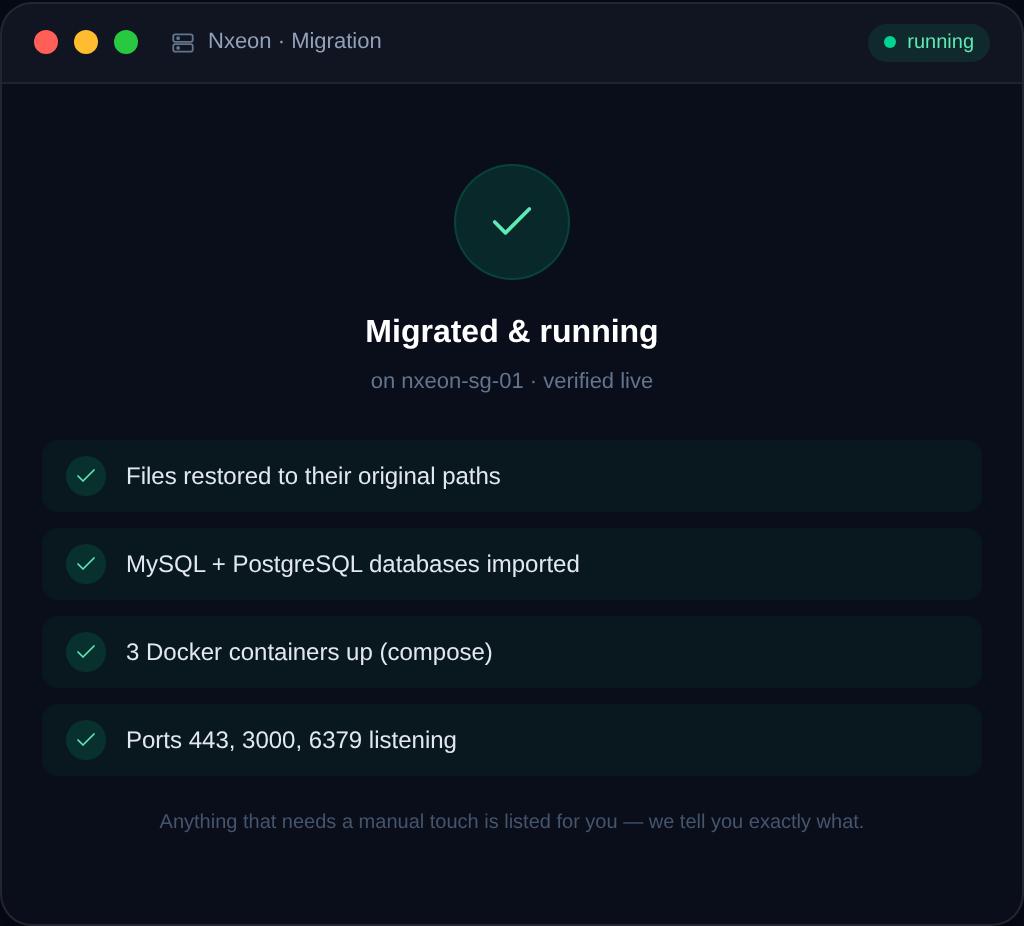
How to Migrate WordPress to a New VPS
Moving WordPress to a new VPS without downtime is straightforward if you do it in the right order. This guide walks the manual method and the low-risk cutover.
How to back up a VPS (and actually restore it)
A backup you can't restore is worthless. Learn the layers of VPS backups — snapshots, file backups and database dumps — plus how to automate and test them.
Deploy your first server in under a minute.
Creating an account is free and takes no card details. Every guide here runs on a Nxeon VPS or game server.