






The Nxeon Blog
Guides for people who run their own servers.
Straight-talking tutorials and comparisons on VPS hosting, game servers, Linux and security. No fluff, just what actually works. 346 guides from the team that runs the servers.
Search results
54 guides for “keys” · Clear search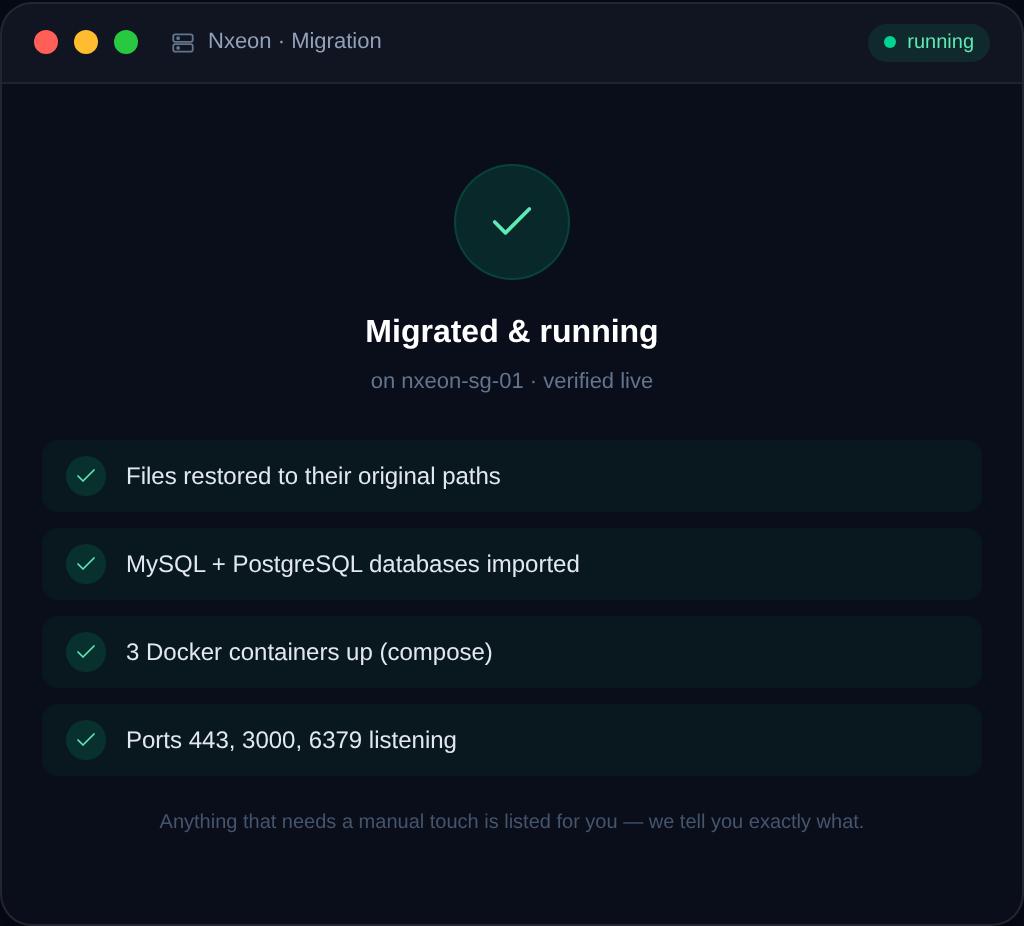
How to Migrate Your Website to Nxeon (Free Migration)
Switching hosts shouldn't cost you a weekend or your uptime. Here's how Nxeon's free migration works, what to prepare, and how the low-risk DNS cutover keeps you online.

How to Secure a WordPress Site on a VPS
Running WordPress on your own VPS means owning its security — which is a good thing. This practical checklist locks down the server, PHP and WordPress itself.

How to Speed Up WordPress on a VPS with Caching
Layered caching is the single biggest WordPress speed win. This guide sets up page cache, Redis object cache and OPcache on your VPS — with the commands.
Best VPS for Discord Bots
Discord bots need to run 24/7 without babysitting. Here's how to choose a small, reliable VPS that keeps your bot online — sizing, uptime and process management.

How to Op Yourself and Manage Admins on a Minecraft Server
Operators can run commands and manage a Minecraft server. Here's how to op yourself, set op levels, and manage admins safely.
How to Set Up a Vanilla Minecraft Server
The clean, official way to run a vanilla Minecraft Java server on Linux — no mods, no plugins, just the base game for you and friends.
Port Forwarding vs a VPS: How to Make a Minecraft Server Public
To let friends join, you either port-forward your home router or run a VPS. Here's an honest comparison of both, with the tradeoffs.
How to Set Up a Minecraft Bedrock Dedicated Server
Run an official Bedrock Dedicated Server on Linux so phone, console, and Windows 10 players can join a persistent world.
How to Install Gitea (Self-Hosted Git) on a VPS
Run your own lightweight GitHub alternative: install Gitea on Ubuntu 24.04 with its own user, a database, systemd, and an Nginx reverse proxy.
How to Set Up Git-Based Deploys on a VPS
Deploy by pushing to your server: set up a bare Git repo with a post-receive hook so 'git push' builds and reloads your app.
How to Install Redis on a VPS
Install Redis on Ubuntu 24.04, turn on a password and persistence, and use it as a cache or session store for your app.
How to Install PostgreSQL on a VPS
Install PostgreSQL 16 on Ubuntu 24.04, understand roles and the postgres user, and create a database and app role with the right privileges.
Deploy your first server in under a minute.
Creating an account is free and takes no card details. Every guide here runs on a Nxeon VPS or game server.