






The Nxeon Blog
Guides for people who run their own servers.
Straight-talking tutorials and comparisons on VPS hosting, game servers, Linux and security. No fluff, just what actually works. 346 guides from the team that runs the servers.
Search results
27 guides for “discord” · Clear search
How to Install V Rising Mods (BepInEx)
A clear step-by-step guide to installing V Rising mods with BepInEx: set up the loader, drop mods into plugins, and keep clients in sync.
Best V Rising Mods for 2026
From KindredCommands to Bloodcraft RPG progression, these are the V Rising mods worth running on your 2026 server, plus where to get them.

How to Install 7 Days to Die Mods (EAC Off)
Install 7 Days to Die mods correctly: use the Mods folder (no Workshop), turn EAC off for code overhauls, and make every client match the server.
Best 7 Days to Die Overhaul Mods for 2026
The best 7 Days to Die overhaul mods for 2026: Darkness Falls, Undead Legacy, War3zuk AIO, Ravenhearst, and The Wasteland, plus server tools.
Best Minecraft Plugins for 2026 (Paper/Spigot)
The essential Paper and Spigot plugins for 2026: permissions, anti-grief, cross-play, Discord integration, live maps, and performance tools.
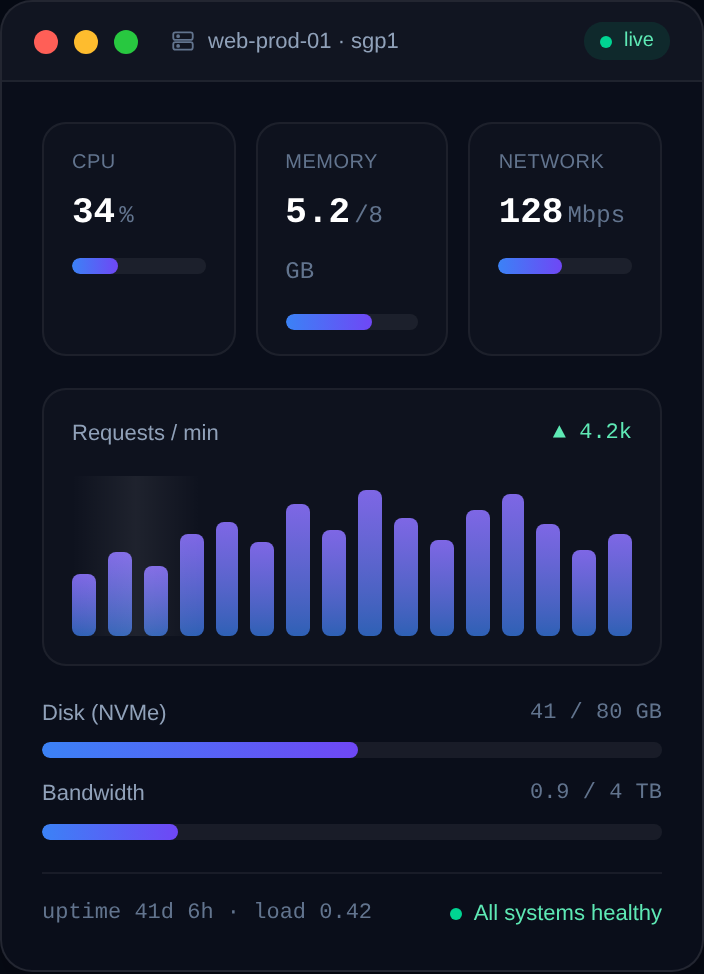
How to Self-Host a Status Page for Your Services
Give users a public status page that shows what's up, what's down and why. Build one for free with Uptime Kuma on a VPS.

How to Self-Host a Matrix/Synapse Chat Server
Own your chat with a Matrix Synapse homeserver. Install it on a VPS with Docker, wire up HTTPS and federation, and connect with the Element app.
How to Self-Host Uptime Kuma for Monitoring
A gorgeous, self-hosted uptime monitor. Install Uptime Kuma with Docker and get instant alerts when a site or service goes down.
Game Server Specs Explained: CPU, RAM and Bandwidth
Understand what actually matters when sizing a game server: single-thread CPU, RAM per player, storage speed, and upload bandwidth — with real rules of thumb.

How to Host Multiple Game Servers on One VPS
Run several game servers on a single VPS without them clashing: separate users, unique ports, systemd services, resource limits, and a clean firewall.
How to Run a Telegram Bot 24/7 on a VPS
Deploy a Telegram bot on a Linux VPS and keep it online 24/7: Python or Node, polling vs webhooks, a safe token, and a systemd service that auto-restarts.
How to Deploy a Discord Bot with Docker
Containerize your Discord bot with a Dockerfile and run it on a VPS: build the image, pass the token as an env var, and auto-restart with a restart policy.
Deploy your first server in under a minute.
Creating an account is free and takes no card details. Every guide here runs on a Nxeon VPS or game server.