






The Nxeon Blog
Guides for people who run their own servers.
Straight-talking tutorials and comparisons on VPS hosting, game servers, Linux and security. No fluff, just what actually works. 346 guides from the team that runs the servers.
Search results
12 guides for “music” · Clear search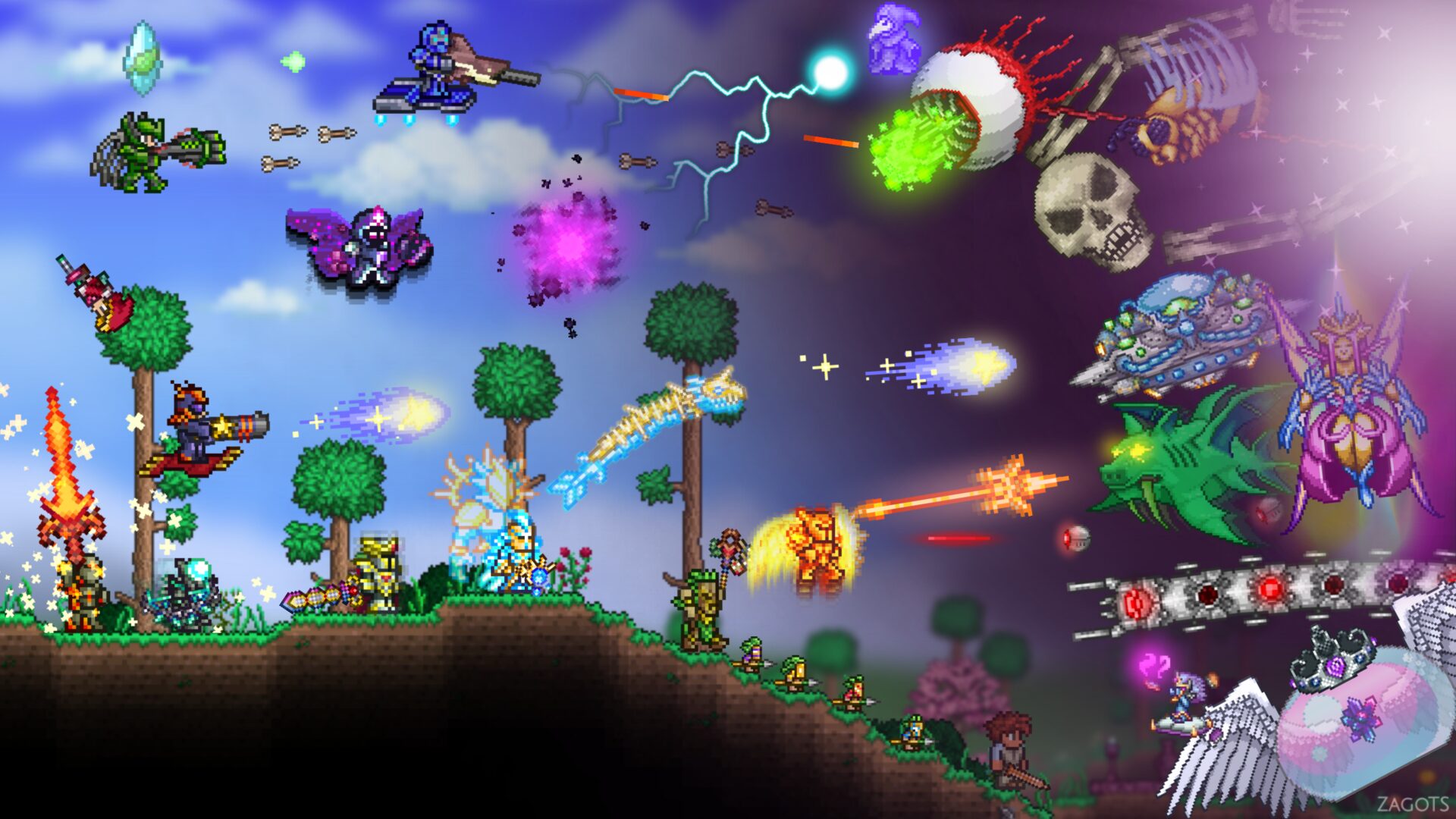
Best tModLoader Mods for Terraria (2026)
The best tModLoader mods for Terraria in 2026: Calamity, Thorium, Magic Storage, Recipe Browser, Fargo's, Boss Checklist, and The Stars Above.

12 Best Self-Hosted Apps to Run on a VPS
A curated tour of the best self-hosted apps for a VPS — what each one replaces, what it needs, and where to start. Your roadmap to a private, self-run stack.
How to Self-Host Navidrome (Music Streaming)
Your own Spotify, powered by your music collection. Install Navidrome on a VPS with Docker and stream to any Subsonic-compatible app.
How to Self-Host Plex on a Linux VPS
Turn a Linux VPS into your personal Plex server. Install with Docker, claim it to your account, and stream your library to every device you own.
How to Self-Host Jellyfin (Media Server) on a VPS
A completely free, no-account media server. Install Jellyfin on a VPS with Docker, secure it with HTTPS, and stream your library to any device.
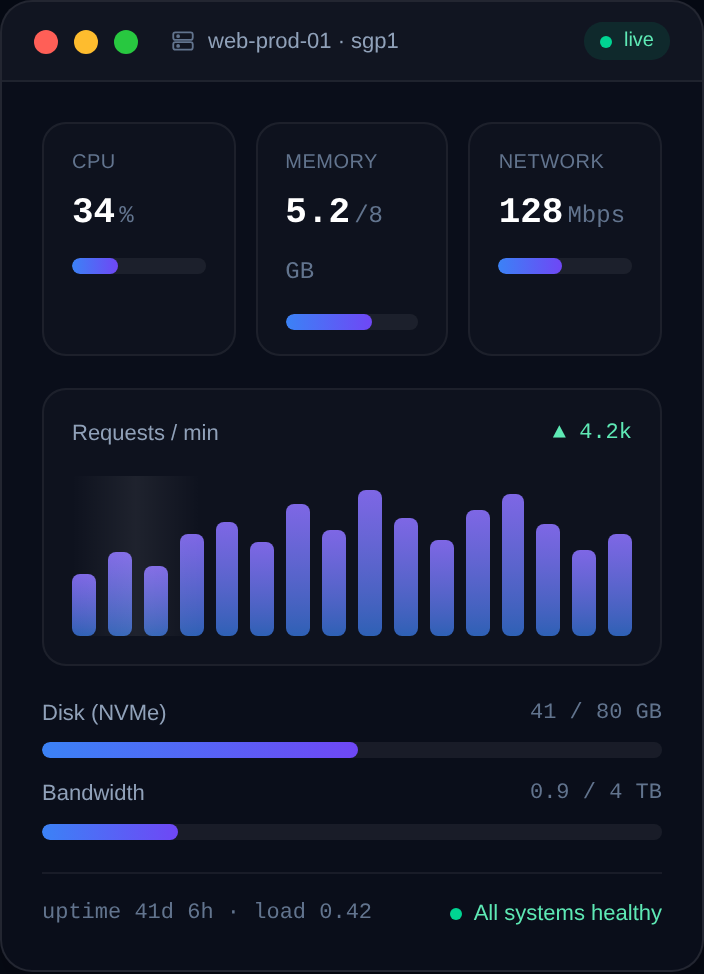
Game Server Specs Explained: CPU, RAM and Bandwidth
Understand what actually matters when sizing a game server: single-thread CPU, RAM per player, storage speed, and upload bandwidth — with real rules of thumb.
How to Set Up a Mumble (Murmur) Voice Server
Host your own low-latency Mumble voice server with the Murmur daemon on a Linux VPS: install, configure mumble-server.ini, set the SuperUser password, and secure it.
How to Deploy a Discord Bot with Docker
Containerize your Discord bot with a Dockerfile and run it on a VPS: build the image, pass the token as an env var, and auto-restart with a restart policy.
How to Host a Discord Music Bot on a VPS
Run your own Discord music bot on a VPS: install ffmpeg and the voice dependencies, stream audio reliably, and keep it online 24/7 with PM2.
How to Keep a Discord Bot Online with PM2
Use PM2 to keep your Node.js Discord bot running 24/7 on a VPS: auto-restart on crash, start on boot, log management, and zero-downtime restarts.
How to Host a Discord Bot on a VPS 24/7
Move your Discord bot off your laptop and onto a VPS so it stays online around the clock. Covers Node.js and Python, a process manager, and auto-restart.
Best VPS for Discord Bots
Discord bots need to run 24/7 without babysitting. Here's how to choose a small, reliable VPS that keeps your bot online — sizing, uptime and process management.
Deploy your first server in under a minute.
Creating an account is free and takes no card details. Every guide here runs on a Nxeon VPS or game server.