






About CKC Gildenbeutel: Automatisches Truhenlager
From Steam WorkshopCKC Guild Bag – Automatic Guild Chest Storage Automatically transfer resources from your player inventory directly into your Guild Chest. IMPORTANT: SINGLEPLAYER VERSION The version currently…
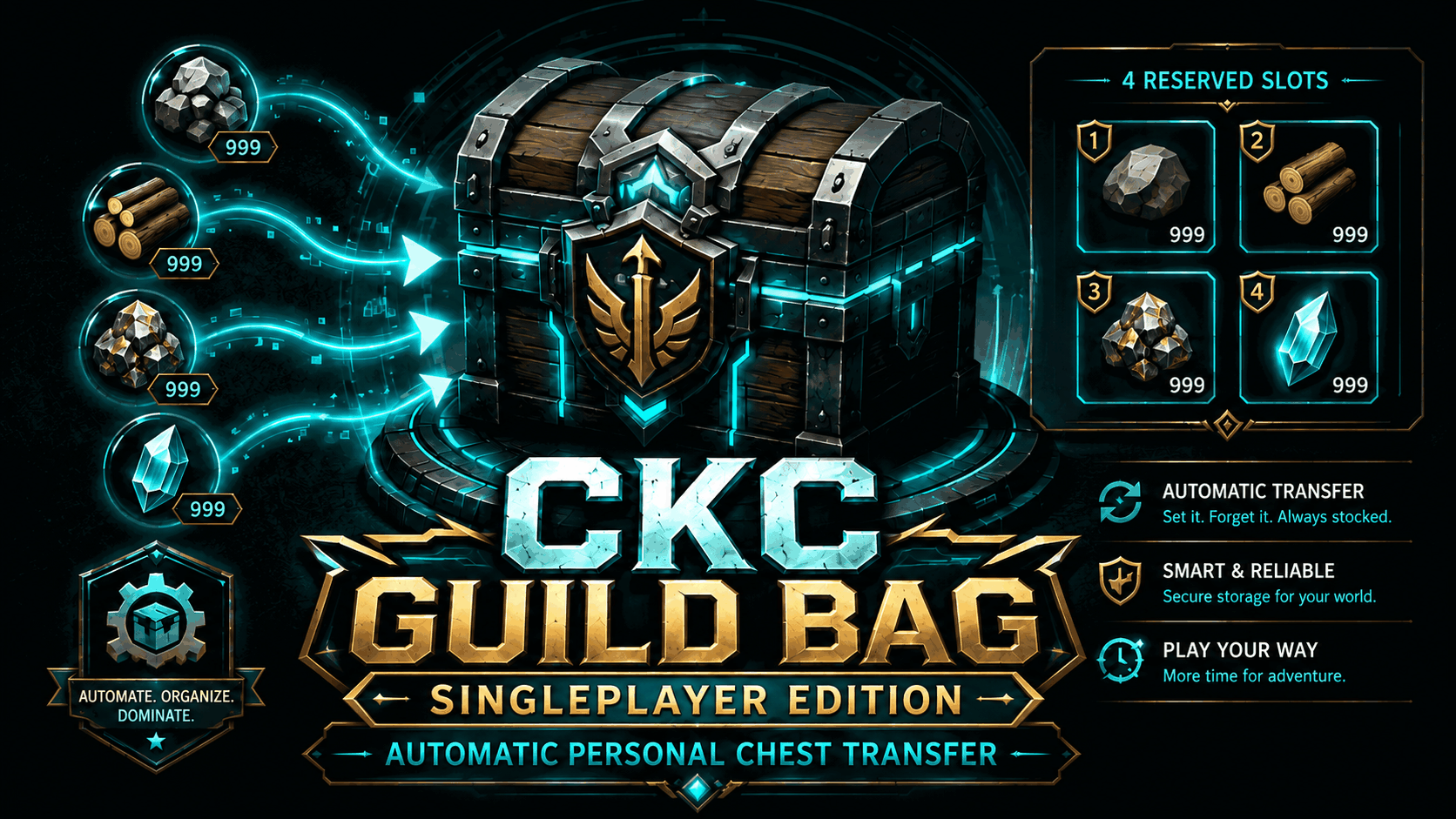
CKC Guild Bag – Automatic Guild Chest Storage
Automatically transfer resources from your player inventory directly into your Guild Chest.
IMPORTANT: SINGLEPLAYER VERSION
The version currently available on Steam Workshop is intended exclusively for Singleplayer.
Dedicated Server and Multiplayer server operation are not supported by this version.
A new fully server-side CKC Guild Bag version is already in development and will be released separately once it is fully tested and ready.
FEATURES
- 4 configurable marker slots using the first four normal inventory slots.
- Almost any item can be used as a marker.
- Automatic transfer while farming.
- At least 1 marker item always remains.
- Marker stacks transfer only Amount - 1.
- Additional matching stacks elsewhere in the inventory are transferred completely.
- Multiple markers can be active at once.
- No hovering over inventory slots required.
- Fail-Closed safety logic.
HOW IT WORKS
1. Build a real physical Guild Chest.
2. Open your normal inventory and place markers in the first four slots:
Slot 1 = Marker 1 Slot 2 = Marker 2 Slot 3 = Marker 3 Slot 4 = Marker 4
Example: Wood ×1 / Stone ×1 / Ore ×1 / Paldium Fragment ×1
3. After every world load, open the normal inventory once. It can be closed again immediately.
4. Start farming. Matching items are transferred automatically while the final marker item remains in your inventory.
SAFETY
No valid Guild Chest = no transfer.
CKC Guild Bag uses only a real, still-existing physical Guild Chest as its destination.
If the Guild Chest is dismantled or destroyed, transfers stop and your items remain in your inventory.
- The final marker item is never transferred.
- No fallback storage container is used.
- No direct local StackCount manipulation.
- No intentional deletion of items.
IMPORTANT: SORTING
Marker slots 1–4 are currently not protected from Palworld's Sort function.
After sorting, check the first four slots and restore your desired markers if necessary.
REQUIREMENTS & INSTALLATION
Requires: UE4SS Experimental PW
Tested with UE4SS 3.0.1 Beta and PalSchema 0.6.3, among others.
1. Install/subscribe to required dependencies. 2. Subscribe to and enable CKC Guild Bag. 3. Fully restart Palworld. 4. Load a Singleplayer world. 5. Open the inventory once. 6. Set markers in slots 1–4. 7. Make sure a Guild Chest exists. 8. Start farming.
CURRENT VERSION
CKC Guild Bag v0.1.34 – Singleplayer Release / Safety Guard
- Continuous automatic transfer.
- Four marker slots.
- Leave-1 marker logic.
- Additional matching stacks transfer completely.
- Fail-Closed Guild Chest validation and physical chest safety guard.
KNOWN LIMITATIONS
- Singleplayer only.
- Inventory must be opened once after every world load.
- Marker slots are not yet excluded from the Sort function.
- Keeping sufficient free Guild Chest space is recommended.
SERVER VERSION
A new fully server-side version for Dedicated Servers is in development.
It is not included in this Workshop download and will be released separately at a later date.
CKC MODS
Developed by ChaosKalle_Live
Feedback and bug reports are welcome. For technical issues, please include your current UE4SS.log whenever possible.
Highlights
From source dataFootprint
Rated a light load on a server.
Last update
Its author last shipped an update 2 mo ago.
CKC Gildenbeutel: Automatisches Truhenlager on Nxeon
From our catalogue- One-click install
- Not available. One-click install isn't available for this game's mods yet. Download it and upload it to your server in Files.
- Server load
- light
- Smallest plan we suggest
- Palworld — 8 GB (8 GB RAM). This follows our own load rating above, not a benchmark.
- Latest build
- 2026-09-05, released 2026-09-05
Game versions by loader
| Loader | Game versions | Newest |
|---|---|---|
| Workshop |
From 1 recorded build of CKC Gildenbeutel: Automatisches Truhenlager.
Dependencies
- Required: UE4SS Experimental (Palworld)
Declared by the newest build that lists any. Required ones are installed with it on one-click installs.
Run CKC Gildenbeutel: Automatisches Truhenlager on a Palworld server
Deploy a server above, then upload the file in Files.
What kind of mod it is
From the catalogQuality of life & UI
Small conveniences, tweaks and interface improvements players notice straight away.
Compatibility
- Game
- Palworld
Verified at the source
- ✓Steam WorkshopOfficial listing, checked 2026-10-12Open ↗
- ✓AuthorChaosKalle_Live, as published on Steam Workshop
- ✓LicenseNot published by the sourceFree











