






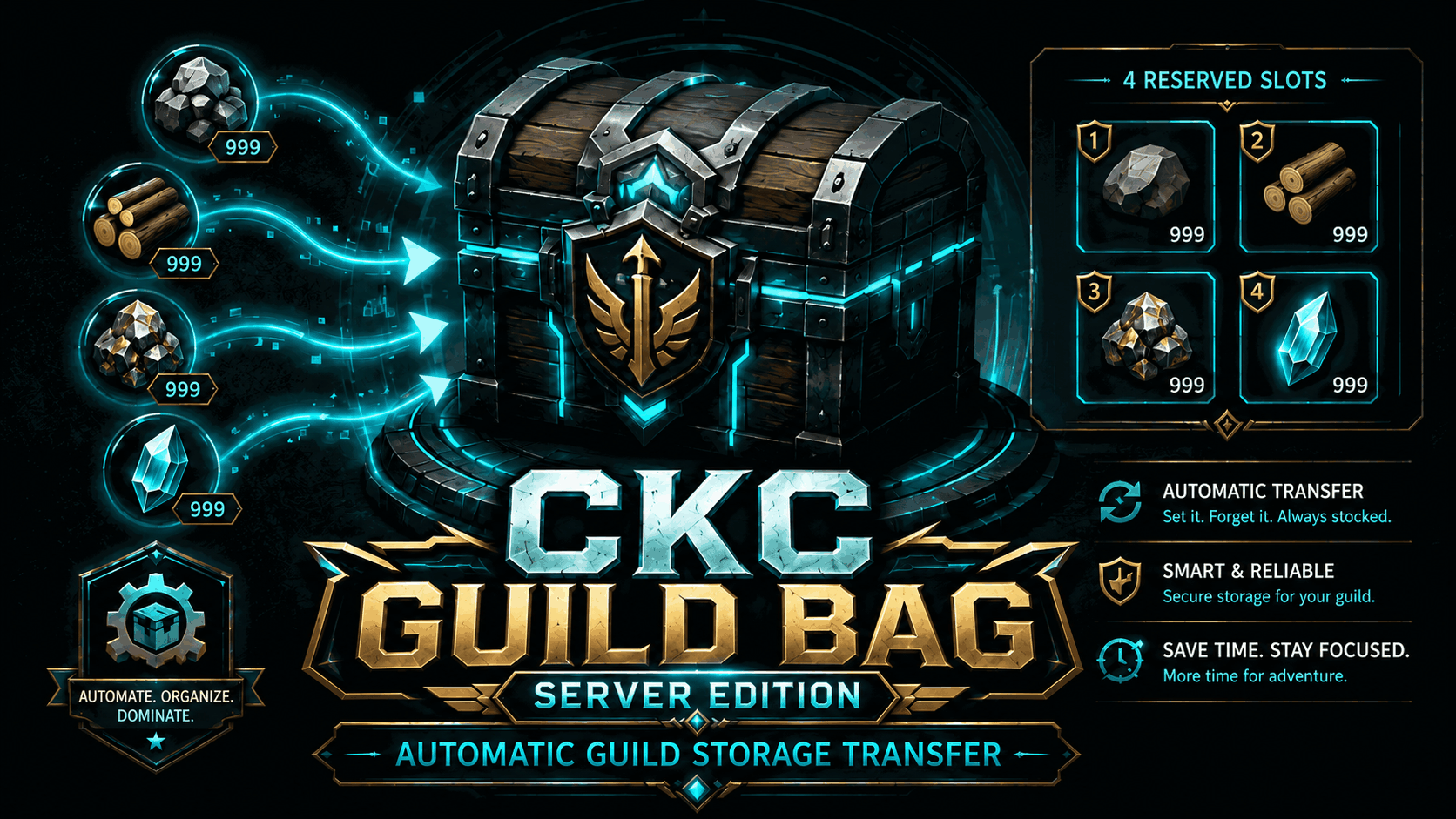
About CKC Guild Bag – Dedicated Server Edition
From Steam WorkshopCKC Guild Bag – Dedicated Server Edition Automatic server-side inventory transfer into freely named guild storage containers. DEDICATED SERVER EDITION CKC Guild Bag – Dedicated Server Edition is the…
CKC Guild Bag – Dedicated Server Edition
Automatic server-side inventory transfer into freely named guild storage containers.
DEDICATED SERVER EDITION
CKC Guild Bag – Dedicated Server Edition is the fully server-side version of CKC Guild Bag for Palworld Dedicated Servers.
This is a standalone server edition. The existing singleplayer version remains available separately and is not replaced by this mod.
Clients do not need CKC Guild Bag installed. All transfer logic runs on the Dedicated Server.
CORE FUNCTION
CKC Guild Bag protects fixed areas of the normal player inventory and automatically transfers items into specially named storage containers belonging to the player's guild.
Inventory layout:
Slots 1–4 – protected marker area Slots 5–6 – protected working area Slot 7 to end – automatic transfer area while !bagon is enabled
CHAT COMMANDS
Automation is controlled separately for every player.
!bagon Enables automatic transfer of every occupied inventory slot from visible Slot 7 onward.
!bagoff Disables automatic transfer from Slot 7 onward.
!bagstatus Shows the executing player's current personal state.
After every server restart, Slot-7+ automation starts disabled.
SLOTS 1–4 – MARKER AREA
The first four visible slots of the normal inventory form the protected marker area.
• Any item can be used • At least 1 item always remains in every occupied marker slot • If a marker stack contains more than 1 item, only the amount above 1 is transferred • CKC does not automatically create new marker assignments • Automatic pickup cannot create new stacks in empty Slots 1–4 • Already occupied marker slots may still receive matching items through normal pickup • CKC protected sorting does not modify Slots 1–4
Example:
Slot 1: Wood ×1 Slot 2: Stone ×1 Slot 3: Ore ×1 Slot 4: Paldium Fragment ×1
SLOTS 5–6 – PROTECTED WORKING AREA
Slots 5 and 6 are completely excluded from CKC automatic transfer.
• No CKC auto-transfer • No CKC sorting • Normal manual use remains available • Normal pickup and stacking remain available
This gives the player two permanently protected working slots.
SLOT 7 TO END – AUTO TRANSFER
While !bagon is enabled, every occupied stack from visible Slot 7 onward is automatically transferred into GuildBag storage.
The item type does not matter.
Examples:
Slot 7: Wood → transfer Slot 8: Stone → transfer Slot 9: Ammunition → transfer Slot 10: Food → transfer Slot 11: Pal Sphere → transfer
Items in Slot 7+ do not need to match the marker items in Slots 1–4.
!bagoff disables this automation only for the player executing the command.
GUILDBAG STORAGE
The Dedicated Server Edition uses normal physical storage containers.
Name the desired containers exactly:
GuildBag_Storage_1 GuildBag_Storage_2 GuildBag_Storage_3 GuildBag_Storage_4
and so on.
The number determines priority:
GuildBag_Storage_1 → GuildBag_Storage_2 → GuildBag_Storage_3 → ...
AUTOMATIC FALLBACK & SPLIT
If a storage cannot accept an item, or cannot accept the full amount, CKC automatically tries the next numbered storage.
Partial remaining capacity is also considered.
Example:
50 Wood needs to be transferred. GuildBag_Storage_1 has room for 20. GuildBag_Storage_2 has enough remaining capacity.
CKC can split the transfer:
20 → GuildBag_Storage_1 30 → GuildBag_Storage_2
NO AVAILABLE STORAGE
If no valid GuildBag storage can accept the current item, no further transfer is performed.
The affected player receives:
CKC Guild Bag: No free GuildBag storage. Add a new GuildBag_Storage_x.
The warning includes spam protection and is not repeated every transfer cycle.
GUILD PROTECTION
CKC only uses valid GuildBag storage belonging to the player's guild.
Storage belonging to other guilds is ignored.
If two storages use the same number, for example two GuildBag_Storage_2 containers, CKC does not choose one arbitrarily. The system fails closed until the conflict is resolved.
SORT PROTECTION
The first six visible inventory slots remain protected.
Slots 1–4 – marker area Slots 5–6 – working area
CKC protected sorting operates only from Slot 7 onward.
PICKUP PROTECTION
Automatic pickup cannot create new item stacks in empty Slots 1–4.
If a marker slot is already occupied, matching items may still be added to that existing stack through normal pickup.
Slots 5–6 and Slot 7+ retain normal pickup behavior.
SAFETY
CKC Guild Bag uses a fail-closed architecture.
No clearly valid destination = no transfer.
Safety rules:
• Server-authoritative transfers • No direct local StackCount manipulation • No direct ItemId manipulation • Transfers are verified after execution • No fallback to unknown containers • No fallback to the Palworld Guild Chest • Invalid or destroyed storage is ignored • Storage belonging to other guilds is ignored • Duplicate storage numbers are never selected randomly • Slots 5–6 are never auto-transferred • Marker slots always retain at least 1 item • Critical verification failures stop the current transfer
REQUIREMENTS
Required on the Dedicated Server:
UE4SS Experimental PW PalSchema
Developed and tested with environments including:
UE4SS 3.0.1 Beta PalSchema 0.6.3
INSTALLATION
1. Install UE4SS Experimental PW on the Dedicated Server. 2. Install and enable PalSchema. 3. Install and enable CKC Guild Bag – Dedicated Server Edition. 4. Fully restart the server. 5. Build at least one normal physical storage container.
Highlights
From source dataFootprint
Rated a light load on a server.
Last update
Its author last shipped an update 59d ago.
CKC Guild Bag – Dedicated Server Edition on Nxeon
From our catalogue- One-click install
- Not available. One-click install isn't available for this game's mods yet. Download it and upload it to your server in Files.
- Server load
- light
- Smallest plan we suggest
- Palworld — 8 GB (8 GB RAM). This follows our own load rating above, not a benchmark.
- Latest build
- 2026-09-06, released 2026-09-06
Game versions by loader
| Loader | Game versions | Newest |
|---|---|---|
| Workshop |
From 1 recorded build of CKC Guild Bag – Dedicated Server Edition.
Dependencies
- Required: UE4SS Experimental (Palworld)
Declared by the newest build that lists any. Required ones are installed with it on one-click installs.
Run CKC Guild Bag – Dedicated Server Edition on a Palworld server
Deploy a server above, then upload the file in Files.
What kind of mod it is
From the catalogQuality of life & UI
Small conveniences, tweaks and interface improvements players notice straight away.
Compatibility
- Game
- Palworld
Verified at the source
- ✓Steam WorkshopOfficial listing, checked 2026-10-15Open ↗
- ✓AuthorChaosKalle_Live, as published on Steam Workshop
- ✓LicenseNot published by the sourceFree











