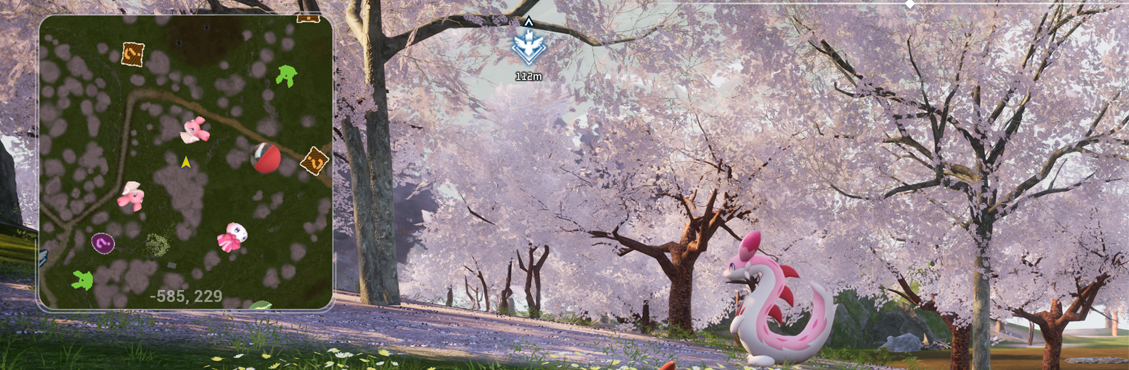
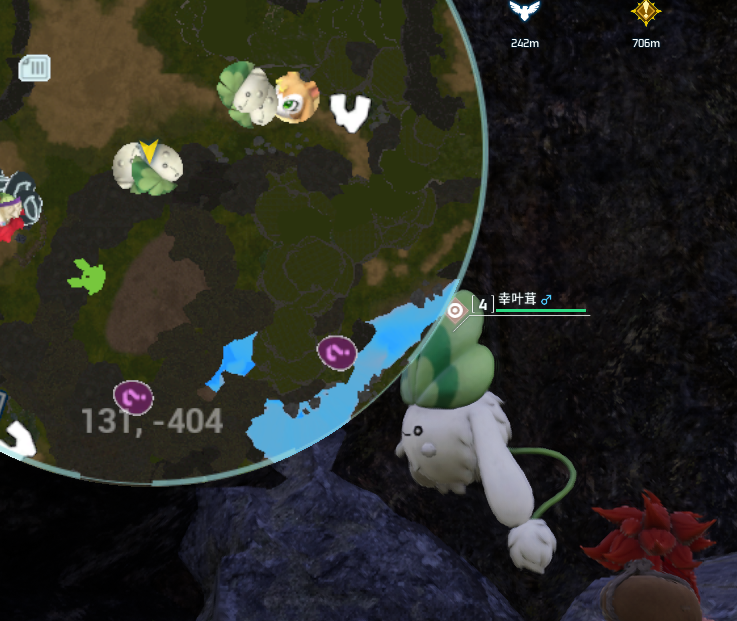
About Creative Menu
From Steam WorkshopCreative Menu is a tool that can be used to spawn items, pals and npcs at will! Not only that, you can fully customize the stats of your pals. There is a copy of my mod floating around Workshop which…
Creative Menu is a tool that can be used to spawn items, pals and npcs at will! Not only that, you can fully customize the stats of your pals.
[h1]There is a copy of my mod floating around Workshop which was reuploaded without my permission. The mod in question is a reskin with no other functional changes added to it and also contains ads when you launch the game and may also contain other harmful components, so be careful.
I know I am not actively updating Creative Menu currently, but that's because I have other priorities that need my attention. I will resume work on this once I'm finished with everything else I need to work on. Do not be disrespectful and reupload other people's content just because they are inactive without asking first.[/h1]
This mod does not require UE4SS.
You can open the menu by pressing F1 or by holding the crouch button for 3 seconds.
Important
After you subscribe to the mod, do these steps to enable Creative Menu:
1. Launch the game and wait until you get to the title screen. 2. Go to Options > Mod Management and make sure Enable Mod is set to ON. 3. Make sure the checkbox next to Creative Menu is CHECKED 4. Click the blue Save button and the game will now restart. 5. Once the game starts up again, Creative Menu should now be enabled.
If you do not do these steps, F1 will do absolutely nothing nor will any other keybind.
Usage in Multiplayer
To be able to use Creative Menu in multiplayer, the host and you must have the mod and you must either be an admin or be permitted by an admin or the host through Options > Manage Permissions. Only admins or the host can permit other players.
If the host has Creative Menu, you'll receive a notification saying [noparse]Creative Menu has successfully connected to the server.[/noparse]
[h2] If you are getting "Unable to connect to host, wait 30 seconds" message on your server then you can try teleporting to Plateau of Beginnings and reconnecting to the server. This is a limitation and not something I can easily fix. [/h2]
Raid Bosses
In 1.2.0+ you'll now be able to spawn Raid variants of pals. You must make sure you are inside a base when summoning the raid boss for it to function properly.
Kits and Templates will be added in the future.
Frequently Asked Questions
Q: Does Creative Menu work in Dedicated Server? A: Yes, as long as both the client and the server has the mod and the person using the mod is either an admin or has been permitted by an admin through Permission Management.
Q: Will you add the previous features from the old Creative Menu? A: Yes, eventually, be patient.
Q: If I add this to a dedicated server, would everyone that joins need to have the mod to play on the server? A: No.
Highlights
From source dataFootprint
Rated a light load on a server.
Last update
Its author last shipped an update 4 mo ago.
Creative Menu on Nxeon
From our catalogue- One-click install
- Not available. One-click install isn't available for this game's mods yet. Download it and upload it to your server in Files.
- Server load
- light
- Smallest plan we suggest
- Palworld — 8 GB (8 GB RAM). This follows our own load rating above, not a benchmark.
- Latest build
- 2026-07-12, released 2026-07-12
Game versions by loader
| Loader | Game versions | Newest |
|---|---|---|
| Workshop |
From 1 recorded build of Creative Menu.
Run Creative Menu on a Palworld server
Deploy a server above, then upload the file in Files.
What kind of mod it is
From the catalogQuality of life & UI
Small conveniences, tweaks and interface improvements players notice straight away.
Compatibility
- Game
- Palworld
Verified at the source
- ✓Steam WorkshopOfficial listing, checked 2026-11-01Open ↗
- ✓AuthorOak, as published on Steam Workshop
- ✓LicenseNot published by the sourceFree