About ElementalRebalance
From ThunderstoreAdds Elements to certain pals and rebalances the type chart to make the Elements more balanced in both representation and battle effectiveness.
There were two main reasons for this mod's creation.
The first is that the Elements have widely different levels of representation in the current Paldeck. For example, Dark types are very common while Electric types are very scarce. Along with this, many elemental combinations are not currently represented. This has been remedied by updating Pals' Elements to make sure all Elements are represented relatively equally, and every combination exists at least once in the game.
The second is that in vanilla, in order to counter a given Element, the player needs to use a Pal/Attack of one specific other Element. By making each Element strong against 2 others, players have more options on how to counter specific opponents.
As a bonus to gaining new Elements, some pals have also gained new work suitabilties.
Installing the .pak mod (Pal Elements)
- To install the .pak mod, simply paste ElementalRebalance_P.pak into your game's Paks/ folder (Palworld/Pal/Content/Paks/). Your Palworld/ folder will be located wherever you install Steam games.
Installing the .lua mod (Element Effectiveness)
- Lua mods require UE4SS to run. You can download it from the requirements section of this mod.
- Once UE4SS is set up, paste the ElementalRebalance folder into your game's Mods folder (Palworld/Pal/Binaries/Win64/Mods/).
Using the mod
- With your .pak and .lua mods in place, simply launch Palworld from Steam and you're good to go!
- This mod works on dedicated servers! Just make sure all clients also have the .pak mod installed.
Below is a list of the current updates.
Element Chart Updates:
Dark is no longer strong against Neutral. Neutral's only interaction is a resistance to itself.
Water > Dragon
Grass > Electric
Electric > Dark
Ice > Water
Dragon > Ground
Dark > Grass
Dark > Fire
Ground > Ice
Pal Element Updates:
Lamball - Neutral/Electric
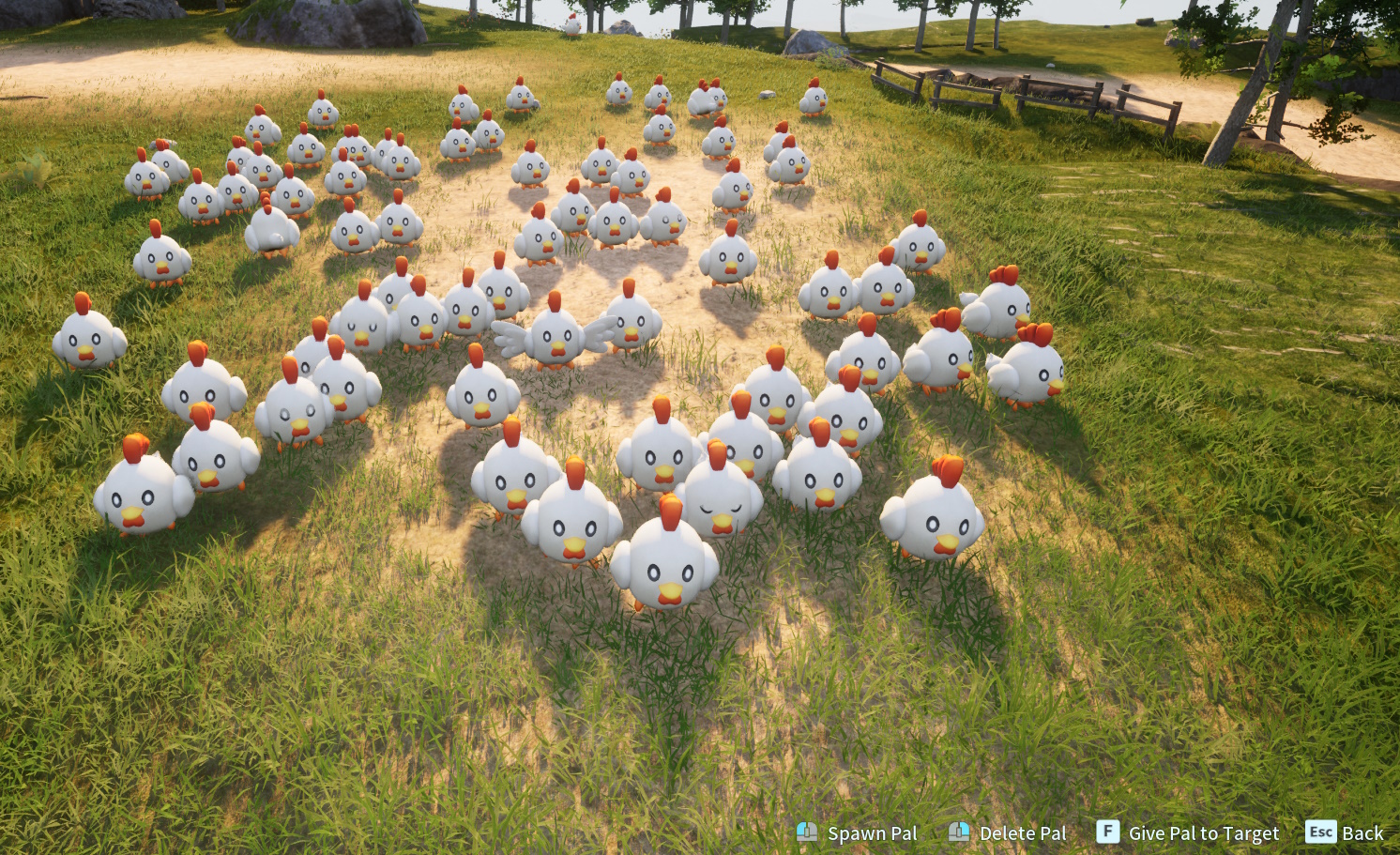
Chikipi - Neutral/Grass
Rooby - Fire/Neutral
Jolthog Cryst - Ice/Electric
Hoocrates - Dark/Electric
Depresso - Dark/Water
Rushoar - Ground/Electric
Nox - Dark/Neutral
Killamari - Dark/Water
Celaray - Water/Electric
Mozzarina - Neutral/Water
Gobfin Ignis - Fire/Water
Hangyu Cryst - Ice/Ground
Cinnamoth - Grass/Fire
Dumud - Ground/Dragon
Leezpunk - Dark/Dragon
Leezpunk Ignis - Fire/Dragon
Elizabee - Grass/Electric
Grintale - Neutral/Ground
Swee - Ice/Ground
Sweepa - Ice/Ground
Rayhound - Electric/Ground
Kitsun - Fire/Ice
Dazzi - Electric/Water
Lunaris - Neutral/Electric
Surfent Terra - Ground/Water
Lovander - Neutral/Dragon
Flambelle - Fire/Ground
Vanwyrm - Fire/Dragon
Vanwyrm Cryst - Ice/Dragon
Ragnahawk - Fire/Electric
Verdash - Grass/Electric
Kelpsea Ignis - Fire/Water
Kingpaca - Neutral/Fire
Ice Kingpaca - Ice/Neutral
Mamorest - Grass/Ground
Mamorest Cryst - Ice/Ground
Wumpo Botan - Grass/Ice
Fenglope - Neutral/Water
Quivern - Dragon/Ice
Helzephyr - Dark/Electric
Suzaku - Fire/Dragon
Suzaku Aqua - Water/Dragon
Lyleen Noct - Dark/Grass
Frostallion Noct - Dark/Ice
Notes/Future Development:
- Currently the damage numbers update correctly but the border color of the damage text remains default. So, super effective hits might look neutral, but they are doing double the damage compared to vanilla
- Plan to update Pals' learnsets to give them STAB options with their new Elements
- Plan to incorporate new element effectiveness with status effects (such as wet, frozen, etc)
Highlights
From source dataLoaders
Runs on BepInEx.
Footprint
Rated a light load on a server.
Last update
Its author last shipped an update 3 yr ago.
ElementalRebalance on Nxeon
From our catalogue- One-click install
- Not available. One-click install isn't available for this game's mods yet. Download it and upload it to your server in Files.
- Server type needed
- BepInEx
- Server load
- light
- Smallest plan we suggest
- Palworld — 8 GB (8 GB RAM). This follows our own load rating above, not a benchmark.
- Latest build
- 1.0.1, released 2024-02-26
Game versions by loader
| Loader | Game versions | Newest |
|---|---|---|
| BepInEx |
From 2 recorded builds of ElementalRebalance.
Recent builds
| Build | Released | Game versions | Loaders |
|---|---|---|---|
| 1.0.1 | 2024-02-26 | n/a | BepInEx |
| 1.0.0 | 2024-02-26 | n/a | BepInEx |
Dependencies
- Required: unreal shimloader
Declared by the newest build that lists any. Required ones are installed with it on one-click installs.
Run ElementalRebalance on a Palworld server
Deploy a server above, then upload the file in Files.
What kind of mod it is
From the catalogGameplay & overhauls
New mechanics, content and overhauls that change how the game plays.
Compatibility
- Game
- Palworld
- Loaders
- BepInEx
- Requires
- One-click install needs a BepInEx server.
Verified at the source
- ✓ThunderstoreOfficial listing, checked 2026-10-02Open ↗
- ✓Authordubcats, as published on Thunderstore
- ✓LicenseNot published by the sourceFree