






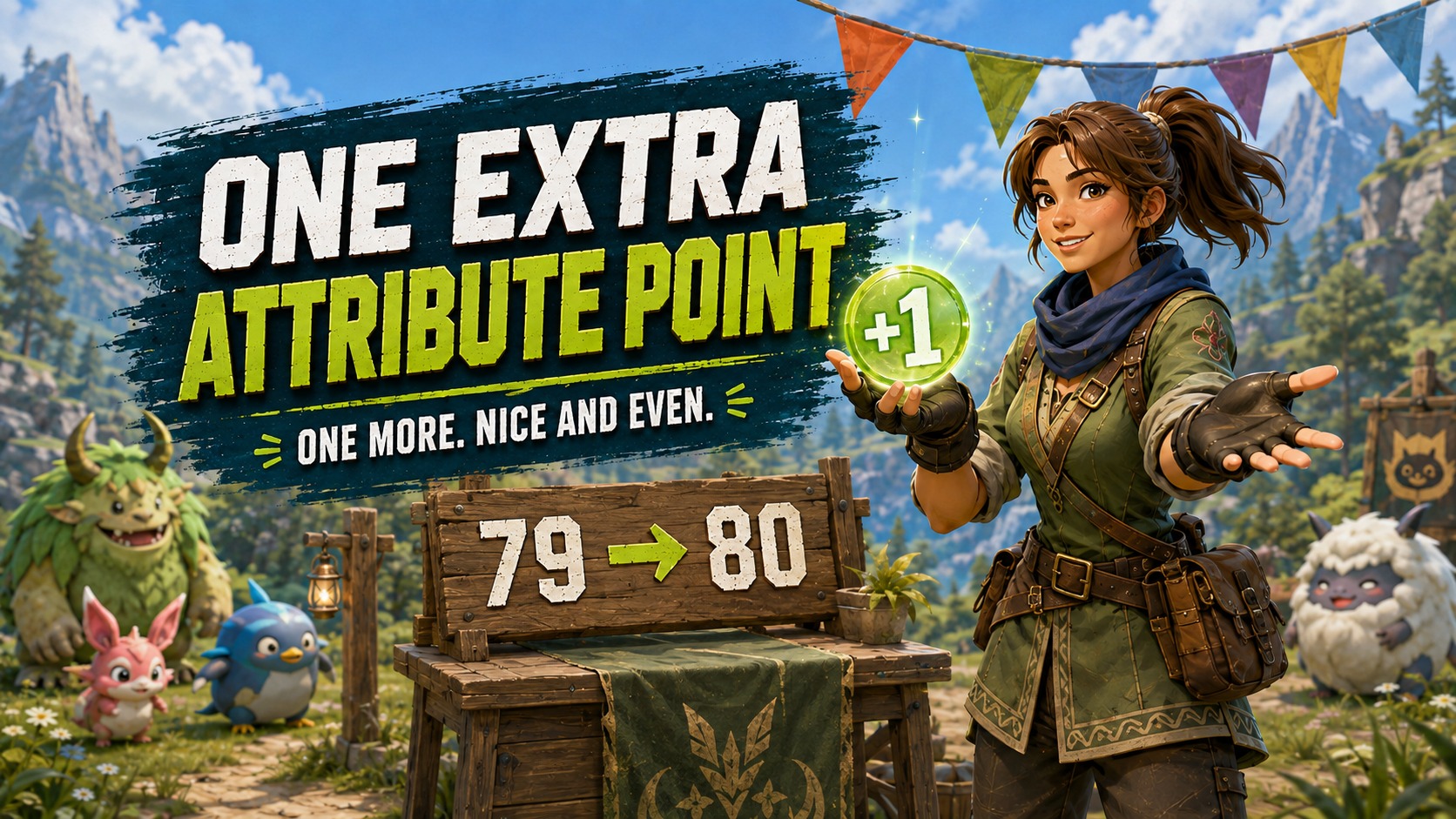
About One Extra Attribute Point
From Steam WorkshopOne Extra Attribute Point Step right up! Tired of 79? You fought the bosses. You built the base. You reached level 80. And your reward is... 79 attribute points. Seventy. Nine. Well, friend, have I…
One Extra Attribute Point
Step right up! Tired of 79?
You fought the bosses. You built the base. You reached level 80. And your reward is... 79 attribute points.
Seventy. Nine.
Well, friend, have I got a point for you.
One Extra Attribute Point adds exactly one freely assignable attribute point to your character. Once. At level 1, halfway through an adventure, or already at the cap. With normal leveling, that turns your level-80 total from 79 into a beautifully respectable 80.
*Slaps point counter* This baby can fit one more point in it.
Take it for a test drive
- Alt + U — Upgrade: Claim your one bonus attribute point.
- Shift + U — Undo: Remove one unspent point, only if this mod previously granted your character its bonus.
Use the shortcut while in your loaded world with chat and menus closed. Open your character menu afterward and spend the new point wherever you like. Nothing is added automatically when you load or level up.
Hammering the key will not turn this into a points dealership. The claim is recorded for this character in this world and stays used after restarting.
The return policy
Changed your mind? Shift + U can remove one unspent point after a successful claim. If you already spent every point, wait until you have a free point available, such as after another level-up. The mod will not choose an attribute to reduce for you.
Undo finishes the claim permanently. You cannot claim the point again afterward. You do not need to use Undo just to uninstall the mod.
What counts as a point?
The balance check counts ordinary points spent on health, stamina, attack, weight and work speed. Capture-power upgrades, movement-speed upgrades, and remedy/elixir boosts keep doing their own thing. They do not stop an otherwise eligible character from claiming this bonus.
The first release supports the normal one-attribute-point-per-level setup. Other mods that change that rate or have already given you extra ordinary points can make the initial claim ineligible. This is a single-player/local-host mod; players joining someone else's server and dedicated servers are not supported.
Installation — Steam Workshop
Subscribe to this item and the required UE4SS Workshop dependency. Enable both in Palworld's Mod Management and restart the game. PalSchema is not required.
If switching from the manual private test, close the game, retain its claim record, and remove the manual OneExtraAttributePoint mod folder before enabling the Workshop copy. Keep only one copy active. Use your normal save backup when installing a gameplay mod.
Keep your little receipt
Save and quit normally after adding the point. Removing the mod does not run Undo. The mod keeps a small local claim record outside its own mod folder so reinstalling does not create another offer.
Keep OneExtraAttributePoint.claims-v1.txt when upgrading or uninstalling. Its location for this installation is:
Mods/NativeMods/UE4SS/OneExtraAttributePoint.claims-v1.txt[/code]

The file is not included in the download and is not synchronized with Steam Cloud by this mod. If moving between manual and Workshop installations, retain the record and transfer it to the new UE4SS folder with the game closed; keep only one installation of this mod active. Restoring an older save does not reopen an already used claim. If a change was interrupted, the mod stops further changes and reports that its record needs review.

[h2]Configuration and support[/h2]

The defaults are Alt + U and Shift + U. You can change the letter keys and ALT/SHIFT modifiers in Scripts/config.lua, then restart the game. If a shortcut does nothing, close menus/chat and check for conflicting bindings. For other problems, include the OneExtraAttributePoint lines from UE4SS.log and describe your level, free points and what happened.

In-game testing confirmed first-level claims, saved/spent-point persistence, repeat-claim blocking, eligible undo, correct HUD updates, and the established-character case with capture/movement upgrades and elixir boosts. The release also passed 83 simulated engine/filesystem checks. Respec, uninstall retention and all save-restore combinations have not each been separately verified in game.

[h2]Support me on Ko-fi[/h2]
If you enjoy the mod and want to support future Palworld projects, visit [url=https://ko-fi.com/rsdntevle]RsdntEvle on Ko-fi[/url]. Support is always appreciated and never required.

[h2]My Other Mods[/h2]
[list]
[*][url=https://steamcommunity.com/sharedfiles/filedetails/?id=3783823886]Endgame Ore Pits - Chromite and Coralum[/url]
[*][url=https://steamcommunity.com/sharedfiles/filedetails/?id=3788270461]Endgame Ore Pits - Paloxite[/url]
[*][url=https://steamcommunity.com/sharedfiles/filedetails/?id=3788357336]Midgame Ore Pits - Paldium[/url]
[*][url=https://steamcommunity.com/sharedfiles/filedetails/?id=3789715353]Palbox Surveyor - Now With GridLock[/url]
[*][url=https://steamcommunity.com/sharedfiles/filedetails/?id=3791485948]Palbox Border Auto-Hide[/url]
[*][url=https://steamcommunity.com/sharedfiles/filedetails/?id=3792487029]Endgame Logging - Mythical Wood[/url]
[*][url=https://steamcommunity.com/sharedfiles/filedetails/?id=3795920449]Moving Eat Animation Fix[/url]
[*][url=https://steamcommunity.com/sharedfiles/filedetails/?id=3796555033]Adventurer's Helping Hand - Sensible Autolooting[/url]
[*][url=https://steamcommunity.com/sharedfiles/filedetails/?id=3797496804]AutoSnap Vanilla Fences[/url]
[*][url=https://steamcommunity.com/sharedfiles/filedetails/?id=3797549153]Stair Handrails[/url]
[*][url=https://steamcommunity.com/sharedfiles/filedetails/?id=3798352826]Expedition Whistle Fix[/url]Highlights
From source dataFootprint
Rated a light load on a server.
Last update
Its author last shipped an update 57d ago.
One Extra Attribute Point on Nxeon
From our catalogue- One-click install
- Not available. One-click install isn't available for this game's mods yet. Download it and upload it to your server in Files.
- Server load
- light
- Smallest plan we suggest
- Palworld — 8 GB (8 GB RAM). This follows our own load rating above, not a benchmark.
- Latest build
- 2026-09-08, released 2026-09-08
Game versions by loader
| Loader | Game versions | Newest |
|---|---|---|
| Workshop |
From 1 recorded build of One Extra Attribute Point.
Dependencies
- Required: UE4SS Experimental (Palworld)
Declared by the newest build that lists any. Required ones are installed with it on one-click installs.
Run One Extra Attribute Point on a Palworld server
Deploy a server above, then upload the file in Files.
What kind of mod it is
From the catalogCreatures & NPCs
Adds or changes creatures, NPCs and how they behave.
Compatibility
- Game
- Palworld
Verified at the source
- ✓Steam WorkshopOfficial listing, checked 2026-10-22Open ↗
- ✓AuthorRsdntEvle, as published on Steam Workshop
- ✓LicenseNot published by the sourceFree











