
About Passive Guide
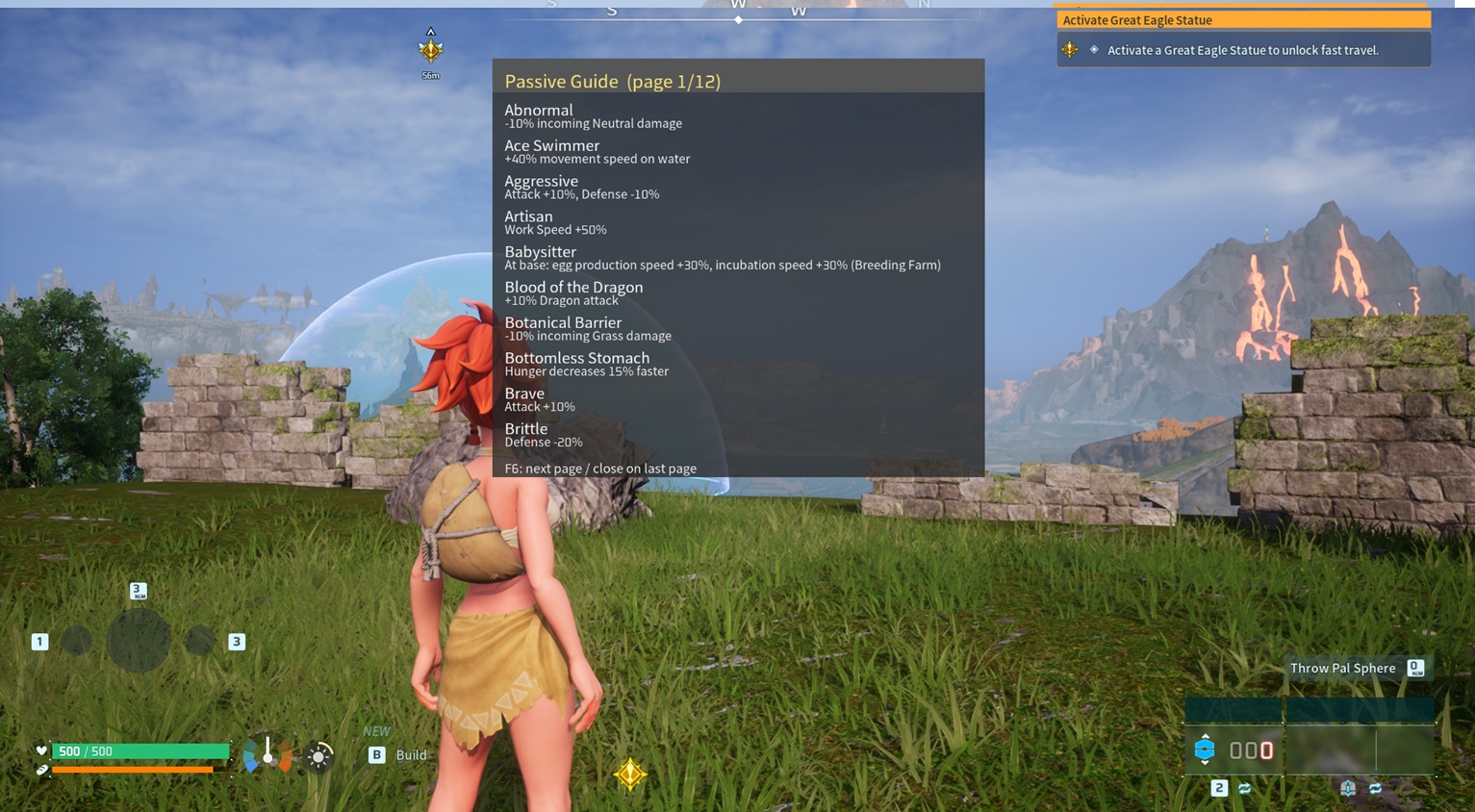
From Steam WorkshopShows the passive skills and their effects for whatever Pal you're aiming at. This can be toggled on/off with Essentially, when targeted a panel will pop up on the right hand side of the screen. This…
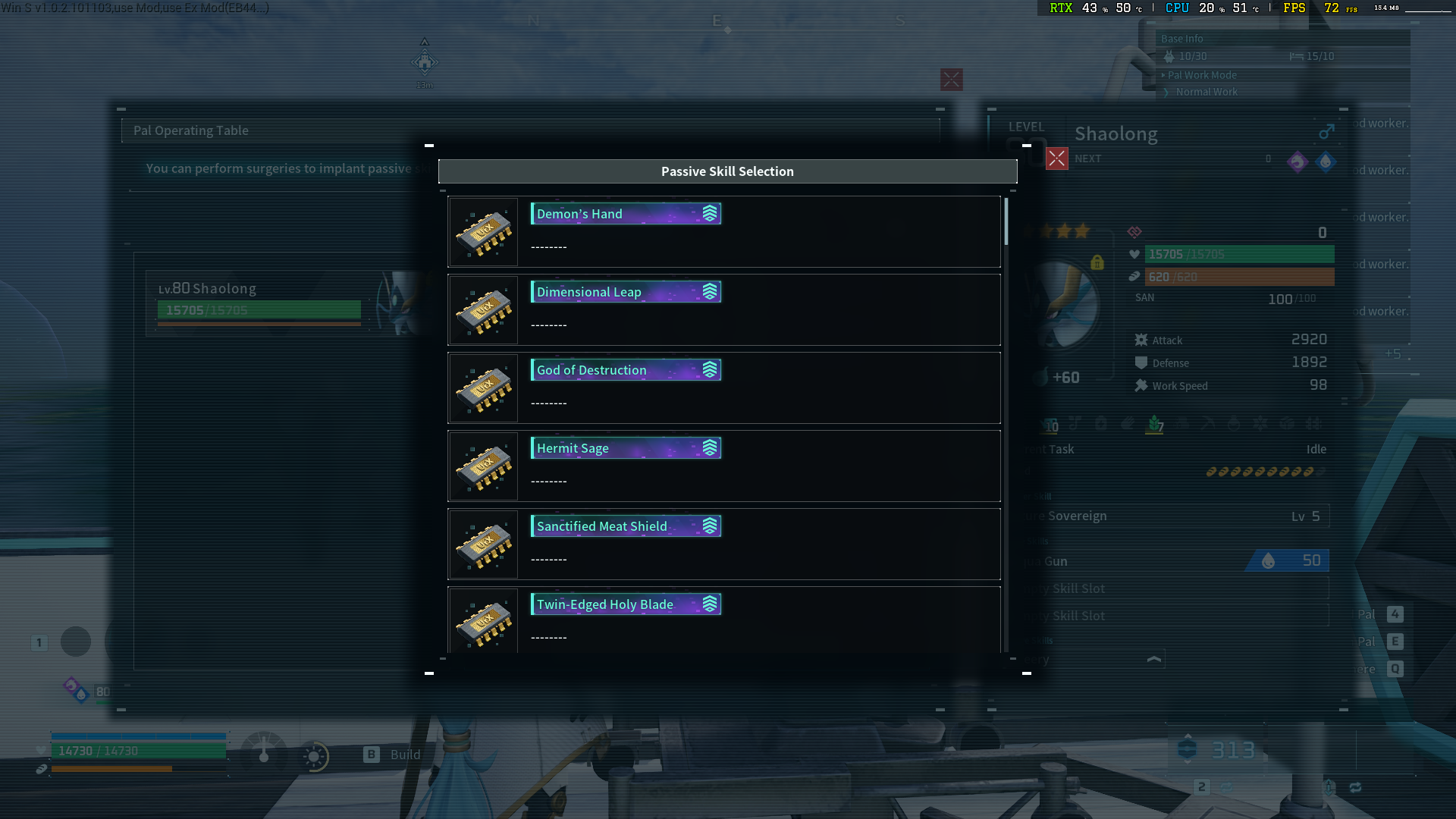
Shows the passive skills and their effects for whatever Pal you're aiming at. This can be toggled on/off with [F7]
Essentially, when targeted a panel will pop up on the right hand side of the screen. This panel will show which passive skills the pal has (if any) and briefly describe what those passives actually do.
Additionally, pressing [F6] will show the first page of a list of all Passive Skills. There are 12 pages in total. Press [F6] again to cycle to the next page and so on. Pressing [F6] on the final page will close the list.
I made this coz its a pain in the ass to try an remember 100+ Passive skill functions D:
Rebinding Keys:
This is painful. I tried to make this simple, but the game was not co-operating. I have made it possible to rebind, but man is it awkward:
[list type=decimal][*] Navigate to the Steam Workshop folders, and zip up the mod folder (3769214341) [*] Load Palword, and check mods to make sure it kicks the cache version otherwise your change will not work. [*] Close Palworld, return to the Steam Workshop Folder and unzip the mod. [*] Open the Scripts folder, and open Main.Lua in Notepad++ etc [*] Search for "Keybinds" [*] Replace the keybinds there with your required keys. [*] Save the file, exit and reboot Palworld. [*] Re-enable the mod, and next time it launches it will have the keybinds you chose if they are valid. If they are not, they will be the defaults, so try again I guess. [*] Pray that Steam doesn't validate the mod files and negate your changes.[/list]
Now with proper translations (set to correspond with the game's Steam Setting for language). Please remember to unsub, boot up the game, close the game and resub to update the mod coz Palworld keeps it cached D:
Highlights
From source dataFootprint
Rated a light load on a server.
Last update
Its author last shipped an update 3 mo ago.
Passive Guide on Nxeon
From our catalogue- One-click install
- Not available. One-click install isn't available for this game's mods yet. Download it and upload it to your server in Files.
- Server load
- light
- Smallest plan we suggest
- Palworld — 8 GB (8 GB RAM). This follows our own load rating above, not a benchmark.
- Latest build
- 2026-07-27, released 2026-07-27
Game versions by loader
| Loader | Game versions | Newest |
|---|---|---|
| Workshop |
From 1 recorded build of Passive Guide.
Dependencies
- Required: UE4SS Experimental (Palworld)
Declared by the newest build that lists any. Required ones are installed with it on one-click installs.
Run Passive Guide on a Palworld server
Deploy a server above, then upload the file in Files.
What kind of mod it is
From the catalogGameplay & overhauls
New mechanics, content and overhauls that change how the game plays.
Compatibility
- Game
- Palworld
Verified at the source
- ✓Steam WorkshopOfficial listing, checked 2026-10-10Open ↗
- ✓AuthorMonkey Magic, as published on Steam Workshop
- ✓LicenseNot published by the sourceFree