






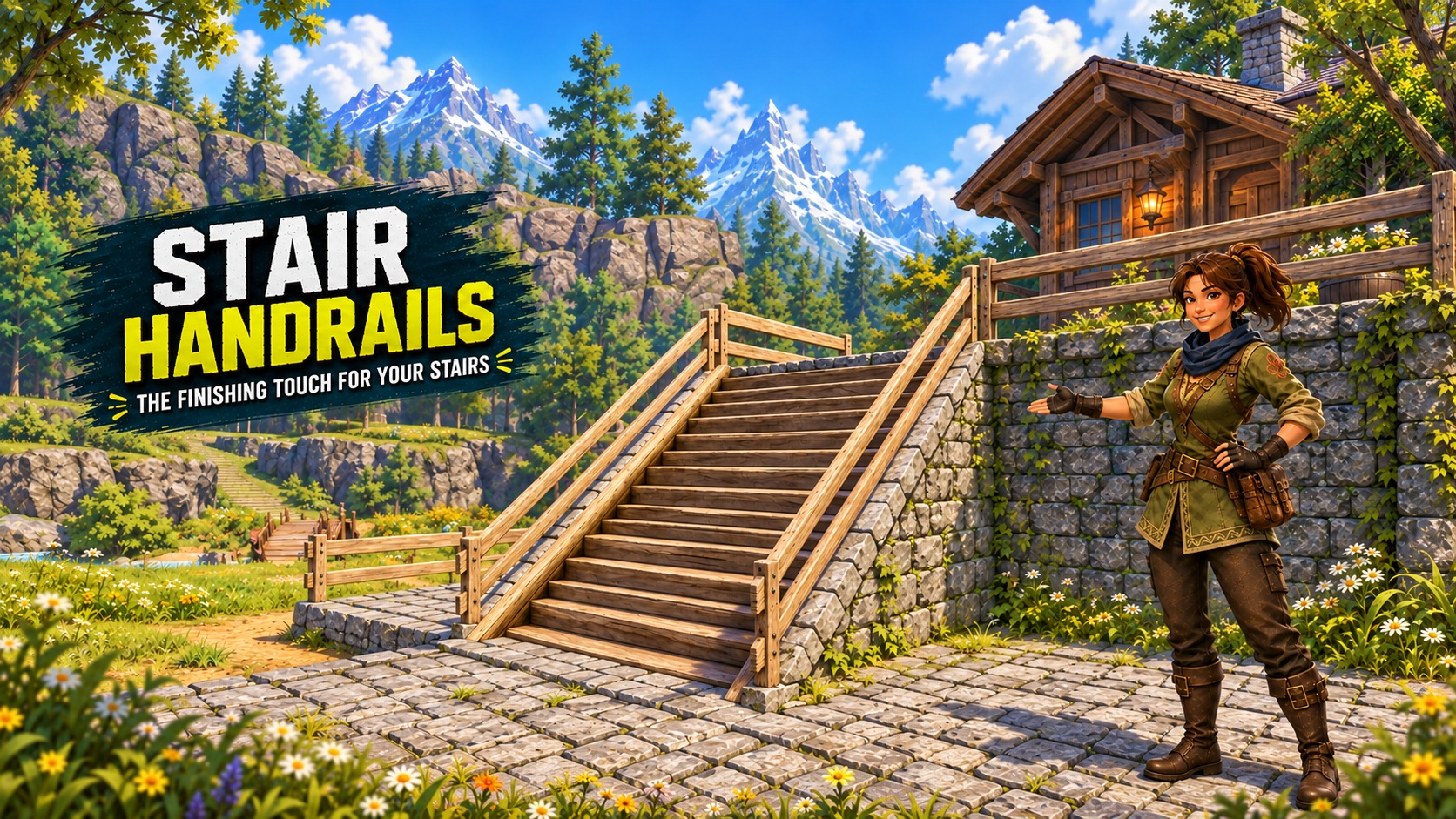
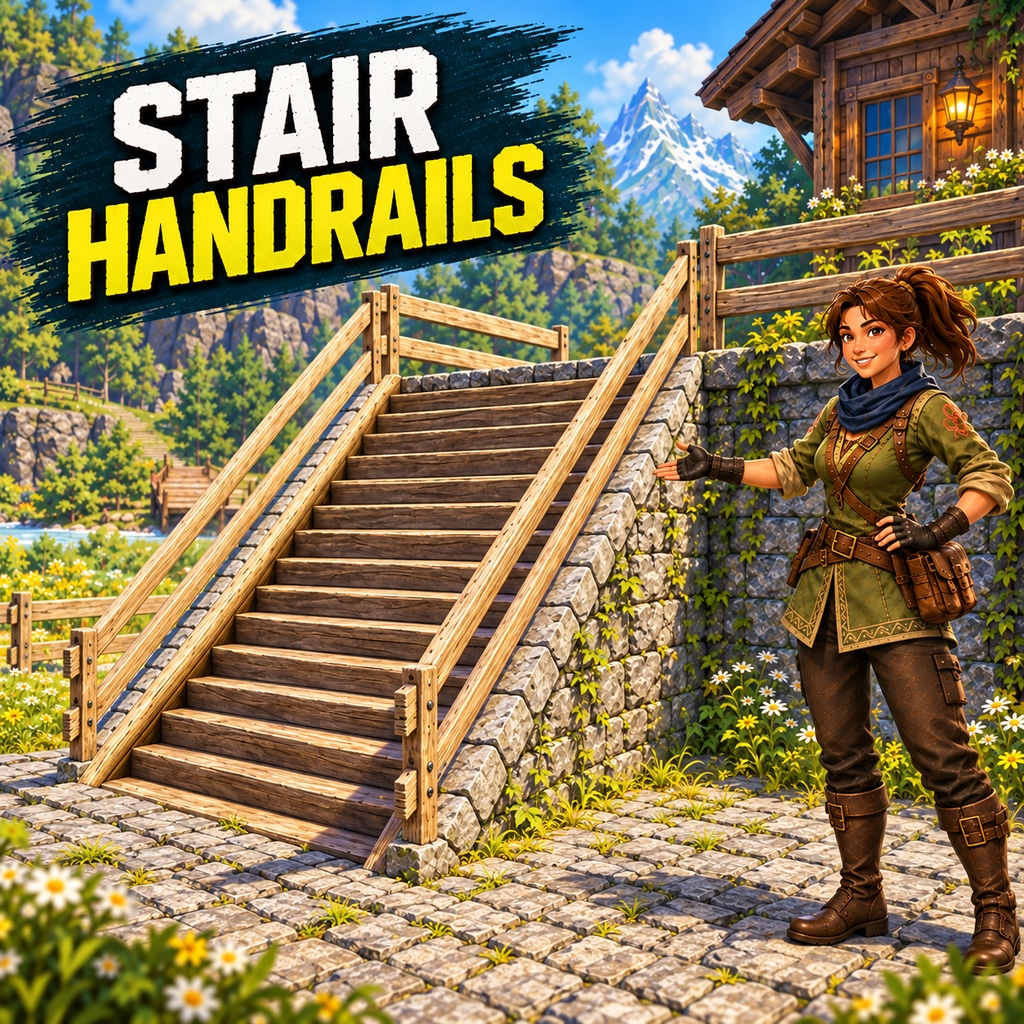
About Stair Handrails
From Steam WorkshopStair Handrails The finishing touch for your stairs. Adds seven matching stair rails. Aim at either edge to select a side, then build normally. Automatic Diagonal Buildables compatibility When…
[h1]Stair Handrails[/h1]The finishing touch for your stairs.
Adds seven matching stair rails. Aim at either edge to select a side, then build normally.[h2]Automatic Diagonal Buildables compatibility[/h2]When Rynfri's Diagonal Buildables (Official) is installed and enabled, the same seven handrail entries also work on its fourteen upward and downward stair classes.
Straight stairs work without Diagonal Buildables; no extra Handrails patch or hotkey is needed.[h2]Version 1.0.4: partly buried stairs[/h2]Corrects the tested ground-check rejection that could stop an aligned rail from being placed on a partly buried staircase. Aim at the supporting stair as usual. Other placement checks remain active; existing rails need no rebuild.[h2]Seven material families[/h2]Wooden, Stone, Metal, Glass, Japanese, Futuristic and Ancient: matching Foundations entries with a staircase badge on each icon.
Rails fit either side, follow native stair pitch and meet ordinary fences at landings.[h2]Unlocks and build costs[/h2]Purchase the corresponding Structure Set to unlock rails; level alone is insufficient. Costs match that family's ordinary fence.
- Palworld 1.0.4 values; other mods may change progression. Ordinary flat fences keep their own recipes and unlocks.[h2]How to place a rail[/h2][olist][*]Build a normal straight staircase or a supported Diagonal Buildables staircase.[*]Choose the stair rail from an unlocked material family.[*]Aim directly at the stair treads or edge, near the left or right side you want.[*]Let the preview align and use the normal build control.
- [/olist]
- If an aligned preview says "Not placed on the ground", move your aim onto the stairs. Normal placement checks still apply.[h2]Requirements and installation[/h2][olist][*]Subscribe to Stair Handrails and the required UE4SS and PalSchema Workshop items.[*]Open Palworld and go to Options > Mod Management.[*]Enable the dependencies and Stair Handrails, save the configuration, and follow the game's restart prompt.
- [/olist]
- For diagonals, enable Rynfri's official Diagonal Buildables and its dependencies. Both complete 1.0.4 downloads include compatibility; no separate Handrails patch is needed.
- Manual edition: Nexus Mods.[h2]Pairs with AutoSnap Vanilla Fences[/h2]AutoSnap Vanilla Fences automates the existing snap hotkey for ordinary flat fences at your landings. Handrails supplies its own alignment. AutoSnap and Less Restrictive Building are optional.[h2]Compatibility and testing[/h2]The buried wooden-stair correction was accepted in Windows Steam single-player on Palworld 1.0.5, UE4SS 2281fa31 and PalSchema 0.6.7. The helper disables this correction on unsupported builds, retaining native ground checks.
- All seven original rail materials previously received placement and appearance acceptance. Diagonal compatibility received placement, walking-collision and save/reload acceptance in the tested manual setup. Automated checks cover the supported geometry; the new correction has not received comprehensive gameplay testing across all materials, a separate Workshop installation, multiplayer or dedicated servers.
- Curved stairs, unrelated custom stairs and altered target geometry remain outside scope. Other building mods can affect placement. Stone's brickwork follows the diagonal shape. Multiplayer/dedicated-server gameplay remains unverified; participating clients and servers need matching files and dependencies.[h2]Updating and removing[/h2]Back up your world before changing building mods. Use either the manual or Workshop installation and avoid duplicate copies.
- Updating to 1.0.4: Allow Steam to finish updating before launching, then follow the game's mod restart prompt. Existing handrail assets, saved identifiers, menu entries, costs and unlocks are preserved.
- Earlier manual installations: This release uses clean folder and file names. If you previously copied files manually, close Palworld and follow the packaged README to remove the old named schema folder and PAK before installing the complete new package. Do not keep duplicate copies or load your world between removal and installation. Existing building IDs and compiled assets are preserved.
Highlights
From source dataFootprint
Rated a light load on a server.
Last update
Its author last shipped an update 47d ago.
Stair Handrails on Nxeon
From our catalogue- One-click install
- Not available. One-click install isn't available for this game's mods yet. Download it and upload it to your server in Files.
- Server load
- light
- Smallest plan we suggest
- Palworld — 8 GB (8 GB RAM). This follows our own load rating above, not a benchmark.
- Latest build
- 2026-09-18, released 2026-09-18
Game versions by loader
| Loader | Game versions | Newest |
|---|---|---|
| Workshop |
From 1 recorded build of Stair Handrails.
Dependencies
- Required: UE4SS Experimental (Palworld)
- Required: PalSchema
Declared by the newest build that lists any. Required ones are installed with it on one-click installs.
Run Stair Handrails on a Palworld server
Deploy a server above, then upload the file in Files.
What kind of mod it is
From the catalogLibraries & compatibility
Foundations and fixes other mods build on. Usually installed because something else needs it.
Compatibility
- Game
- Palworld
Verified at the source
- ✓Steam WorkshopOfficial listing, checked 2026-11-04Open ↗
- ✓AuthorRsdntEvle, as published on Steam Workshop
- ✓LicenseNot published by the sourceFree











