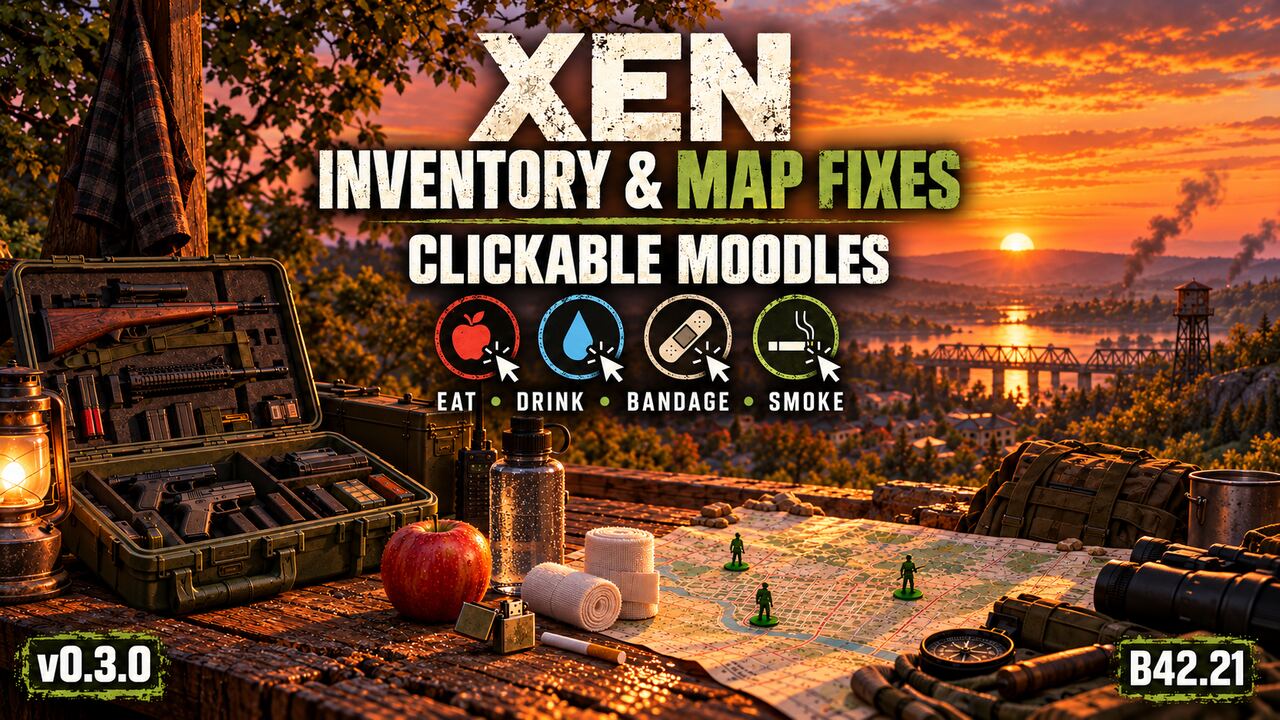
About Xen Inventory & Map Fixes [B42.21]
From Steam WorkshopNew in 0.3.4: magazine rounds in the inventory Supported magazine rows now start with remaining rounds/capacity, such as . Differently loaded magazines get separate rows. This display does not change…
New in 0.3.4: magazine rounds in the inventory Supported magazine rows now start with remaining rounds/capacity, such as [15/100]. Differently loaded magazines get separate rows. This display does not change ammunition or repair another mod's weapon capacity. No new subscription or setting. Tested with Xen 0.9.9 on our copied dedicated server; existing mode limits below still apply.
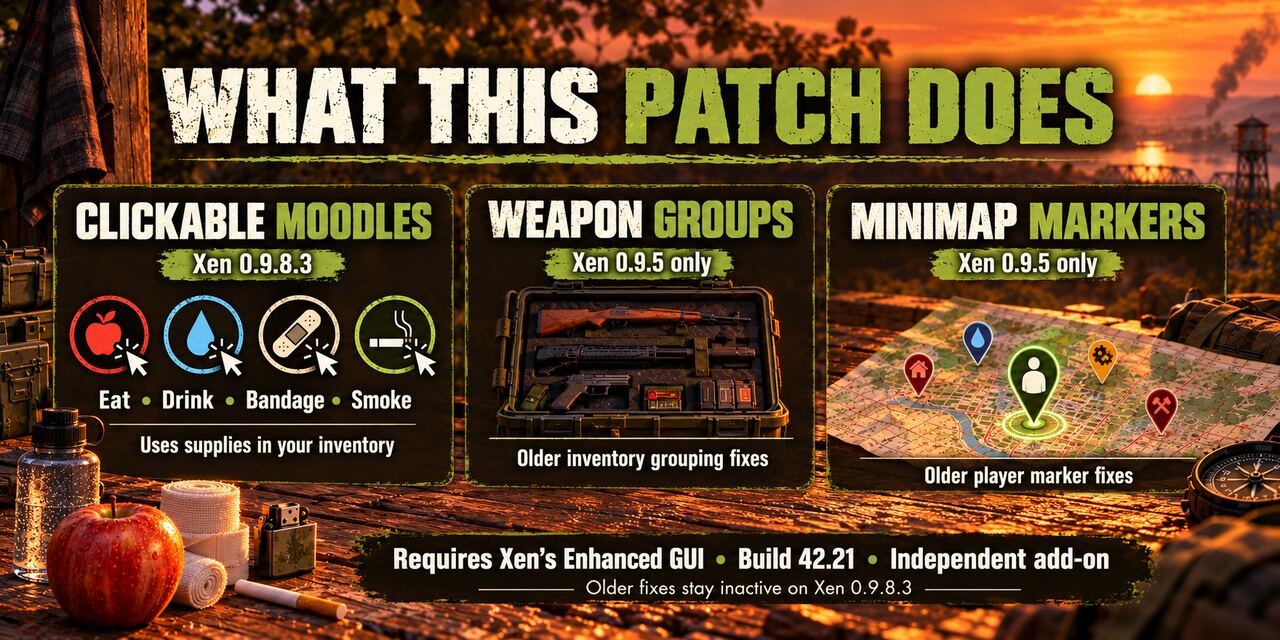
Xen Inventory & Map Fixes — v0.3.4
I wanted a small shortcut for those moments when the HUD tells me I'm hungry, thirsty or stressed, but I still have to rummage through my inventory. This little hobby add-on lets me click the relevant Xen moodle and use suitable supplies I'm already carrying. It also keeps a couple of inventory and minimap tweaks I find useful.
Updated for Xen 0.9.9
The original Xen now fixes its percentage-label formatting, so our repair for that runs only on older Xen0.9.8.3. The other features below still have a purpose in0.9.9. No duplicate current-version label fix is applied.
What it adds
- Expandable loose-weapon groups in list view: matching weapons share a heading. Expand it to select the actual weapon and inspect its condition, ammo and attachments. Favorites and custom names are separated. Equipped, holstered and slung weapons stay individual. It does not merge physical items or change their stats. Grid view remains Xen's own.
- Multiplayer minimap player flag: turns on the native Players flag on Xen's minimap. Your server's visibility and invisible-player rules still decide who can appear. This is not a player-location cheat or a replacement map. Xen's own decision to yield to another supported minimap is respected.
- Click Hunger: eat one quarter of suitable ready-to-eat food.
- Click Thirst: drink accessible clean, unmixed water.
- Click Bleeding: use a clean bandage or clean ripped sheets on one uncovered bleeding wound, starting with the most serious.
- Click Stress: smoke a loose cigarette, cigarillo or cigar when usable ignition is available. Packs are not opened automatically. No welding-torch or propane shortcut is added.
- Optional medicine clicks: Panic for beta blockers, Pain for painkillers, Unhappy for antidepressants and Tired for vitamins. These four are OFF until you enable them.
The shortcuts use the game's ordinary timed actions and item costs. Favorite supplies are excluded. Unsafe, rotten, burnt, frozen, poisoned, tainted, alcoholic or dangerous uncooked food is skipped. No compatible supplies means a short message instead of an invented item or free effect. Finish your current action before clicking again. Dragging the HUD should not use an item.
Subscribe and enable
- Subscribe to Xen's Enhanced GUI and this patch.
- Enable XensEnhancedGUI, then AYUXEGWeaponGroups. There is one patch module, not separate food/map/weapon variants.
- Restart the game. In Mod Options → Xen Inventory & Map Fixes, choose grouping and minimap toggles. The separate Moodle actions page lets you turn each shortcut on or off. The four basic shortcuts are ON by default; medicines are OFF.
Medical Meister is not required. This patch is Lua-only and adds no Java installation or approval. Follow the original Xen instructions for its own optional Java/ZombieBuddy features. Do not stack another click handler on the same moodles without checking it.
Single player, co-op and dedicated servers
- Single player: enable Xen and this patch in that save's mod list. Earlier0.9.8.3 tests covered all four basic clicks and optional medicines;0.9.9 was checked on a dedicated copy, not separately in single player.
- Hosted co-op: the host and every player need matching Xen/patch files, and the host must include both in the session mods. Hosted co-op has not been separately tested.
- Dedicated server: add Workshop IDs3819012597 and3824229860 and module IDsXensEnhancedGUI andAYUXEGWeaponGroups. Every client and the server need matching files. Restart after updating; the shortcuts are still client HUD controls using the normal multiplayer action system.
What was checked and what remains limited
On Build42.21.0 with Xen0.9.9 and ZombieBuddy2.3.4, I checked a full copied dedicated server and two native clients with matching Lua files. A fresh regular-player character used the actual Hunger, Thirst, Bleeding and Stress clicks. The server agreed on the exact food/water use and consumed bandage/tobacco; those results and the covered wound survived a cold client reconnect. I also checked expandable weapon groups with the new search box and exact item selection. The minimap's remote red marker disappeared with the option OFF while Xen's local arrow stayed, and returned with player rendering enabled under the copied server's normal visibility setting. This is bounded evidence, not a claim about every server or all privacy settings. Earlier test-setup failures were excluded; the final living-character checks passed.
The known lighter/match fuel persistence problem also occurs with the game's normal smoking action in an isolated vanilla multiplayer test. This patch does not fix it. Do not treat a successful smoke animation as proof that ignition fuel will persist correctly after reconnect. Other modded consumables, gamepad/split-screen, public Steam joins, lag/disconnect cases and every combination of HUD extensions remain untested. This is not a promise that a large mod list has no errors.
Highlights
From source dataFootprint
Rated a light load on a server.
Last update
Its author last shipped an update 9d ago.
Xen Inventory & Map Fixes [B42.21] on Nxeon
From our catalogue- One-click install
- Supported on Nxeon Project Zomboid servers. We download it from Steam Workshop, place it, and restart the server.
- Server load
- light
- Smallest plan we suggest
- Project Zomboid — 6 GB (6 GB RAM). This follows our own load rating above, not a benchmark.
- Latest build
- 2026-10-26, released 2026-10-26
Game versions by loader
| Loader | Game versions | Newest |
|---|---|---|
| Workshop |
From 1 recorded build of Xen Inventory & Map Fixes [B42.21].
Dependencies
- Required: Xen's Enhanced GUI
Declared by the newest build that lists any. Required ones are installed with it on one-click installs.
Run Xen Inventory & Map Fixes [B42.21] on a Project Zomboid server
Pick a server or deploy a new one above; it is installed in one click.
What kind of mod it is
From the catalogMaps & scenarios
Custom maps, arenas and scenarios to play on.
Compatibility
- Game
- Project Zomboid
Verified at the source
- ✓Steam WorkshopOfficial listing, checked 2026-10-26Open ↗
- ✓AuthorAYU, as published on Steam Workshop
- ✓LicenseNot published by the sourceFree