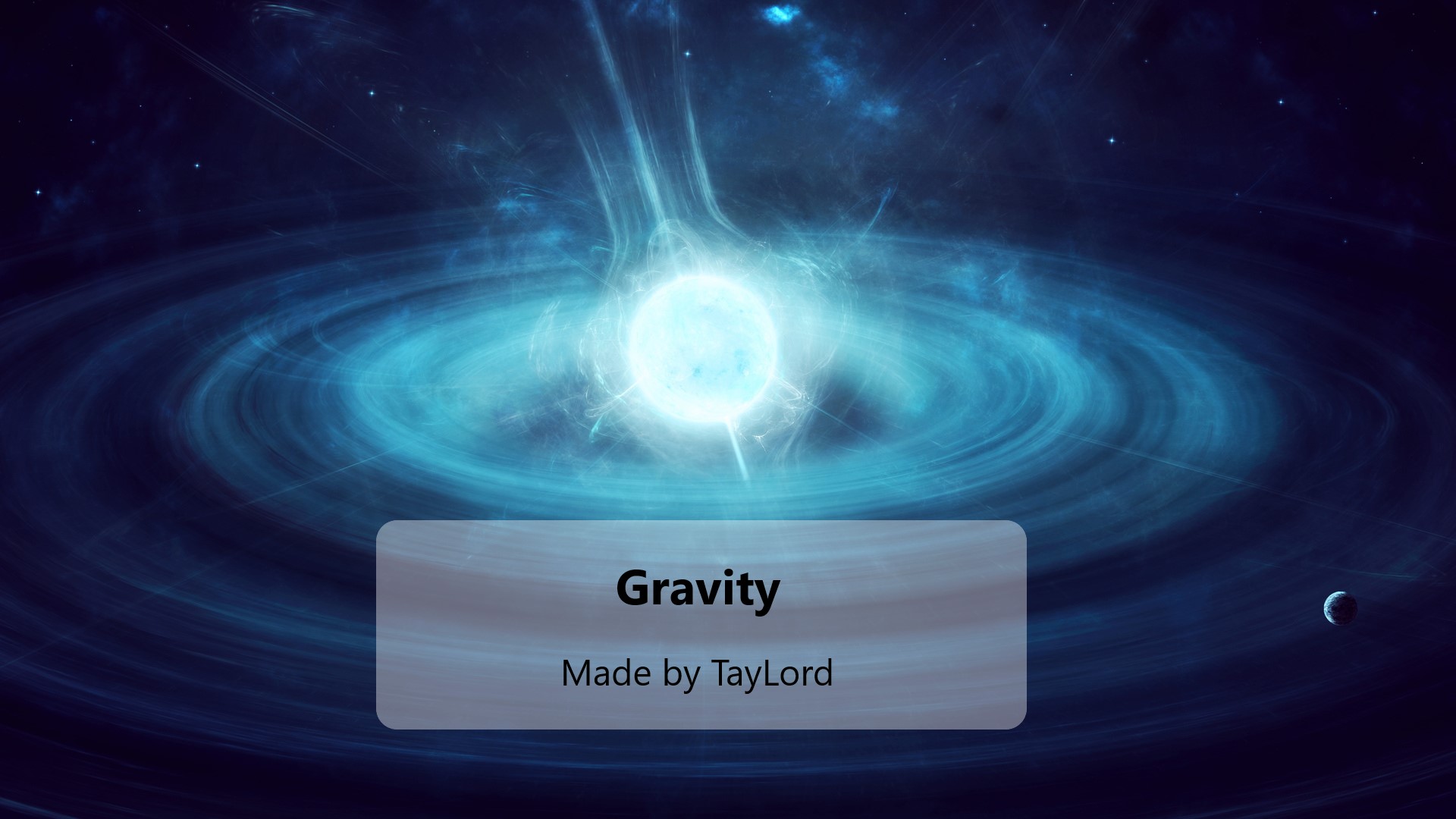

About Gravity
From mod.ioAdjusts gravity for player and enables ADS/shoot while jumping
Want to be able to make some of those jumps between rooftops or through windows that you couldn't make before or a give yourself a bit of a moon walking vibe? Here you go!
Enables the ability to adjust players relative gravity level in-game. This will not be compatible with other mutators that override the player class attribute modifiers like speed. This only adjusts the players gravity and not the world's. To adjust the worlds see the note at the bottom. This works well with Laser point shooting as you can then aid down sights mid-jump.
Mutator=Gravity
Define the following in your game.ini:
<pre>[/Gravity/Mutators/Gravity.Gravity_C] Gravity=6</pre> Gravity can be any integer from 1-20, where 1 corresponds to a gravity of 0.1 (flying), 10 is 1.0 (vanilla), and 20 corresponds to 2.0 (you aint winning any vaulting contests anytime soon). Default is 6, which is 0.6 gravity and will enable some rooftop jumps and window dives that were not possible before.
<table class="table is-bordered is-hoverable"><tbody><tr><td>Description</td> <td>Gravity Config Integer</td> <td>Relative Gravity In-Game</td> </tr><tr><td>Walking on the moon</td> <td>1</td> <td>0.1</td> </tr><tr><td>Can jump between rooftops</td> <td>5</td> <td>0.5</td> </tr><tr><td>Vanilla</td> <td>10</td> <td>1.0</td> </tr><tr><td>Wow I'm not as young as I used to be.</td> <td>15</td> <td>1.5</td> </tr><tr><td>Did I even leave the ground?</td> <td>20</td> <td>2.0</td> </tr></tbody></table>
Alternatively, if you want to permanently set the gravity to something different, then you can adjust DefaultGravityZ in the Engine.ini. This is by default set to -980. Unfortunately, you can not enable/disable this setting. It will always be applied for the server unless you manually change it and restart the server or game. Use the following setting in the Engine.ini file. You may need to create this file.
Servers: ...\sandstorm_server\Insurgency\Saved\Config\WindowsServer\Engine.ini
Local: ...\AppData\Local\Insurgency\Saved\Config\WindowsClient\Engine.ini
The following would half the world gravity:
<pre>[/Script/Engine.PhysicsSettings] DefaultGravityZ=-490.0</pre> With this set you can use the Gravity mutator with gravity set to 20 for 2x gravity for player, which would then feel like vanilla, since the world gravity has already been decreased in the Engine.ini. This will make grenades go flying on being thrown and particles go flying, but player remain in 1g. You could also increase the gravity for the player along with the DefaultGravityZ to cause player dynamics to feel similar to vanilla, but have the environment be in lower G.
Servers: ...\sandstorm_server\Insurgency\Saved\Config\WindowsServer\Game.ini
Local: ...\AppData\Local\Insurgency\Saved\Config\WindowsClient\Game.ini
[/Gravity/Mutators/Gravity.Gravity_C] Gravity=10</pre>
For fun I opened up the following settings to be configurable to allow playing around with the number of jumps and allow double jumps and such. I've not used this much at all and don't know how the settings interact. Using laser point shooting makes mid-jump ADS kills possible.
Mutator=Gravity2x
<pre>[/Gravity/Mutators/Gravity2x.Gravity2x_C] //Gravity control for player. Same as above. 1.0 corresponds to default gravity in game. Gravity=3 //Controls the number of jumps that can be stacked JumpCount=3 //The Max Hold Time the Jump key can be held. JumpHoldTime=0.0 //Set debug=True to enable the chat commands below debug=False</pre> To play around with the settings in-game you can use the following chat commands to live adjust them:
<table class="table-auto"><tbody><tr><td>Chat Command</td> <td>Description</td> </tr><tr><td>!g+</td> <td>Increase gravity</td> </tr><tr><td>!g-</td> <td>Decrease gravity</td> </tr><tr><td>!h+</td> <td> Increment JumpHoldTime by 0.5</td> </tr><tr><td>!h-</td> <td>Decrement JumpHoldTime by 0.5</td> </tr><tr><td>!j+</td> <td>Increase jump count by 1</td> </tr><tr><td>!j-</td> <td>Decrease jump count by 1</td> </tr></tbody></table>Appreciate my work and want to donate or have a mod made? See my profile for link. If leaving a comment regarding bugs or feedback go ahead and tag me so I get a notification.
Highlights
From source dataFootprint
Rated a light load on a server.
Last update
Its author last shipped an update 4 yr ago.
Gravity on Nxeon
From our catalogue- One-click install
- Not available. One-click install isn't available for this game's mods yet. Download it and upload it to your server in Files.
- Server load
- light
- Smallest plan we suggest
- Insurgency: Sandstorm — 3 GB (3 GB RAM). This follows our own load rating above, not a benchmark.
- Latest build
- 1.13., released 2023-02-04
Run Gravity on a Insurgency: Sandstorm server
Deploy a server above, then upload the file in Files.
What kind of mod it is
From the catalogGame modes & minigames
Game modes, minigames and competitive formats for your server.
Compatibility
- Game
- Insurgency: Sandstorm
Verified at the source
- ✓mod.ioOfficial listing, checked 2026-10-30Open ↗
- ✓AuthorTayLord, as published on mod.io
- ✓LicenseNot published by the sourceFree