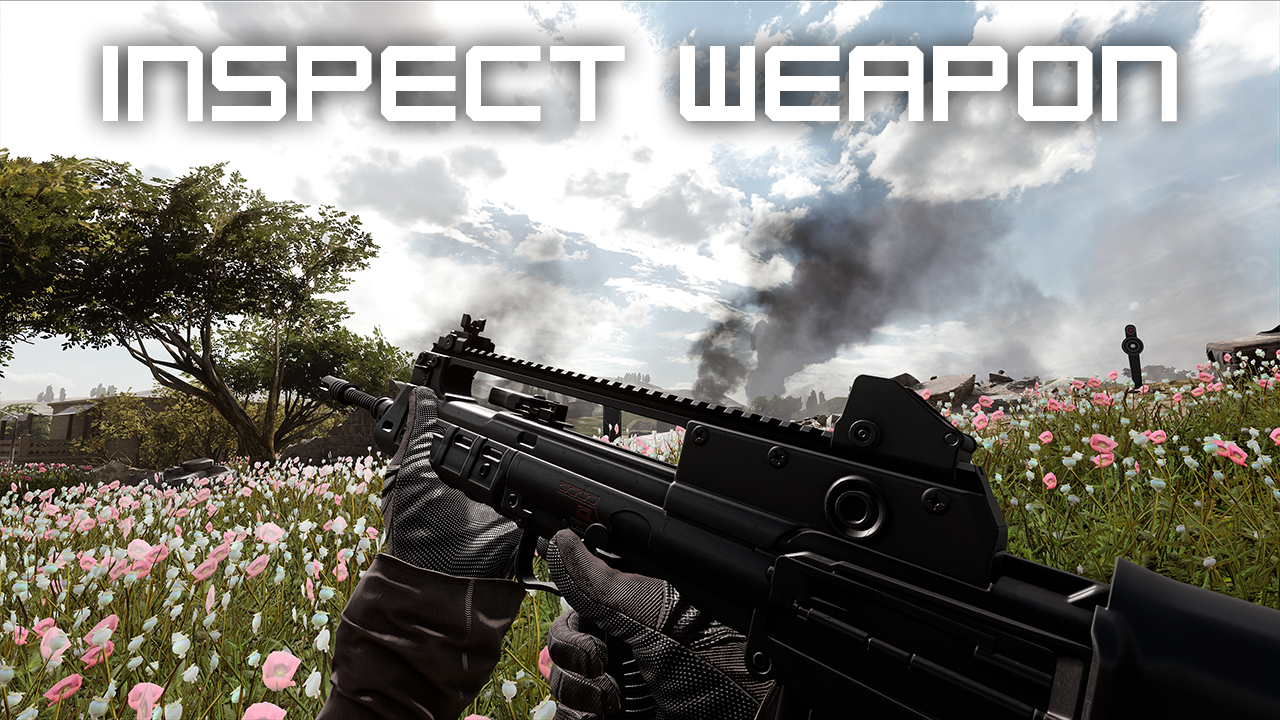

About Inspect Weapon
From mod.ioInspect your weapon/equipment with a keybind.
About Inspect Weapon
This mod simply allows you to set a keybind so that you are able to inspect your currently held weapon similar to most modern FPS games.
Compatible with the latest 1.17 Operation: Resurgence update.
Installation
Server Owners
You just need to add the mutator to your server launch mutators (-mutators=InspectWeapon) and the mod in Mods.txt.
Note: I would recommend using the -ModDownloadTravelTo=.... to your launch parameters to ensure the mod is downloaded and activated fully.
Mutator Name: InspectWeapon
Mod ID: 1436628
Offline Players (Local Play)
I wanted to share this little application I made that lets you quickly jump in to a local game with your desired mutators (From any mod, not just this one). After you subscribe to a mod in game, run this and hit play once you fill out the form. It will launch into the map with the mutators you provided.
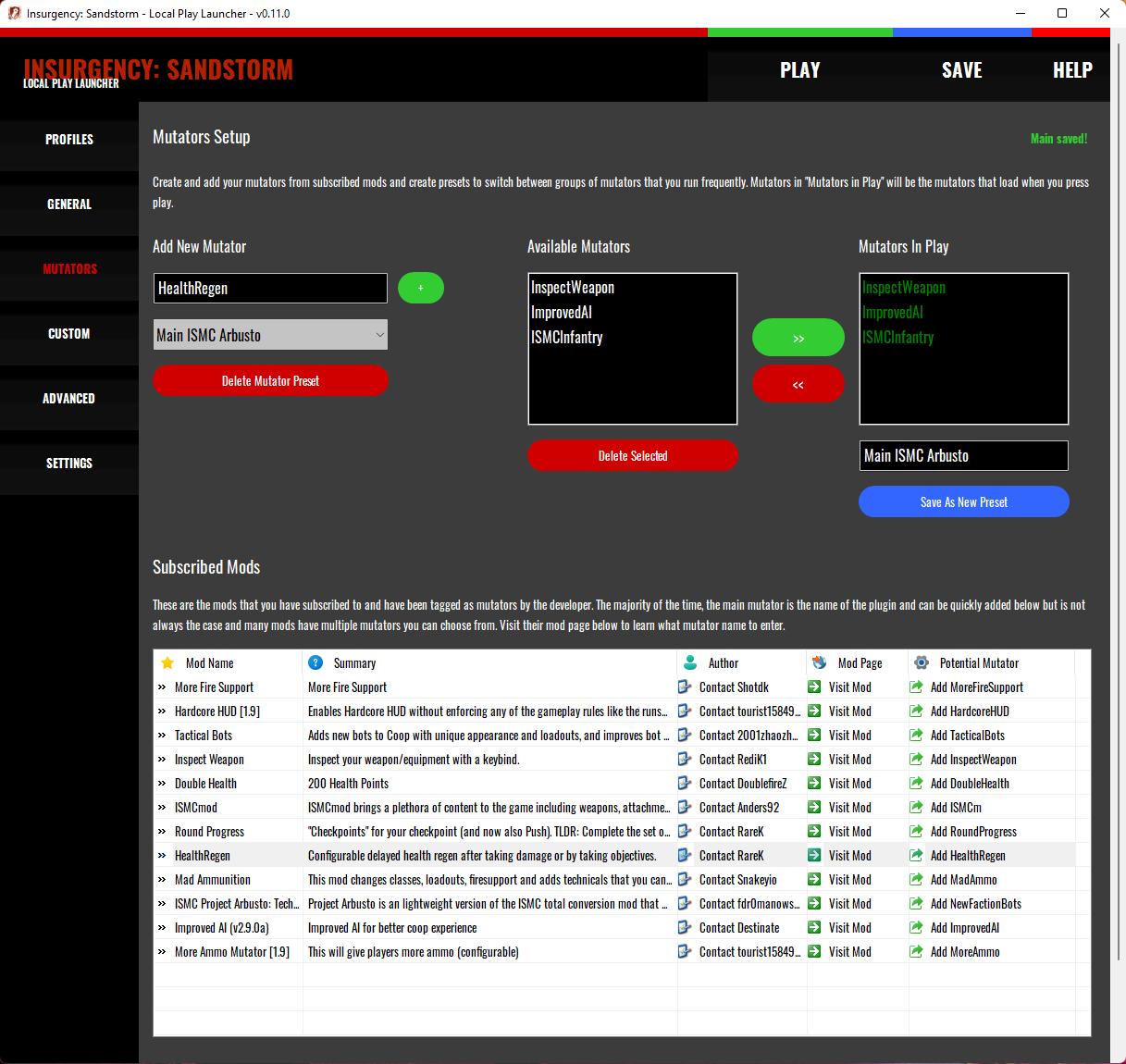
Click here to learn more and download the Insurgency: Sandstorm Local Play Launcher (Mod.io Guide)
Offline Players (Local Play Alternative Install)
Subscribe to the mod in game and then open up console with the back quote key (the key next to the 1) and type (Or copy/paste):
Open Sinjar?Scenario=Scenario_Hillside_Checkpoint_Security?Lighting=Day?Mutators=InspectWeapon (It doesn't matter what map or scenario you add. This is just an example).
You can comma separate more mutators as well such as ....?Mutators=InspectWeapon,ImprovedAI,ISMC_Hardcore.
NOTE: You may have to run the command twice for it to work the first time or just load in and open the Admin menu to change the level.
Usage
Once you have joined a server with the InspectWeapon mutator, press F2 when you spawn in to open the mod settings panel to setup your keybind that will be used to inspect your weapon. For gamepad users, double tap your "Use" button to inspect.
Notes
- I couldn't figure out a way to just simply add the keybind to the binding settings (If you can even) which is why you have to press F2 to open up the settings dialog. If I can figure out how to get it in the default bindings menu, I will add it there instead.
- I'm going to be working on the animations so that they are custom depending on the weapon type or even the weapon itself. Then if people enjoy this enough, I will add some more settings so you are able customize your animations.
- You can still shoot while inspecting and it's as awesome as you think it would be (Don't worry, you can interrupt the animation aiming down sights).
- This is the first mod I have ever made as well as the first time I have worked with the Unreal engine soo it was a learning experience but I was obsessed with giving my character a way to inspect a weapon on command since the animations were seemingly there and this is the result. With that said, this is still in development so it won't be perfect but I will continue to improve it with your help!
Changelog
Inspect Weapon Releases
Version 0.5.0
- Added slider for the viewmodel offset in the settings.
- Viewmodel positioning now saves between sessions.
- Fixed bug where F1 didn't close and save the settings (It did nothing before).
Version 0.4.1
- Fixed inspect animation so that you are still able to ADS quickly.
Version 0.4.0
- Added the ability to set keybinds from the mod settings menu that allows you to adjust your viewmodel. Credit to Snakeyio for helping locate the values for the viewmodel!
Version 0.3.2
- Fixed issue for local players not being able to set their keybind or inspect their weapon the first time they open a level requiring the player to reload the map or switch levels for it to work. (This one was on another level to get a fix working. So glad it seemingly is finally loading correctly for both local and server side for the first and subsequent initializations.)
Version 0.3.1
- Added gamepad support. Double tap "Use" button to inspect weapon.
Version 0.3.0
- Much better animations for inspecting weapons than previous versions.
Highlights
From source dataFootprint
Rated a light load on a server.
Last update
Its author last shipped an update 23 mo ago.
Inspect Weapon on Nxeon
From our catalogue- One-click install
- Not available. One-click install isn't available for this game's mods yet. Download it and upload it to your server in Files.
- Server load
- light
- Smallest plan we suggest
- Insurgency: Sandstorm — 3 GB (3 GB RAM). This follows our own load rating above, not a benchmark.
- Latest build
- 0.5.1, released 2022-11-19
Run Inspect Weapon on a Insurgency: Sandstorm server
Deploy a server above, then upload the file in Files.
What kind of mod it is
From the catalogGame modes & minigames
Game modes, minigames and competitive formats for your server.
Compatibility
- Game
- Insurgency: Sandstorm
Verified at the source
- ✓mod.ioOfficial listing, checked 2026-10-30Open ↗
- ✓AuthorRediK1, as published on mod.io
- ✓LicenseNot published by the sourceFree