
About Meme Chat HUD
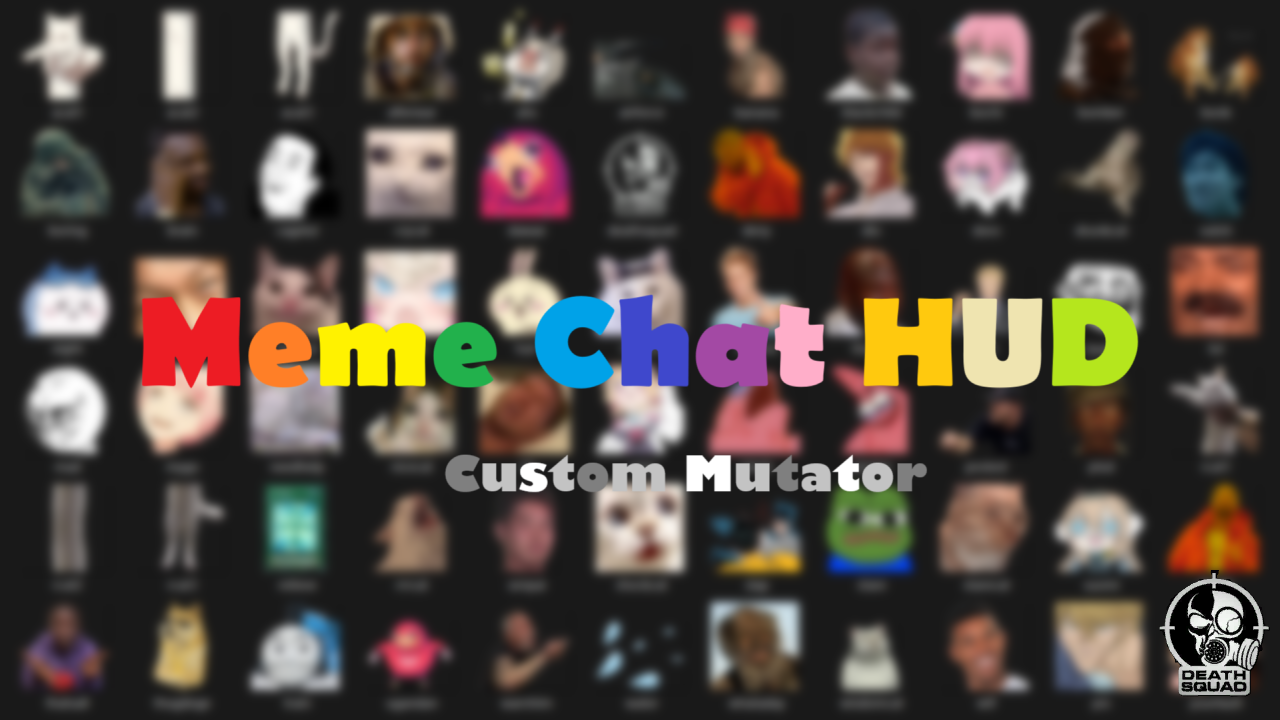
From mod.ioCustomize teammates, maps, objective display or distance and integrate colors format, emoji and meme chat image.
The predecessor of this module is HardcoreHUD, which extracts the official hardcore mode checkpoint HUD and makes advanced settings for teammate's indicators, objective indicators and player indicators for tactical maps.
However, due to the problem of overwriting the HUD, it has never been compatible with Advanced Chat, so now we have to make it ourselves.
Then during the process our group members raised some requirements, and it became like this...😂
🎯 Mod Information :
- Mutator name:MemeChatHUD
- Requirement:Server and Client
- The mod currently supports all game modes, but the advanced settings for the Hardcore HUD will only work in Co-op Checkpoint Mode (including Hardcore).
- It may be incompatible with mods based on GameHUD stage settings, add it last in the list to ensure it is not overwritten.
- And includes multiple sets of settings such as MemeChatHUD2, MemeChatHUD3, MemeChatHUD4, MemeChatHUD5.
🧩 What you can get:
- Hardcore HUD:In Checkpoint Mode and Hardcore Checkpoint Mode.
- Support text format and color:All messages output in chat box can be customized!
- Support system emojis:Operating system emoji have been integrated!
- Supports built-in memes:More than 70 types, just enter keywords to use!
🛠 How to set up:
- Make sure you are familiar with the use of the module, you can refer to the official guide.
- Add mod ID 2290137 in your server's ModList.
- Add the Mutator name to the server startup parameters, or set it dynamically based on the map.
- Add Mutator configuration in your server's Game.ini .
- Restart the server.
🔥 Mutator configuration:
- Default (Ready to use, but please adjust
DisplayDistanceModeaccording to your needs!)
[/MemeChatHUD/Mutators/MemeChatHUD.MemeChatHUD_C] DisplayDistanceMode=1 UseObjectiveIndicators=True UseTacticalMapPlayerIcon=True UseTrueOffMode=False OnlyMeme=False ForceEnable=False
[/MemeChatHUD/Mutators/MemeChatHUD2.MemeChatHUD2_C] DisplayDistanceMode=2 UseObjectiveIndicators=True UseTacticalMapPlayerIcon=True UseTrueOffMode=False OnlyMeme=False ForceEnable=False
[/MemeChatHUD/Mutators/MemeChatHUD3.MemeChatHUD3_C] DisplayDistanceMode=3 UseObjectiveIndicators=True UseTacticalMapPlayerIcon=True UseTrueOffMode=False OnlyMeme=False ForceEnable=False
[/MemeChatHUD/Mutators/MemeChatHUD4.MemeChatHUD4_C] DisplayDistanceMode=4 UseObjectiveIndicators=True UseTacticalMapPlayerIcon=True UseTrueOffMode=False OnlyMeme=False ForceEnable=False
[/MemeChatHUD/Mutators/MemeChatHUD5.MemeChatHUD5_C] DisplayDistanceMode=0 UseObjectiveIndicators=True UseTacticalMapPlayerIcon=True UseTrueOffMode=False OnlyMeme=False ForceEnable=False
Highlights
From source dataFootprint
Rated a light load on a server.
Last update
Its author last shipped an update 8 mo ago.
Meme Chat HUD on Nxeon
From our catalogue- One-click install
- Not available. One-click install isn't available for this game's mods yet. Download it and upload it to your server in Files.
- Server load
- light
- Smallest plan we suggest
- Insurgency: Sandstorm — 3 GB (3 GB RAM). This follows our own load rating above, not a benchmark.
- Latest build
- Release 1.6.1_f, released 2026-02-26
Run Meme Chat HUD on a Insurgency: Sandstorm server
Deploy a server above, then upload the file in Files.
What kind of mod it is
From the catalogGame modes & minigames
Game modes, minigames and competitive formats for your server.
Compatibility
- Game
- Insurgency: Sandstorm
Verified at the source
- ✓mod.ioOfficial listing, checked 2026-11-04Open ↗
- ✓AuthorLeiMuu, as published on mod.io
- ✓LicenseNot published by the sourceFree