
About Third Person Camera
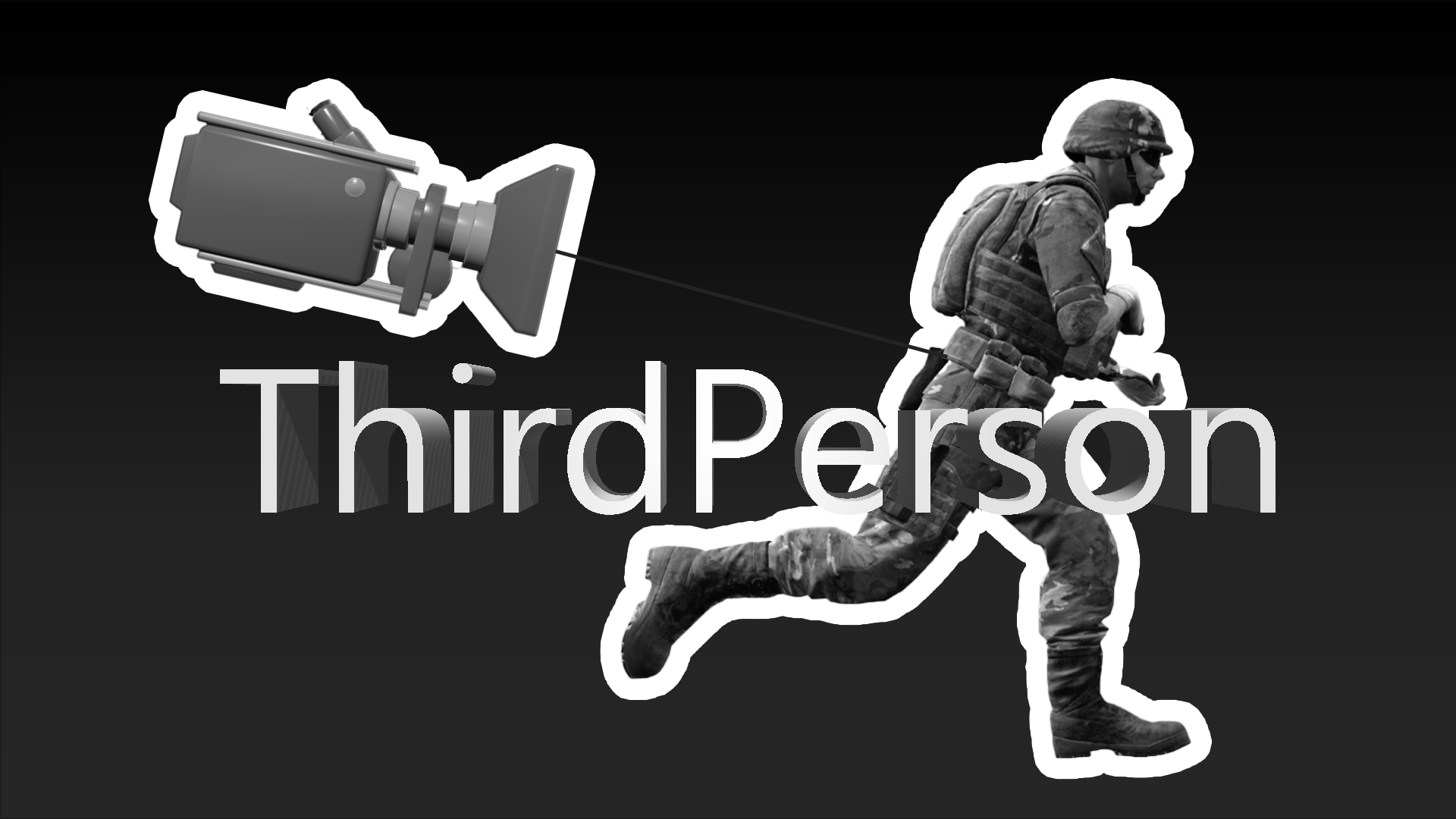
From mod.ioExperience Insurgency: Sandstorm like never before! Third person camera that has multiple features! Switch your shoulder, zoom in and out. Lean left or right! and Aim down sights zoom!

Mutator:
ThirdPerson
Mutator:
ThirdPersonOnlyDescription: Always activate third person. Cannot deactivate!
Adds a new camera system! Credits: Destinate (New code)
To disable recoil add this mutator:
LockedAim
NEW!
Press [ 0 ] Zero Key to Toggle Camera View!
Press [ 9 ] Key to Enable Third Person Menu!
Features:
Fully customizable in-game Menu
Toggle Third Person On/Off on the fly
Switch shoulder
Aim Down Sight FOV and Camera Adjustment
Sprint FOV adjustment
Lean Camera Movement
Option to enable Aim Down Sight First Person Mode
Vehicle Camera Mode
Dynamic and Static Crosshair With Player Aim Tracking
Crouch, Prone Camera Adjustment
Customizable Third Person Settings
Weapon Recoil Camera Shake
To switch shoulder, rebind Open Lesson Menu Keybind in Keyboard keybind menu.

[Optional] To modify default Camera Settings, add this below:
<pre>Configs go to
They only work for client, so if u edit the values here, they will work when u join a server.
NOTE: these are the default values, only edit Game.ini and Engine.ini if you want to make changes!

;Add this to Engine.ini
[/ThirdPerson/Camera/BP_ThirdPersonCam.BP_ThirdPersonCam_C] ;Camera Bools bEnableCamShake=True             /Allow weapon recoil to shake the camera/ bEnableCameraRotationLag=False    /Allow camera to lag when rotating view, disable to directly control rotation without lag/smoothness/ bEnableCameraLag=True            /Allow camera to lag behind a bit, adding smoothness to camera movement, disable to make camera stiff/ bEnableCameraLagSubstep=True     /This reduces stuttering with camera but can cause performance issues/ bFirstpersonADS=False            /Enable First person mode for aiming down sight/
;Camera Configs FOV=60                           /Change default camera Field of View (FOV)/ VehicleCameraDistance=-1000.0    /Change camera position when driving (- values farther distance)/ XCam_Zoom=0.0                     /How much camera moves towards player while aiming (- values farther distance)/ RightsideY_Default=70            /Camera Shoulder Distance/ RightsideY_Zoom=45               /Camera Shoulder Distance while zooming/ CameraSwitchSpeed=0.0            /Additional Value to increase/Decrease camera switching speed/ CameraDistance=50.0              /Camera Front/Back Distance Value/ CameraHeight=100.0               /Camera Up/Down Distance Value/ RightSideY_Default=60.0          /Camera Left/Right Distance Value/ RightSideY_Zoom=35.0             /Camera Left/Right Distance While Aiming Value/ CameraLagSpeed=9.0               /Speed at which camera returns to player after moving - Higher=Faster return speed/ CameraLagSpeedVehicle=4.0 CameraLagSpeedADS=0.0            /This value subtracts main Lag Speed, 9.0 - 9.0 (LagSpeed No ADS) = 0 / CameraRotationLagSpeed=9.0       /Higher values means faster camera rotation lag/ CameraRotationLagSpeedVehicle=4.0 CameraLagMaxSubstep=0.01         /Higher more stuttering when using Substepping/ CameraLagMaxDistance=300.0
;Camera Systems Tick rate TimerValue_A=0.001       /For low end PCs set to 0.01/ TimerValue_B=0.001        /For low end PCs set to 0.01/
;Activate Thirdperson Crosshair by type bEnableDynamicCrosshair=True    /If this is enabled, disable bEnableStaticCrosshair/ bEnableStaticCrosshair=False    /If this is enabled, disable bEnableDynamicCrosshair/ bEnableCrosshairLag=False      /If this is enabled, disable bEnableAutoCrosshairLag/ bEnableAutoCrosshairLag=False  /If this is enabled, disable bEnableCrosshairLag/
;Customize crosshair texture, leave 0 for random crosshair, select 1-5 from images UseCrosshair=1 CrosshairColor=(R=1.0,G=1.0,B=1.0,A=0.0) CrosshairScale=2.0 CrosshairOpacity=0.5 CrosshairBrightness=1.0
Highlights
From source dataFootprint
Rated a light load on a server.
Last update
Its author last shipped an update 3 yr ago.
Third Person Camera on Nxeon
From our catalogue- One-click install
- Not available. One-click install isn't available for this game's mods yet. Download it and upload it to your server in Files.
- Server load
- light
- Smallest plan we suggest
- Insurgency: Sandstorm — 3 GB (3 GB RAM). This follows our own load rating above, not a benchmark.
- Latest build
- 0.9.27, released 2024-01-11
Run Third Person Camera on a Insurgency: Sandstorm server
Deploy a server above, then upload the file in Files.
What kind of mod it is
From the catalogMaps & scenarios
Custom maps, arenas and scenarios to play on.
Compatibility
- Game
- Insurgency: Sandstorm
Verified at the source
- ✓mod.ioOfficial listing, checked 2026-10-30Open ↗
- ✓AuthorSnakeyio, as published on mod.io
- ✓LicenseNot published by the sourceFree