







About AAECS - Advanced Automatic Elevator Control Script
From Steam WorkshopAAECS - Advanced Automatic Elevator Control Script 1.6.0 Changes: 23/04/2023 (1.6.0): Added the option to make custom formatted LCD signs rather than the default template. Check the guide for more…
AAECS - Advanced Automatic Elevator Control Script 1.6.0
Changes:
- 23/04/2023 (1.6.0):
- [list]
- Added the option to make custom formatted LCD signs rather than the default template. Check the guide for more details.
- Added the option to disable doors forcibly close/opening. You can manually open and close doors on any floor.
[*]11/02/2023 (1.5.0):
- Fixed upside down pistons, you can now create elevators with the piston at the top of the shaft instead.
- Fixed crash with wrong type of block included in elevator group.
- Added ability to directly use a door as reference for a floor position.
- Added ability to invert sign arrows (primarily for inverted elevators).
- Implemented adjustable epsilon, you can adjust how precisely elevators arrive at a floor.
- Implemented the ability to set a specific reference for a level position. Add the prefix [Reference] to the start of the door to use that door as a reference for that level.
[*]10/01/2023 (1.4.1):
- Fixed issue with door state desyncronization causing elevators to get stuck.
- Fixed issue with whitespace causing issues with elevator door configs.
[*]03/01/2023 (1.4.0):
- Fixed issues with doors opening sometimes when they shouldn't.
- Fixed elevator axis detection method, add better reference piston detection.
- Fixed issue with manually created levels applying to all elevators.
- Added piston min/max limit enforcement.
- Implemented auto closing door option, when the elevator is inactive, the doors will automatically shut unless the call button is pressed. Check the guide for details.
- Implemented full error output for setup issues.
[*]12/12/2022 (1.3.1, bug fix):
- Fixed elevator axis detection method, the elevator axis should be detected automatically with no issues. You will still need to set a reference piston however.
[*]21/11/2022 (1.3):
- Fixed "-groundfloor" switch for the reset command not working.
- Fixed issue with elevators getting stuck if the pistons are fully retracted/extended. (This needs to be activated in the elevator config, see the guide for more details).
- Improved terminal output, the terminal now provides the status of each elevator and is more organised.
- Implemented auto fill configuration options, missing properties for elevator configs will now be re-added on each settings update. (Boot up, "update_settings" or "setup" commands).
- Overhauled elevator axis detection method to provide more accurate calculation, (meaning that for basically all elevators, you shouldn't need to specify the axis).
- (Major) Added ability to create levels WITHOUT using doors, see the guide for more details. (You can even create completely doorless elevators).
[*]19/10/2022 (1.2):
- Added ability to individually use LCD's on blocks (such as on a control seat) as status signs.
- Added ability to use blocks with a single screen as elevator status signs (such as the sci-fi one button terminal).
[*]15/10/2022 (1.1):
- Fixed issue with doors not fully closing.
- Added new config option for servers (Door enable/disable delay).
[*]02/10/2022 (1.0):
- Script Published.
[/list]
IMPORTANT:
If you think you've set everything up correctly and the elevator is stuck and wont move or you are having other issues, then see the troubleshooting section of the guide.
There is also a bug with the terminal output in game, this is a bug which was introduced with the Automatons update. See the Other Issues heading under the Troubleshooting section.
Summary:
This script can be used to create and manage complex but easy to use elevators.
Only a single programmable block is needed to manage all of the elevators on a grid. This script supports any grid size.
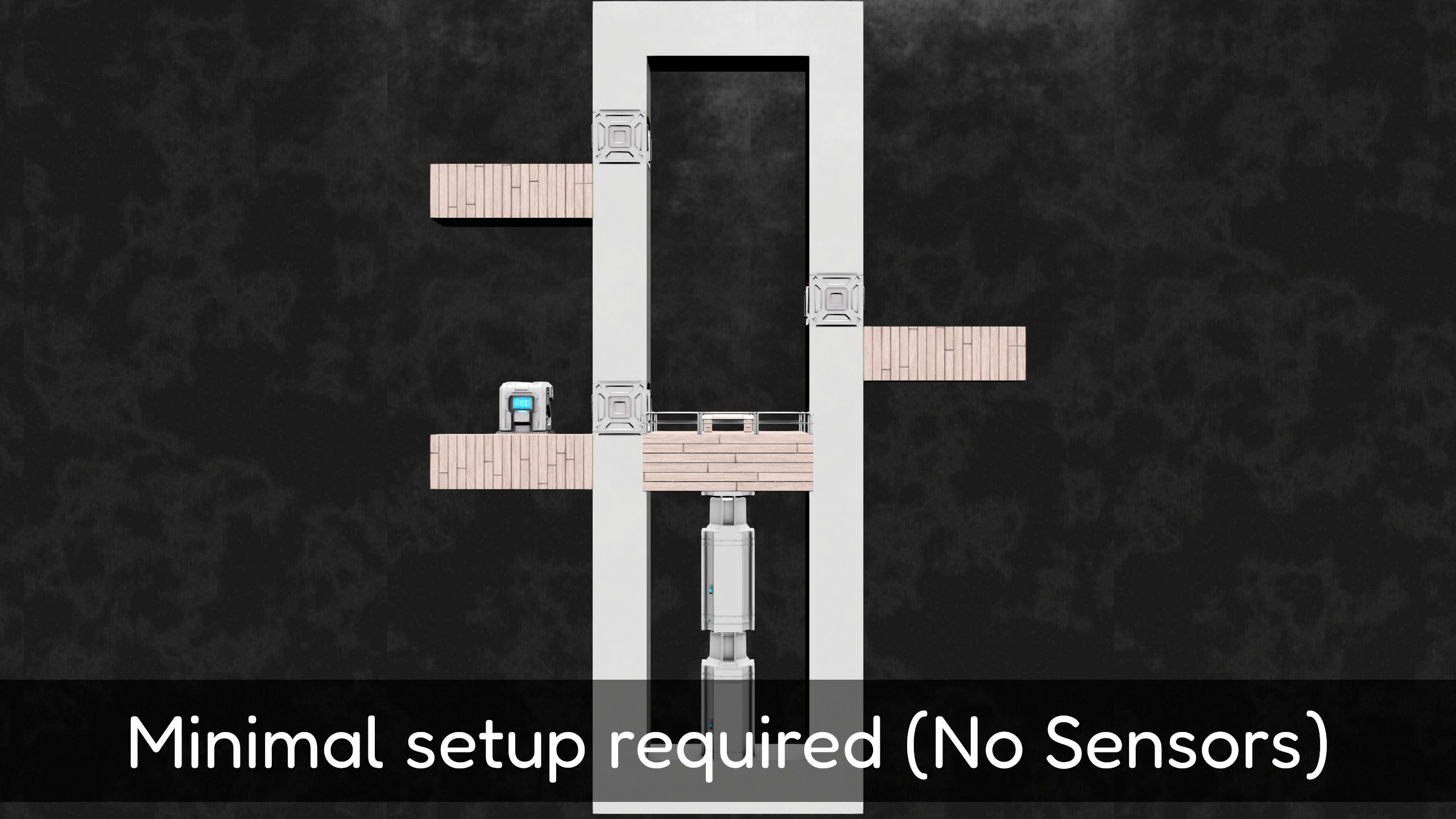
This script is designed in such a way meaning that there is minimal setup required for setting up elevators, there is no need to mess with sensors, timers or floor heights as it is all calculated automatically.
Each elevator can be fully customised according to whatever settings you need. You can adjust each setting or leave them to their default values.
You can find the elevator used in the showcase video Here.
Made using Malware's Visual Studio extension MDK-SE.
How to use:
Use the full guide here if you are new to this script.
A video setup example is available here and in the workshop previews: Guide
Basic Setup Guide:
Use the text and video guide mentioned above if you are new to using this script.
- Place a programmable block with this script.
- Place pistons at the bottom of the elevator shaft.
- Place doors on each level, each door needs to have the prefix [L{X}] where {x} is the floor number. (E.g. A door on floor 1 will have its prefix be [L1]). This NEEDS to be at the start of the block name. It's Important to remember: Floors start at 1.
- Select every door and piston in the terminal and make a group, you will need to come up with a nickname to refer to the elevator with commands. Name in the format: [Elevator <Elevator Name>] (E.g. Valid example: [Elevator PrimaryCargoElevator]). (If you have spaces, you need to surround the name in quotes).
- Run the script with the argument "setup" to activate your elevator. You will now have a functioning elevator!
Highlights
From source dataFootprint
Rated a light load on a server.
Last update
Its author last shipped an update 4 yr ago.
AAECS - Advanced Automatic Elevator Control Script on Nxeon
From our catalogue- One-click install
- Not available. One-click install isn't available for this game's mods yet. Download it and upload it to your server in Files.
- Server load
- light
- Smallest plan we suggest
- Space Engineers — 8 GB (8 GB RAM). This follows our own load rating above, not a benchmark.
- Latest build
- 2023-04-23, released 2023-04-23
Game versions by loader
| Loader | Game versions | Newest |
|---|---|---|
| Workshop |
From 1 recorded build of AAECS - Advanced Automatic Elevator Control Script.
Run AAECS - Advanced Automatic Elevator Control Script on a Space Engineers server
Deploy a server above, then upload the file in Files.
What kind of mod it is
From the catalogTechnology & automation
Machines, power, logistics and automation.
Compatibility
- Game
- Space Engineers
Verified at the source
- ✓Steam WorkshopOfficial listing, checked 2026-11-01Open ↗
- ✓AuthorViruz, as published on Steam Workshop
- ✓LicenseNot published by the sourceFree












