






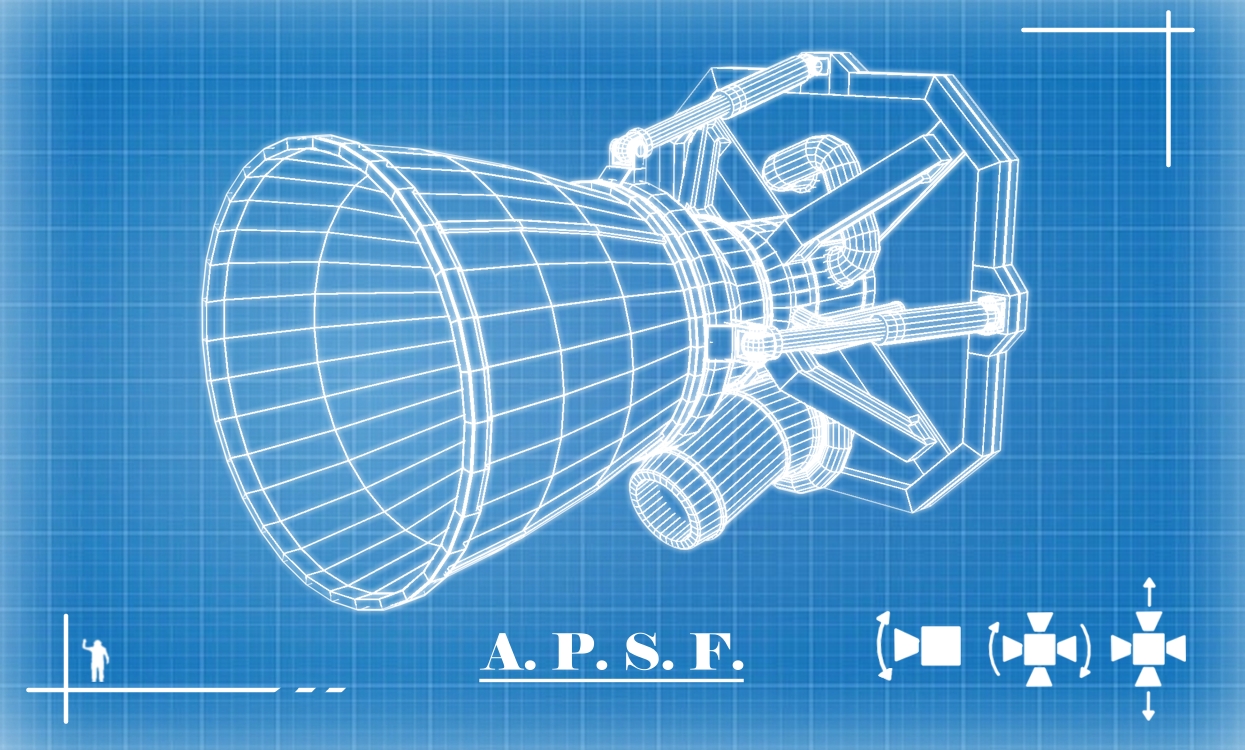
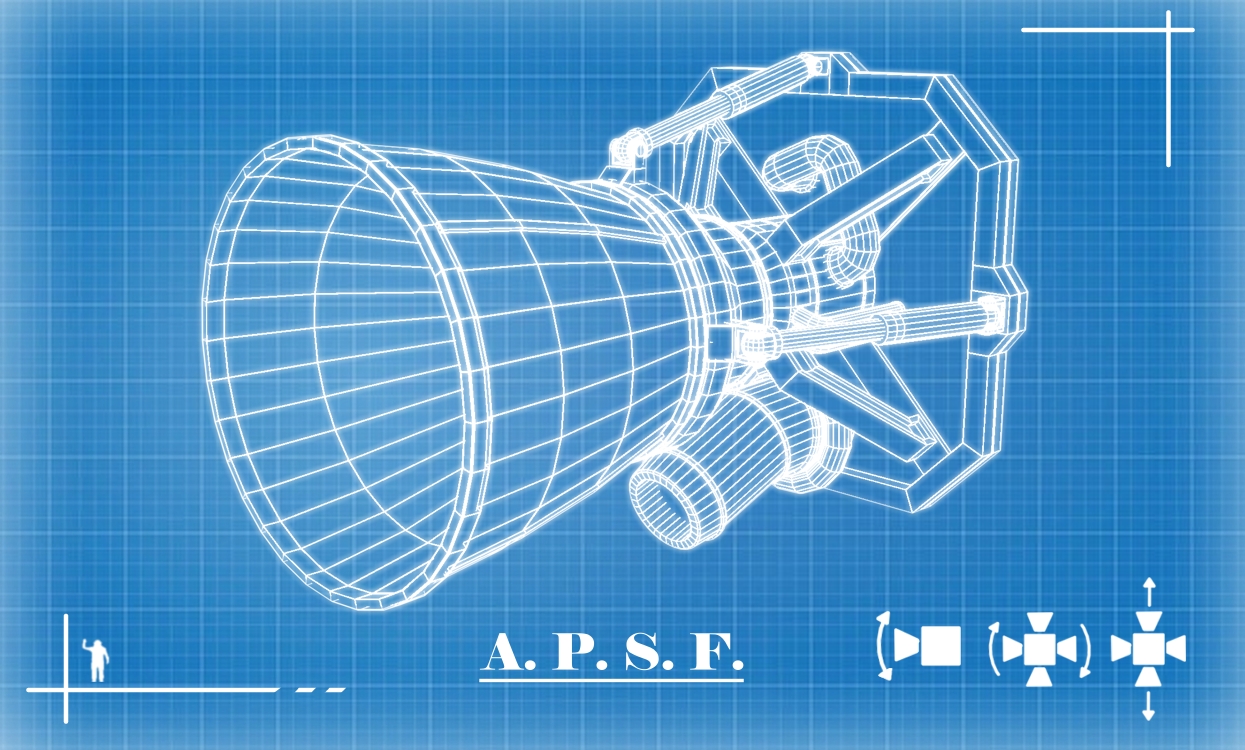
About Advanced Propulsion Systems Framework [APSF]
From Steam WorkshopThis is a framework mod and does nothing on its own Mod lets authors create various multi-directional thrusters that can consume up to 2 custom fuels as well as power, can be used for both rotation…
This is a framework mod and does nothing on its own
Mod lets authors create various multi-directional thrusters that can consume up to 2 custom fuels as well as power, can be used for both rotation and movement (or only movement if configured to apply force at CoM). This also supports angled thrusters if you really wanted those at some point (45-degree slope thruster for example)
Thruster types:
- Gimbal thruster - can rotate itself to provide rotational momentum. Is limited to 90 degrees. Throttle only controls movement while gimbal only controls rotation. Force is always applied to block position (it would make gimbal useless otherwise)
- Multi-directional thruster - supports unlimited amounts of thruster nozzles at any angle. Functions in similar way as my multidirectional thruster mod. Each nozzle consumes fuel as full thruster and contributes to total force (so maximum fuel consumption and thrust magnitude can be greater than in config, keep that in mind). Can be configured to have single nozzle as well (useful for angled thrusters). Can be configured to apply force to CoM making it movement-only.
- Rotary thruster - a hybrid between Multi-directional thruster and a turret. The thruster must have azimuth and elevation subpart in order to function. Aims towards desired thrust direction and provides thrust if desired thrust direction is within AimingTolerance. Can be configured to apply force to CoM making it movement-only. Override is split between rotation vector override defined by up/dowm, left/right and forward/backward sliders (in similar way as multidirectional thrusters) and thrust override (how much force the thruster applies, similar to thrust override of gimbal thrusters). Has options that limit turret movement in case you encounter situations where this thruster sometimes hits your ship
Additionally this mod introduces new AI controller block - the Stability Assist System (SAS) controller. It functions in similar way as kerbal space program SAS by pointing your ship towards selected direction based on orientation of SAS controller block if no player input is present. As a bonus function it also provides thruster movement control for keen remote control autopilot as well as AI blocks (by simply existing on grid and being active). Only one SAS block can be active on same grid at a time. SAS controller can control all the APSF thrusters plus vanilla gyroscopes. Current SAS options:
- None - doesn't provide any inputs, but sets gyro override to ON and 0,0,0 when no player inputs in cockpit are present (or if the grid isn't controlled at all) to stop spin quicker and cancel out various spinning forces (such as imperfectly balanced RCS thrusters for example)
- Keep Orientation - will save current ship orientation and attempt to point towards it. Switching from Keep Orientation option to something different, disabling SAS controller or pressing "reset direction" button will reset desired direction to the current ship orientation. if "Reset on Rotation Input" option is enabled, it will also reset direction every time a player provides any rotation input.
- Prograde/Retrograde - prograde will point towards current velocity vector, retrograde is in the opposite direction
- Vertical Up/Down - will point up/down relative to planetary gravity
- Radial Out/In - same as Up/Down, but projected onto plane perpendicular to ship velocity.
- Normal/Anti-normal - will point ship perpendicular to both Prograde/Retrograde and Radial In/out Vectors (for orbits this is always perpendicular to orbit trajectory)
- Target - will point towards selected target. None - no target, Relative Dampeners Target - the ctrl+z target, only usable if player is in cockpit, Hud Focus Target - target focused by HUD with RMB or AI blocks (works with weaponcore Focus Target too), Autopilot Waypoint - current destination of autopilot or AI block.
- Relative Prograde/Retrograde - will point towards the velocity vector relative to target entity (will not work with waypoints since they are static).
- Align to Horizon - when ON, the controller will align its forward direction to desired direction projected onto horizon while aligning its vertical axis to gravity with roll. This setting is ignored when Vertical UP/DOWN modes are selected. When Radial Out/In are selected, this option only provides the roll adjustment while the forward direction is unchanged. If NONE mode or TARGET mode with invalid target are selected, the controller will still align to horizon. Keep Orientation will still save the global orientation vector, but it will be projected onto horizon (not recommended if you plan to fly more than 1/4 of planet's curvature as it will do 180 degree flip if you do)
- Global movement override - sets movement vector of all APSF thrusters on grid to vector defined by properties of SAS controller relative to controller orientation. This option respects inertia dampeners and cockpit inputs, but overrides autopilot and grid AI inputs.
Note that SAS is a new feature and might sometimes break the game or behave unexpectedly (please report if you encounter that with exact steps on how to replicate). Addidionally due to some game limitations vanilla gyroscopes ignore override inputs if autopilot is enabled - this means that if you want the grid to point somewhere different rather than autopilot direction, you'll have to switch them off or they will fight with SAS resulting in uncontrollable spin sometimes. Alternatively, I haven't found a way to reliably intercept the autopilot desired facing direction, so if this is important for your current setup, disable rotation controls for APSF thrusters and only leave the movement on (for basic ai follow task for example or automated planetary flights where gravity allignment matters and is not your forward direction).
Highlights
From source dataFootprint
Rated a light load on a server.
Last update
Its author last shipped an update 1d ago.
Advanced Propulsion Systems Framework [APSF] on Nxeon
From our catalogue- One-click install
- Not available. One-click install isn't available for this game's mods yet. Download it and upload it to your server in Files.
- Server load
- light
- Smallest plan we suggest
- Space Engineers — 8 GB (8 GB RAM). This follows our own load rating above, not a benchmark.
- Latest build
- 2026-11-03, released 2026-11-03
Game versions by loader
| Loader | Game versions | Newest |
|---|---|---|
| Workshop |
From 5 recorded builds of Advanced Propulsion Systems Framework [APSF].
Recent builds
| Build | Released | Game versions | Loaders |
|---|---|---|---|
| 2026-11-03 | 2026-11-03 | n/a | Workshop |
| 2026-10-26 | 2026-10-26 | n/a | Workshop |
| 2026-10-24 | 2026-10-24 | n/a | Workshop |
| 2026-10-21 | 2026-10-21 | n/a | Workshop |
| 2026-09-22 | 2026-09-22 | n/a | Workshop |
Dependencies
- Required: Definition Extension API
Declared by the newest build that lists any. Required ones are installed with it on one-click installs.
Run Advanced Propulsion Systems Framework [APSF] on a Space Engineers server
Deploy a server above, then upload the file in Files.
What kind of mod it is
From the catalogLibraries & compatibility
Foundations and fixes other mods build on. Usually installed because something else needs it.
Compatibility
- Game
- Space Engineers
Verified at the source
- ✓Steam WorkshopOfficial listing, checked 2026-11-04Open ↗
- ✓Authorhumanoid.mp4, as published on Steam Workshop
- ✓LicenseNot published by the sourceFree












