







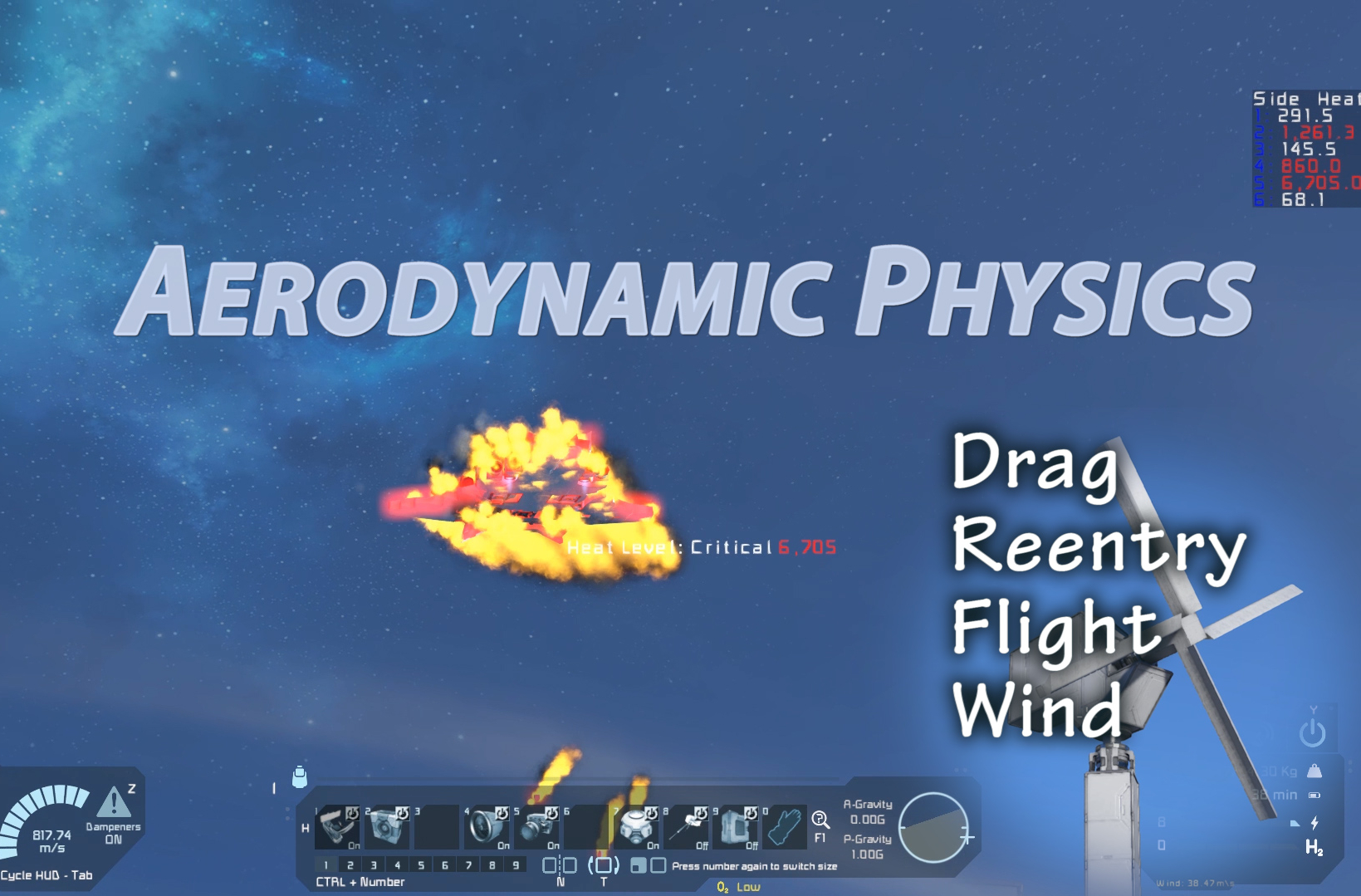
About Aerodynamic Physics
From Steam WorkshopAdds lift profiles to all grids in the game. Adds deadly reentry to the game. Adds wind to the game. Physics simulation includes, drag forces, deflection forces, lift, differential lift, ground…
Adds lift profiles to all grids in the game. Adds deadly reentry to the game. Adds wind to the game.
Physics simulation includes, drag forces, deflection forces, lift, differential lift, ground effect.
Ground effect will calculate based on altitude from voxels or water. Mod compatible with digi's wings blocks (this mod may override the physics of his mod).
FAQ
Q: Drag does not feel like it is taking effect, I cant seem to get reentry to work? A: Usually this is because you are running an unlimited speed mod or using relative top speed. In either of these cases if you want reentry to happen at lower speeds please change the Simulation Max Speed to a lower value. The Debug GUI will tell you what the simulated mach 5 is (m5), and simulated reentry ablation speeds (ab). ab is the speed that aggressive reentry heat happens.
Settings Menu
You can access a graphical admin menu with Alt + F10 (Or Shift + Alt + F10) Player preferences menu is accessed by opening chat and pressing F2, these settings are global and apply to any online or private save.
Preferences Menu
Open Chat and press F2, then click Mod Settings
- Particle Effects: Turns on and off particle effects
- Lighting Effect: Turns on and off lighting effects
- Center of Drag Gizmo: Auto - only shows you the CoM and CoD markers on craft you are actively building, Always On, shows for every craft, Always off, shows for no craft
- Lift Gizmo: Shows the green marker to indicate an angled surface that interacts with the lift profile
- Gui Options
- [list]
- Debug
- [list]
- Show Debug Text, shows some debug text, useful to attach to bug reports
- Debug GUI Position, you can move the debug text using this option
- Lift 1: Debug lift profile 1st direction
- Lift 2: Debug lift profile 2nd direction
- Lift 3: Debug lift profile 3rd direction
- Lift 4: Debug lift profile 4th direction
- Lift 5: Debug lift profile 5th direction
- Lift 6: Debug lift profile 6th direction
[*]Heat Alarm: Turns on or off the heat alarm and lets you move the GUI element [*]Heat Indicator: Turns on or off the heat indicator GUI and lets you move the element [*]Wind Indicator: Turns on or off the wind indicator GUI and lets you move the element [*]Show Hints: Turns hints GUI on/off [*]Reset GUI: Resets all gui options to default [/list] [*]Color Options
- Center of Mass: Color of Center of Mass marker
- Center of Drag: Color of Center of Drag marker
- Block Lift Indicator: Color of lift indicator on the block you're building
- Lift Test Direction: Line that shows which travel direction the grid is being tested on
- Lift Result Direction: Result of the lift test
- Block Drag Indicator: Same as lift indicator but only indicated if the block only effects drag
[/list]
Admin Menu
(Alt+F10 menu or Shift+Alt+F10 on some computers - Top Left Corner)
- Physics
- [list]
- Advanced
- [list]
- Drag Multiplier: Percent, multiplies drag by this percentage, Default 100
- Deflection Multiplier: Percent, multiplies the deflection force on an aircraft.
- Rotational Drag Multiplier: Only takes effect if Advanced Lift simulation is off, changes how easy it is to turn at speed
- Atmospheric Minimum: Percent, How much atmosphere is in space. For those that want to apply drag physics to space (ie starwars sim)
- Ignore Static: Skip static grids.
[*]Advanced Lift: Enables advanced lift simulation (Center of Mass vs Center of Aerodynamics) [*]Disable Reentry: For maps where you do not plan to go to space adjusts the simulated mach 5 speed to match the max speed of the world [*]Small Ship Max Speed: Maximum speed for small ships, Default 150 [*]Large Ship Max Speed: Maximum speed for large ships, Default 150 [*]Simulation Max Speed: Max speed to use to calculate simulated mach 5 and simulated ablation speed. If you are running speed of light settings you can use this to bring reentry speed lower. [*]Enable Character Drag: Apply drag to characters [*]Simulate Wind: Apply wind forces [*]Enable Occlusion: Enable reducing drag based on how much the craft is occluded (inside something) [/list] [*]Heat Settings
- Heat Damage: Turns on and off heat damage
- Heat Radiation Multiplier: Adjusts how fast heat is removed from craft, default 100
[*]Compatibility
- Digi Physics: Enable or disable physics calculation on Digi's aerodynamic wings mod.
[*]Reset Settings: Resets all settings to default [/list]
Mod Features
Mod will automatically adjust drag to be more realistic with higher maximum speeds. This is to allow drag to feel natural in worlds with 150m/s top speeds, and worlds without a top speed.
Mod takes in account your ship's design. If you have a sleek jet like design, flying forward will result in less drag, if you pitch up exposing the surface area of your wings to the direction of travel you will increase the drag and slow down faster.
Heat is calculated by adding or removing energy from the surfaces of your ship. It will dissipate on its own. Ideally you wont overheat from regular planetary travel, unless you strap a ton of thrusters on.
Ship drag and lift is pre-calculated in a separate thread to prevent lagging the main game thread.
Nerdy details
Math behind it:
D = (Cd * r * V^2 * A ) / 2
D = Drag Force (this is a force, it is applied to the craft with the opposite vector as the crafts direction of travel, mass impacts the delta v applied to the craft) Cd= (coefficient of drag, varies based on max speed and drag multiplier setting) r = density of the air at your particular elevation this is the games air density multiplied by the actual air density of well, air. V^2 = velocity squared A = Surface area of your ship facing the direction of travel. (Yes, very close to the actual surface area!)
Highlights
From source dataFootprint
A 3 MB download, rated a light load on a server.
Last update
Its author last shipped an update 24 mo ago.
Aerodynamic Physics on Nxeon
From our catalogue- One-click install
- Not available. One-click install isn't available for this game's mods yet. Download it and upload it to your server in Files.
- Server load
- light
- Smallest plan we suggest
- Space Engineers — 8 GB (8 GB RAM). This follows our own load rating above, not a benchmark.
- Latest build
- 2024-10-23, released 2024-10-23, 3 MB
Game versions by loader
| Loader | Game versions | Newest |
|---|---|---|
| Workshop |
From 1 recorded build of Aerodynamic Physics.
Dependencies
- Required: Text HUD API
- Required: Definition Extension API
Declared by the newest build that lists any. Required ones are installed with it on one-click installs.
Run Aerodynamic Physics on a Space Engineers server
Deploy a server above, then upload the file in Files.
What kind of mod it is
From the catalogWorkshop
Its source category doesn’t say more about what it does, so NxLabs lists it under Other.
Compatibility
- Game
- Space Engineers
- File size
- 3 MB
Verified at the source
- ✓Steam WorkshopOfficial listing, checked 2026-10-10Open ↗
- ✓AuthorDraygoKorvan, as published on Steam Workshop
- ✓LicenseNot published by the sourceFree












