






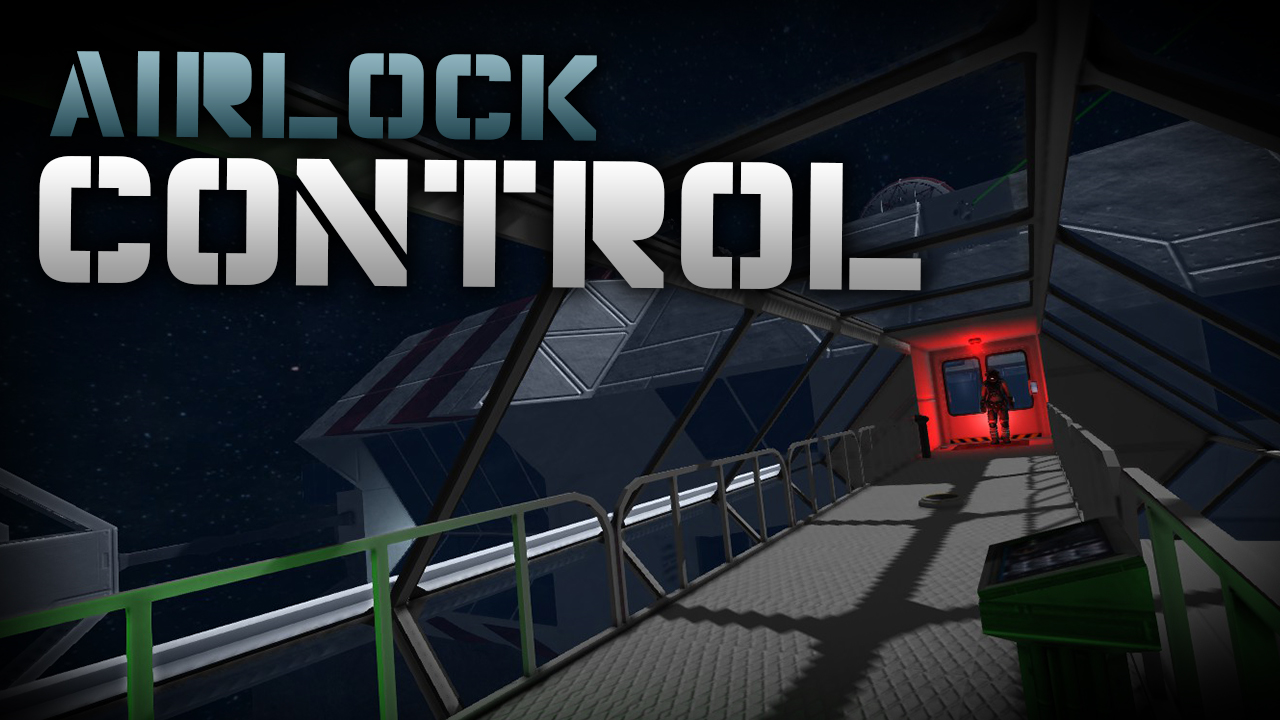
About Airlock Control
From Steam Workshopv:0.976 (01.201 compatibility, fix wrong text length on corner LCDs & take LCD text padding setting into account) In-Game script by MMaster & Morphologis Last update: Fixed LCD flicker * Fixed timing…
v:0.976 (01.201 compatibility, fix wrong text length on corner LCDs & take LCD text padding setting into account) In-Game script by MMaster & Morphologis
Last update: Fixed LCD flicker * Fixed timing to improve airlock response times * Updated for 01.186 version of game * Timer block is not required anymore! * (look at extra features section below)
Intelligent airlock system. Automatically controls any number of airlocks on ships and stations.
- Any number of airlocks using single programmable block & timer
- Any number of doors per airlock (can be used with Hangar Doors)
- Any number of airvents per airlock (so you can use it for large airlocks)
- Automatic pressurization / depressurization with optional pressure detection in rooms behind doors
- Doors automatically closed & locked / unlocked & opened
- Lights changing colors based on state of airlock
- Play sound blocks when airlock is pressurized, depressurized or in both cases
- LCD display support to display state of any number of airlocks on any LCD
- Unlocks doors without opening when airlock can't be depressurized / pressurized
- 3 button actions support: transfer to inner doors, outer doors or switch between them
- Airlock can be also controlled by switching 'Depressurize' on airvents
- Supports all official Space Engineers languages
NO PROGRAMMING NEEDED.
VIDEO GUIDE BY MORPHOLOGIS:
* https://www.youtube.com/watch?v=viWsqLvqkAM
If you like this script please give it positive rating, if you don't like it then please tell me why and I will try to fix it or learn from it. Thank you!
QUICK GUIDE:
* Load script to programmable block, Check code, Remember & Exit
Note: Airlock name mentioned below is name of the airlock that you can choose. Replace any mention of Airlock name by your chosen name for your airlock. You should have all 3 groups with same Airlock name unless you know what you are doing.
Setup 3 groups per airlock like this: Group named "Airlock Control: Airlock name" should contain: - airvents inside airlock - lcds that should show this airlock state [optional]
Group named "Airlock Inner: Airlock name" should contain: - inner doors (opened when airlock is pressurized) - lights for showing inner door status [optional] - sound block played when airlock is being pressurized [optional] - [optional] place airvent behind inner doors and assign it to Airlock Inner group to let airlock automatically figure out what should be the pressure when opening inner doors
Group named "Airlock Outer: Airlock name" should contain: - outer doors (opened when airlock is depressurized) - lights for showing outer door status [optional] - sound block played when airlock is being depressurized [optional] - [optional] place airvent outside of outer doors and assign it to Airlock Outer group to let airlock automatically figure out what should be the pressure when opening outer doors
Setup buttons to Run Programmable block with argument (without quotes!): "Airlock name in" - transfer to inner doors (pressurize) "Airlock name out" - transfer to outer doors (depressurize) "Airlock name toggle" - switch between inner doors / outer doors
"Airlock name" is name of your airlock! If your airlock is called ABC then use "ABC in", "ABC out" etc.
[h1]HINT:[/h1] You can build single sound block and add it to both Inner and Outer group to play sound each time airlock changes state (e.g. hissing sound).
* Done.
LIGHT COLORS
Blinking Red - these doors will open when airlock is (de)pressurized Red - these doors are locked Orange - doors unlocked, but not opened when airlock cannot be (de)pressurized This usually happens when you don't have enough oxygen to pressurize airlock or you don't have enough tanks to depressurize it. Green - doors unlocked and opened
TROUBLESHOOTING
- Make sure that your own everything! - Make sure that you used the same Airlock name in all 3 groups for single airlock. - Always make sure that there are only the blocks that are supposed to be in the groups. - If your doors are opening immediately as you cycle the airlock, make sure that you didn't put the airvent inside the airlock to one of the Inner / Outer groups.
EXTRA FEATURES
Place airvent behind inner doors and assign it to Airlock Inner group and also place airvent outside of outer doors and assign it to Airlock Outer group to let airlock automatically figure out what should be the pressure when opening inner and/or outer doors.
NOTE: You are now able to change colors of the lights: Change color of lights in script LIGHT COLOR SETTINGS when you click EDIT in programmable block with this script and scroll down the guide.
Add closing time to doors name to make sure doors are closed before locking them by adding "CT:seconds": * if your doors are named "Hangar Door 3" rename them to "Hangar Door 3 CT:10" to set closing time to 10 seconds * if your doors are named "Door 3" rename them to "Door 3 CT:5" to set closing time to 5 seconds
Tell the script to open the doors after some time even if pressure is not right in the airlock: Change line "MMConfig.OPEN_ANYWAY = false;" in Configuration() section at the beginning of the script to "MMConfig.OPEN_ANYWAY = true;" (without quotes)
ALWAYS check the OWNERSHIP.
Programmable block needs to be have the same ownership as all the other blocks you want it to control. So all doors, lights, airvents, sound blocks, buttons and LCDs need to have the same owner as programmable block.
HOW TO UPDATE?
Highlights
From source dataFootprint
A 1 MB download, rated a light load on a server.
Last update
Its author last shipped an update 4 yr ago.
Airlock Control on Nxeon
From our catalogue- One-click install
- Not available. One-click install isn't available for this game's mods yet. Download it and upload it to your server in Files.
- Server load
- light
- Smallest plan we suggest
- Space Engineers — 8 GB (8 GB RAM). This follows our own load rating above, not a benchmark.
- Latest build
- 2022-07-10, released 2022-07-10, 1 MB
Game versions by loader
| Loader | Game versions | Newest |
|---|---|---|
| Workshop |
From 1 recorded build of Airlock Control.
Run Airlock Control on a Space Engineers server
Deploy a server above, then upload the file in Files.
What kind of mod it is
From the catalogLibraries & compatibility
Foundations and fixes other mods build on. Usually installed because something else needs it.
Compatibility
- Game
- Space Engineers
- File size
- 1 MB
Verified at the source
- ✓Steam WorkshopOfficial listing, checked 2026-10-10Open ↗
- ✓AuthorMMaster, as published on Steam Workshop
- ✓LicenseNot published by the sourceFree












