






About [Archive] Rdav's EZ- Turret AI
From Steam Workshop### THIS VERSION IS SUPERSEDED BY MY NEW SCRIPT FOUND HERE: ### https://steamcommunity.com/sharedfiles/filedetails/?id=1835446488 This version is held for ARCHIVE AND REFERENCE ONLY EZ- Turret AI is…
### THIS VERSION IS SUPERSEDED BY MY NEW SCRIPT FOUND HERE: ### https://steamcommunity.com/sharedfiles/filedetails/?id=1835446488
This version is held for ARCHIVE AND REFERENCE ONLY
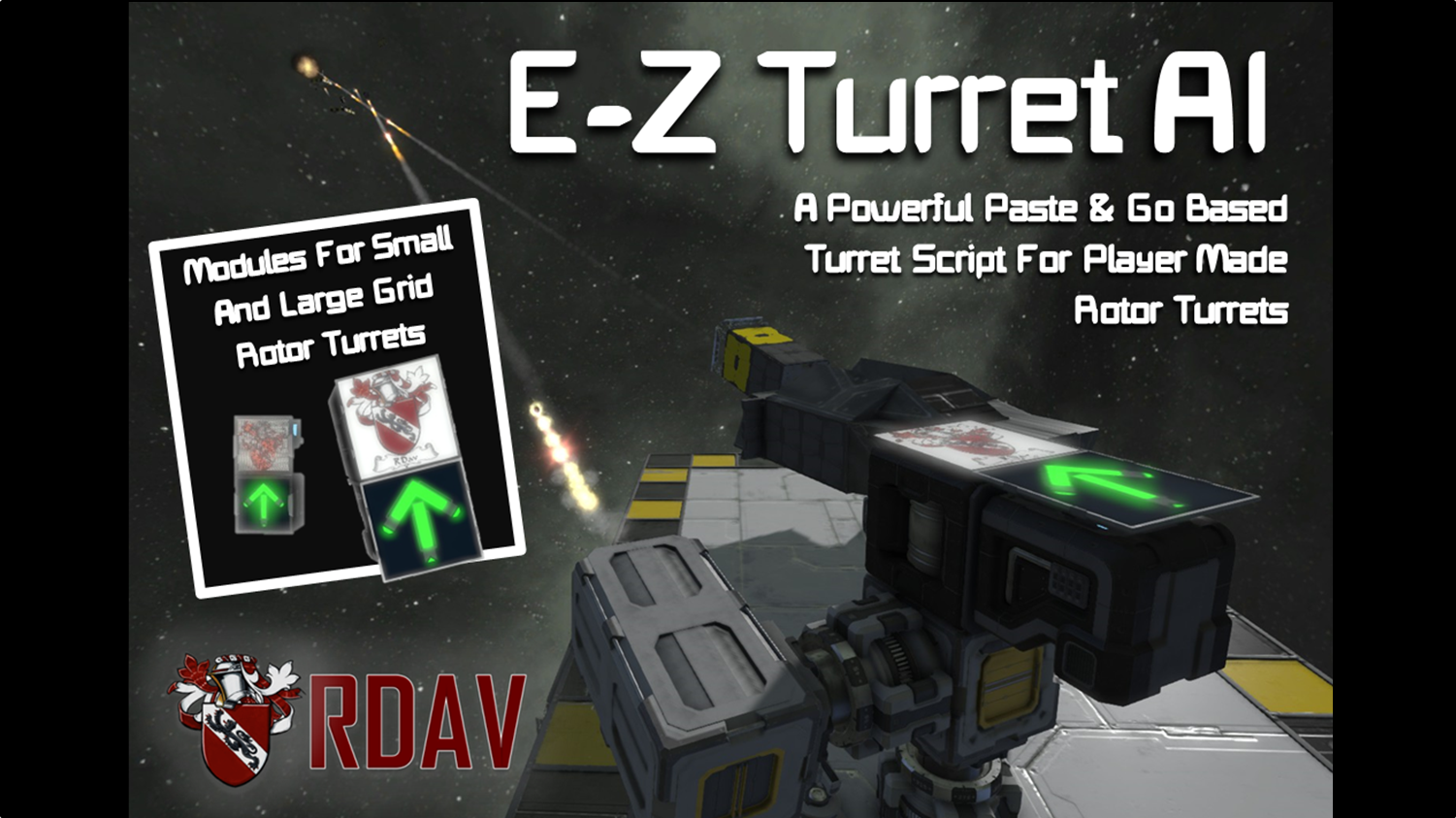
EZ- Turret AI is the first in a series of 0-setup 'Paste And Go' Modules that I'm creating, aiming to give the power of scripted weapons to the masses! EZ- turret contains a new upgraded version of my old code that will convert any player made rotor turret to an automated tracking and firing weapons platform. No complicated installation, simply lay down your turret, paste or weld this module from the blueprint on, and the script will do all the hard work!
Works in vanilla both Dev and Stable Branch
============================================================
Introduction
Ez turret AI is a blueprint module-based script that I designed in an attempt to make scripts more readily accessible for non-scripters, trying my hardest to make it as easy to install as I could! The script will automatically detect all the necessary components for the script to work and configure and control them according to the closest non-Player made turret, with good accuracy. Also included are a host of new cool features, such as: Simulated Recoil, automatic equilibrium positions, and Turret Prefabs.
Automatic Equillibrium: The turrets once set up with Rotor maximum and minimum limits will automatically assume an equilibrium position in the middle when it's not firing, this was a big complaint with a lot of other turret scripts and gives some really good order to the chaos!
Turret Prefabs: The way the script is unique and only dependent on the turret itself means after you've set up a turret, it's all-inclusive, you can literally copy and paste it again, and again and again, however many times you want, wherever you want, you can store your favourite AI-turrets as blueprints and paste them on when shipbuilding!
Simulated Recoil: If people choose to set it up turrets are able to simulate cannon recoil, not exceptionally functional but it makes for some great video clips and scenes!
============================================================

============================================================
Installation:
You will need: 1 - Rotor turret, made however you wish, 1 - Basic vanilla turret, interior, gatling etc 1 - EZ-install module that is contained within the blueprint (f10 menu)
1) Paste the module onto the rotor turrets mid section in the correct orientation (arrow pointing either forward or up) 2) Ownership of all blocks to yourself & set rotor max/min limits so it can't shoot your own ship! 3) Complete! (you can remove all the LCD's after it's installed, they aren't necessary)
Just a note: The script grabs the closest basic vanilla turret for targeting on your ship so it can be as accurate as it can be, change the settings on this turret to change what you want to target. The 'directing' vanilla turret can be installed wherever you want, on the rotor turret, on the ship etc Also useful tip, If you want you can immerse your vanilla turret inside armour blocks (as it is in many of my examples) and it will still keep the same effect,
============================================================

============================================================
Advanced Setup
Setting Up The Simulated Recoil: To set up the simulated recoil, place rotors on the turret arms, behind the launchers themselves, call all designated-recoil rotors "RECOIL" the script will then automatically detect them on re-compliation (press recompile in the p-block ) and set rotor displacement when firing to give the effect of recoil. You can stack rotors to make the recoil appear even bigger, just be careful with the simulated recoil! Too many stacked rotors and things can get.. clangy.
[This section currently a WIP, let me know in the comments if there is anything that is unclear so far or you feel needs further description!]
============================================================

Issues/Thanks:
Big thanks to Whiplash for the LCD-art I use quite prominently on the prefabs!
Let me know if there are any issues or problems with the script! I want to make it as readily accessible for everyone and as bug free as possible so if you encounter issues setting it up or using it make sure you throw a comment below so I can get right on it!
FAQ:
~ Does this work on small ships? #Yes, the small module is specifically designed for small grid operation
~ Does this work with modded weapons? #Depends on the mod, sometimes things can get a little weird, let me know which mods are not working properly with it and I'll update it to be compatible!
~ Can it be made in survival? #Yes it can! Simplest & best is to either weld a blueprint of the module on, or create it from scratch and insert the scripts and set up the timer loop manually, instructions for this are provided in the script!
~ Can I use multiple turret arms? #Yup, each module will grab the closest arm of the turret, install multiple modules on the center of the turret and you can have multiple arms all tracking, aiming and firing!
~How Can I increase it's accuracy? #To boost how accurate the guns are try putting vanilla turrets closer to the turret itself, or even on the turret, the closer the better! Each module will grab the closest turret for guidance so you can lay down as many directing turrets as you want and each module will grab the one best for itself
Also a WORD OF WARNING,
Highlights
From source dataFootprint
Rated a light load on a server.
Last update
Its author last shipped an update 9 yr ago.
[Archive] Rdav's EZ- Turret AI on Nxeon
From our catalogue- One-click install
- Not available. One-click install isn't available for this game's mods yet. Download it and upload it to your server in Files.
- Server load
- light
- Smallest plan we suggest
- Space Engineers — 8 GB (8 GB RAM). This follows our own load rating above, not a benchmark.
- Latest build
- 2017-11-28, released 2017-11-28
Game versions by loader
| Loader | Game versions | Newest |
|---|---|---|
| Workshop |
From 1 recorded build of [Archive] Rdav's EZ- Turret AI.
Run [Archive] Rdav's EZ- Turret AI on a Space Engineers server
Deploy a server above, then upload the file in Files.
What kind of mod it is
From the catalogTechnology & automation
Machines, power, logistics and automation.
Compatibility
- Game
- Space Engineers
Verified at the source
- ✓Steam WorkshopOfficial listing, checked 2026-11-01Open ↗
- ✓AuthorRdav, as published on Steam Workshop
- ✓LicenseNot published by the sourceFree












