







About Argus
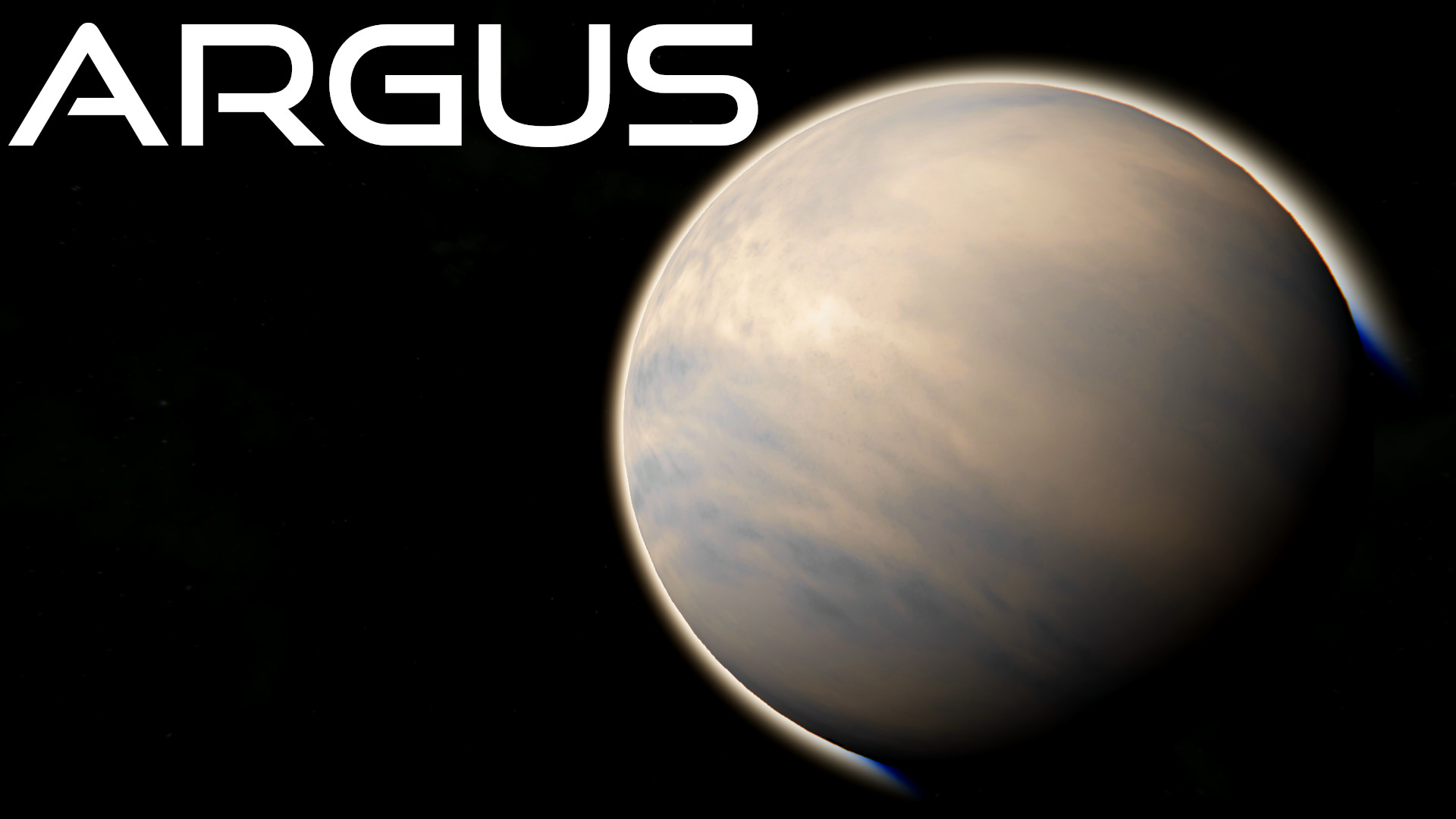
From Steam WorkshopArgus is a resource-rich but highly inhospitable and scorched planet. The planet has been designed to be a challenge in survival mode, featuring frequent storms that render the surface completely…
Argus is a resource-rich but highly inhospitable and scorched planet. The planet has been designed to be a challenge in survival mode, featuring frequent storms that render the surface completely uninhabitable for extended periods of time. Due to the extreme weather patterns, structures exposed to the surface for too long, will be destroyed by the planet's hostile environment.
Warning Certain weather types on Argus can cause grid and player damage.
Details
• Recommended Size: 120km • Difficulty: Very Hard • Resources: Uranium, Platinum, Hydronite, Iron, Nickel, Silicon, Cobalt, Silver, Magnesium, Gold • Biomes: Wasteland, Desert, Mountains, Ravines • Surface gravity: 1.45g • Wind speed: High • Lifeforms: None • Average Temperature: Inferno • Oxygen Level: 5% • Gameplay Tip: [spoiler]Keep your grids underground to protect them from storms.[/spoiler]
Weather Types: • Duststorm: Obscures visibility and reduces efficiency of turbines. • Corrosive Rain: Slowly damages grids and players that are exposed to it on the surface. • Thermal Storm: Drastically increases temperature and causes suit energy to drain faster. • Radioactive Storm: Slowly damages players on the surface. • Lightningstorm: Obscures visiblity & generates large amounts of lightning. • Catacylsm: Occurs very rarely, and is a more extreme combination of all weather types. • Weather types will not damage grids that are underground.
Weather types on Argus rely on the lightning system to deal damage. Ensure that lightning damage is turned on in the world settings for the weather to work as intended.
Other Features: • Respawn Rover on Argus • New resource - Hydronite: Functions the same as ice, but takes up less volume & can be sold for profit.
How to use:
• Press Alt+F10, open the dropdown menu and select "Admin Tools". • Enable "Creative Mode Tools". • Open the spawn menu by pressing Shift+F10 then select "Planets" in the dropdown menu. • Select desired planet, set its size and press "Spawn". • Click to spawn the planet. Once finished, disable "Creative Mode Tools".
Highlights
From source dataFootprint
Rated a light load on a server.
Last update
Its author last shipped an update 14 mo ago.
Argus on Nxeon
From our catalogue- One-click install
- Not available. One-click install isn't available for this game's mods yet. Download it and upload it to your server in Files.
- Server load
- light
- Smallest plan we suggest
- Space Engineers — 8 GB (8 GB RAM). This follows our own load rating above, not a benchmark.
- Latest build
- 2025-09-08, released 2025-09-08
Game versions by loader
| Loader | Game versions | Newest |
|---|---|---|
| Workshop |
From 1 recorded build of Argus.
Run Argus on a Space Engineers server
Deploy a server above, then upload the file in Files.
What kind of mod it is
From the catalogWorld generation
Changes or adds to how new terrain, biomes and structures are created.
Compatibility
- Game
- Space Engineers
Verified at the source
- ✓Steam WorkshopOfficial listing, checked 2026-11-01Open ↗
- ✓AuthorInfinite, as published on Steam Workshop
- ✓LicenseNot published by the sourceFree












