






About AutoLevel
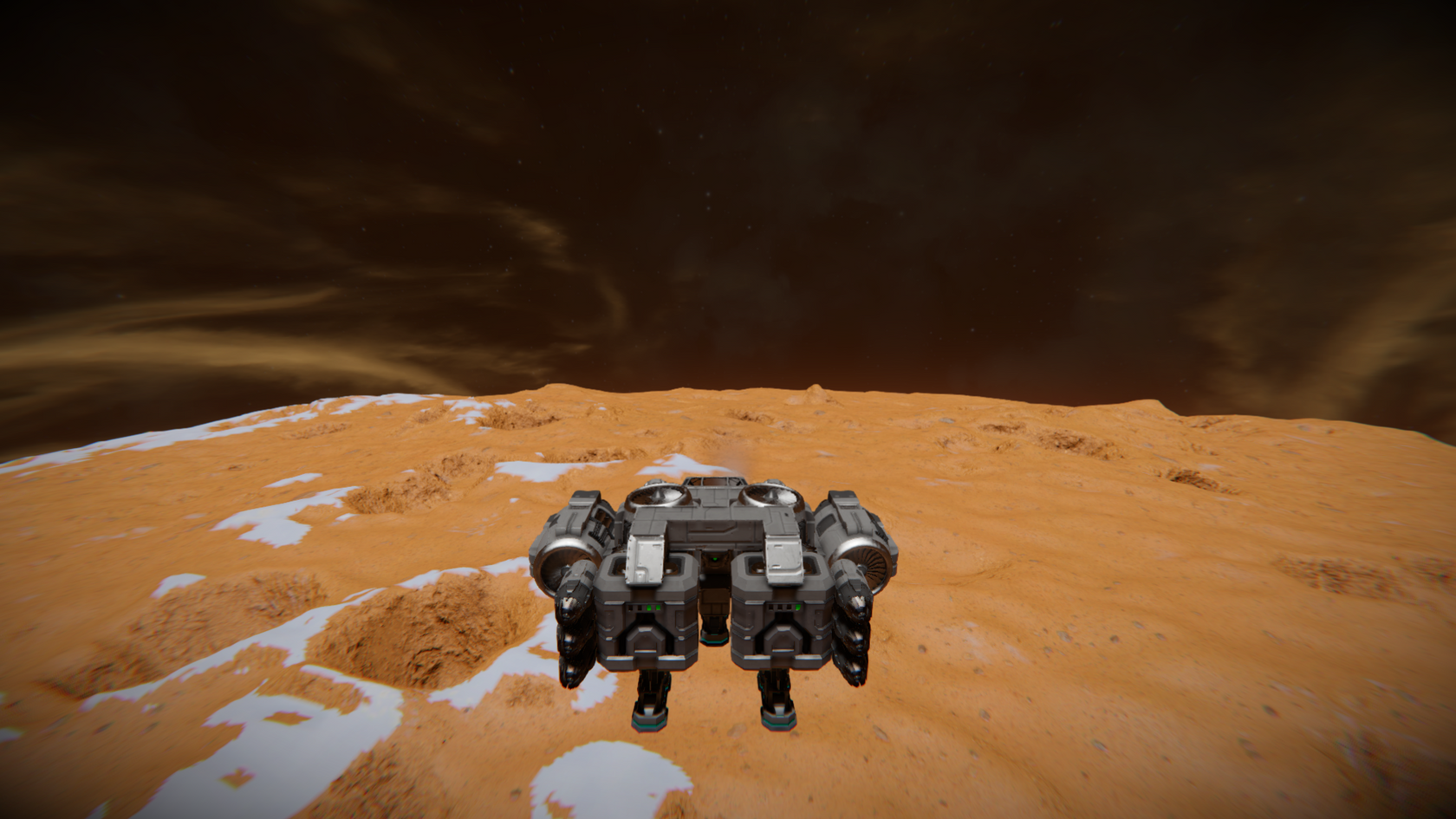
From Steam WorkshopAutoLevel Script - Automatically aligns your ship level to the pull of gravity with various control options for customisation Use instructions: Basic Use This is how to set up the script with no…
AutoLevel Script - Automatically aligns your ship level to the pull of gravity with various control options for customisation
Use instructions:
Basic Use This is how to set up the script with no extra features, if you want to use the additional features (e.g. disabling so you can turn and automatically stopping when the ship is level) please read the "advanced use" section below
1. Ensure that your ship has a remote control and at least one gyroscope 2. Install the script to a programmable block 3. (Optional) Set up a button to Run the programmable block in the cockpit hotbar, ensuring that when it asks for an argument you type something (doesn't matter what) 4.Run the script via the interface menu with any argument other than an empty one (e.g. "r", "start", "go" but don't leave the box empty) or the button set up in step 3 5. The ship should automatically level itself, to stop the script press the button or run the programmable block again
Advanced Use 1. Ensure that the ship has a remote control (if there are multiple, you can use the REMOTE_CONTROL_NAME variable to select a specific controller) and at least one gyroscope 1.1 Ensure that the remote control is correctly orientated (the round light should be facing "forwards" relative to your ship) 2. Change the script by clicking the "Edit" button in the programmable block. You are looking for the variables just below the usage instructions in the script, do not change anything below the do not edit warning unless you know what you're doing. The variables are as follows: 2.1 - REMOTE_CONTROL_NAME is used to choose a remote control if there are more than one on your ship, type the name inside the "" (e.g. string REMOTE_CONTROL_NAME = "Remote Control 1";) 2.2 - CTRL_COEFF is used to define the turn speed, if your ship is overshooting, reduce this, if it is turning too slowly increase it by a small amount (e.g. 0.1) and then try again. Large changes may mean your ship is uncontrollable and will be damaged, you have been warned! 2.3 - stopWhenLevel is used to decide whether the script should stop running once the ship is level (true) or continue to run (false) 2.4 - If you want the ship to still be controllable (i.e. to allow you to turn - you can set cockpitFeaturesEnabled to true 3. Run the script with any argument other than an empty one (e.g. "r", "start", "go" but don't leave the box empty) 4. If stopWhenLevel is false, you can stop the script by running it again with the same non-empty argument as described in (3)
Note - Please let me know in the comments on the script if you run into any issues and I'll get them fixed as soon as I can
Common Issues and Fixes!!
If your issue is in the list below please try the fix before posting a comment, if your issue is not below or the fix doesn't solve it feel free to drop a comment and I will either let you know how to fix it or fix the bug that is causing it!
Issue: My ship pitches to an angle other than level with gravity Probable Fix: Ensure that your remote control block is oriented correctly (facing the front of the ship and the correct way up) and recompile the script to ensure that it has up to date values for the ship.
Issue: The script does not appear to do anything when I run it Probable Fix: READ THE INSTRUCTIONS - a few people have had issues that would have been fixed by just making sure all the instructions were followed. Make sure you have all the blocks required. Ensure that the argument box is not empty. Also check the custom data of the programmable block for error messages as these may give you a clue as to why the script is not working.
Issue: My ship turns too fast / too slowly Fix: Modify the "CTRL_COEFF" value at the top of the code. I recommend small changes, so if it's at the default 0.3 and is turning too slowly, try 0.4 and then see what it's like. Large changes may mean your ship goes out of control and I won't be held liable for destroying your precious creations! YOU HAVE BEEN WARNED!
Highlights
From source dataFootprint
Rated a light load on a server.
Last update
Its author last shipped an update 6 yr ago.
AutoLevel on Nxeon
From our catalogue- One-click install
- Not available. One-click install isn't available for this game's mods yet. Download it and upload it to your server in Files.
- Server load
- light
- Smallest plan we suggest
- Space Engineers — 8 GB (8 GB RAM). This follows our own load rating above, not a benchmark.
- Latest build
- 2020-05-14, released 2020-05-14
Game versions by loader
| Loader | Game versions | Newest |
|---|---|---|
| Workshop |
From 1 recorded build of AutoLevel.
Run AutoLevel on a Space Engineers server
Deploy a server above, then upload the file in Files.
What kind of mod it is
From the catalogVehicles & ships
Cars, boats, aircraft, ships and other things to drive or fly.
Compatibility
- Game
- Space Engineers
Verified at the source
- ✓Steam WorkshopOfficial listing, checked 2026-11-01Open ↗
- ✓AuthorDixie Normus, as published on Steam Workshop
- ✓LicenseNot published by the sourceFree












