






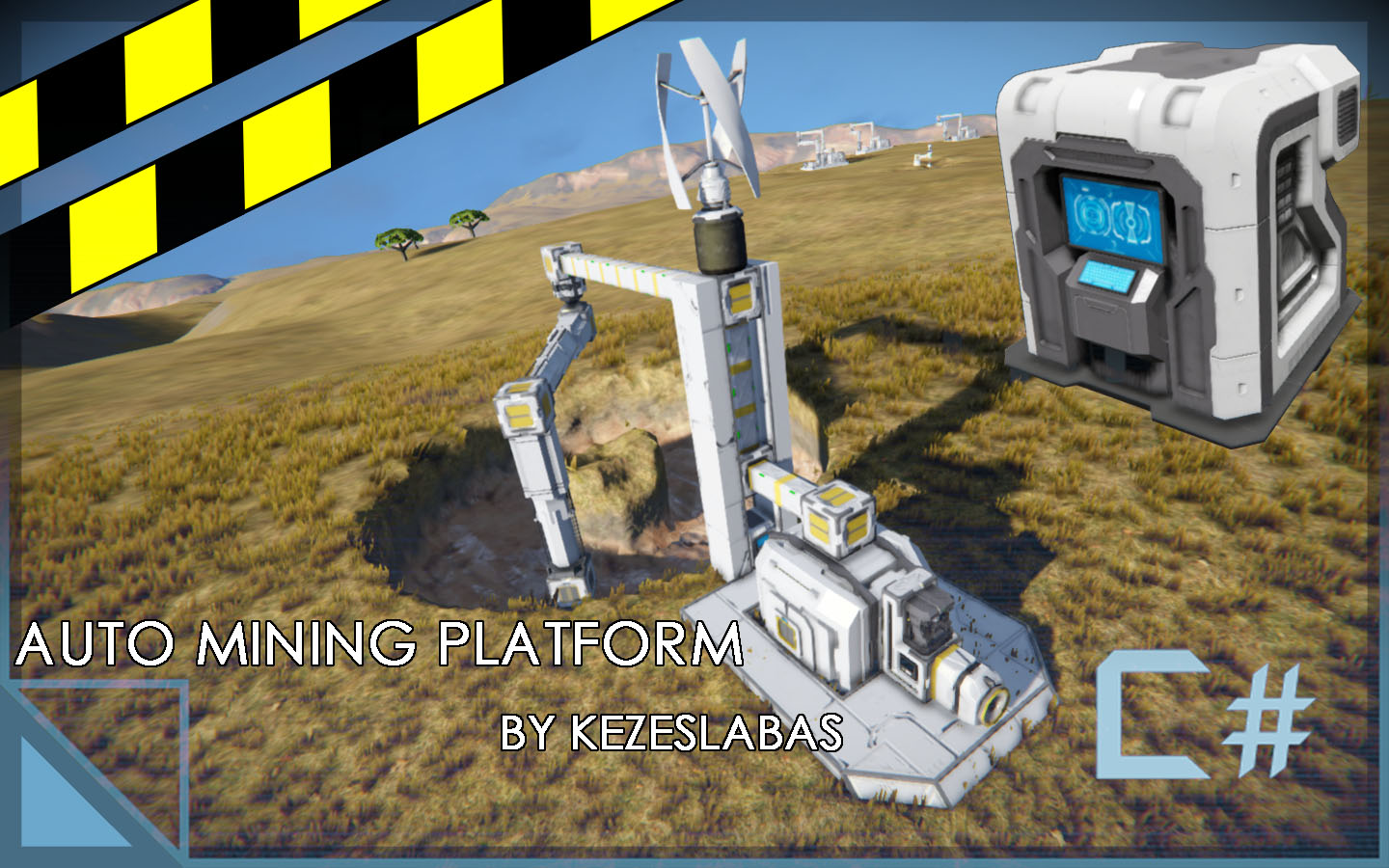

About Automatic Mining Platform by Kezeslabas
From Steam WorkshopNew version: v3.721 (Fixed cargo modules recognized incorrectly) (Change Log in the Change Notes Tab.) If you have any Questions or Issues with the script, you can write a reply to the Discussions.…
[h1]New version: v3.721 (Fixed cargo modules recognized incorrectly)[/h1] (Change Log in the Change Notes Tab.)
If you have any Questions or Issues with the script, you can write a reply to the Discussions.
This is a script that I made for my personal use. I decided to polish and upload it, because I thought that someone else could find it useful as well.
The script uses Pistons, Drills and a Rotor to reach and mine out as many Stone/Ore as possible with that setup.
[h1]Components:[/h1][list] [*][h1]Basic Components (2+2):[/h1][list] [*]Advanced Rotor (Exactly 1) [*]Drill(s) (1 or more)
[*](Optional) Horizontal Pistons(s) (0 or more) [*](Optional) Vertical Pistons(s) (0 or more) [/list] (The script works with any combination of Pistons, even with 0 Pistons)
[*][h1]Advanced Components (6)[/h1][list] [*](Optional) LCD/Text Panel(s) (0 or more)[list] [*]Displays the Progression and other informations.[/list] [*](Optional) Antenna (0 or Exactly 1)[list] [*]Required for the Broadcast Progression feature, where you can broadcast the LCD/Text Panel's data to another grid.[/list] [*](Optional) Timer Block (0 or Exactly 1)[list] [*]Starts when the mining is finished, so you can connect this script to other blocks/systems.[/list] [*](Optional) Cargo Module (0 or more)[list] [*]Can be any number of blocks with inventory. [*]Their filling % is gonna be displayed. [*]The Auto Pause/Start function is gonna use them as reference.[/list] [*](Optional) Advanced Timer (0 or Exactly 1)[list] [*]A Timer Block, but use the "/Adv/" tag in addition to the Main Tag. [*]Starts each time the Auto Pause/Start feature applies.[/list] [*](Optional) Other LCD Block(s) (0 or more) (NEW)[list] [*]Any block that has a built in LCD, like a Cockpit. [*]Needs additional configuration, by writing to it's Custom Data. (Details are inside the script.) [*]It differentiates the LCDs in the same way as MMaster's Auto LCDs 2 script does. [*]It works alongside MMaster's Auto LCDs 2 script, in the same Cockpit. [/list][/list]
[h1]Quick Setup[/h1][list] [*]Rename the Components of the system, so they'll contain the main tag. (Which is "/Mine 01/" in default, but you can change it.) [*]In addition, add the "/Hor/" tag to the name of the Horizontal Pistons [*]Also, add the "/Ver/" tag to the names of the Vertical Pistons.[/list]
- If you want to use a Vertical Piston Inverted, then add the "/Inv/" tag to it's name as well. [/list]
- [h1]Configuration:[/h1][list]
- You can configure the script in the Programmable Block's Custom Data.
- There is a detailed information inside the script about what's what.
[h1]How to Use:[/h1][list] [*]If you've renamed everything and configured the script, then run it with the "Set" argument.
[*]If you are seeing the "System: Ready to Start!" message in the detailed info, then run the script with the "Start" argument.
[*]If you want to pause the mining, then run the script with the "Pause" as argument. [*]You can continue the mining with the "Start" command.
[*]If you want to add an Advanced Component then rename it, then use the "Refresh" command. [/list]
Notes
Inside the script, you can find more detailed information about how to set up and use the script. It's recommended to read the description inside the script at least once, before you use it.
[h1]Features[/h1][list] [*]Mining Sequence:[list] [*] The "Set" command is gonna set the Rotor and the Pistons to a Starting Position. If you Start the system, then the Mining Sequence begins, after the Starting Position is reached.
[*]The Mining Sequence's algorithm:
- Rotates the Rotor.
- Repeat until Max Limit is reached for the Vertical Piston(s)[list]
- Repeat until Max Limit is reached for the Horizontal Piston(s)[list]
- Extends the Horizontal Piston
- Rotates the Rotor[/list]
- Extend Vertical Piston
- Rotates the Rotor
- Repeat until Min Limit is reached for the Horizontal Piston(s)[list]
- Retracts the Horizontal Piston
- Rotates the Rotor[/list][/list]
[*]Adaptive Extension and Speed[list] [*]Based on how many Horizontal Pistons and Drills are you using, the script adapts and finds the best configuration for the different values that it uses, like how much the Horizontal Pistons should extend or how fast the Rotor should turn. Most of this happens, when you run the "Set" command. (You can overwrite this by setting unique values in the 2.) Basic Configuration section.)[/list]
[*]Inverted Vertical Pistons[list] [*]You can use Vertical Pistons Inverted. They do the opposite of what a normal Vertical Piston would do. To mark an Inverted Vertical Piston, add the "/Inv/" tag to it's name.[/list]
[*]Show Advanced Data[list]
Highlights
From source dataFootprint
A 713 KB download, rated a light load on a server.
Last update
Its author last shipped an update 5 yr ago.
Automatic Mining Platform by Kezeslabas on Nxeon
From our catalogue- One-click install
- Not available. One-click install isn't available for this game's mods yet. Download it and upload it to your server in Files.
- Server load
- light
- Smallest plan we suggest
- Space Engineers — 8 GB (8 GB RAM). This follows our own load rating above, not a benchmark.
- Latest build
- 2022-02-05, released 2022-02-05, 713 KB
Game versions by loader
| Loader | Game versions | Newest |
|---|---|---|
| Workshop |
From 1 recorded build of Automatic Mining Platform by Kezeslabas.
Run Automatic Mining Platform by Kezeslabas on a Space Engineers server
Deploy a server above, then upload the file in Files.
What kind of mod it is
From the catalogTechnology & automation
Machines, power, logistics and automation.
Compatibility
- Game
- Space Engineers
- File size
- 713 KB
Verified at the source
- ✓Steam WorkshopOfficial listing, checked 2026-10-10Open ↗
- ✓AuthorKezeslabas, as published on Steam Workshop
- ✓LicenseNot published by the sourceFree












