






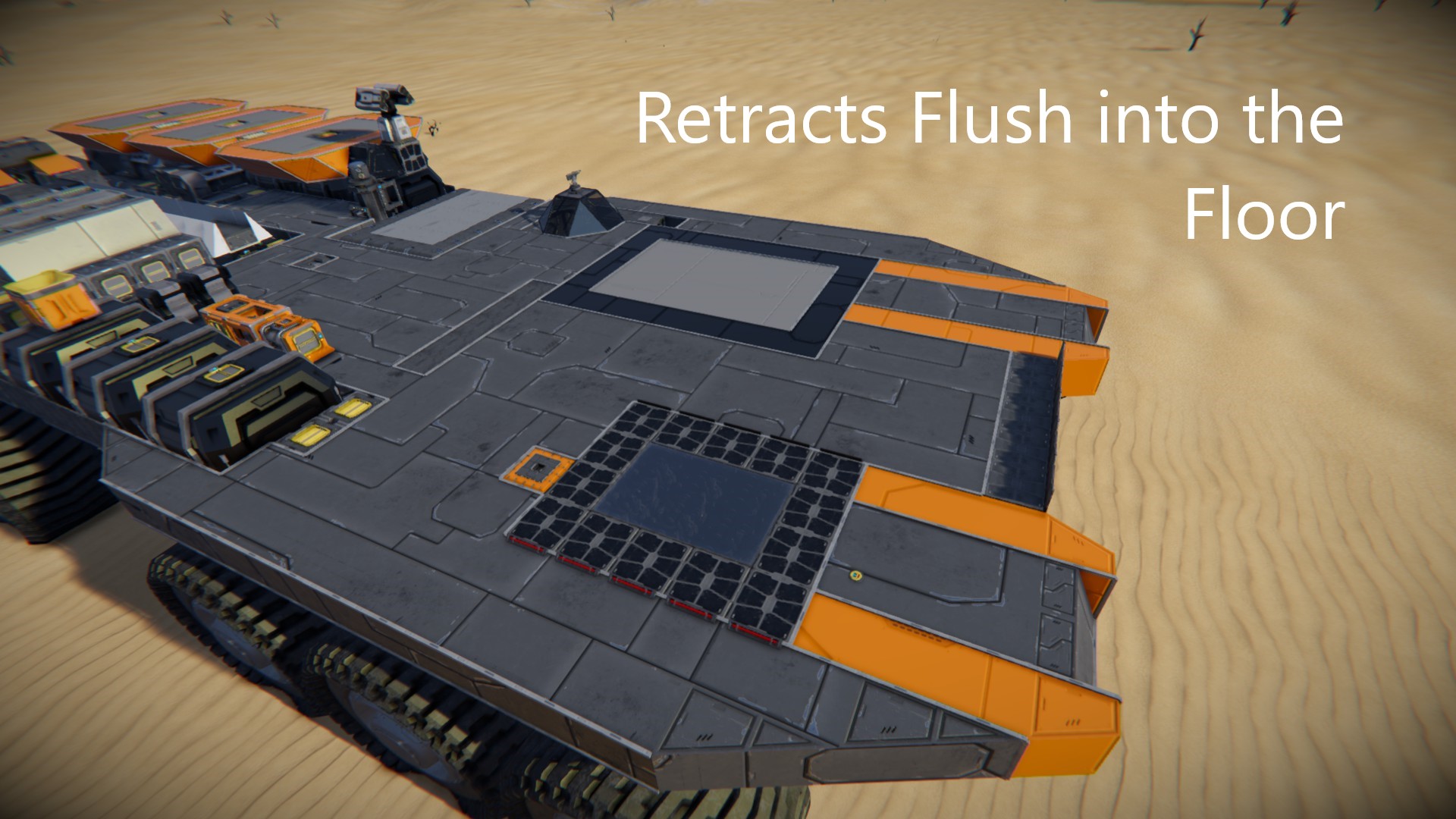

About Automatic Ship Printing Pad
From Steam WorkshopA ship printer that's very compact and easy to integrate into any hangar floor or landing pad. Very easy to use since the operation of piston, welders, and projector are automated using sensors and…
A ship printer that's very compact and easy to integrate into any hangar floor or landing pad. Very easy to use since the operation of piston, welders, and projector are automated using sensors and timers.
[h1] If you want to build this in survival anyway, follow this guide here.
Projectors in SE cannot project stuff attached to pistons or rotors. Please stop complaining about it in the comments, there's nothing I can do about it. Just follow the guide, it tells you how to get around this issue. [/h1]
Setup
How fast the printer works depends on the welding speed settings of your world, so before starting you need to adjust the piston speed. (you can always go lower for extra safety, but if the speed is too high the ship won't fully print)
RECOMMENDED SPEED SETTINGS:
1x: 0.03 m/s 2x: 0.045 m/s 5x: 0.09 m/s Creative Mode: 0.5 m/s
For very large or complicated-to-weld ships you might need slightly lower speeds. For small ships you can go a bit higher if you want to.
Button Controls
Grey Button On Top: Move piston to ready position Orange Buttons: Move projection horizontaly Cyan Buttons: Move projection vertically White Buttons: Turn projection Yellow Button: Enable/Disable dampeners (Press if you see the ship fire its engines while printing) Red Button: Start printing process Blue Button: Retract Piston
NOTE: A proximity safety sensor will shut down the welders if you get too close to prevent injury. If that happens, simply return to a safe distance and press the red button again to continue.
Instructions for Use
[olist] [*] If currently retracted, activate the system (grey button on top) [*] Select the blueprint you want to print [*] Move the blueprint to printing position on the pad (See Controls) For optimal results, move the topmost interconnected layer of your ship to be the lowest layer of blocks fully above the floor. That way this layer has time fully build before the piston starts moving upwards. [*] Build a block line to connect projection to button panel so the projection can actually build. [*] Check if you have all the resources you need to finish the build. I have a set of screens with Juggenaut93's Projector2LCD script set up to help you with that. Direct any compliments or questions concerning the script to that page, it has nothing to do with my build. [*] Press Red Button to start the welding (The piston will automatically start moving after 8s) [*] Wait for the build to finish, then retract back on the landing pad. If the piston doesn't retract 3 several seconds after stopping, retract the piston manually by pressing the dark blue button. If some of the lower bits aren't finished yet, just press red again to re-enable the welders. [*] If you don't have a battery, put uranium into your reactors now, while the ship is still getting energy from the pad. [*] Grind away the connection to free the ship. The piston will retract automatically. Note: If you didn't remove all of the block connection to the ship, the piston will not retract fully and instead return to ready position. You can then print another ship, or remove the blocks and press dark blue to fully retract it.
[/olist]
Highlights
From source dataFootprint
Rated a light load on a server.
Last update
Its author last shipped an update 7 yr ago.
Automatic Ship Printing Pad on Nxeon
From our catalogue- One-click install
- Not available. One-click install isn't available for this game's mods yet. Download it and upload it to your server in Files.
- Server load
- light
- Smallest plan we suggest
- Space Engineers — 8 GB (8 GB RAM). This follows our own load rating above, not a benchmark.
- Latest build
- 2019-09-27, released 2019-09-27
Game versions by loader
| Loader | Game versions | Newest |
|---|---|---|
| Workshop |
From 1 recorded build of Automatic Ship Printing Pad.
Run Automatic Ship Printing Pad on a Space Engineers server
Deploy a server above, then upload the file in Files.
What kind of mod it is
From the catalogVehicles & ships
Cars, boats, aircraft, ships and other things to drive or fly.
Compatibility
- Game
- Space Engineers
Verified at the source
- ✓Steam WorkshopOfficial listing, checked 2026-11-01Open ↗
- ✓AuthorHellothere, as published on Steam Workshop
- ✓LicenseNot published by the sourceFree












