






About Battery Status Script V.1.1 [Vanilla] - Lightwolf Adventures
From Steam WorkshopNote: Thanks to Morphik and his Comment, i was able to change the Font also with the script, because of that, i uploaded a new version. Note Update 29.12.17: Both Versions are now the same new…
Note: Thanks to Morphik and his Comment, i was able to change the Font also with the script, because of that, i uploaded a new version.
Note Update 29.12.17: Both Versions are now the same new Version, since i understand how to update my Workshop projects
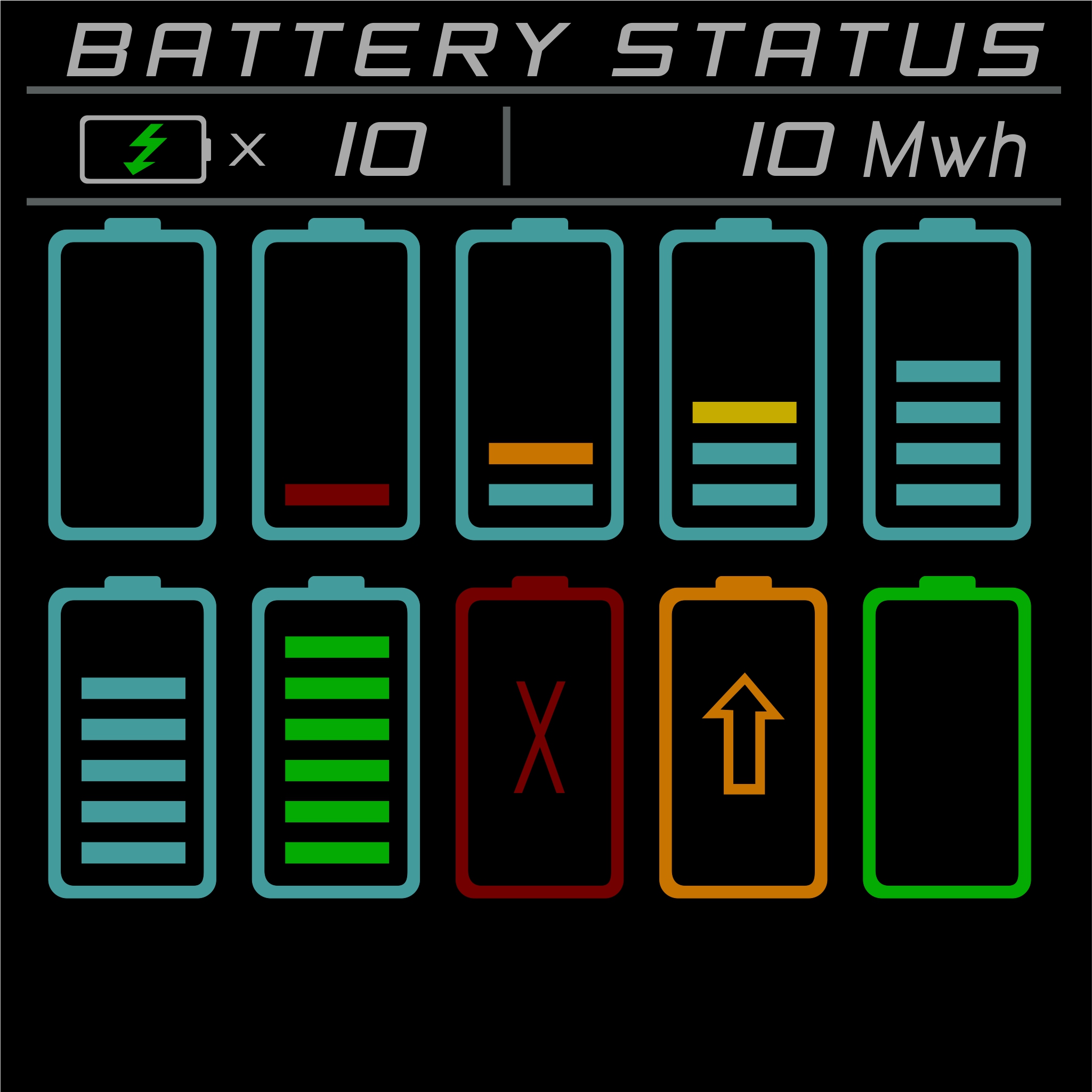
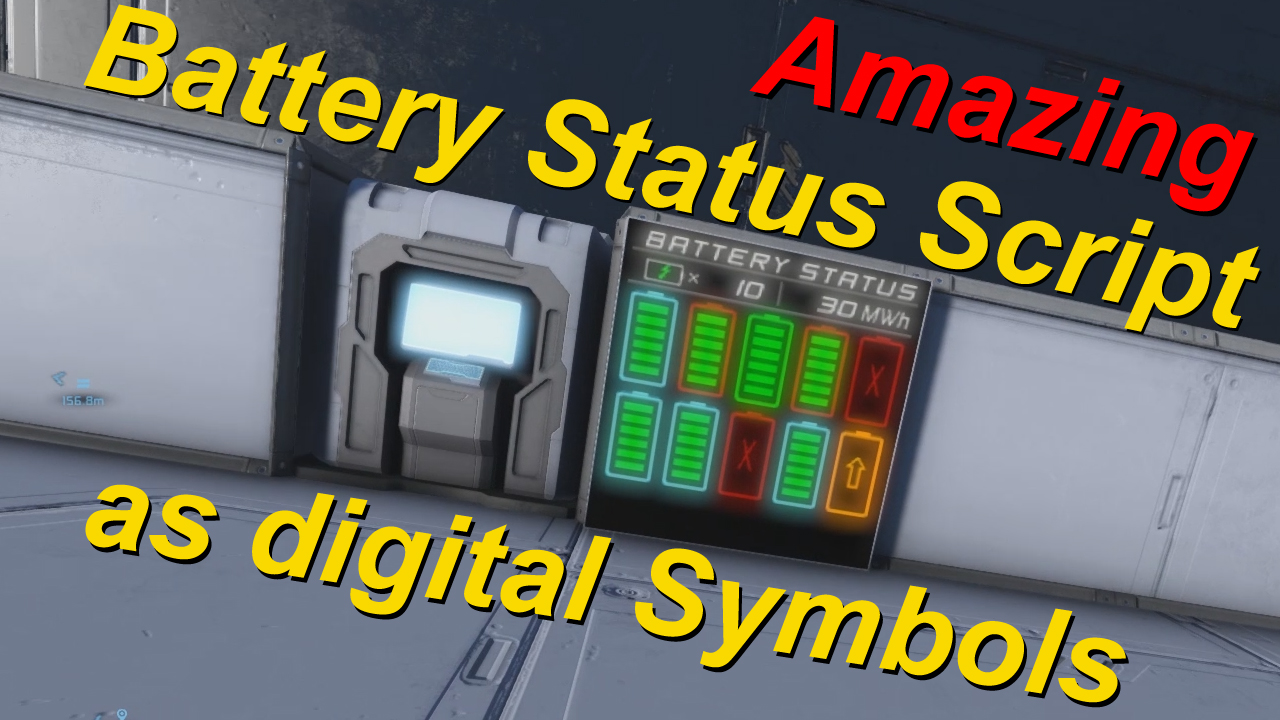
This script shows Battery level and states on standart LCD, Textpanels or Wide LCD, as digital Symbols. [Vanilla / No Mods needed]
Installation: Just add this NameTag "[Battery Status LCD]" to your LCD, and all LCD's you want, example: My LCD Name [Battery Status LCD]. and put Font to "Monospace".
Then just put my script in a Programmable Block, edit your settings, save + compile. Ready to use.
There is also an Demo-Wold, here's the link: http://steamcommunity.com/sharedfiles/filedetails/?id=1222790810
There a some Settings you can edit, i explain them below. Or you watch my Tutorials on YT. https://youtu.be/tSCpOraoRJ8
Hope you enjoy it.
Available Settings / Options:
----- Generals ----- All LCD with a specific NameTag included in their name, will be show the information. You can edit the NameTag. string LCD_NameTag = "[Battery Status LCD]"; example: my LCD 31 [Battery Status LCD]
On default this script search for all Battery's attached, but somethimes you want be able to show only specific Battery's bool OnlyBatteryWithNameTag = false; false = show all found Battery's attached, true = show only Battery's with Specific NameTag in their name
that means that only Battery's with this NameTag added to your Battery Blockname, will be shown. you can change the Nametag also. string BatteryNameTag = "[Battery-Status]"; example: my Battery 15 [Battery-Status]
----- Display Settings ----- LCD or Wide LCD on default it shows a total amount of max. 50 Battery's. There's a option to show a total amount of 100 Battery's, but this only works for wide LCDs, Note: on 1x1 LCD will be then shown just the half information! bool WideLCD = false; true = 50 Battery's false = Show on wide LCD's up to 100 Battery's
This script change size of the Symbols depending of the amount. it shows Large Symbols for an total amount of 1-10 Battery's on 1x1 LCDs, and a total amount of 1-20 Battery's on wide LCDs, all amount above will be shown in small Symbols, to show always small Symbols. bool OnlySmallSigns_Enabled = false; true = always small symbols false = depending on amount
Self updating System Thanks to SpaceEngineers Update 1.185.1, we are able to use a new system, no need for timer, bool SelfUpdatingSys_Enabled = true; false = Off, need an activation true = after compile, script Selfupdating starts
If Self updating System enabled you can choose how many times per second the script will be activated int SelfUpSys_perSecond = 1; 1 = 1 sec 2 = 2 sec etc.
----- Other Settings ----- Shows Title on top of the LCD / Text Panel "BATTERY STATUS" as title on Top, if disabled it leaves the space black bool BatteryTitle_Enabled = true; true = show title false = no title
There are three lines as border, you can deaktivate each of them of you want, true = on, false = off bool Underline_1_Enabled = true; Show Underline below Title bool BatSpaceline_Enabled = true; Show Middle line between Battery Amount and Stored Energy bool Underline_2_Enabled = true; Show Underline Below Battery Amount and Stored Energy
Show Amount of Battery's displayed bool BatteryAmountEnabled = true; true = Show Amount false = off
Show total amount of all Stored Energy in Wh, kWh, MWh or GWh, Units depending on amount of Energy bool BatteryAllStoredEnergyEnabled = true; true = Show stored Energy false = off
Show Status of Power Input with an small Flash-Symbol when no Power input = red Reactor online = Green Solar Panel online and no reactor online = Cyan Power Input below needed supply = Orange
bool PowerInput_Enabled = true; true = Show Power supply as Flash-Symbol, changes color false = off
LCD Brightness 0-255, 0 = dark, 255 = Bright int LCDbright = 255;
----- Kown Problems ----- if you placeing a SolarPanel, it stops the script, recompile, and it will run again.
Special Thanks to YouTuber Splitsie for presenting the Converter script on YT, and big Thanks to Speedy Gonzales that made the converter, because of that i was able to made this awesome script.
And General Thanks to the Community, to all that share their knowledge, that helped me a lot to make this scripts working. To all thanks for that.
Highlights
From source dataFootprint
A 19 KB download, rated a light load on a server.
Last update
Its author last shipped an update 9 yr ago.
Battery Status Script V.1.1 [Vanilla] - Lightwolf Adventures on Nxeon
From our catalogue- One-click install
- Not available. One-click install isn't available for this game's mods yet. Download it and upload it to your server in Files.
- Server load
- light
- Smallest plan we suggest
- Space Engineers — 8 GB (8 GB RAM). This follows our own load rating above, not a benchmark.
- Latest build
- 2018-01-08, released 2018-01-08, 19 KB
Game versions by loader
| Loader | Game versions | Newest |
|---|---|---|
| Workshop |
From 1 recorded build of Battery Status Script V.1.1 [Vanilla] - Lightwolf Adventures.
Run Battery Status Script V.1.1 [Vanilla] - Lightwolf Adventures on a Space Engineers server
Deploy a server above, then upload the file in Files.
What kind of mod it is
From the catalogTechnology & automation
Machines, power, logistics and automation.
Compatibility
- Game
- Space Engineers
- File size
- 19 KB
Verified at the source
- ✓Steam WorkshopOfficial listing, checked 2026-10-10Open ↗
- ✓AuthorLightwolf, as published on Steam Workshop
- ✓LicenseNot published by the sourceFree












