







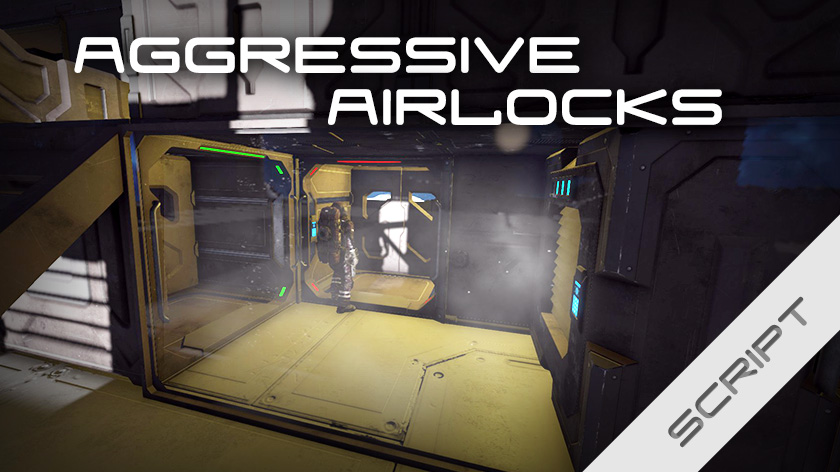
About Blarg's Aggressive Airlocks
From Steam WorkshopAutomatic and super easy airlocks! Normal doors are opened by clicking on them, airlocks should be too. This one gives you super easy setup and usage. No complicated groupings or naming schemes. No…
Automatic and super easy airlocks!
Normal doors are opened by clicking on them, airlocks should be too. This one gives you super easy setup and usage. No complicated groupings or naming schemes. No armada of buttons.
Latest update (2020-08-27)
Fixed Tiny airlocks being directional and Frostbite Gates behaving like normal doors.

 After you've made any changes, like adding airlocks or changing settings, you need send the update command to the script. Do that by typing updatein the argument field of the programmable block and press Run

 Tags help you define airlocks. They are entered in the name of the blocks. All tags can be changed in the settings, but these are the defaults:
- #AL - Marks the outside door(s) in an airlock.
- #Hangar - Marks the outside doors(s) in a hangar.
- #Ignore - Excludes the block from the script, even if it's defined as part of an airlock.
- #Manual - Stops the automatic opening and closing* of a door.
- *Except for cycling of a hangar.
 By the way, all doors close themselves, even if unrelated to airlocks.
Lossy airlocks  Airlocks without air vents. They don't manage air themselves, but prevents your ship from having a gaping hole into space.
- Tiny airlock: Two doors in a line, touching.
- Simple group: Group 2+ doors, tag one or more with #AL.
Active airlocks  Airlocks with air vents. They actively pressurize and depressurize as you go through them.
- Smart airlock: Place two doors and an air vent. Tag the outside door with #AL.
- Group airlock: Place 2+ doors and 1+ air vents. Tag the outside door(s) with #AL. Put it all in a group (name doesn't matter).
- Hangar: Same as Group airlock, but using the #Hangar tag instead. Inner doors are not required. Control by setting the depressurization state of an air vent. Easiest is adding 'Depressurize on/off' to a button.

The Group airlockand Hangarcan also control lights, LCDs, oxygen tanks, gas generators, and oxygen farms within the group.
All airlock types except Tiny airlockare shapeless, i.e; they don't need to be built exactly like in the pictures.
And remember, after building an airlock you need to tell the script about it by sending the 'update' command. Simply write 'update' in the Argument field of the programmable block and press Run.
 Place a programmable block. Add the script from the workshop. ([Edit] -> [Browse scripts]-> Select the script-> [Copy to editor] - > [Ok]) It will start automatically.
 To change any, enter Custom data of the programmable block, edit the values, then send the update command (type update in the argument field and press run).
 It's recommended that the air system in your ship is separate from the rest of your conveyor system, if you have any hydrogen production.
Active airlocks requires oxygen tanks that aren't empty but also aren't full to operate. However, there are safeguards built in that cancels the (de)pressurization and opens the doors if there's a problem. Group airlocks and hangars can manage the oxygen levels of oxygen tanks, O2/H2 generators, and/or oxygen farms are included in their groups. They can even scoop air out of the atmosphere if needed.
Atmosphere mode If an active airlock detects atmosphere when you're heading inside, it will switch to atmosphere mode. This mode skips depressurization, preventing overfilling of your oxygen tanks. This mode isn't shared between airlocks, meaning that you could put an airlock between your ship and your hangar, having it work as expected both when the hangar is pressurized and when it's not.
Highlights
From source dataFootprint
Rated a light load on a server.
Last update
Its author last shipped an update 6 yr ago.
Blarg's Aggressive Airlocks on Nxeon
From our catalogue- One-click install
- Not available. One-click install isn't available for this game's mods yet. Download it and upload it to your server in Files.
- Server load
- light
- Smallest plan we suggest
- Space Engineers — 8 GB (8 GB RAM). This follows our own load rating above, not a benchmark.
- Latest build
- 2020-08-27, released 2020-08-27
Game versions by loader
| Loader | Game versions | Newest |
|---|---|---|
| Workshop |
From 1 recorded build of Blarg's Aggressive Airlocks.
Run Blarg's Aggressive Airlocks on a Space Engineers server
Deploy a server above, then upload the file in Files.
What kind of mod it is
From the catalogBuilding & decoration
Blocks, furniture, decorations and building tools.
Compatibility
- Game
- Space Engineers
Verified at the source
- ✓Steam WorkshopOfficial listing, checked 2026-11-01Open ↗
- ✓AuthorBlargmode, as published on Steam Workshop
- ✓LicenseNot published by the sourceFree












