






About Build and Repair (Nerfed) – SE 1.210
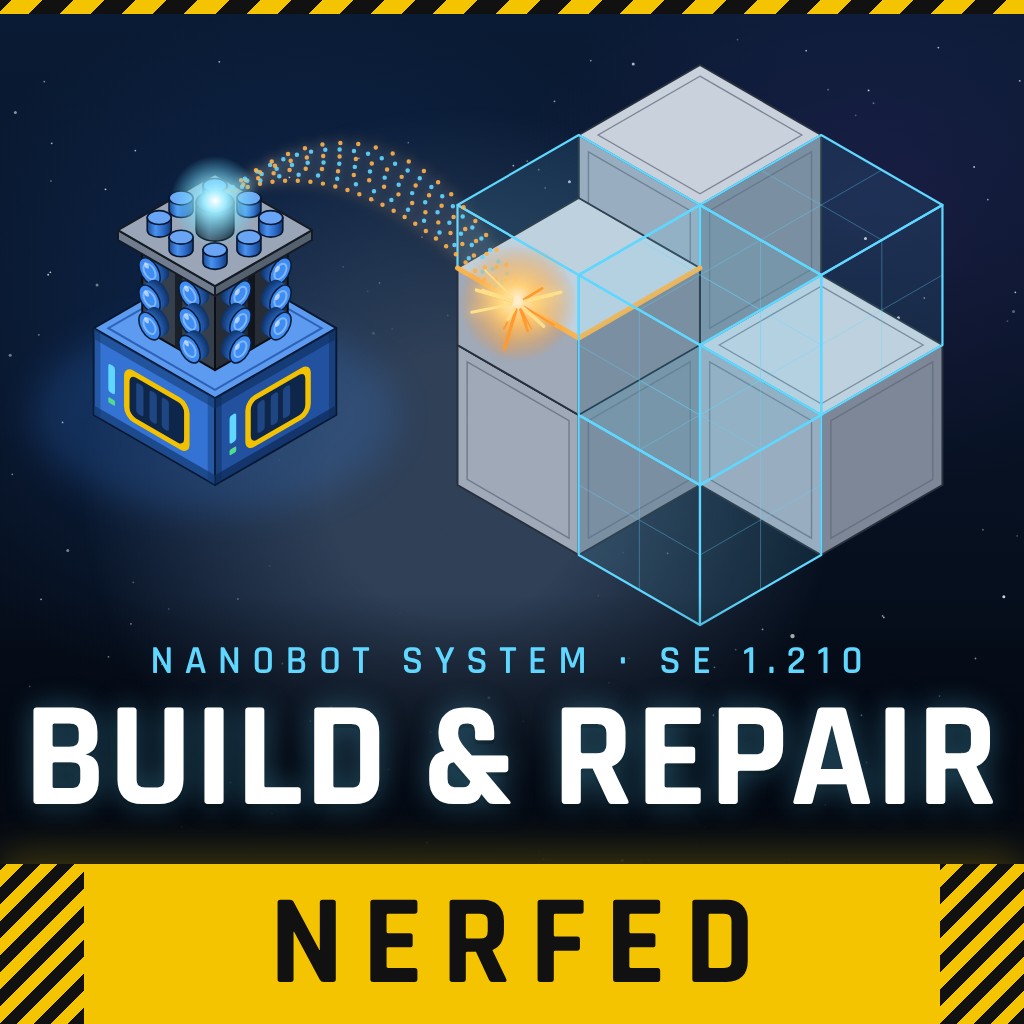
From Steam WorkshopBuild and Repair — NERFED version (SE 1.210) This is the NERFED version: expensive to build. Want the original, cheaper recipe? Use…
Build and Repair — NERFED version (SE 1.210)
This is the NERFED version: expensive to build. Want the original, cheaper recipe? Use Build and Repair (Original Costs) instead. Never use both versions in the same world.
What it does
A block full of nanobots that works on everything inside its area, automatically:
- Weld — builds projections and finishes half-built blocks
- Repair — fixes damaged blocks
- Grind — takes apart enemy, neutral or color-marked blocks
- Collect — picks up floating items and sends them to your cargo
It pulls components from your cargo containers, connectors, sorters and assemblers, and pushes leftovers to cargo and refineries.
Set it up per block in the terminal:
- Work mode: weld first, grind first, weld only or grind only
- Weld mode: weld to full, to functional only, or place projected blocks as skeletons
- Priority lists for welding, grinding and collecting
- Color filters and an adjustable working area, with a Show Area preview
Respects safe zones and the Defense Shields mod. Comes in large and small grid versions.
What's new in this update
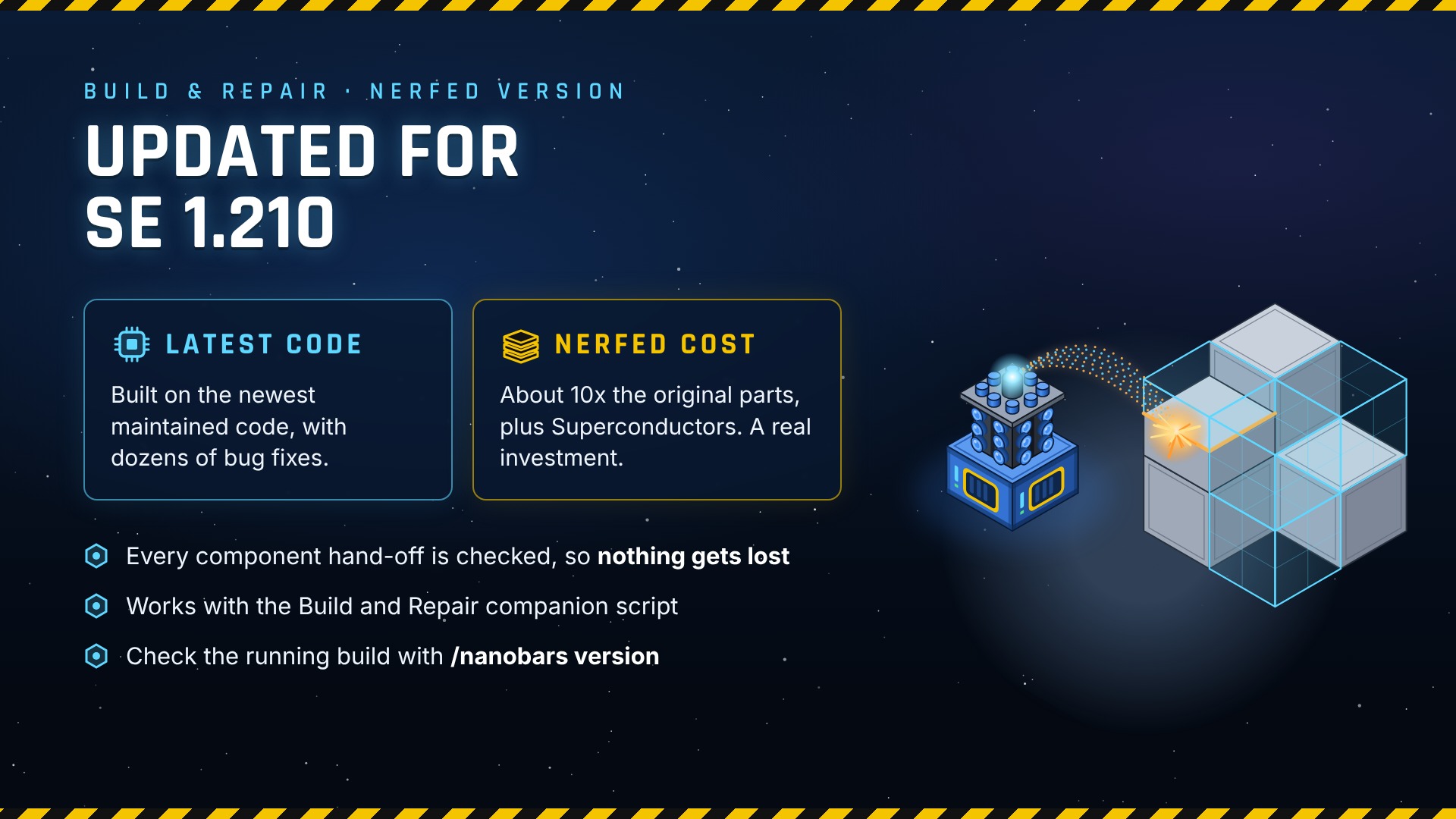
- NERFED costs (see below), as requested by players
- Fixed: blocks listed floating items to collect but never picked them up
- Block name now shows the version in the G-menu: Build and Repair System (Nerfed)
- Built on the newest maintained Build and Repair code, with dozens of bug and performance fixes
Type /nanobars version in chat to see which build is running. Current build: 261019.1.
Build cost (NERFED)
[table] [tr][th]Component[/th][th]Large grid[/th][th]Small grid[/th][/tr] [tr][td]Steel Plate[/td][td]400[/td][td]150[/td][/tr] [tr][td]Construction Component[/td][td]1320[/td][td]500[/td][/tr] [tr][td]Interior Plate[/td][td]250[/td][td]80[/td][/tr] [tr][td]Small Steel Tube[/td][td]600[/td][td]200[/td][/tr] [tr][td]Large Steel Tube[/td][td]100[/td][td]20[/td][/tr] [tr][td]Computer[/td][td]200[/td][td]100[/td][/tr] [tr][td]Motor[/td][td]400[/td][td]120[/td][/tr] [tr][td]Superconductor[/td][td]120[/td][td]40[/td][/tr] [/table] That's about 10x the original recipe, plus Superconductors.
Power: 50 kW idle, 100 kW while moving items, 200 kW while welding or grinding (server admins can change these).
Switching from another Build and Repair mod
- Remove the old Build and Repair mod from the world, then add this one.
- Your existing Build and Repair blocks stay: the block IDs are the same as the original Nanobot mod.
- Each block's terminal settings carry over.
- Server-wide settings start from defaults. Copy your old ModSettings.xml values over, or set them with /nanobars config set.
- Heads-up for admins: blocks built before the switch stay complete, but grinding one down refunds this version's (higher) cost.
Companion script
Works with SKO85's Queuing / Display / Scripting Programmable Block script, which keeps your assemblers queued with the components your Build and Repair blocks are missing.
Server admins
Settings live in ModSettings.xml in the world's storage folder. Admins can change most of them live in chat:
- /nanobars config list — show all settings
- /nanobars config set <name> <value> — change one
- /nanobars config reload / reset — reload from file / back to defaults
- /nanobars systems list / count — Build and Repair blocks on the server, per player and faction
- /nanobars profile — measure the mod's performance impact
Settings and commands match SKO85's maintained version, so their documentation applies.
Reporting bugs
Leave a comment with what happened, the output of /nanobars version, and whether it's single player or a dedicated server. This is an unofficial update, so please report problems here, not to SKO85.
Credits
- Original mod: Dummy08
- Maintained code: SKO85 — github.com/SKO85/SE-Mods
Highlights
From source dataFootprint
Rated a light load on a server.
Last update
Its author last shipped an update 15d ago.
Build and Repair (Nerfed) – SE 1.210 on Nxeon
From our catalogue- One-click install
- Not available. One-click install isn't available for this game's mods yet. Download it and upload it to your server in Files.
- Server load
- light
- Smallest plan we suggest
- Space Engineers — 8 GB (8 GB RAM). This follows our own load rating above, not a benchmark.
- Latest build
- 2026-10-19, released 2026-10-19
Game versions by loader
| Loader | Game versions | Newest |
|---|---|---|
| Workshop |
From 1 recorded build of Build and Repair (Nerfed) – SE 1.210.
Run Build and Repair (Nerfed) – SE 1.210 on a Space Engineers server
Deploy a server above, then upload the file in Files.
What kind of mod it is
From the catalogBuilding & decoration
Blocks, furniture, decorations and building tools.
Compatibility
- Game
- Space Engineers
Verified at the source
- ✓Steam WorkshopOfficial listing, checked 2026-10-30Open ↗
- ✓AuthorTrulyAsleep, as published on Steam Workshop
- ✓LicenseNot published by the sourceFree












