






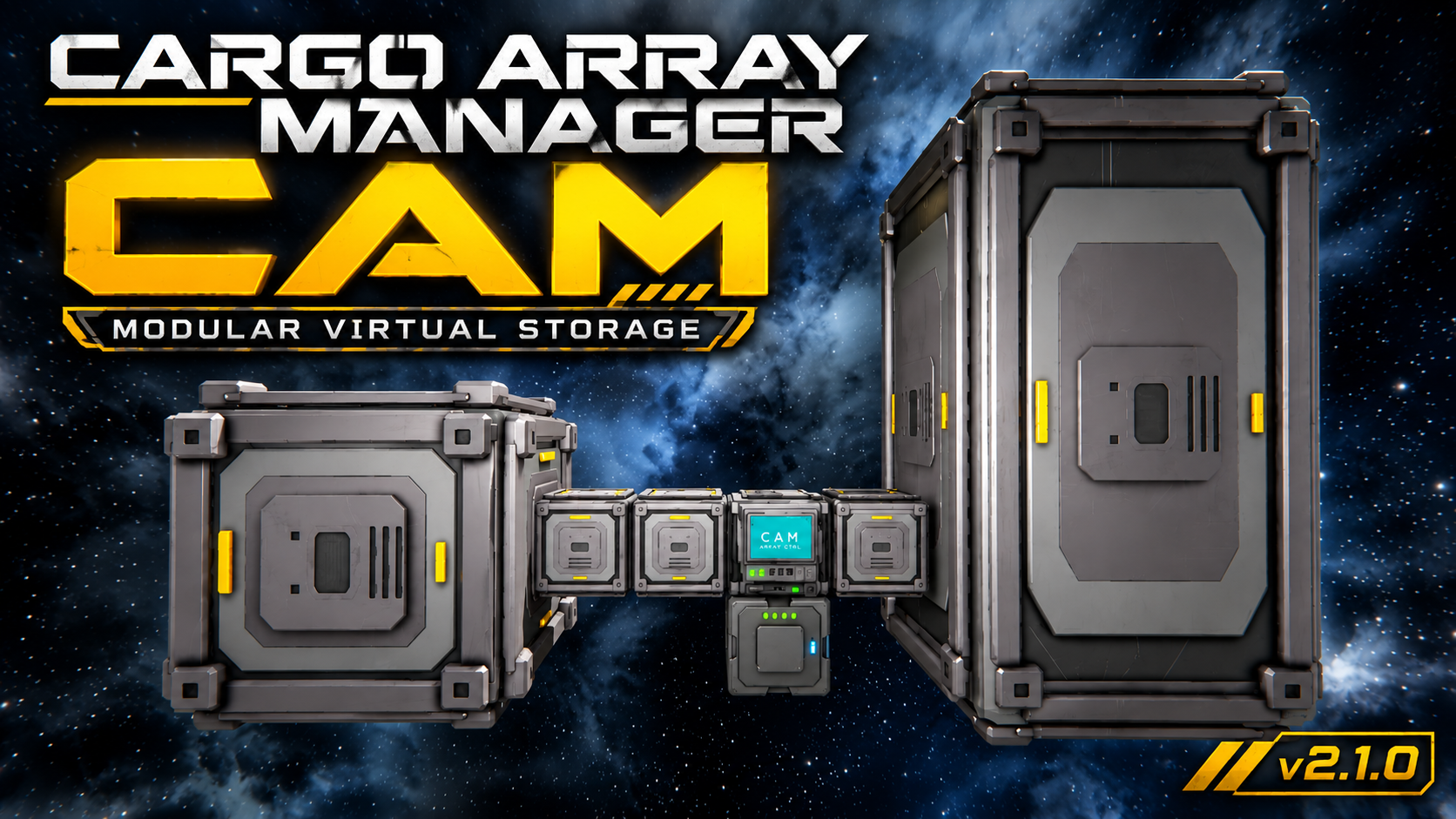
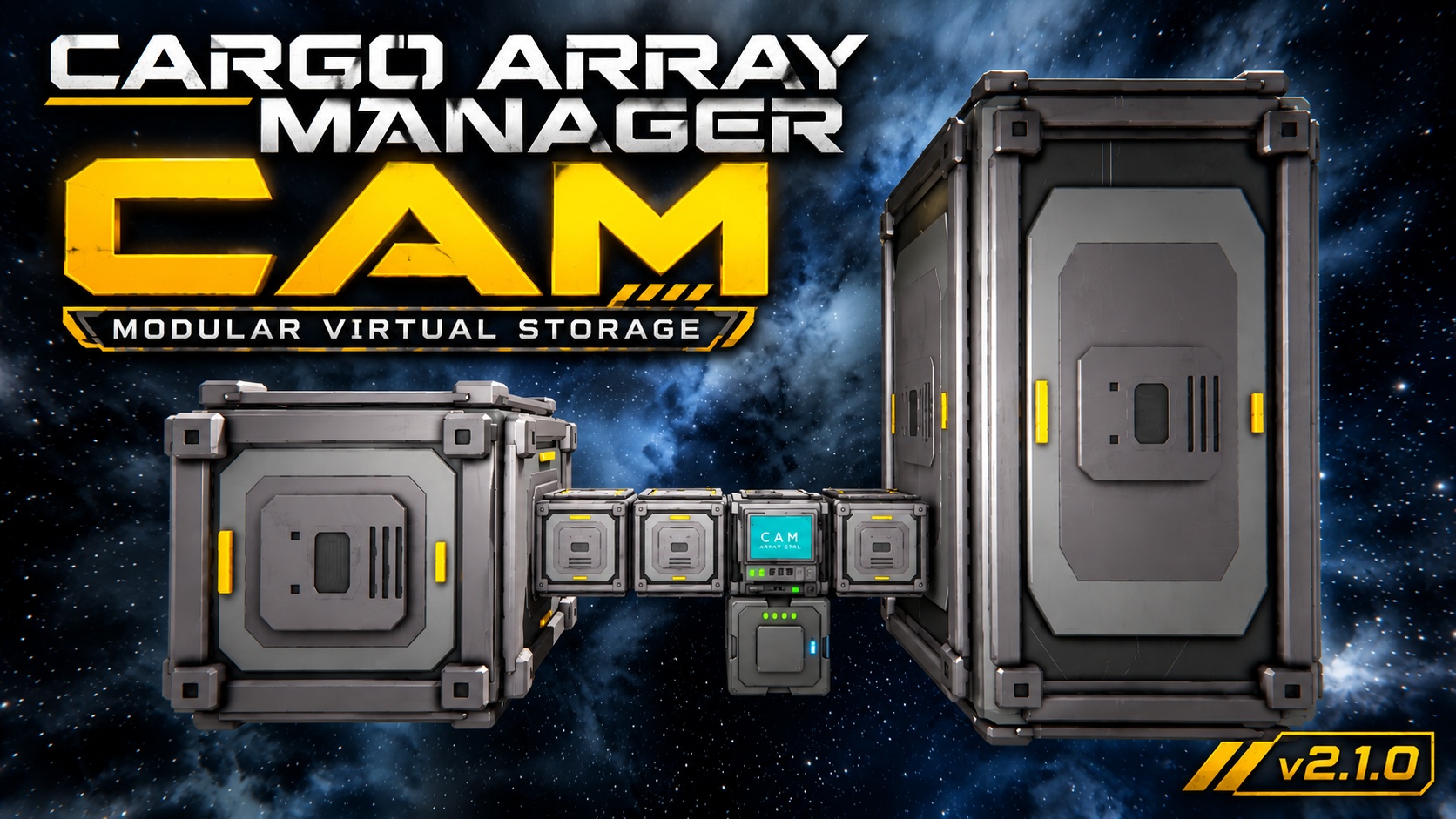
About Cargo Array Manager (CAM)
From Steam WorkshopCargo Array Manager (CAM) One inventory. Expandable physical storage. No wall of cargo-container terminals. Cargo Array Manager (CAM) is a modular cargo-storage system for Space Engineers. Instead of…
Cargo Array Manager (CAM)
One inventory. Expandable physical storage. No wall of cargo-container terminals.
Cargo Array Manager (CAM) is a modular cargo-storage system for Space Engineers.
Instead of every storage block having its own inventory, CAM uses one real inventory in the CAM Array Controller. Connected CAM Storage Modules expand the capacity of that inventory while remaining inventoryless themselves.
Build the storage array you want, connect it to a CAM Array Controller, and CAM handles the rest.
How It Works
The CAM Array Controller is the heart of the system and contains the array's actual inventory.
CAM Storage Modules physically connected to the array contribute additional virtual capacity to that inventory. Modules can connect through other CAM modules, allowing arrays to be built in different shapes instead of requiring every module to touch the controller.
The result is a large modular storage system that still appears as one inventory to Space Engineers, conveyor systems, and inventory-management scripts.
Storage Modules
CAM includes three large-grid storage-module sizes:
1x1x1 Storage Module • 1 capacity unit • 15,625 L base capacity
3x3x3 Storage Module • 27 capacity units • 421,875 L base capacity
3x3x6 Storage Module • 54 capacity units • 843,750 L base capacity
CAM respects the world's Inventory Size setting, so effective capacity scales with the world inventory multiplier.
Build Costs
All CAM blocks are fully survival-buildable. Component requirements are:
CAM Array Controller • 21 Steel Plates • 10 Interior Plates • 34 Construction Components • 2 Large Steel Tubes • 1 Motor • 5 Displays • 12 Computers
1x1x1 Storage Module • 40 Interior Plates • 40 Construction Components • 4 Metal Grids • 20 Small Steel Tubes • 4 Motors • 1 Display • 2 Computers
3x3x3 Storage Module • 360 Interior Plates • 80 Construction Components • 24 Metal Grids • 60 Small Steel Tubes • 20 Motors • 1 Display • 8 Computers
3x3x6 Storage Module • 720 Interior Plates • 160 Construction Components • 50 Metal Grids • 120 Small Steel Tubes • 40 Motors • 2 Displays • 10 Computers
Array Controller
The CAM Array Controller provides:
• One real Space Engineers inventory for the entire array • Two conveyor connections • Dynamic capacity based on attached CAM modules • Inventory fill gauges • Cargo-in and cargo-out activity indicators • Module connection/status indication • Detailed array information in the terminal • Automatic detection of module additions, removal, destruction, and grid changes
CAM's topology system is event-driven rather than continuously scanning the array.
Survival & Damage
CAM is designed around the idea that destroying storage hardware should have consequences without arbitrarily deleting cargo.
When storage capacity is lost, available empty space is consumed first. Cargo is displaced only when the remaining array no longer has enough capacity to contain it.
If cargo must be displaced, CAM attempts to preserve it in a normal Space Engineers recovery cargo bag.
Controller Destruction & Cargo Recovery
CAM v2.1 introduces orphan-cargo preservation.
If an Array Controller is destroyed while Storage Modules survive, CAM preserves the controller's cargo state on the surviving array.
Build a replacement CAM Array Controller onto the surviving array and it can reclaim and restore the preserved cargo.
If Storage Modules are destroyed while the array is orphaned, CAM recalculates the surviving capacity. Only cargo that no longer fits is moved into a recovery bag.
Multiple independent orphaned CAM arrays can exist on the same physical grid without sharing or stealing each other's cargo.
Multiple Arrays & Controller Conflicts
Multiple independent CAM arrays can exist on the same ship or station.
Each continuous module array is owned by one controller.
If two controllers become connected to the same module array, CAM places the affected array into a Locked state rather than allowing both controllers to claim the same storage.
Removing the conflict allows normal operation to resume.
Compatibility
CAM uses a real Space Engineers inventory in the Array Controller and has been tested with:
• Vanilla conveyor transfers • Sorters and connectors • Inventory-management scripts • GOAT Inventory Manager • Save/reload • Survival construction and grinding • Dedicated servers
Storage Modules themselves do not expose additional inventories.
Important Notes
Cargo Mass Distribution
CAM uses a single real inventory located in the Array Controller. As a result, Space Engineers applies the array's stored cargo mass at the controller rather than distributing that mass across the connected Storage Modules.
On mobile grids, consider controller placement when designing very large or heavily loaded arrays.
Array Connectivity
CAM Storage Modules must remain physically connected through the CAM module network to contribute capacity.
Controller Conflicts
Connecting two controllers to the same continuous CAM array causes the array to lock until the controller conflict is removed.
Single Inventory Architecture
CAM does not create separate inventories for its Storage Modules. The Array Controller remains the array's sole inventory and source of cargo state.
Current Release
CAM v2.1.0 — Stable
v2.1.0 was promoted from the v2.1 release candidate after extended gameplay and dedicated-server validation.
Major v2.1 features include:
• Controller-destruction cargo preservation • Replacement-controller cargo restoration • Recovery bags for orphaned arrays that lose capacity
Highlights
From source dataFootprint
Rated a light load on a server.
Last update
Its author last shipped an update 32d ago.
Cargo Array Manager (CAM) on Nxeon
From our catalogue- One-click install
- Not available. One-click install isn't available for this game's mods yet. Download it and upload it to your server in Files.
- Server load
- light
- Smallest plan we suggest
- Space Engineers — 8 GB (8 GB RAM). This follows our own load rating above, not a benchmark.
- Latest build
- 2026-10-03, released 2026-10-03
Game versions by loader
| Loader | Game versions | Newest |
|---|---|---|
| Workshop |
From 1 recorded build of Cargo Array Manager (CAM).
Run Cargo Array Manager (CAM) on a Space Engineers server
Deploy a server above, then upload the file in Files.
What kind of mod it is
From the catalogBuilding & decoration
Blocks, furniture, decorations and building tools.
Compatibility
- Game
- Space Engineers
Verified at the source
- ✓Steam WorkshopOfficial listing, checked 2026-10-12Open ↗
- ✓AuthorxMETiSx, as published on Steam Workshop
- ✓LicenseNot published by the sourceFree












