






About CineCam - Auto Camera Director
From Steam WorkshopCineCam adds a GTA-style cinematic camera director for the ship or rover you’re controlling. Keep flying while it chooses between chase, tracking, mounted, fly-by, and distant camera angles. v1.1.0 —…
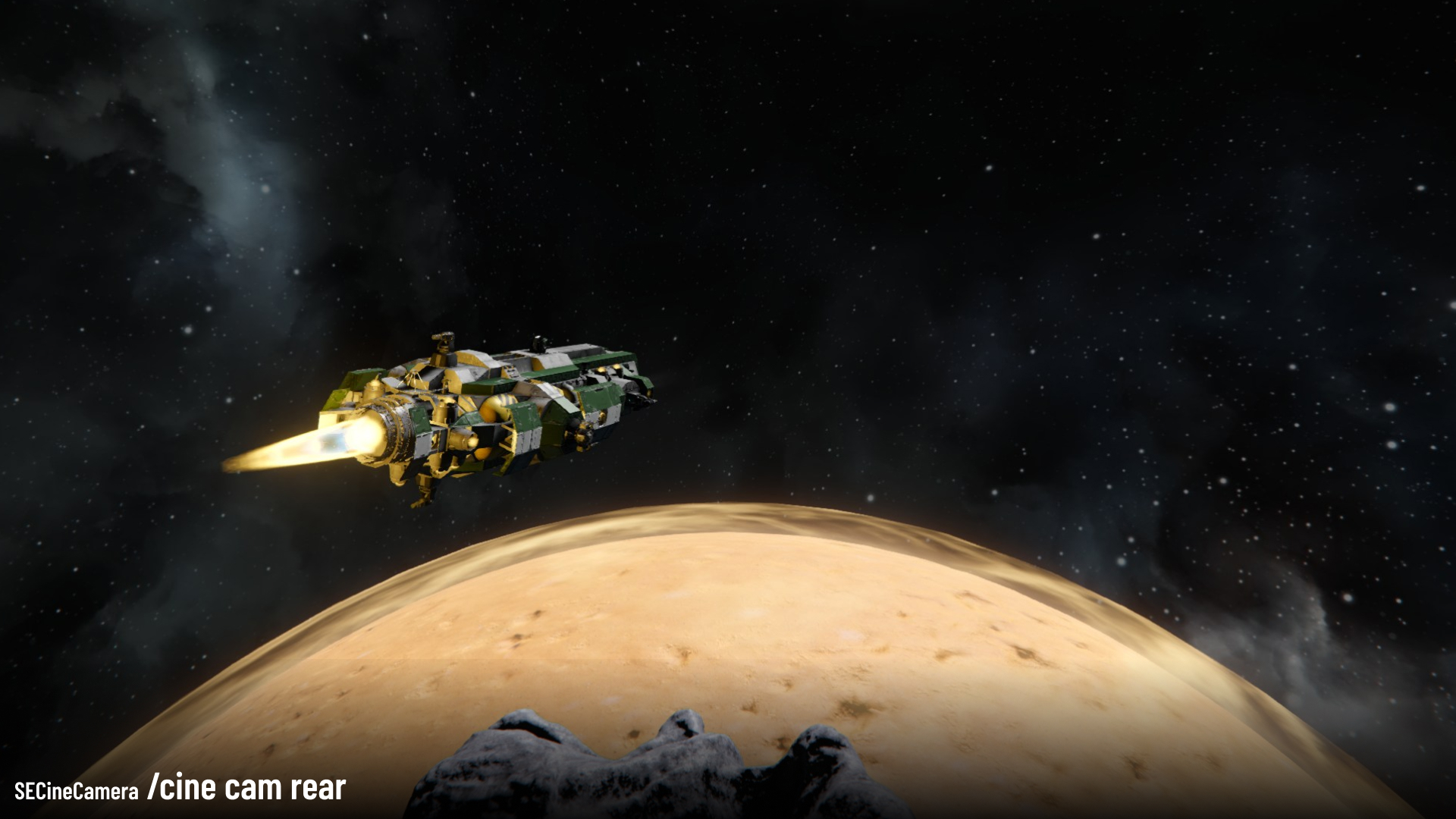
CineCam adds a GTA-style cinematic camera director for the ship or rover you’re controlling. Keep flying while it chooses between chase, tracking, mounted, fly-by, and distant camera angles.
v1.1.0 — Camera Control Update Smoother following, Alt + mouse camera control, optional camera return, and restoration of your previous first/third-person view.
Controls
- T — start cinematic mode; press again to cycle cameras manually
- Alt + mouse — orbit tracking cameras or aim mounted cameras
- V — exit and restore your previous view
- F9 — toggle cinematic mode
- Ctrl + F9 — cycle cameras manually
Useful commands
/cine cam chase
/cine auto on
/cine return off
/cine return on
/cine help
Select Chase, resume the automatic director, keep your adjusted angle, or enable smooth return after releasing Alt.
Getting started
Add CineCam to your world, enter a ship or rover cockpit, and press T.
No camera collision yet: cameras can clip through terrain and structures. Runtime settings reset when the world reloads.
Report a bug · Source code & full command reference
Ships featured in previews
Bullfrog' Type J Corvette by Sinjid Prospector Barge Del Ray by Bollando Calrissian
Highlights
From source dataFootprint
Rated a light load on a server.
Last update
Its author last shipped an update 20d ago.
CineCam - Auto Camera Director on Nxeon
From our catalogue- One-click install
- Not available. One-click install isn't available for this game's mods yet. Download it and upload it to your server in Files.
- Server load
- light
- Smallest plan we suggest
- Space Engineers — 8 GB (8 GB RAM). This follows our own load rating above, not a benchmark.
- Latest build
- 2026-10-14, released 2026-10-14
Game versions by loader
| Loader | Game versions | Newest |
|---|---|---|
| Workshop |
From 2 recorded builds of CineCam - Auto Camera Director.
Recent builds
| Build | Released | Game versions | Loaders |
|---|---|---|---|
| 2026-10-14 | 2026-10-14 | n/a | Workshop |
| 2026-10-03 | 2026-10-03 | n/a | Workshop |
Run CineCam - Auto Camera Director on a Space Engineers server
Deploy a server above, then upload the file in Files.
What kind of mod it is
From the catalogQuality of life & UI
Small conveniences, tweaks and interface improvements players notice straight away.
Compatibility
- Game
- Space Engineers
Verified at the source
- ✓Steam WorkshopOfficial listing, checked 2026-10-24Open ↗
- ✓Authorlirika, as published on Steam Workshop
- ✓LicenseNot published by the sourceFree












