






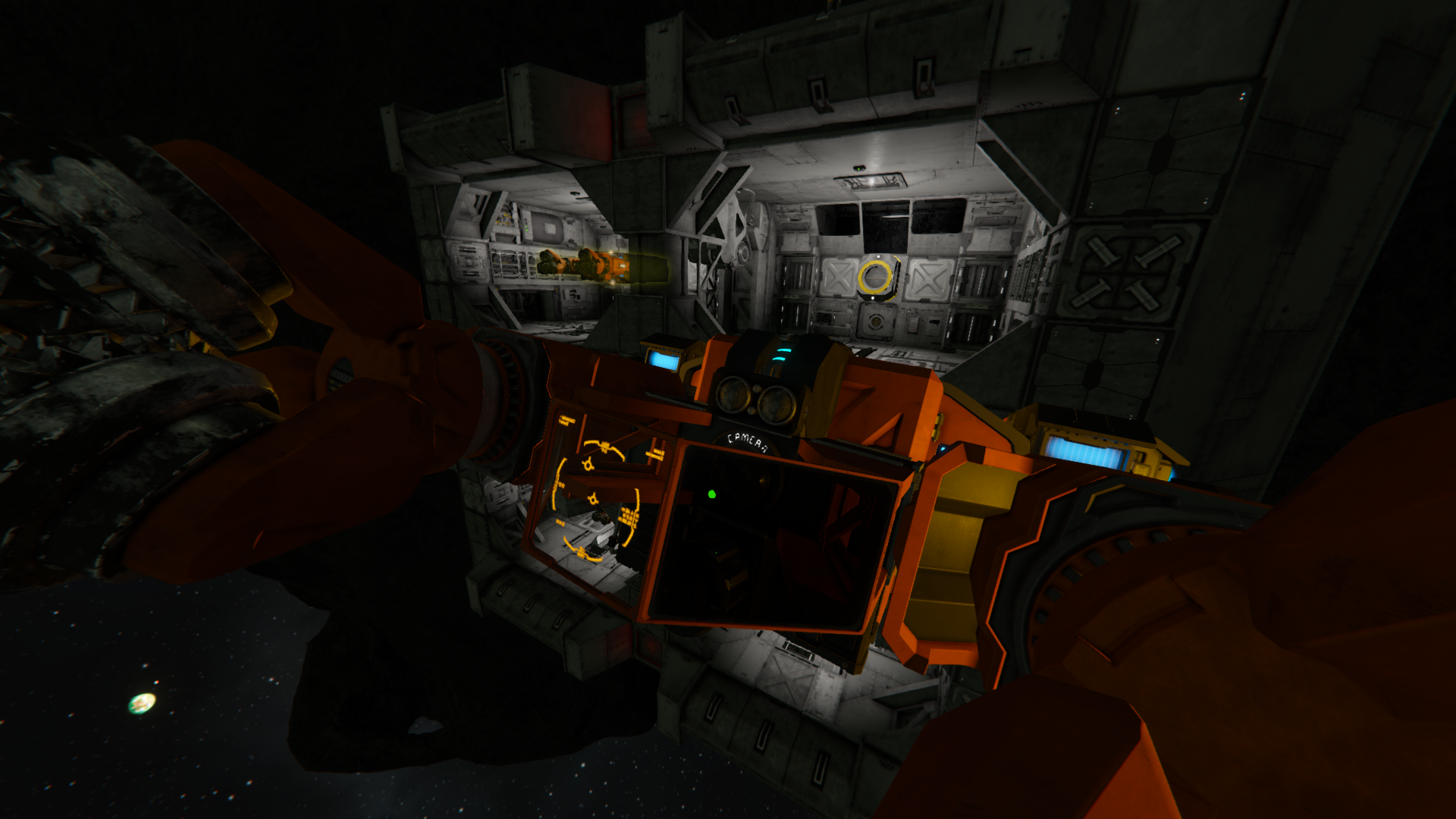
About Connector Alignment App
From Steam WorkshopConnector Align App It adds a new selectable app to any LCD Panels in the game. The app allows you to see positional and rotational offset from a connector. It automatically detects the best pair or…
Connector Align App
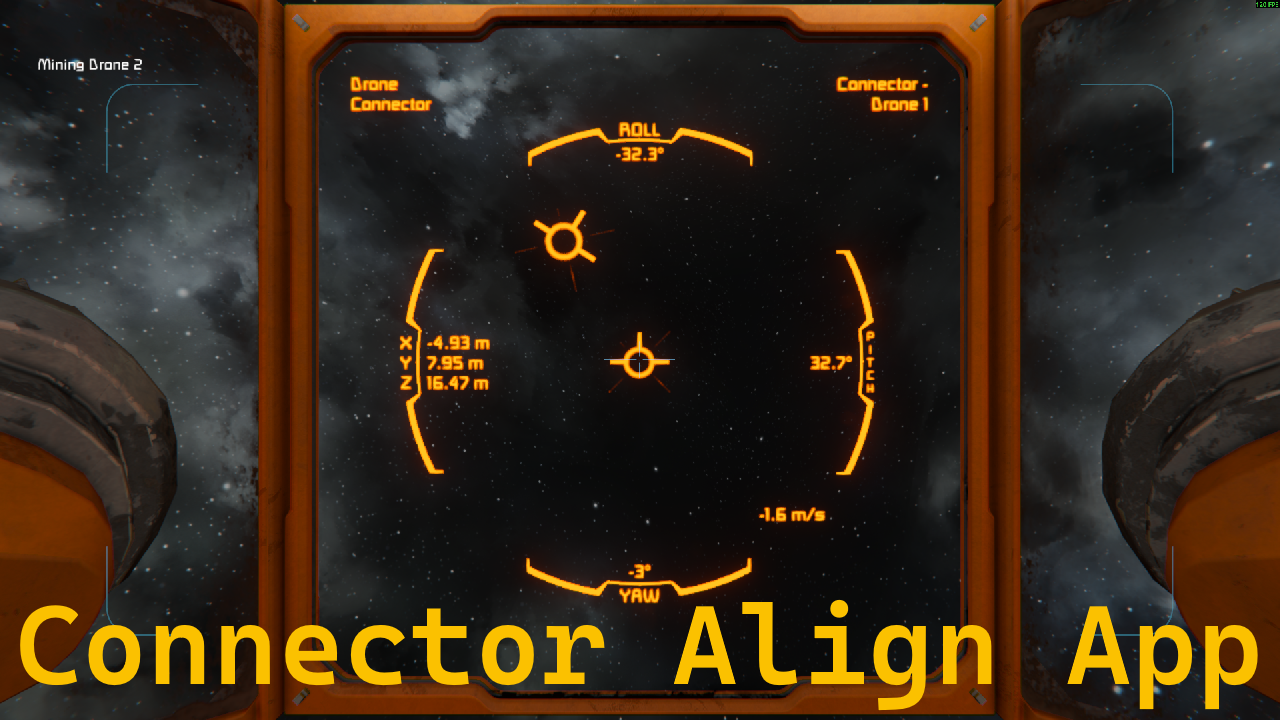
It adds a new selectable app to any LCD Panels in the game.
The app allows you to see positional and rotational offset from a connector. It automatically detects the best pair or allows setting a specific connector from the grid. It also allows for connectors on subgrids.
There is also a "companion script" for the programmable block that allows switching through different apps for the LCD in an easy manner. You can find it here: https://steamcommunity.com/sharedfiles/filedetails/?id=3687620980
📋 Features
- Visual representation of positional and rotational offset.
- [list]
- X, Y and Z position data down to 1 cm resolution.
- Pitch, yaw and roll rotation angles down to 0.1° resolution.
[*]Shows speed difference of both grids. [*]Shows names of both connectors of current detected pair. [*]Automatically adjusts to fit screen size. [*]Toggle between data shown in relation to the LCD or the connector. [*]Toggle between small and large font. [*]Set custom name of a specific connector. [*]Works with any connector on the grid of the LCD and all subgrids through mechanical connections (rotor, piston, hinge). [/list]
🛠 Config
Default:
[ConnAlign]
relativeToLcd=true
useLargeFont=true
connectorName=
relativeToLcd: Values in reference to the lcd (true) or connector (false). useLargeFont: Large font (true) or smaller font (false). connectorName: Name of a specific connector for this app. Leave empty for auto detection.
Known issues
- Adding/removing grids through mechanical connections (rotor, piston, hinge) requires a manual update. Just select a different app in the LCD screen settings and reselect this app.
- Performance could be better. Currently ~0.1-0.15 ms per update per app being updated (at 6 updates per second).
💾 Source Code
https://github.com/Kiminaze/SEConnectorAlignApp
Highlights
From source dataFootprint
Rated a light load on a server.
Last update
Its author last shipped an update 7 mo ago.
Connector Alignment App on Nxeon
From our catalogue- One-click install
- Not available. One-click install isn't available for this game's mods yet. Download it and upload it to your server in Files.
- Server load
- light
- Smallest plan we suggest
- Space Engineers — 8 GB (8 GB RAM). This follows our own load rating above, not a benchmark.
- Latest build
- 2026-04-06, released 2026-04-06
Game versions by loader
| Loader | Game versions | Newest |
|---|---|---|
| Workshop |
From 1 recorded build of Connector Alignment App.
Run Connector Alignment App on a Space Engineers server
Deploy a server above, then upload the file in Files.
What kind of mod it is
From the catalogWorkshop
Its source category doesn’t say more about what it does, so NxLabs lists it under Other.
Compatibility
- Game
- Space Engineers
Verified at the source
- ✓Steam WorkshopOfficial listing, checked 2026-11-01Open ↗
- ✓AuthorKiminaze, as published on Steam Workshop
- ✓LicenseNot published by the sourceFree












