






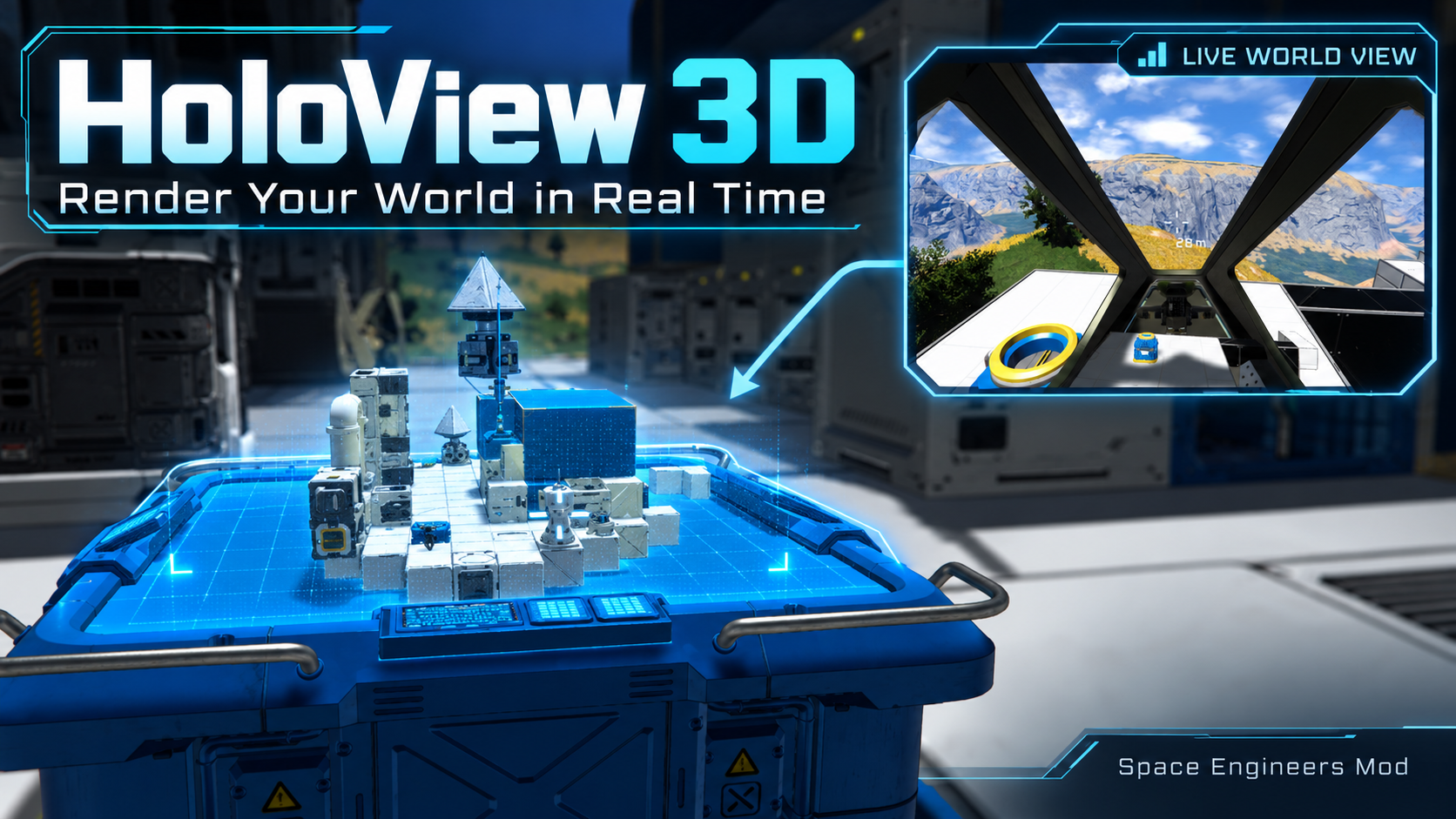
About HoloView 3D | Render Your World in Real Time
From Steam WorkshopHoloView 3D | Render Your World in Real Time Turn cameras into live holographic and screen-based displays, with vanilla blueprint projectors left intact. HoloView 3D now includes: HoloTable - a…
HoloView 3D | Render Your World in Real Time
Turn cameras into live holographic and screen-based displays, with vanilla blueprint projectors left intact.
HoloView 3D now includes:
- HoloTable - a dedicated 3D / Tactical holographic table using the vanilla Console model and screens
- Cockpit / Control Seat HoloView 3D
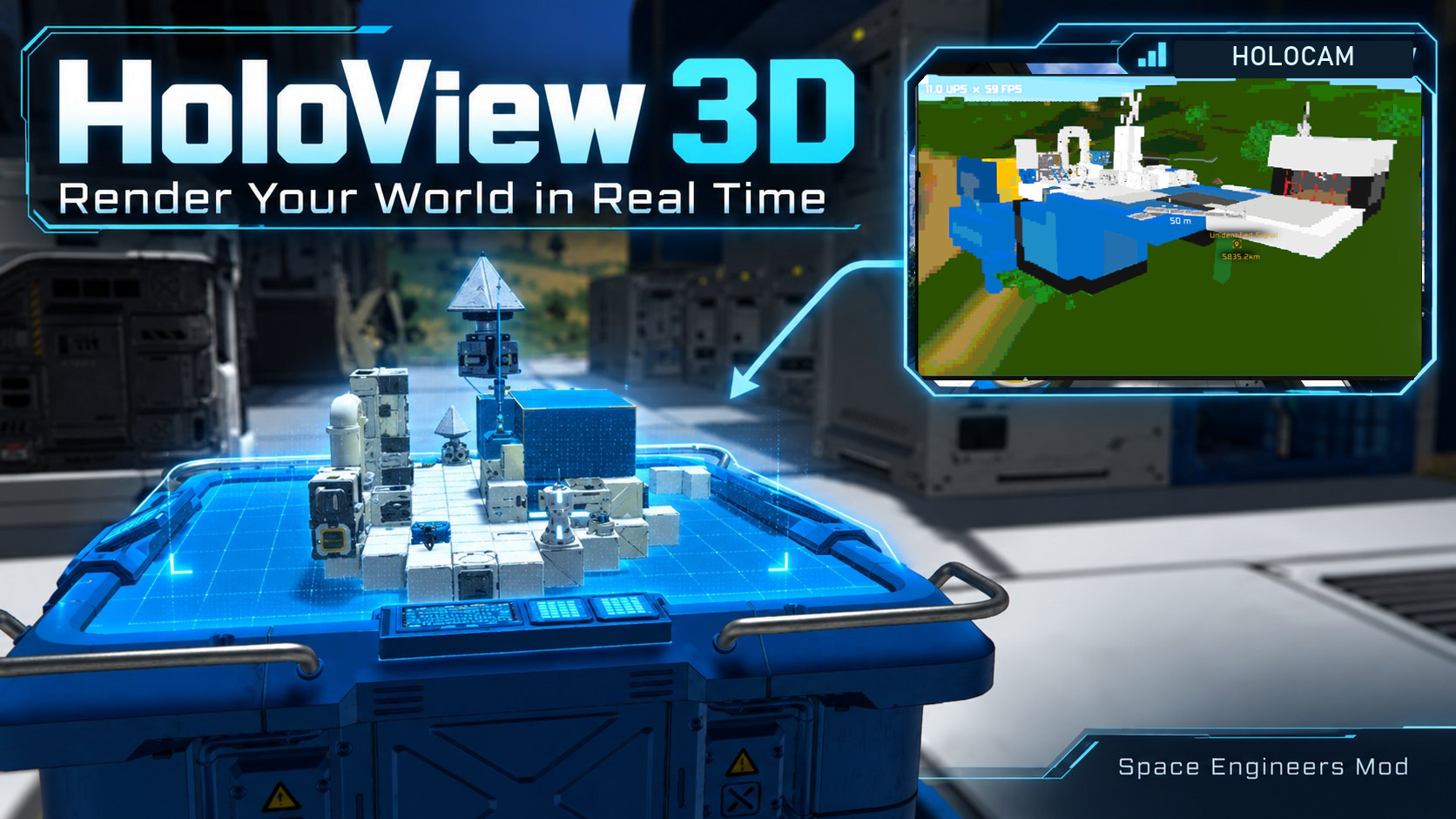
- HoloCam for live LCD camera displays
- Tactical View - high-performance wireframe synthetic vision for cameras
- Docking Display for connector alignment
▶ Watch the original HoloView 3D video demo
[hr][/hr]
✦ HOLOCAM
HoloCam turns compatible LCDs, cockpit screens, and control-seat displays into live camera monitors.
Select HoloCam from the screen's Apps menu, choose a camera, and the display shows that camera's live view.
HoloCam Features
- Standalone LCD support
- Cockpit and control-seat screen support
- Independent camera selection per screen
- Multiple simultaneous HoloCam feeds
- Adjustable Resolution
- Adjustable Render Quality
- Adjustable FOV
- Adjustable Grid Render Distance
- Adjustable Terrain Render Distance
- Terrain and voxel landscapes
- Ships, stations, grids, and subgrids
- Characters and NPCs
- Dynamic entities, floating objects, projectiles, missiles, and meteors where available
- Water support where available
- Persistent terrain coverage for smoother revisits
Two HoloCam viewing modes: Standard offers a richer, full-color camera view. Tactical / Wireframe prioritizes terrain and structural awareness with a synthetic-vision display.
Default HoloCam FOV is 60°.
[hr][/hr]
✦ TACTICAL VIEW | WIREFRAME SYNTHETIC VISION
A performance-focused way to visualize the world through your cameras.
Tactical View is HoloCam's synthetic-vision mode. Instead of recreating a detailed, textured camera image, it displays a simplified view of the terrain and nearby structures using wireframe-style geometry. It's particularly useful for vehicles, difficult terrain, remote operations, and situational awareness.
Tactical View Features
- Terrain mesh visualization - see terrain elevation and shape through a simplified wireframe-style surface.
- Grid and structural outlines - view ships, stations, and nearby blocks as simplified geometry.
- Depth-aware drawing - hidden-line rejection helps reduce outlines from geometry blocked by solid surfaces.
- Improved terrain streaming - camera-centered coverage, persistent disk-backed terrain tiles, and progressive detail improve continuity when moving, turning, and revisiting areas.
- Adjustable wire detail - Low, Medium, High, or Ultra Tactical Wire Detail presets.
- Independent quality settings - choose Grid Detail and Terrain Density separately, from 25K through 200K presets.
- Adjustable view range and FOV - balance scene coverage and performance for your vehicle or monitoring setup.
- Optional navigation aids - Return-to-Seat Arrow and Horizon / Heading overlays, each independently switchable.
- Performance readout - displayed update rate (UPS) and game FPS diagnostics.
Recommended default Tactical configuration
- View Mode: Tactical / Wireframe
- Tactical Wire Detail: High
- HoloCam Grid Detail: Medium 50K
- HoloCam Terrain Density: Medium 50K
- HoloCam 2D Render Distance: 2,500 m
- Focus Resolution, Return-to-Seat Arrow, Horizon / Heading: Off (optional)
How to enable: Select the HoloCam app on a compatible LCD or cockpit screen, select your camera, then choose Tactical / Wireframe under HoloCam View Mode. Switch back to Standard whenever you want the full-color camera view.
[hr][/hr]
HOLOTABLE | DEDICATED 3D HOLOGRAMS
New: HoloTable is its own buildable block, not a replacement for a vanilla blueprint Projector. Find it in the G-menu by its Console Block thumbnail with HOLO across the top.
Built using the vanilla Console Block model, the HoloTable projects a live 3D view from the table. Its four built-in screens still work normally with vanilla text/image scripts and compatible custom screen apps, including HoloCam.
HoloTable Features
- Live HoloView 3D projection and optional Tactical HoloView mode
- Source camera selection, range and projection controls
- World-anchored projection that does not turn to follow the player
- Four independently configurable built-in screens with vanilla and custom LCD apps
- Own terminal controls; blueprint-only projector settings are hidden on HoloTable
- Ordinary vanilla Projectors keep their original blueprint functions and controls
Note: HoloTable uses the vanilla Console model from the Decorative Blocks DLC. Other compatible HoloCam screens and mod features do not require the HoloTable.
[hr][/hr]
✦ COCKPIT & CONTROL SEAT DISPLAYS
HoloView 3D can run directly on compatible built-in cockpit and control-seat screens.
Select the HoloView 3D screen app, assign a camera, and that screen becomes a live spatial display.
Cockpit Features
- Per-screen camera assignment
- Next / Previous Camera toolbar actions
- HoloView On / Off toolbar action
- Automatic Fit Screen mode
- Manual Scale control
- Adjustable Render Distance
- Adjustable FOV
- Independent settings per screen
[hr][/hr]
✦ DOCKING DISPLAY
Docking Display adds a dedicated connector alignment view for precision approaches.
- Select the host connector
- Select the target connector
- Live alignment guidance
- Distance information
- Useful for ships with limited direct visibility
Highlights
From source dataFootprint
Rated a light load on a server.
Last update
Its author last shipped an update 20d ago.
HoloView 3D | Render Your World in Real Time on Nxeon
From our catalogue- One-click install
- Not available. One-click install isn't available for this game's mods yet. Download it and upload it to your server in Files.
- Server load
- light
- Smallest plan we suggest
- Space Engineers — 8 GB (8 GB RAM). This follows our own load rating above, not a benchmark.
- Latest build
- 2026-10-15, released 2026-10-15
Game versions by loader
| Loader | Game versions | Newest |
|---|---|---|
| Workshop |
From 3 recorded builds of HoloView 3D | Render Your World in Real Time.
Recent builds
| Build | Released | Game versions | Loaders |
|---|---|---|---|
| 2026-10-15 | 2026-10-15 | n/a | Workshop |
| 2026-10-11 | 2026-10-11 | n/a | Workshop |
| 2026-09-29 | 2026-09-29 | n/a | Workshop |
Run HoloView 3D | Render Your World in Real Time on a Space Engineers server
Deploy a server above, then upload the file in Files.
What kind of mod it is
From the catalogQuality of life & UI
Small conveniences, tweaks and interface improvements players notice straight away.
Compatibility
- Game
- Space Engineers
Verified at the source
- ✓Steam WorkshopOfficial listing, checked 2026-10-24Open ↗
- ✓Authorfl4shb4ck, as published on Steam Workshop
- ✓LicenseNot published by the sourceFree













