






About HoverEngine
From Steam WorkshopFirst: please leave feedback, its frustrating to get nothing back (thumb up). This Mod contains hover engines for large and small grid. The behavior is the same for Planets and Moons (environment has…
First: please leave feedback, its frustrating to get nothing back (thumb up).
This Mod contains hover engines for large and small grid. The behavior is the same for Planets and Moons (environment has to support atmo thrusters).
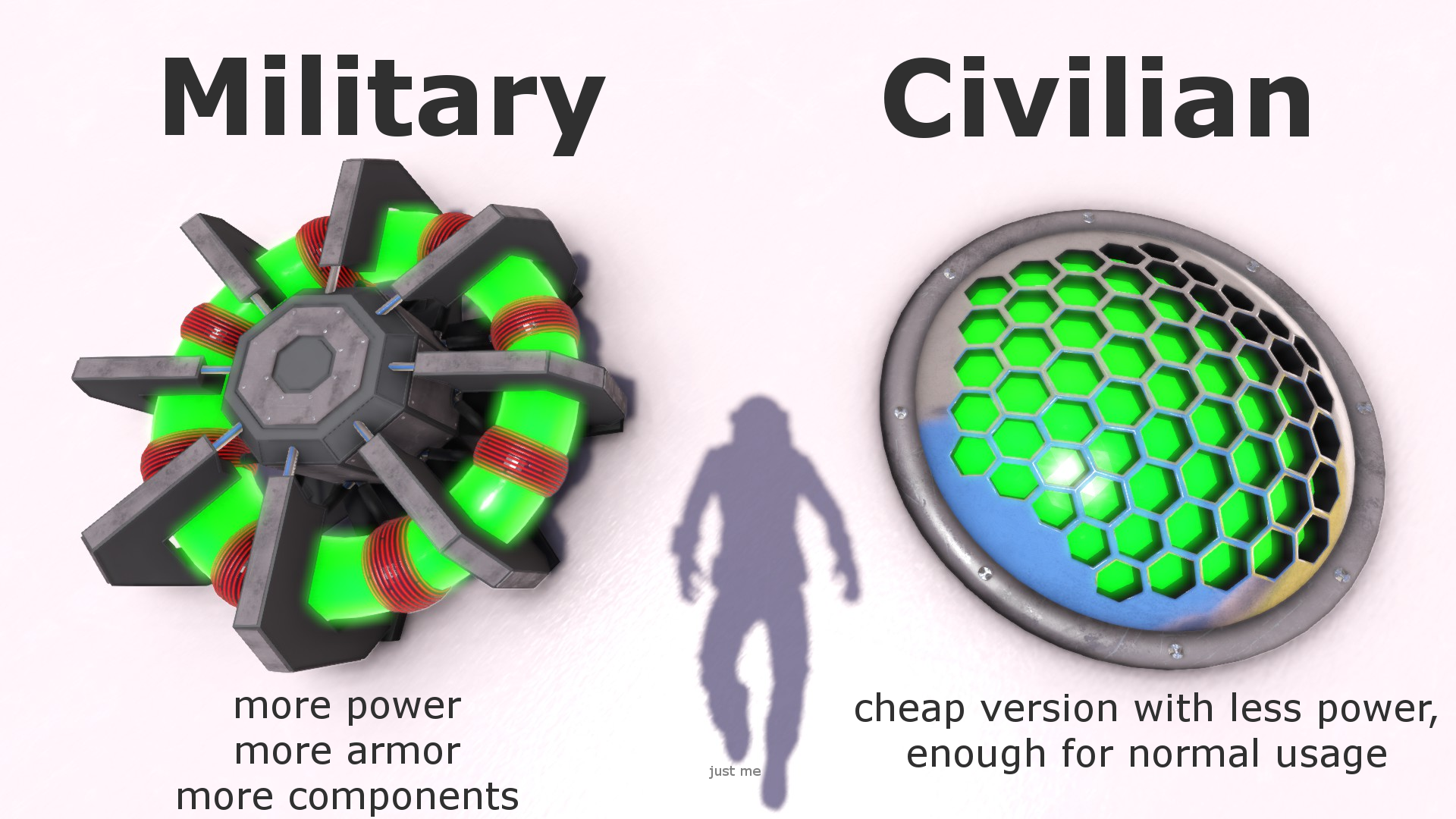
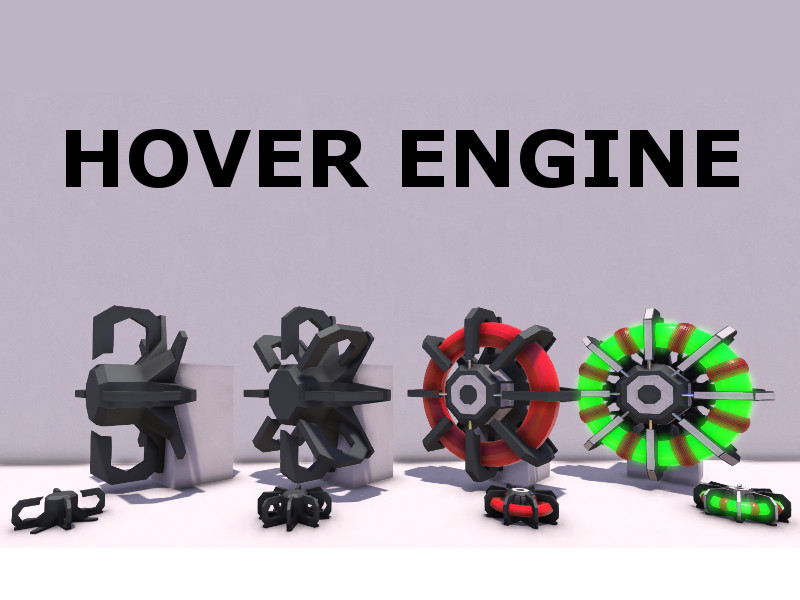
Two Military Blocks + two Civilian Blocks, Small and Large engine for Small and Large grid (2x2x4 Blocks). Military is more Powerfull with better Armor, Civilian is smaller, since 3/2018 the Mod contains also Armored Versions (more mountpoints).
Function and how to use: - the engine maintains a defined distance to the ground or other objects (ignoring players and collected grids) - the force act on the position of the engine, because that the position has an impact on flight behavior !! - for normal use it is important to use more than one engine and place it mirrored to the central axis - if you see red paths, then the sensorpath is detecting the own grid --> change position of engine - dont turn dampeners off, it is needed for basic functions - dont use subgrids like pistons and rotors (not a real problem with the mod, but for the game)
Settings: You can make different settings. These are also saved. - Altitude min: the lowest distance to ground (at zero speed) - Altitude range: this value is added to alt min at 100m/s speed example: Alt min = 10 and Alt range = 5, => altidude at 0m/s = 10m, 50m/s = 12.5m, 100m/s = 15m - Regulation distance: the distance where the engine is regulating the force, low is hard, high is soft (like range of spring) - align to gravity: a small force aligned the engine to gravity (only at low altitude) - Force to center: Experts only, apply the force to increase/decrease altitude to center of mass (default Off), for small vehicle or special cases - Push only: Experts only, deactivates the pull of the engine to hold amin distance (default Off), for example for tunnel drills All these setting are also available as controls . - color: for the emissive - for debug: activate debug and see the collision check path (not saved)
FAQ: - crash my ship while flying ever and ever again (if this is working with speedmods?) 1. Dont use speedmods, the engine needs time to react and with more than 100m/s, the available time is too short - Ship jumps up and down 1. Ship is too heavy and the "Thruster" part of the engine cant hold the ship, use more engines 2. Dampeners are off, you need to have dampeners on, always on, please 3. Your Ship has not enough energy, ad reactor or battery - how to find a good balance 1. vehicle should stand still 2. press space until your vehicle reached max hight and it start to sink 3. look close, it should sink parallel to the ground (if nose is a little bit faster it is ok) 4. if back is faster at the ground, you need more engines at the front or move existing ones (for front the other way)
Short tutorial, thanks to Erock10r: https://www.youtube.com/watch?v=00nDkOIwZ7g
Known issues: - nothing for current version, please report in Discussion Area
Known problems with other mods: - "Build Vision" from Jimmacle, please use "Build Vision 2" from Dark Helmet - to use the hoverEngine with Jakarias WaterMod, please use this version: https://steamcommunity.com/sharedfiles/filedetails/?id=2299281406
Technical Details: - please see Discussion Area, Technical Background (too much for frontpage)
Link to vehicle from video: HoverEngine Vehicle
I am very curious what you are building with it. Takeshi
Port this to MOD.io for XBox?
This Mod is using client side script, that is not working for XBox.
Copyright 2020 Takeshi. It is not allowed to publish this element on Steam, except through the Steam account TAKESHI_N.
Highlights
From source dataFootprint
A 18 MB download, rated a light load on a server.
Last update
Its author last shipped an update 4 yr ago.
HoverEngine on Nxeon
From our catalogue- One-click install
- Not available. One-click install isn't available for this game's mods yet. Download it and upload it to your server in Files.
- Server load
- light
- Smallest plan we suggest
- Space Engineers — 8 GB (8 GB RAM). This follows our own load rating above, not a benchmark.
- Latest build
- 2022-11-19, released 2022-11-19, 18 MB
Game versions by loader
| Loader | Game versions | Newest |
|---|---|---|
| Workshop |
From 1 recorded build of HoverEngine.
Run HoverEngine on a Space Engineers server
Deploy a server above, then upload the file in Files.
What kind of mod it is
From the catalogWorld generation
Changes or adds to how new terrain, biomes and structures are created.
Compatibility
- Game
- Space Engineers
- File size
- 18 MB
Verified at the source
- ✓Steam WorkshopOfficial listing, checked 2026-10-10Open ↗
- ✓AuthorTakeshi, as published on Steam Workshop
- ✓LicenseNot published by the sourceFree












