






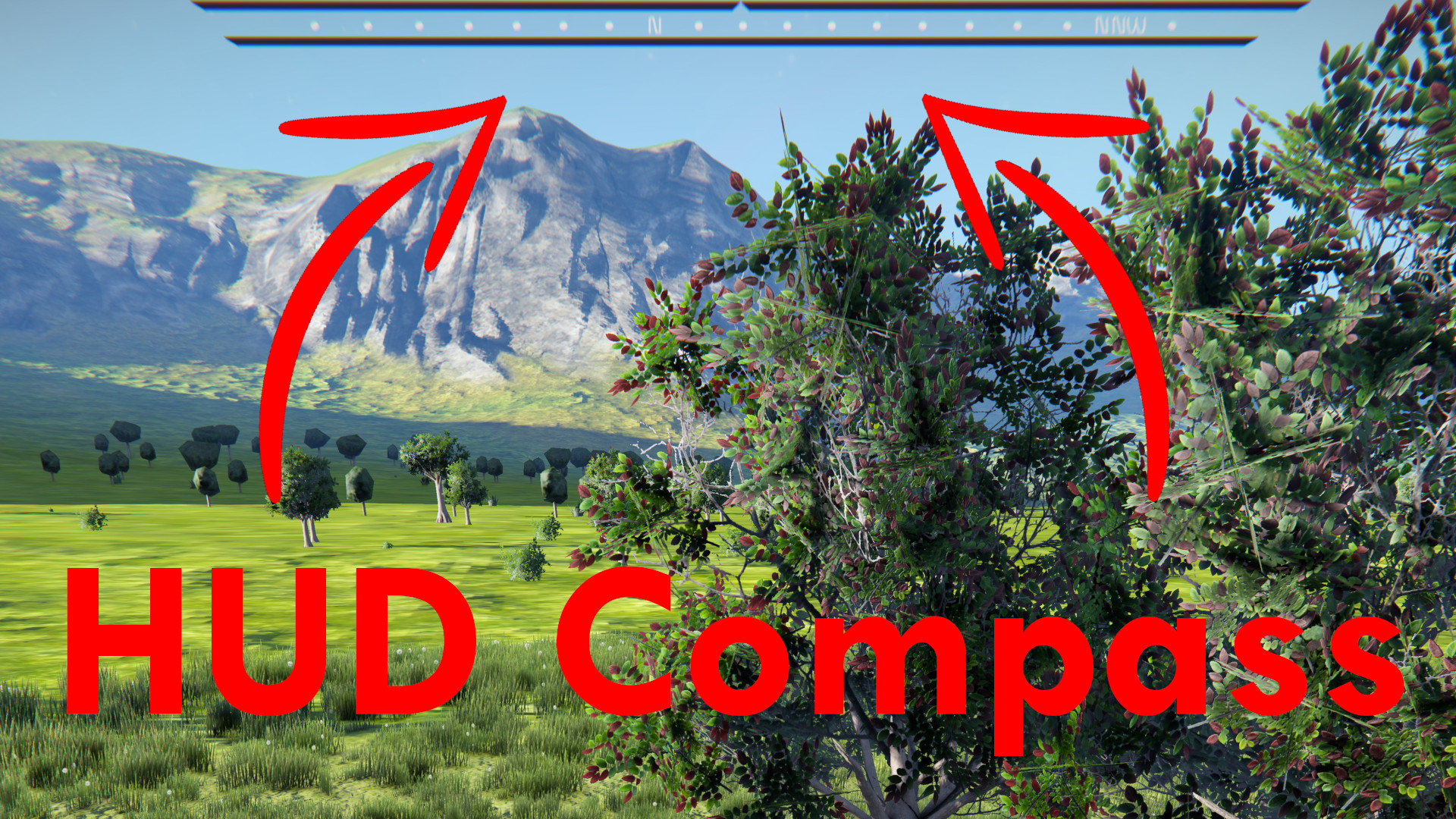
About HUD Compass
From Steam WorkshopIt’s a compass! On your HUD! Now featuring a clock! It works on any planet, of any size, with any FoV setting, at any resolution and with any other HUD mod! Why Do I Need A Compass? Not long ago a…
It’s a compass! On your HUD! Now featuring a clock!
It works on any planet, of any size, with any FoV setting, at any resolution and with any other HUD mod!
Why Do I Need A Compass?
Not long ago a compass was a not really all that useful, but then the multiplayer patch dropped and suddenly you have a lot of people in one place, and they need coordinating. This is pretty easy in space, you just say what you’re looking at and everyone looks around until they find it, there isn’t all that much stuff there to get confused by. But on a planet, there is quite a bit of stuff, just saying “The same way as the mountain” or “Towards the lake over there” is sure to get a least a few people confused, especially if they are some distance from you and therefore seeing different scenery. Now this is where the compass comes in! With a compass you can just say which direction your looking, and then everyone knows where your looking. Simple ;)
How It Works:
This compass works by figuring out which direction your character is looking and doing a bunch of math to find the direction relative to the planet that you are facing. It then shoves that on your HUD using Text HUD API. It’s important to note that it calculates from your character, therefore the direction your crosshair is pointing is what the compass is telling you. So, it won’t work looking about with ALT or in spectator camera. It’s also a bit hard to read if you’re on an angle or upside-down, because it assumes you’re aligned with gravity.
Degree Mode
By popular demand, this mod now has a degree mode! You can enable it via the following chat command:
/Compass UseDeg [True/False]
A Clock???
“Oi! Dude who made compass mod. Make clock mod!” - W4stedspace, Uncooperative Survival #50 – 3:34:36 - https://youtu.be/ScyEguYAGKo?t=12855
This mod now features a clock! It is disabled by default and can be enabled with the following chat command:
/Compass ShowClock [24HourDateTime/12HourDateTime/24HourTime/12HourTime/Off]
This clock shows UTC time in space and both UTC and local time on planets, useful for knowing how much longer until you can actually see what you’re doing! XD
Sleeping
Sleeping has been removed from this mod and moved to Sleep Mod, available here:
https://steamcommunity.com/sharedfiles/filedetails/?id=1780376231
Don't Like It?
Forced to run this mod by a server you play on? Like to disable it? There's a command for that!
/Compass Enable [True/False]
Notes:
Time is dependent on day duration, it is in game time, it is not the actual time ;)
The date on the clock is calculated using some dodgy value Keen supplies us with, I personally don't trust its accuracy, the time is fine, just the date that concerns me.
Your settings (UseDeg and ShowClock) are stored in global storage, that is they are in a xml file in your Space Engineers AppData. This means your settings apply between worlds/servers.
Highlights
From source dataFootprint
A 11 MB download, rated a light load on a server.
Last update
Its author last shipped an update 6 yr ago.
HUD Compass on Nxeon
From our catalogue- One-click install
- Not available. One-click install isn't available for this game's mods yet. Download it and upload it to your server in Files.
- Server load
- light
- Smallest plan we suggest
- Space Engineers — 8 GB (8 GB RAM). This follows our own load rating above, not a benchmark.
- Latest build
- 2020-08-18, released 2020-08-18, 11 MB
Game versions by loader
| Loader | Game versions | Newest |
|---|---|---|
| Workshop |
From 1 recorded build of HUD Compass.
Dependencies
- Required: Text HUD API
Declared by the newest build that lists any. Required ones are installed with it on one-click installs.
Run HUD Compass on a Space Engineers server
Deploy a server above, then upload the file in Files.
What kind of mod it is
From the catalogQuality of life & UI
Small conveniences, tweaks and interface improvements players notice straight away.
Compatibility
- Game
- Space Engineers
- File size
- 11 MB
Verified at the source
- ✓Steam WorkshopOfficial listing, checked 2026-10-10Open ↗
- ✓AuthorZelious, as published on Steam Workshop
- ✓LicenseNot published by the sourceFree












