






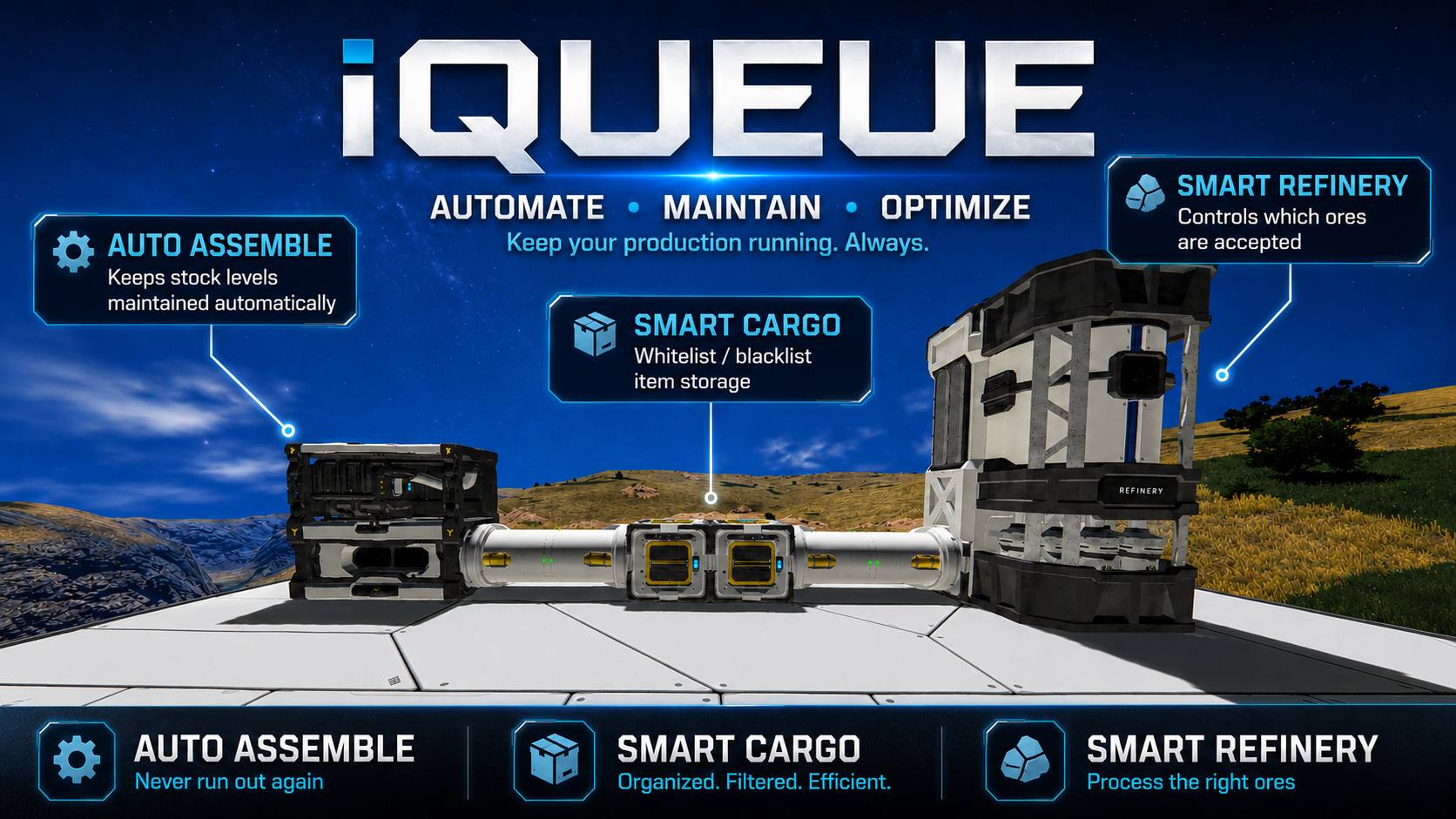
About iQueue - Smart Production & Inventory
From Steam Workshophttps://files.catbox.moe/2stn3e.jpg iQueue - Smart Production & Inventory Maintain stock targets. Organize cargo automatically. Refine multiple ores in parallel. iQueue adds production and inventory…
iQueue - Smart Production & Inventory
Maintain stock targets. Organize cargo automatically. Refine multiple ores in parallel.
iQueue adds production and inventory automation to vanilla Space Engineers terminal blocks. No Programmable Block, plugin, or external dependency required.
Features
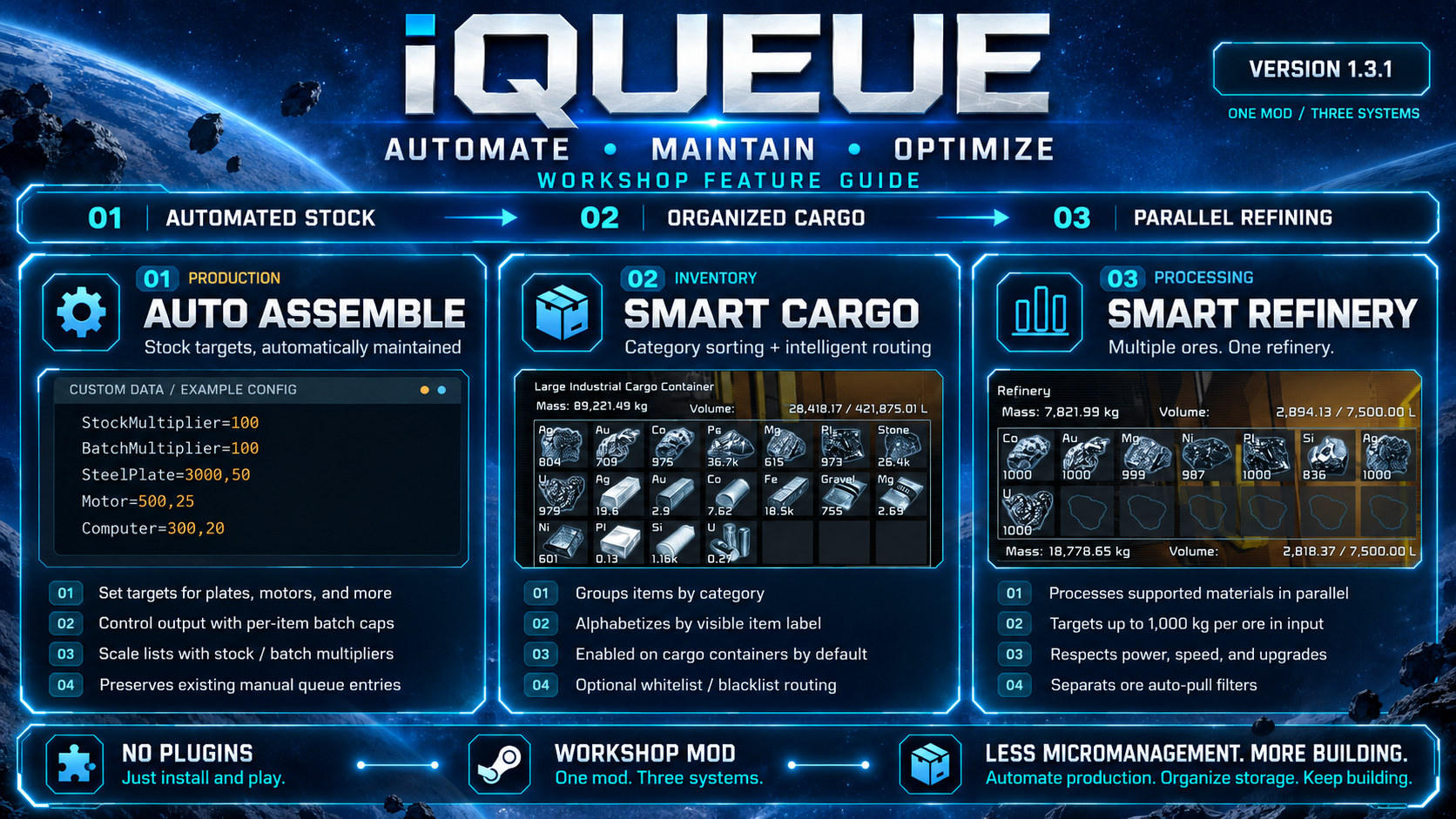
- Auto Assemble - maintains stock targets, counts existing inventories and assembler queues, and adds only the missing production.
- Stock / Batch Multipliers - scale the entire Auto Queue list up or down with two percentage settings.
- Smart Cargo - cargo container whitelists and blacklists with active inventory sorting.
- Smart Refinery - always-on weighted parallel refining in Basic, Large and compatible modded refineries, with real 1,000 kg-per-ore input storage and separate sorting filters.
Auto Assemble
Open an assembler's Control Panel and enable iQueue Auto Queue. iQueue creates an organized list of items that assembler can produce in its Custom Data:
StockMultiplier=100
BatchMultiplier=100

SteelPlate=3000,50
Construction=1000,50
Motor=500,25
Computer=300,20
Each item is Stock target,Batch cap. A target of 0 means unmanaged; an explicit batch cap of ,0 means uncapped. iQueue generates sensible default caps: larger for common construction items, smaller for advanced/specialty items.
NEW - Whole-list multipliers:
- StockMultiplier=100 scales all item stock targets (0-500%). Setting it to 0 pauses automatic stock maintenance for that list.
- BatchMultiplier=100 scales all item batch caps (1-500%). An item explicitly set to ,0 stays uncapped.
For example, StockMultiplier=25 and BatchMultiplier=50 make SteelPlate=3000,50 behave as a 750-item target and a 25-item batch, without changing its saved baseline.
Auto Queue counts construct stock plus queued production and balances new jobs across compatible assemblers. Idle processors of the same type can share existing queued work, including modded recipes with targets at 0. Disassembly and vanilla cooperative mode are respected. Unrelated Custom Data is preserved.
Smart Cargo
Open a cargo container's Control Panel and select iQueue Smart Cargo:
- Off - normal storage routing; in-container sorting stays active by default.
- Whitelist - pulls selected item types into the container.
- Blacklist - moves forbidden items to another legal destination when possible.
Select items from Available Items, use Add to Filter, or use a category shortcut such as * Ore, * Ingot, * Component, * Ammo, * Tools & Weapons and others. Search and filter-management buttons are available.
Internal inventory sorting: Enabled by default, even when cargo routing is Off. Sorts by category, then visible item label A-Z. Disable per container with Sort Inventory: Category + A-Z. When Inventory is open, Smart Cargo updates immediately and then only every 30 seconds to reduce UI flicker.
Smart Cargo works on the same physical grid, not rotor/piston/hinge subgrids. It can pull assembler/refinery outputs but protects production inputs, weapon inventories, H2/O2 Generator Ice and Irrigator Ice. Ice priority: Irrigator -> H2/O2 Generator -> Cargo. Storage never intentionally overrides production demand.
Smart Refinery - Parallel Processing
Smart Parallel is now the only processing mode for supported refineries. iQueue uses real input inventory ore and saved vanilla blueprints, speeds and upgrades. It suppresses vanilla recipe scheduling to prevent double processing. Original definitions return when iQueue unloads.
Basic Refineries keep their own speed and ore restrictions. Full/Industrial refineries keep their respective properties. Unusual modded refiners whose blueprints cannot be safely reproduced (e.g. multi-input recipes) are deliberately left using native processing.
Input storage:
- The actual refinery input can hold up to 1,000 kg of each supported ore type subject to physical volume capacity.
- iQueue automatically tops up from legal same-grid inventory sources. Every recipe consumes ore directly from the actual refinery input.
- If a player manually inserts more than the cap, iQueue attempts to return the surplus to allowed cargo. Excess cannot be removed until somewhere has room; ore is never destroyed.
- You no longer need a cargo container as a mandatory intermediate staging location. Directly inserted ore is processed.
Ore sorting is a separate setting: Open the refinery's Control Panel and select iQueue Ore Sorting:
- All Ores - auto-pull every ore the refinery supports (default).
- Whitelist - only automatically pull selected ores.
- Blacklist - automatically pull any supported ore except selected exclusions.
Sorting limits automatic pulling only. Manually added supported ores also refine.
Ore weights in the refinery's Custom Data remain available:
Sorting=All
Weight=Ore/Iron,100
Weight=Ore/Stone,100
Weight=Ore/Nickel,20
Weight=Ore/Cobalt,2
Available ores share the refinery's original work budget, power draw and upgrade benefits. Input caps do not increase processing speed.
Refinery sound: Dynamic processing audio (roughly 50%-100% volume) and subtle ventilation ambience.
Feature Testing: Refinery processing is substantially changed. Test on a backup world, especially with modded or Basic Refineries. Report the block subtype, ore, upgrades, outputs, power and game log if something behaves unexpectedly.
Quick Start
[list=1]
Highlights
From source dataFootprint
Rated a light load on a server.
Last update
Its author last shipped an update 5d ago.
iQueue - Smart Production & Inventory on Nxeon
From our catalogue- One-click install
- Not available. One-click install isn't available for this game's mods yet. Download it and upload it to your server in Files.
- Server load
- light
- Smallest plan we suggest
- Space Engineers — 8 GB (8 GB RAM). This follows our own load rating above, not a benchmark.
- Latest build
- 2026-10-30, released 2026-10-30
Game versions by loader
| Loader | Game versions | Newest |
|---|---|---|
| Workshop |
From 3 recorded builds of iQueue - Smart Production & Inventory.
Recent builds
| Build | Released | Game versions | Loaders |
|---|---|---|---|
| 2026-10-30 | 2026-10-30 | n/a | Workshop |
| 2026-10-17 | 2026-10-17 | n/a | Workshop |
| 2026-10-15 | 2026-10-15 | n/a | Workshop |
Run iQueue - Smart Production & Inventory on a Space Engineers server
Deploy a server above, then upload the file in Files.
What kind of mod it is
From the catalogQuality of life & UI
Small conveniences, tweaks and interface improvements players notice straight away.
Compatibility
- Game
- Space Engineers
Verified at the source
- ✓Steam WorkshopOfficial listing, checked 2026-11-04Open ↗
- ✓Authorfl4shb4ck, as published on Steam Workshop
- ✓LicenseNot published by the sourceFree












